Uncutly

Adult-only AI image and video generation with uncensored templates

Beginner

What is Uncutly?

Uncutly is an 18+ AI generator for explicit fictional images and short videos, built around a preset template gallery and a mix of third-party models priced in credits.

Uncutly is an adult-oriented AI generation platform for verified users aged 18 and over. It produces fictional erotic imagery and short video clips from text prompts or permitted reference images, wrapping several third-party models into a single gated interface. Access begins at an age confirmation screen that states the site contains sexually explicit AI-generated material and requires users to accept the Terms of Service and Content Policy before anything else loads. The workflow is template-driven rather than purely prompt-based. A gallery of preset scenes covers faceswap portraits, selfie and mirror compositions, cosplay setups, boudoir lighting studies and short motion clips. Selecting one shows the model behind it and its price in credits: most image templates list 65 credits, while the video template shown on the homepage lists 240 and one multi-pose image template lists 127. The generator roster visible on the homepage includes Nano Banana 2, GPT Image 2, Kling V2.6 Pro, Qwen Image Edit Spicy, Wan 2.2 Spicy, Seedream 4.0 and Z-Image Spicy, alongside a custom agent labelled “Undress”. Costs are displayed before generation so users can judge spend per output. This is a niche product aimed at adults who want private, non-mainstream image and video output without building their own model stack. The content policy is explicit that outputs must depict fictional characters only, which puts the platform in the same regulated corner as other NSFW generators: identity-focused templates such as faceswaps are offered, but use is framed around invented subjects. Privacy is a stated selling point, with uploads described as visible only to the person who made them. Against mainstream tools, Uncutly trades breadth for specialisation. General generators block explicit material and offer no preset catalogue, so users who want a specific scene type save time here, while anyone needing professional or commercial imagery will find the range narrow. The trade-off is heavy dependence on third-party models whose pricing in credits can shift, and a credit system that makes frequent video work noticeably more expensive than stills.

How do you use Uncutly?

  1. 1Confirm you meet the age requirement
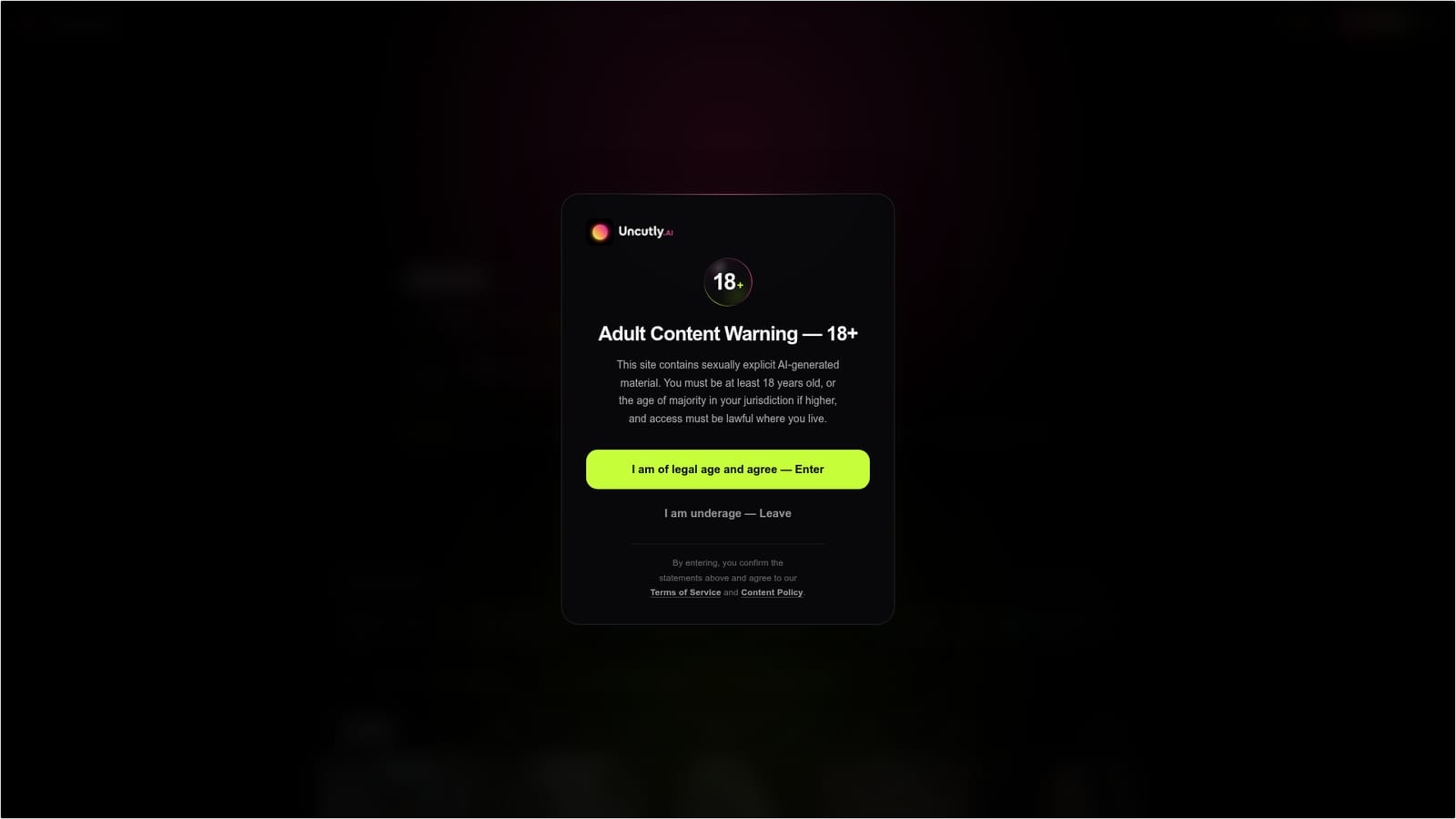
    The site opens on an 18+ gate. Read the warning, then confirm you are of legal age and accept the Terms of Service and Content Policy to reach the generator.
  2. 2Read the content policy first
    The policy sets out what the platform allows, including the rule that generated people must be fictional. Check it before uploading any reference material.
  3. 3Browse or filter the template gallery
    The homepage feed lists templates by type (image or video) with topic tags. Use the tags to narrow down to a scene style, model or format you want.
  4. 4Check the credit cost and model on a template
    Open a template card to see which model powers it and how many credits a run costs, for example 65 credits on most image templates or 240 on the video workflow.
  5. 5Generate from a prompt or permitted reference image
    Enter a text prompt or attach a reference image where the template allows it, then run the generation. Uploads are described as private to your account.
  6. 6Review the result and spend credits deliberately
    Compare the output against the template preview, then decide whether a rerun is worth the credit cost before queuing more generations.

Pros and cons

Pros

  • Preset template gallery removes most prompt guessing for common scene typesAI
  • Credit cost is shown on each template before any generation is runAI
  • Pulls in multiple strong models including Nano Banana 2, GPT Image 2 and Kling V2.6 ProAI
  • Stated privacy for uploads, described as visible only to the userAI
  • Clear written content policy restricting output to fictional charactersAI

Cons

  • Strictly adult-only, so nothing here is usable for commercial or personal-brand workAI
  • Video generation costs far more credits than images (240 versus 65 on the examples shown)AI
  • Heavy reliance on third-party models means output style and pricing can change without noticeAI
  • No free trial or sample-generation offer is stated on the homepageAI
  • Credit pricing bundles are not published on the homepage, so total spend is hard to planAI

How much does Uncutly cost?

Pricing

Generation runs on credits rather than cash per item. Templates display their cost up front: most image templates on the homepage list 65 credits, a multi-pose image template lists 127, and the video template lists 240. Credit bundles and subscription tiers are not stated on the homepage.

Learn more

Features

Preset template gallery spanning image and video, with topic tags for filtering. Prompt or reference image input, cost preview per template, and a model lineup that includes Nano Banana 2, GPT Image 2, Kling V2.6 Pro, Qwen Image Edit Spicy, Wan 2.2 Spicy, Seedream 4.0 and Z-Image Spicy. Outputs are restricted to fictional characters under the content policy.

Frequently asked questions about Uncutly

  • How much does Uncutly cost?
    Generation runs on credits rather than cash per item. Templates display their cost up front: most image templates on the homepage list 65 credits, a multi-pose image template lists 127, and the video template lists 240. Credit bundles and subscription tiers are not stated on the homepage.
  • How do you use Uncutly?
    The walkthrough on this page covers 6 steps: 1. Confirm you meet the age requirement 2. Read the content policy first 3. Browse or filter the template gallery 4. Check the credit cost and model on a template 5. Generate from a prompt or permitted reference image 6. Review the result and spend credits deliberately.
  • What platforms does Uncutly support?
    Uncutly is available on Web App.
  • What are the limitations of Uncutly?
    Strictly adult-only, so nothing here is usable for commercial or personal-brand work. Video generation costs far more credits than images (240 versus 65 on the examples shown). Heavy reliance on third-party models means output style and pricing can change without notice.

Status

StatusActive
Views0
Outbound clicks0
Added11/3/2026

Platforms

Web App

Pricing

Freemium