Free trial
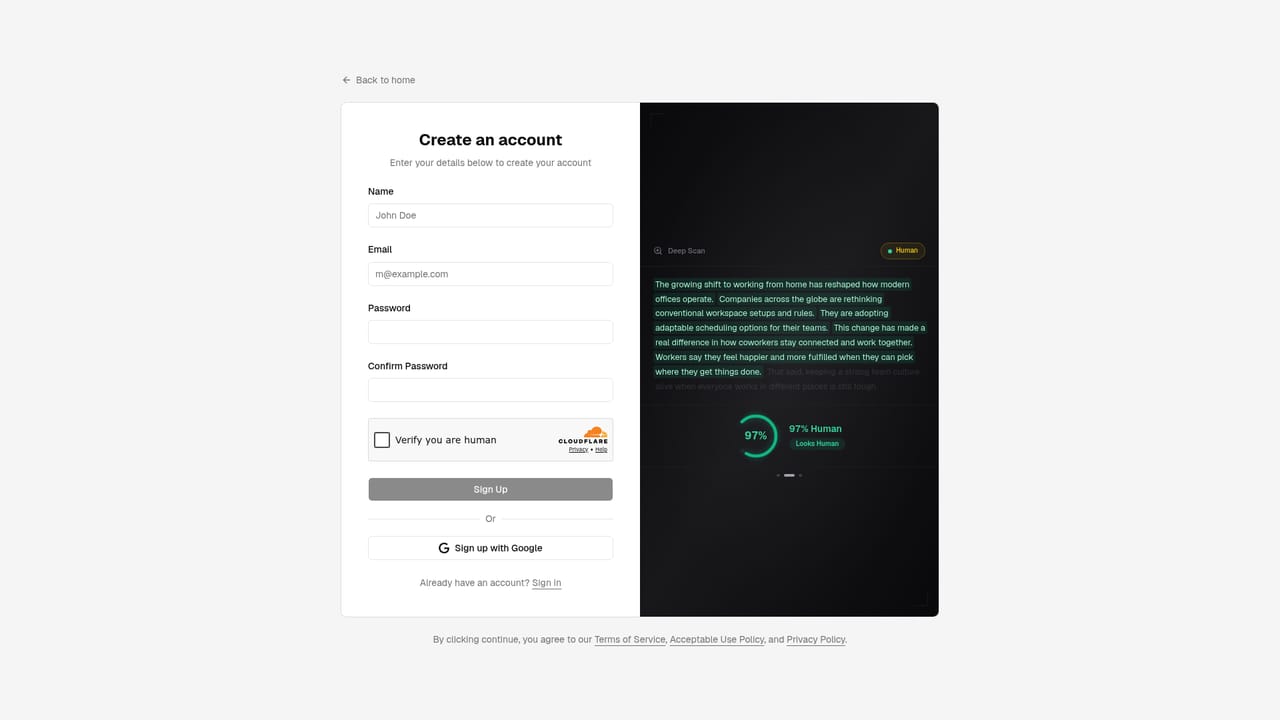
A permanent free plan covers 10 humanizations and 10 scans per day with a 1,000 word input limit. No credit card is required to sign up.
Learn moreRewrite AI drafts so they read like human writing
Own StealthWriter? Verify ownership to get a dofollow link

StealthWriter is an AI detection remover tool that rewrites AI drafts so they read like human writing. StealthWriter rewrites AI-generated drafts into natural-sounding human prose, with a built-in detector, sentence-level alternative rewrites and three intensity levels. Free tier offers 10 humanizations and 10 scans per day; paid plans scale to 2,000 daily humanizations.
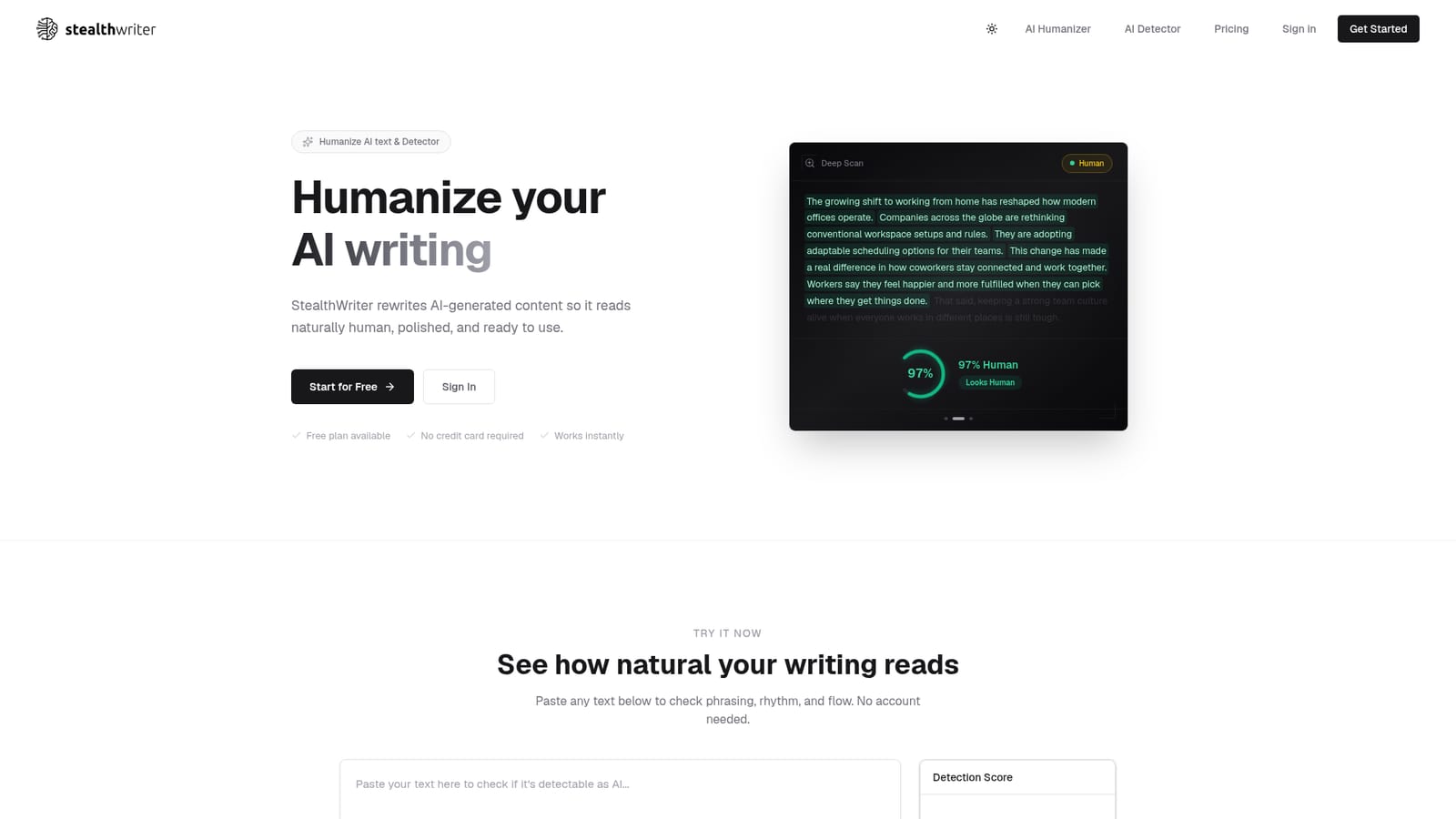
StealthWriter is a rewriting tool built around a single job: taking text produced by models like ChatGPT, Claude or Gemini and reworking it so it reads as natural human prose. The homepage pairs that rewrite engine with a detector, so the same workspace handles both sides of the problem. You paste a draft, scan it to see how machine-like it looks, then run it through the humanizer and scan again to judge the result. The workflow is deliberately hands-on. Deep Scan breaks your text down sentence by sentence and colour codes the parts that still read stiff. From there you pick a rewrite level (light, medium or aggressive) depending on how much reshaping the draft needs, and you can click individual sentences to swap in alternative phrasings until the voice matches yours. That sentence-level tuning is the more interesting half of the product: it treats humanizing as an editing pass rather than a single button press. Output arrives in seconds according to the site, which matters if you are pushing batches of copy rather than a single page. It is aimed at writers, marketers, copywriters, researchers and other professionals who draft with AI and need the result to hold up in front of a reader. The free tier covers 10 humanizations and 10 scans a day with a 1,000 word input cap, which suits testing the output quality before committing. Paid tiers raise daily volume in steps from 50 up to 2,000 humanizations, with input length rising to 5,000 words on every paid plan. Among rewriting tools, StealthWriter positions itself on output quality and speed rather than breadth of features, and it makes a point of not retaining submitted text or using it for training. There are no integrations listed, so expect a copy-and-paste workflow rather than a plug-in inside your writing app. StealthWriter also sells itself explicitly against detection, which puts it in contested territory with academic and publishing rules.
A permanent free plan covers 10 humanizations and 10 scans per day with a 1,000 word input limit. No credit card is required to sign up.
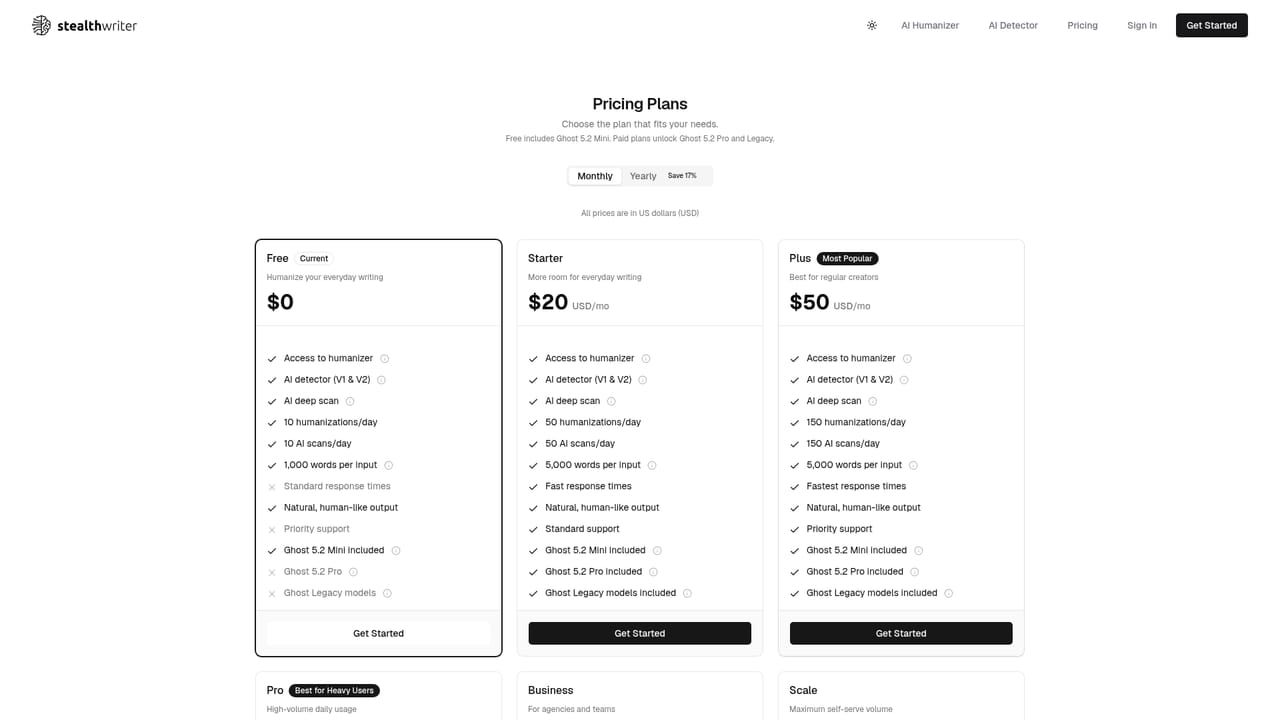
Learn moreFree at $0 with 10 humanizations and 10 scans per day and a 1,000 word input cap. Starter is $20/mo ($200/year) for 50 daily humanizations, Plus $50/mo ($500/year) for 150, Pro $100/mo ($1,000/year) for 350, and Scale $400/mo ($4,000/year) for 2,000. All paid tiers allow 5,000 words per input.
Learn moreHumanizes AI text at light, medium or aggressive rewrite levels, with a built-in AI detector and Deep Scan that flags sentences needing work. Results come back in seconds, and any sentence can be swapped for one of several alternative rewrites. The site states output is original to your input and that submitted text is not stored, shared or used for training.
 AI Angels400+ customizable AI girlfriends for NSFW chat, voice calls, and roleplay
 Candy AIExperience the future of companionship with AI friends who chat, role-play, and connect with you on a human level.
 ourdream.aiA vast AI roleplay platform with millions of characters for chat, images, video and voiceAI Angels400+ customizable AI girlfriends for NSFW chat, voice calls, and roleplayCandy AIExperience the future of companionship with AI friends who chat, role-play, and connect with you on a human level.ourdream.aiA vast AI roleplay platform with millions of characters for chat, images, video and voice


