Steno.ai

AI twins that speak in your voice and scale your reach

Beginner
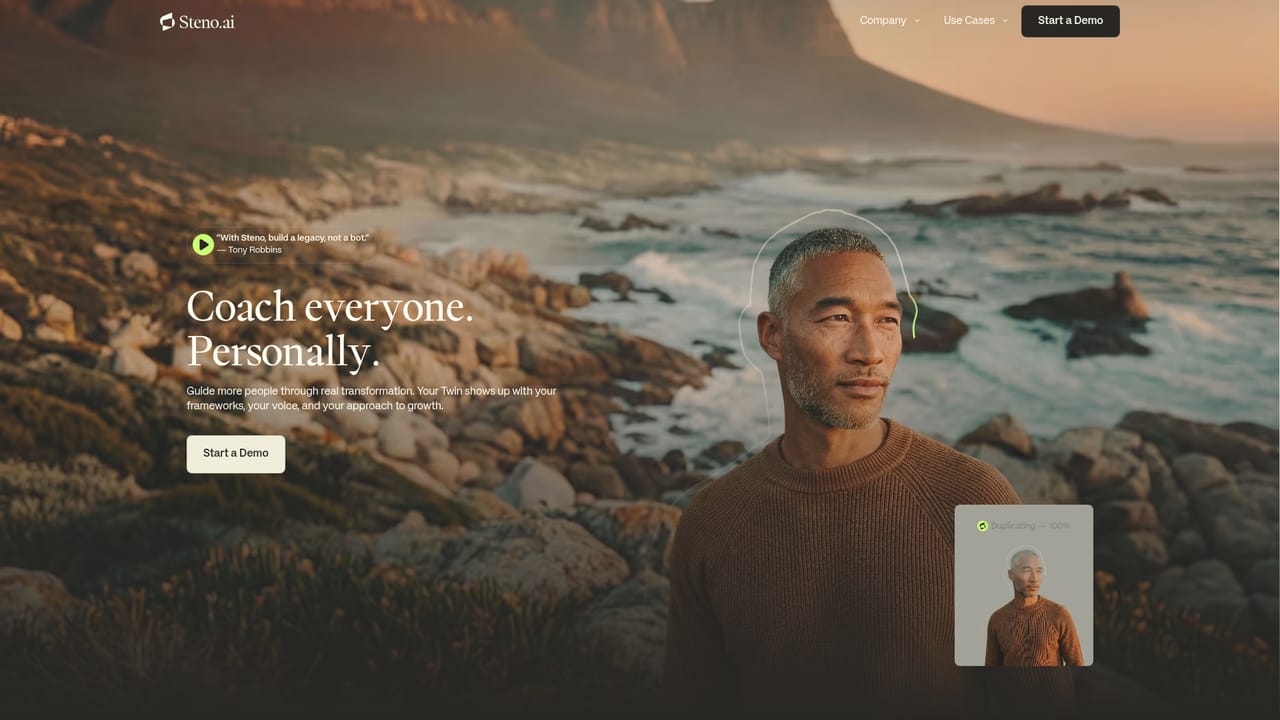
Screenshot of Steno.ai, AI twins that speak in your voice and scale your reach

What is Steno.ai?

Steno.ai creates AI Twins for coaches, experts, influencers and brands: a guided interview captures your voice and expertise, Steno trains the model, and the finished Twin chats with your audience continuously across platforms. Positioned as a relationship and reach tool rather than a support bot.

Steno.ai builds AI Twins: conversational agents trained to answer in the voice and expertise of a specific person rather than a generic assistant. The product is aimed at coaches, experts, influencers and brands who field the same questions repeatedly and want their audience to get a consistent answer without the person typing it out each time. Marketing leans on an endorsement from Tony Robbins and a roster of creator-focused landing pages. Creation runs through a guided interview. You complete a structured session that shapes how the Twin thinks, speaks and responds, and you define your voice and areas of expertise. Steno then trains and fine-tunes the model on that material until the output matches the person it represents. The result is a profile style chat experience: visitors see a named persona (the site uses a business coach with 1.2m followers as its example) and ask questions, and the Twin replies in their characteristic tone. Deployment is handled with Steno's help. Once live, the Twin keeps answering questions and guiding conversations continuously, with no ongoing manual effort described. Steno frames the payoff as presence: the same insights delivered across platforms, audiences and time zones at once, so reach grows without the creator's hours growing with it. Where it fits: this is not a general writing assistant or a customer support bot builder. It competes with other creator clone and digital twin products, and it is closest in spirit to a personal chatbot that carries a public figure's point of view. Buyers should treat it as a relationship and audience tool, not an operations tool. The homepage does not publish pricing, integrations, platform-specific rollout details or data handling terms; security documentation sits on a separate docs site, so those questions need to be answered during evaluation before committing an audience to it.

How do you use Steno.ai?

  1. 1Book and run the demo
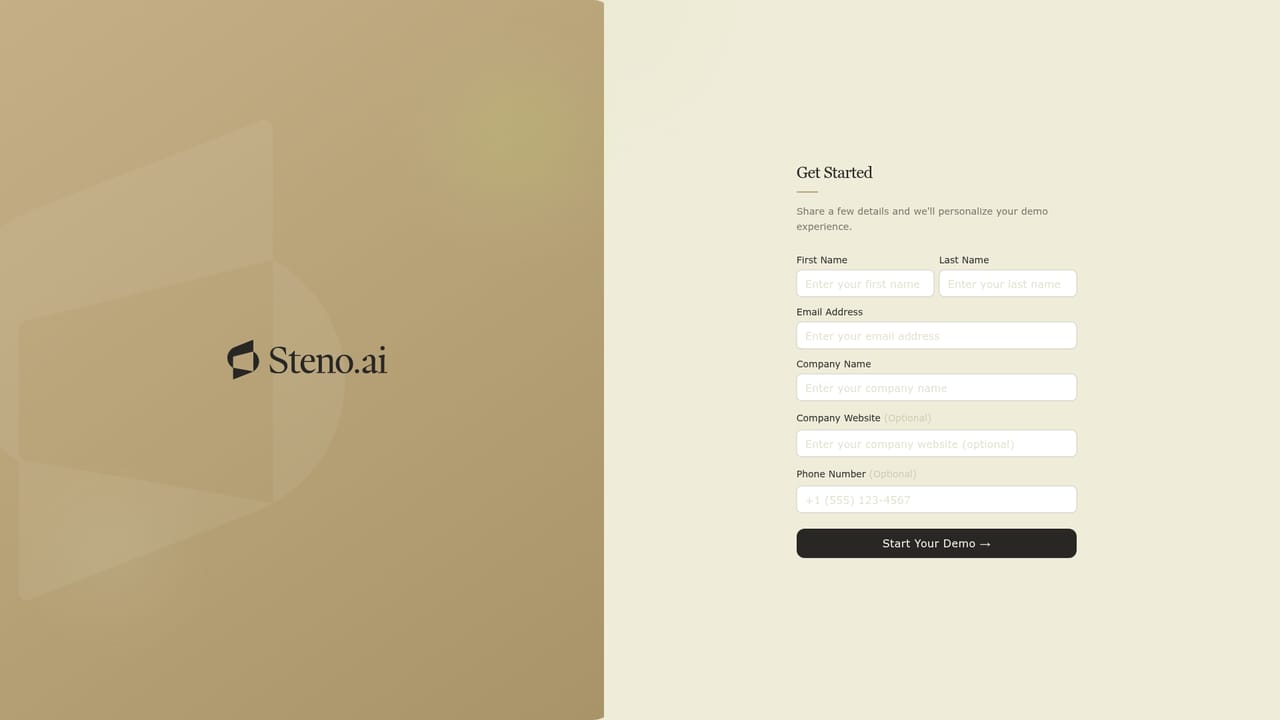
    Start with the demo entry point to see a live Twin conversation and talk through the use case with the team before building anything.
    Steno.ai — Book and run the demo
  2. 2Complete the design interview
    Work through the guided interview that defines how your Twin thinks, speaks and responds, including your voice and the expertise it should cover.
  3. 3Review the training output
    Steno trains and fine-tunes the Twin from your interview material. Check sample answers for tone and accuracy and flag anything that sounds off-brand.
  4. 4Launch across your channels
    With Steno's help, deploy the Twin where your audience already asks questions so it can start answering and guiding conversations.
  5. 5Pick the playbook for your segment
    Use the coach, expert, influencer or brand page to see the use patterns and positioning that match your audience type.
    Steno.ai — Pick the playbook for your segment
  6. 6Review security documentation
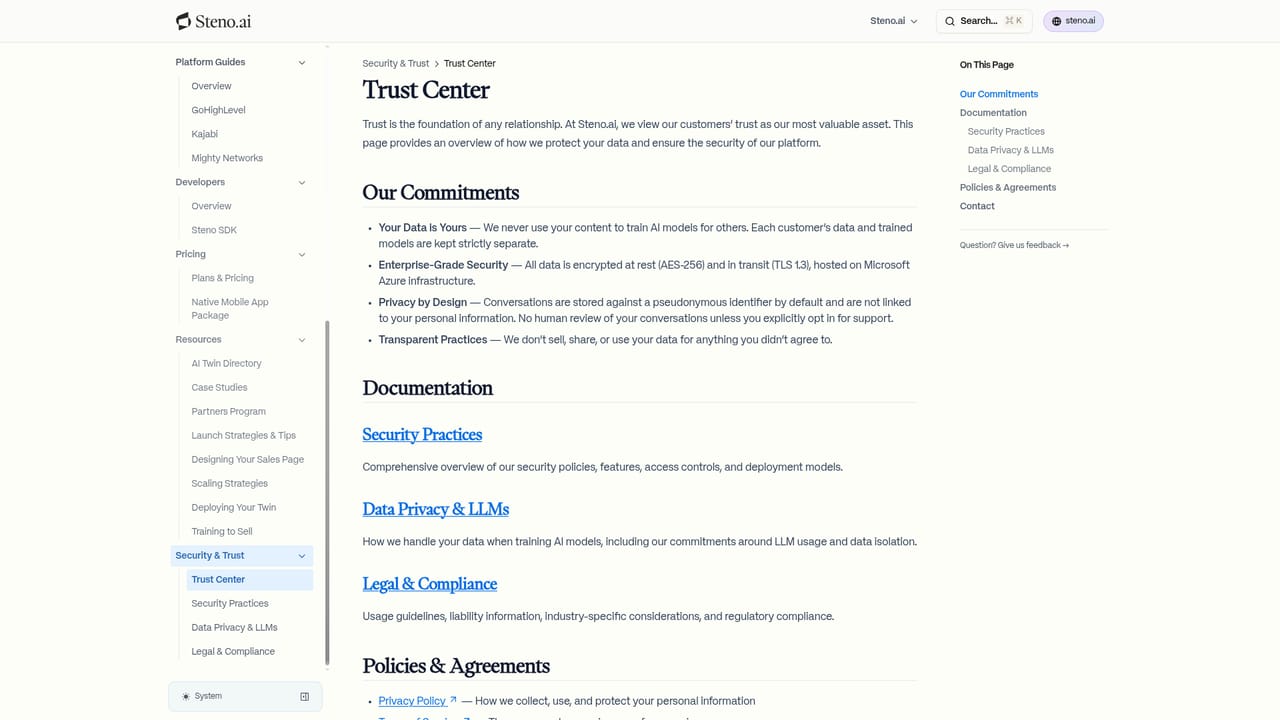
    Read the security docs covering how data is handled before giving an audience access to the Twin.
    Steno.ai — Review security documentation

Pros and cons

Pros

  • Guided interview process turns your own voice and expertise into the training material, so setup does not require prompt engineeringAI
  • Twin keeps answering questions and guiding conversations continuously after launch, with no ongoing manual work describedAI
  • Clear fit for personal brands: coaches, experts, influencers and companies each have a dedicated landing pageAI
  • Endorsed publicly by Tony Robbins, which signals some vetting by a well known operatorAI
  • Multiplies presence across audiences, platforms and time zones without extra hours from the creatorAI

Cons

  • No pricing, plan tiers or usage limits are published on the homepage, so cost has to be discovered through a demoAI
  • Integrations and supported deployment channels are not documented in the source material, which complicates platform planningAI
  • Message quality depends entirely on the interview input; there is no published detail on how tone drift or off-brand answers are corrected after launchAI
  • Security and data handling details live on a separate docs site and are not surfaced on the main pageAI
  • Risk of audience backlash if a clone is presented without clear disclosure that replies are automatedAI

How much does Steno.ai cost?

Features

Core features: an interview-driven design process that captures your voice and expertise, automated training and fine-tuning of the Twin, continuous conversational answering and guidance after launch, and delivery of your insights across multiple platforms, audiences and time zones. Supporting pages cover playbooks for coaches, experts, influencers and brands.

Learn more

Frequently asked questions about Steno.ai

  • How do you use Steno.ai?
    The walkthrough on this page covers 6 steps: 1. Book and run the demo 2. Complete the design interview 3. Review the training output 4. Launch across your channels 5. Pick the playbook for your segment 6. Review security documentation.
  • What platforms does Steno.ai support?
    Steno.ai is available on Web App.
  • What are the limitations of Steno.ai?
    No pricing, plan tiers or usage limits are published on the homepage, so cost has to be discovered through a demo. Integrations and supported deployment channels are not documented in the source material, which complicates platform planning. Message quality depends entirely on the interview input; there is no published detail on how tone drift or off-brand answers are corrected after launch.

Status

StatusActive
Views0
Outbound clicks0
Added10/21/2026

Platforms

Web App

Pricing

Paid