Free trial
The app is free to download and the site invites users to try Storybeat for free, but no trial length or paid tier details are given on the homepage.
Learn moreTemplate-driven story and reel creation for social media teams
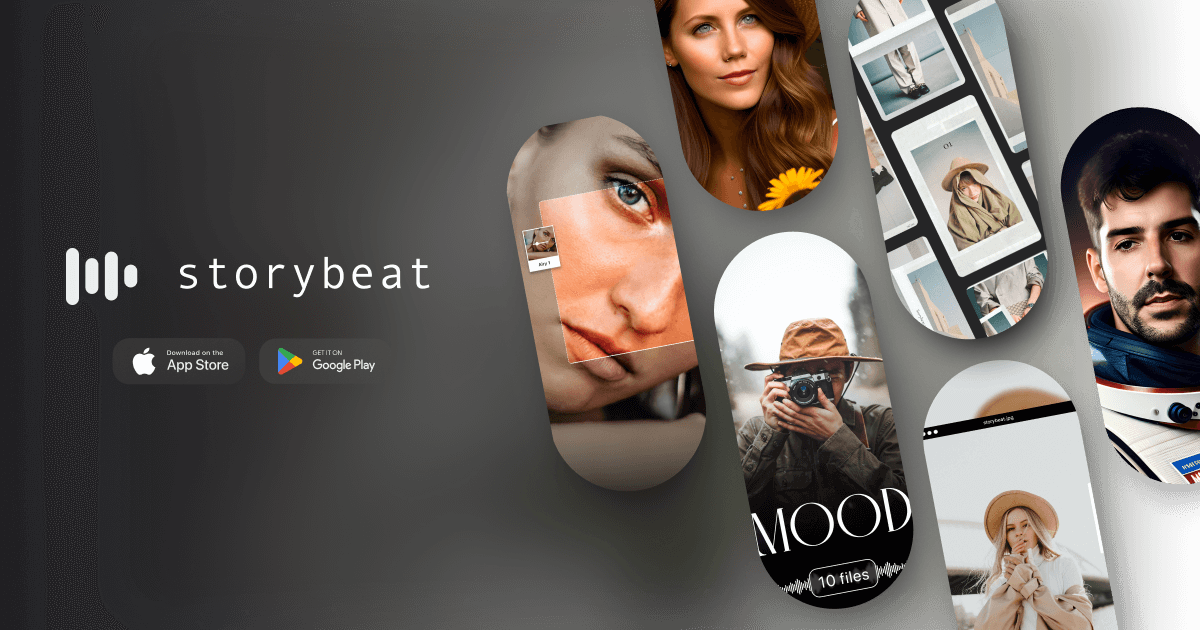
Storybeat is a mobile app for creating social media stories and reels from professional templates, filters, music and AI tools including auto design, AI captions, AI avatars and beat sync. It targets businesses, brands and marketers who need to post frequently without a dedicated designer.
Storybeat is a mobile content studio built for the people who keep brand social accounts fed: small business owners, marketers, creators and agencies. The pitch is straightforward. Instead of assembling stories and reels from scratch in a general purpose editor, users start from a library of professional templates, filters, music and effects, then adapt them to their own photos and clips. Storybeat handles the visual production while the account owner handles the business. The library is organized into collections, and the spread is wide: journal style templates, Polaroid frames, collages, slideshows, superhero and Disney themed AI avatars, VHS and galaxy effects, aesthetic filters, music CD layouts and hip hop reels. Four tools carry the AI label. Auto Design generates a finished story in under 30 seconds, AI Captions writes the accompanying copy, AI Avatars transform a person into a themed character, and Beat Sync lines media changes up with the music track. Music, filters, reels and the pro photo editing tools round out the set. In daily practice the workflow is a template-first loop. Pick a collection, drop in media, let the AI handle captions or avatar styling, sync to a track, export to Instagram or similar, then repeat. That suits accounts posting frequently and needing consistency more than originality in every frame. It rewards speed and volume. Storybeat competes with general editors like Canva and CapCut and with template apps such as Unfold. It differentiates on AI avatars and automatic story design rather than deep manual control. The homepage claims a community of around 10 million creators, a rating of 0.0 by 400k users (a figure that appears to be a placeholder) and hundreds of templates. The app downloads free from the App Store and Google Play, and the site markets it as free to try, so small teams can test it before committing.
The app is free to download and the site invites users to try Storybeat for free, but no trial length or paid tier details are given on the homepage.
Learn moreHundreds of professional templates and color filters organized into themed collections, music libraries, reels and effects. AI tools cover Auto Design (a story in under 30 seconds), AI Captions, AI Avatars and Beat Sync. Pro photo editing tools, collages, slideshows and stickers round out the editor.
 AI Angels400+ customizable AI girlfriends for NSFW chat, voice calls, and roleplay
 Candy AIExperience the future of companionship with AI friends who chat, role-play, and connect with you on a human level.
 ourdream.aiA vast AI roleplay platform with millions of characters for chat, images, video and voiceAI Angels400+ customizable AI girlfriends for NSFW chat, voice calls, and roleplayCandy AIExperience the future of companionship with AI friends who chat, role-play, and connect with you on a human level.ourdream.aiA vast AI roleplay platform with millions of characters for chat, images, video and voice