Free trial
Eligible new Google sign-ups may receive 8 starter credits, enough for one lowest-cost run. Email-only registrations and registrations from India are excluded.
Learn moreTurn one image or prompt into a short vertical clip for TikTok, Reels or Shorts.
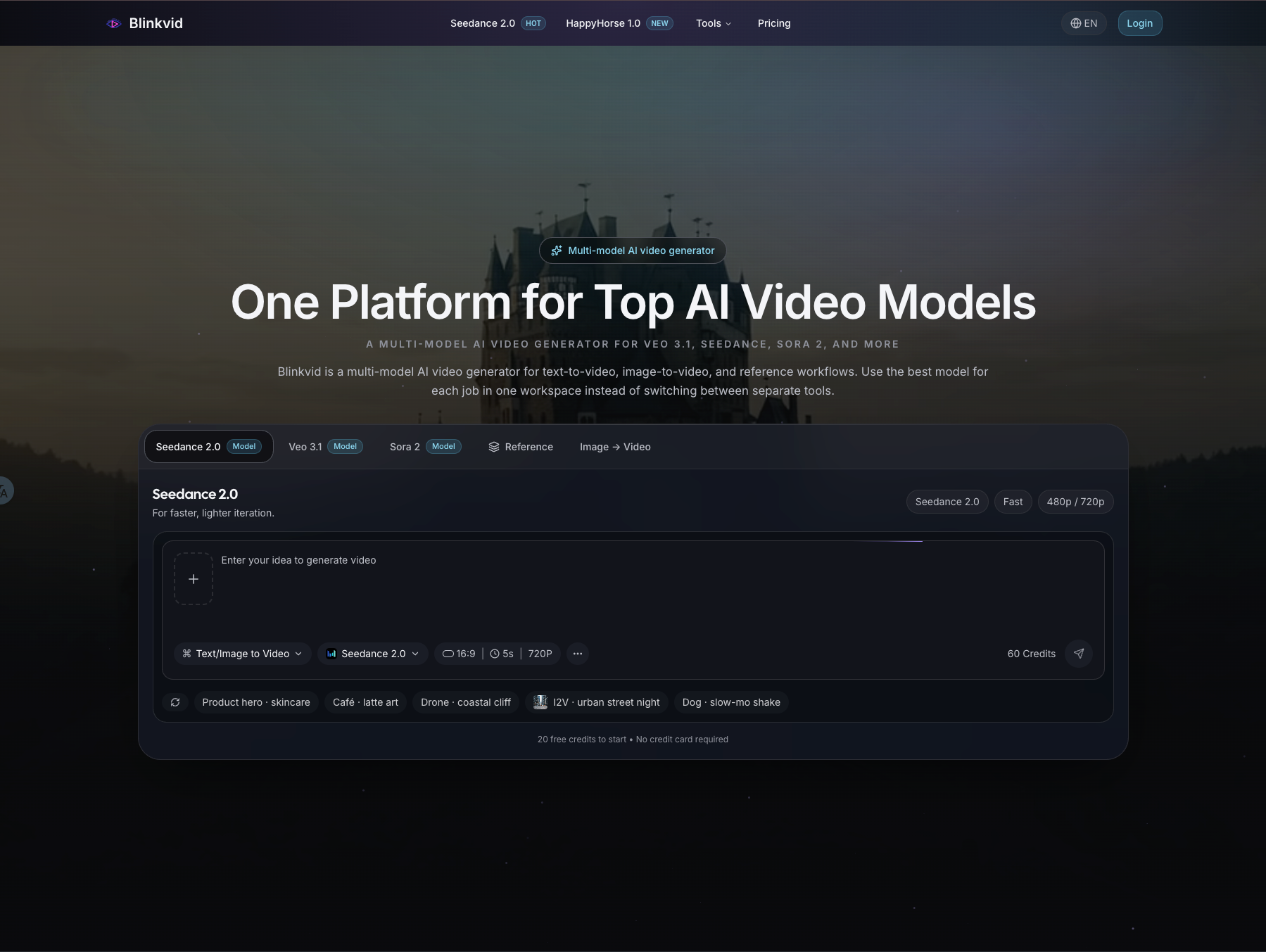
Blinkvid is an image to video tool that turns one image or prompt into a short vertical clip for TikTok, Reels or Shorts. A focused AI generator that turns one owned image or one prompt into short 9:16 clips for TikTok, Reels and Shorts, with template formats, a prompt library and credit packs.
Blinkvid is a browser based short-video generator built around a single, narrow output: vertical clips of roughly four seconds at 9:16, sized for TikTok, Instagram Reels and YouTube Shorts. Instead of a general purpose video editor, it presents a composer where one uploaded image or one written prompt is turned into a short motion beat. The default run is a 4-second clip at 480P, with 720P available, and the starting model is Seedance 2 Mini. Longer format templates sit alongside the composer, including dance and kiss scenes, a 15-second 3:4 roadster stunt, and a two-photo hotel lobby performance. The workflow is deliberately constrained. Users first pick a destination format or a template so the canvas and prompt have a clear job, then supply one image they own or write a compact scene describing what should move. Prompts are expected to name a subject, a camera move, a subject motion and what must stay unchanged, rather than stacking style adjectives. Generated clips can be reviewed at their real ratio and duration, and the advice is to change one variable per iteration. A prompt library and a trends page give reusable starting points. It suits social creators, small brand teams and solo marketers who need a fast hook, reveal or loop without opening a timeline editor. The output is an asset to drop into a larger edit, not a finished post: examples on the site are 10-second shorts with sound, while the composer itself produces shorter silent beats. Anyone wanting long-form generation, voiceover or native publishing will need other tools. Compared with broad text-to-video suites, Blinkvid trades flexibility for a fast, credit-priced loop around vertical short-form formats. Rights rules are explicit. Only media you own or have permission from depicted adults to transform is accepted, and public figure likenesses or deceptive face swaps are out of scope. Credits are held during processing, charged once the video is stored, and returned after a confirmed failure. Pricing is one-time credit packs valid for 365 days, with no recurring subscription shown on the homepage.
Eligible new Google sign-ups may receive 8 starter credits, enough for one lowest-cost run. Email-only registrations and registrations from India are excluded.
Learn moreOne-time credit packs valid for 365 days: $9.90 for 200 credits (about 10 default Seedance 2 Mini runs), $12.90 for 260, $39.90 for 900 and $99.90 for 2,700. The default 4-second 480P run costs 8 credits, and the live estimate updates before submission. A monthly and yearly toggle is shown with a 17% discount marker.
Learn moreQuestions are handled by email at support@blinkvid.net, with a FAQ covering credits, rights, supported models and refunds.
Image-to-video and text-to-video composer at 9:16 with 4-second default length and 480P or 720P resolution. Format templates include dance, kiss, roadster, Bulin 47 and hotel lobby scenes. Supporting pages cover platform-specific formats, a video trends gallery, a prompt library and an AI video prompt guide.
Learn more AI Angels400+ customizable AI girlfriends for NSFW chat, voice calls, and roleplay
 Candy AIExperience the future of companionship with AI friends who chat, role-play, and connect with you on a human level.
 ourdream.aiA vast AI roleplay platform with millions of characters for chat, images, video and voiceAI Angels400+ customizable AI girlfriends for NSFW chat, voice calls, and roleplayCandy AIExperience the future of companionship with AI friends who chat, role-play, and connect with you on a human level.ourdream.aiA vast AI roleplay platform with millions of characters for chat, images, video and voice