Free trial
The homepage offers a free signup route into the app. AI Translations itself is described as totally free while it is available in Storyblok Labs.
Learn moreOne-click AI localization inside the Storyblok CMS
Own Storyblok AI Translations? Verify ownership to get a dofollow link

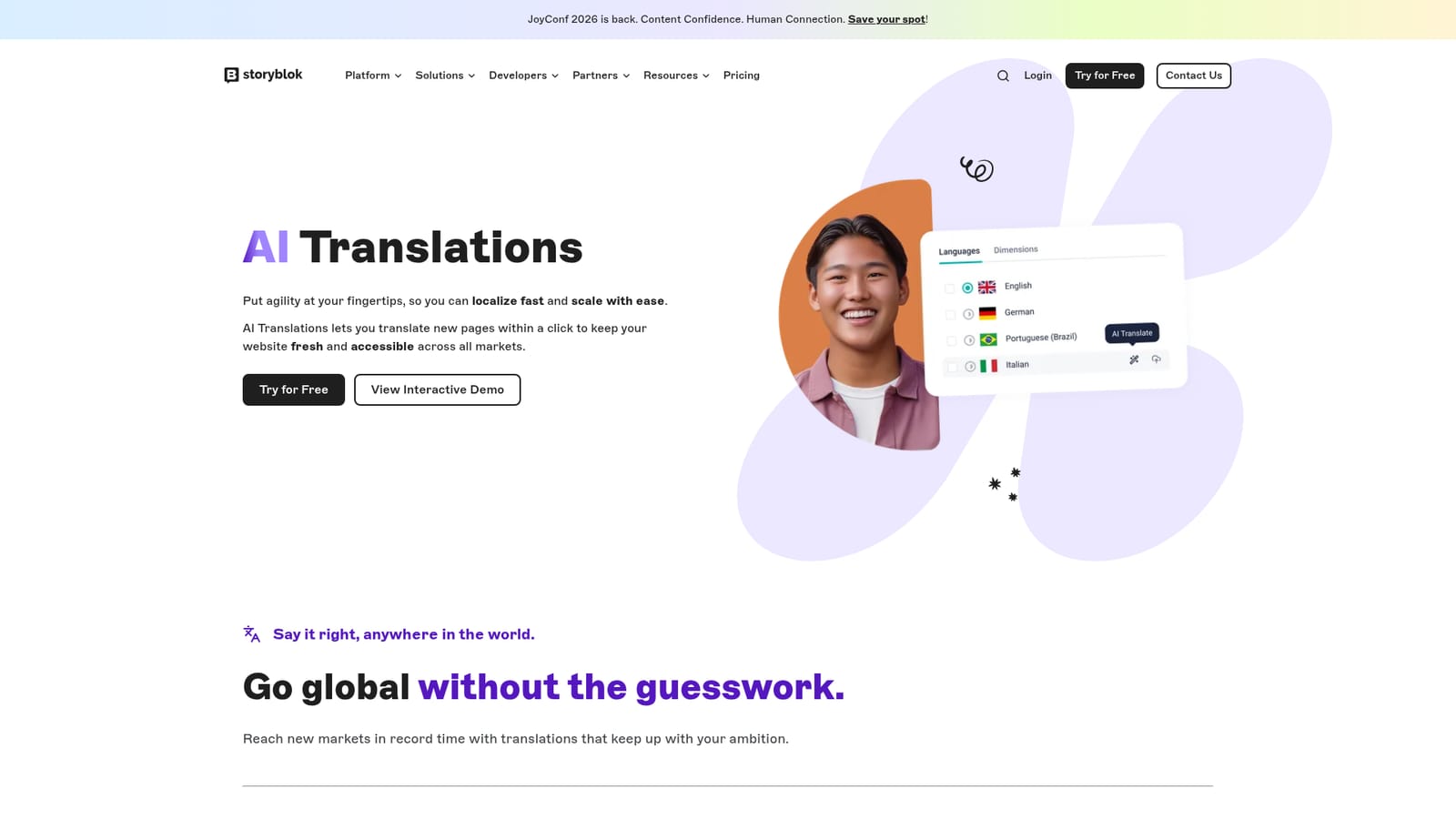
Storyblok AI Translations is a content writing tool. Storyblok AI Translations adds one-click, AI-powered localization to the Storyblok CMS, letting editors turn new pages into multiple languages while keeping brand voice consistent. Language labels keep teams organized, and enterprise translation tools can be connected when human review is needed.
Storyblok AI Translations is a localization feature built into the Storyblok content management system. Instead of exporting content, sending it to an agency, and waiting for files to come back, editors translate a page straight from the CMS with a single click. The feature converts new pages into multiple target languages so a site can stay current across every market it serves, and the translated output lives in the same structured content tree as the original. The design goal is brand consistency at speed. Teams pre-select the languages they work in and tag them with labels, which keeps larger language portfolios organized and reduces the setup work each time a new page is created. AI handles the first pass of translation, and the marketing positions this as a way to cut routine translation tasks and reduce reliance on external translators for everyday content. Where a market needs a human touch or a specialized vendor, Storyblok can also connect to enterprise translation tools, so the native AI option and a managed workflow can coexist on the same project. It suits content and marketing teams running multilingual websites on Storyblok: editors publishing regional landing pages, product teams shipping localized feature announcements, and localization leads who want a fast first draft before review. Because the translations are produced inside the editing environment, the workflow stays close to the page being worked on rather than bouncing between separate tools. The trade-off is that the feature is tied to Storyblok. It is not a standalone translation service for documents, apps, or non-Storyblok sites, and the homepage does not detail language coverage, quality controls, or review workflows beyond the enterprise integration route. The company currently offers the feature through Labs, described as totally free while it is in that stage, which means capabilities and terms may shift as it matures. Teams already on Storyblok get the shortest path to localized content; teams on another CMS would need to migrate first.
The homepage offers a free signup route into the app. AI Translations itself is described as totally free while it is available in Storyblok Labs.
Learn moreStoryblok states that an enterprise translation tool can be integrated when necessary, running alongside the native AI Translation features. No specific vendor names are listed on the page.
One-click AI translation of pages into multiple languages, brand voice consistency across locales, pre-selected languages with labels for team organization, automated handling of routine translation work, region-specific content creation, and the option to connect enterprise translation tools alongside the native AI feature.
 AI Angels400+ customizable AI girlfriends for NSFW chat, voice calls, and roleplay
 Candy AIExperience the future of companionship with AI friends who chat, role-play, and connect with you on a human level.
 ourdream.aiA vast AI roleplay platform with millions of characters for chat, images, video and voiceAI Angels400+ customizable AI girlfriends for NSFW chat, voice calls, and roleplayCandy AIExperience the future of companionship with AI friends who chat, role-play, and connect with you on a human level.ourdream.aiA vast AI roleplay platform with millions of characters for chat, images, video and voice


