Support
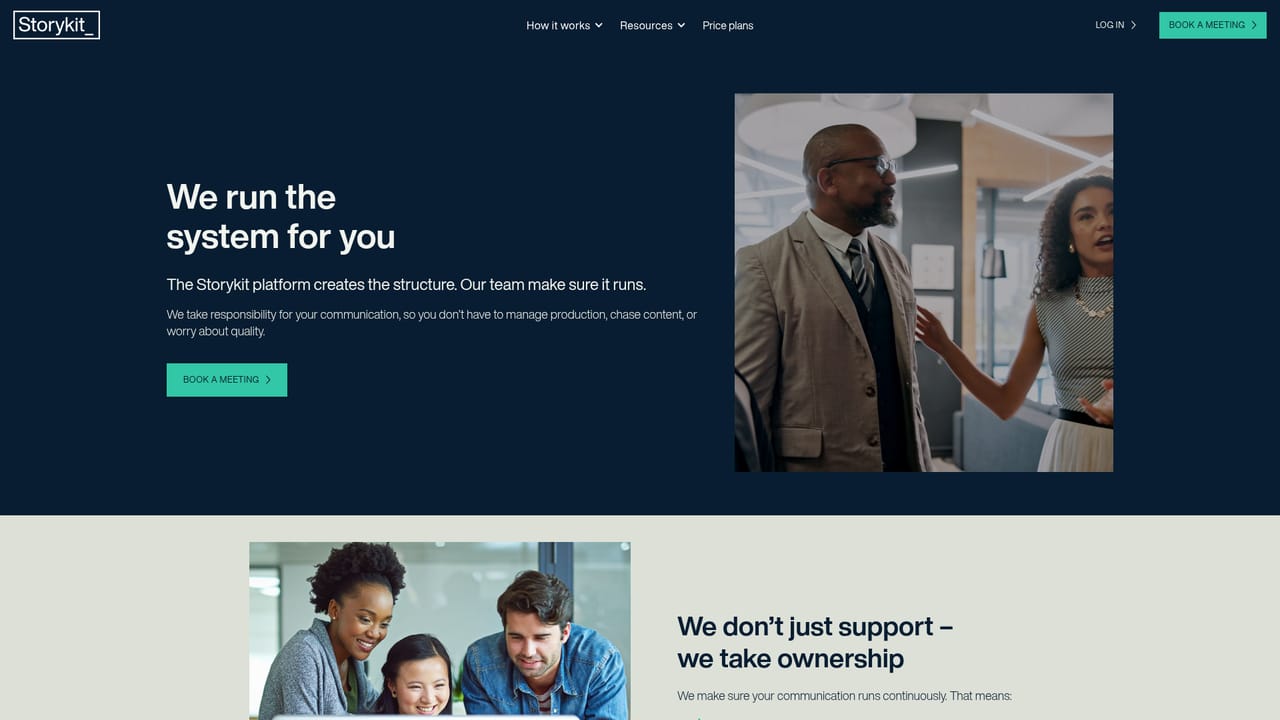
Support is delivered partly through the editorial team, which defines, shapes and quality-checks content. Contact runs through booking a meeting; no public help centre or documentation pages are listed on the homepage.
Learn moreTurn internal knowledge into a steady stream of on-brand video and social content.

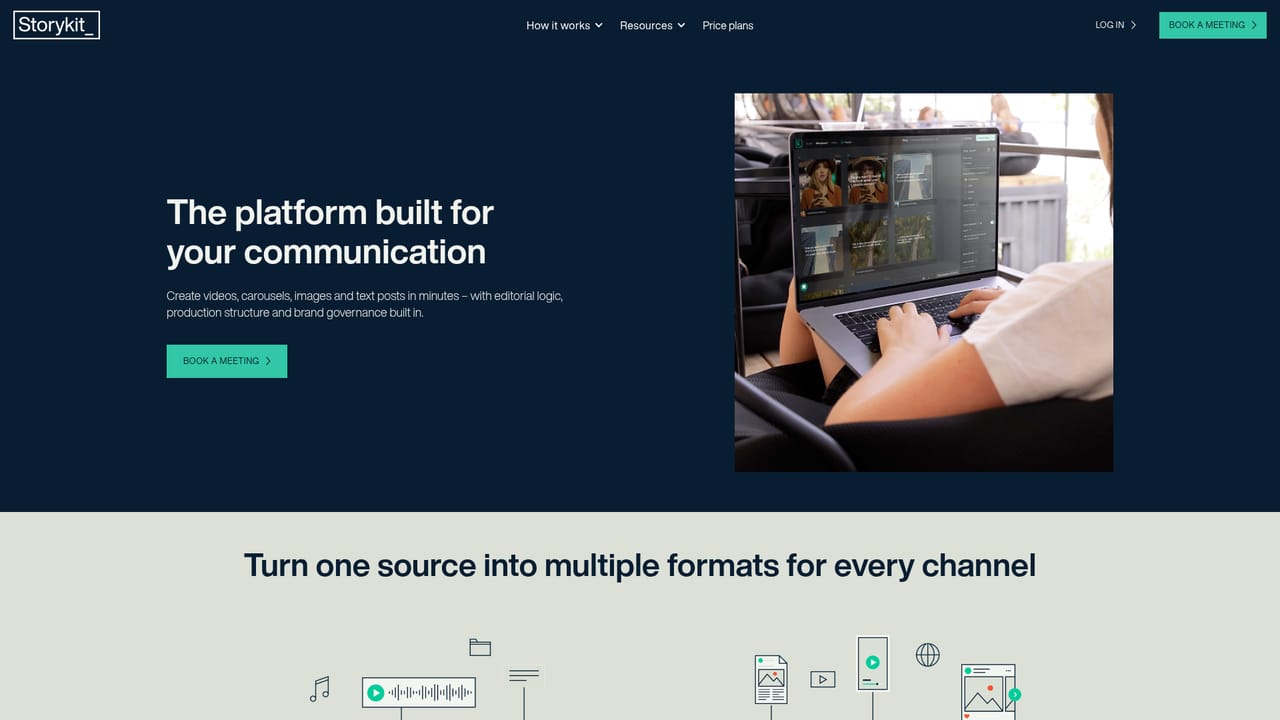
Storykit is a content tool that turns internal knowledge into a steady stream of on-brand video and social content. Storykit combines an AI-native video and content platform with an in-house editorial team to produce always-on, on-brand communication: videos, carousels, images and text posts, without adding headcount.
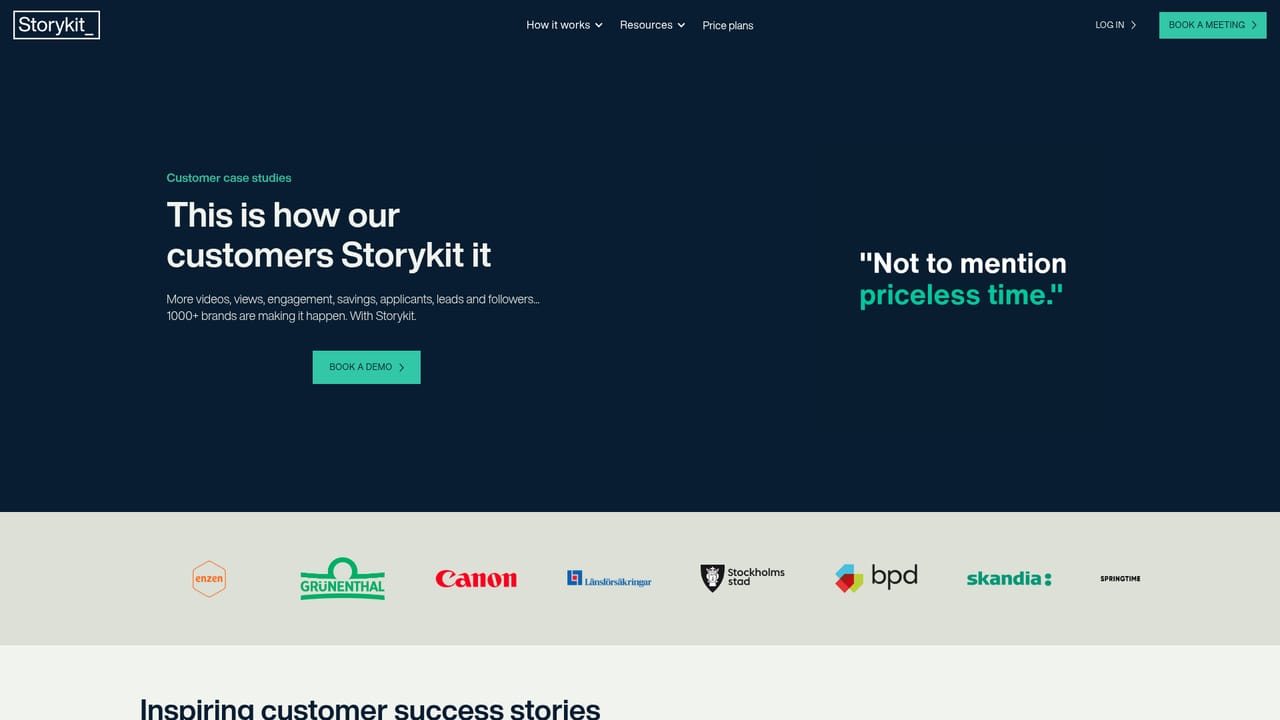
Storykit is a Swedish video automation platform built around a simple premise: organisations already hold the knowledge they need to communicate, and the bottleneck is turning that knowledge into published content. The product generates on-brand videos, carousels, images and text posts from material a team already has. Its headline promise is more video output at a fraction of the usual budget, aimed at communications departments rather than individual creators. What separates Storykit from a plain editor is the service layer wrapped around the software. The company describes itself as a tech-enabled content partner: the platform supplies editorial intelligence, brand governance and structure, while an in-house team of editors decides what to communicate, shapes the material and confirms everything matches the brand before publishing. That combination is pitched as the scalability of software with the output quality of an agency, run continuously rather than campaign by campaign. The practical result is a content operation that does not depend on extra hires. A communications team feeds in source material, Storykit's editors and templates convert it into multiple formats (video, carousel, image, text), and the output stays consistent across channels without a manual review queue for every asset. The site reports more than 1000 companies using it, with logos including Canon, Skandia, Länsförsäkringar, BKS Bank and the City of Stockholm. G2 reviewers single out simplicity and ease of use. Storykit suits mid-size to large organisations with an always-on communication calendar: B2B marketers, internal comms, public sector and financial services. It is less suited to solo creators wanting a cheap self-serve editor, since pricing is quoted through a meeting and the model assumes an ongoing editorial partnership. Compare it to self-serve AI video generators: those hand you a tool, Storykit hands you a running content function.
Support is delivered partly through the editorial team, which defines, shapes and quality-checks content. Contact runs through booking a meeting; no public help centre or documentation pages are listed on the homepage.
Learn moreOn-brand video production, social carousels, attention-grabbing images and readable text posts generated from existing material. Brand governance, editorial intelligence and content structure are built into the platform, and an in-house editorial team shapes and approves output so communication stays consistent without manual bottlenecks.
Learn more AI Angels400+ customizable AI girlfriends for NSFW chat, voice calls, and roleplay
 Candy AIExperience the future of companionship with AI friends who chat, role-play, and connect with you on a human level.
 ourdream.aiA vast AI roleplay platform with millions of characters for chat, images, video and voiceAI Angels400+ customizable AI girlfriends for NSFW chat, voice calls, and roleplayCandy AIExperience the future of companionship with AI friends who chat, role-play, and connect with you on a human level.ourdream.aiA vast AI roleplay platform with millions of characters for chat, images, video and voice


