Support
A published FAQ page covers common questions about the platform. The GenAI Labs team provides hands-on help for custom creative projects.
Learn moreCreate and launch streaming TV ads without a production crew

Streamr is a generative video tool that creates and launch streaming TV ads without a production crew. Streamr is a self-serve platform for producing connected TV and streaming video ads with AI, then launching them across CTV and OTT channels with automated compliance and formatting.
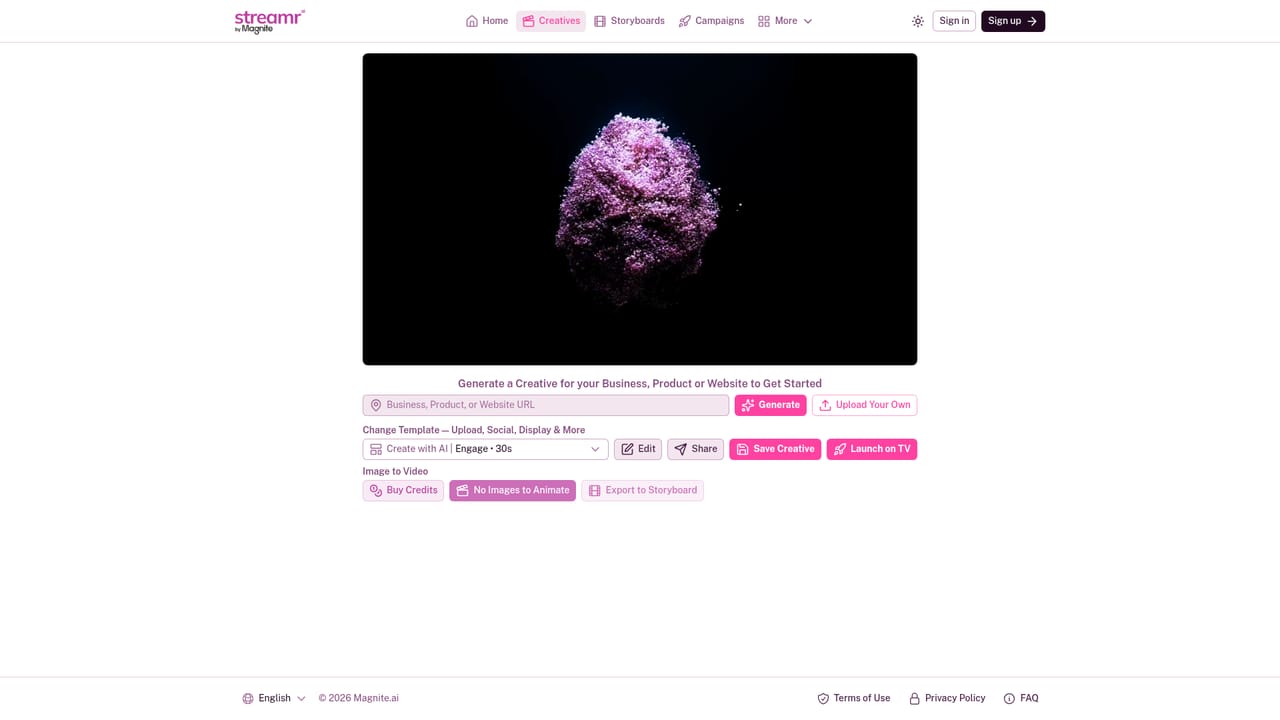
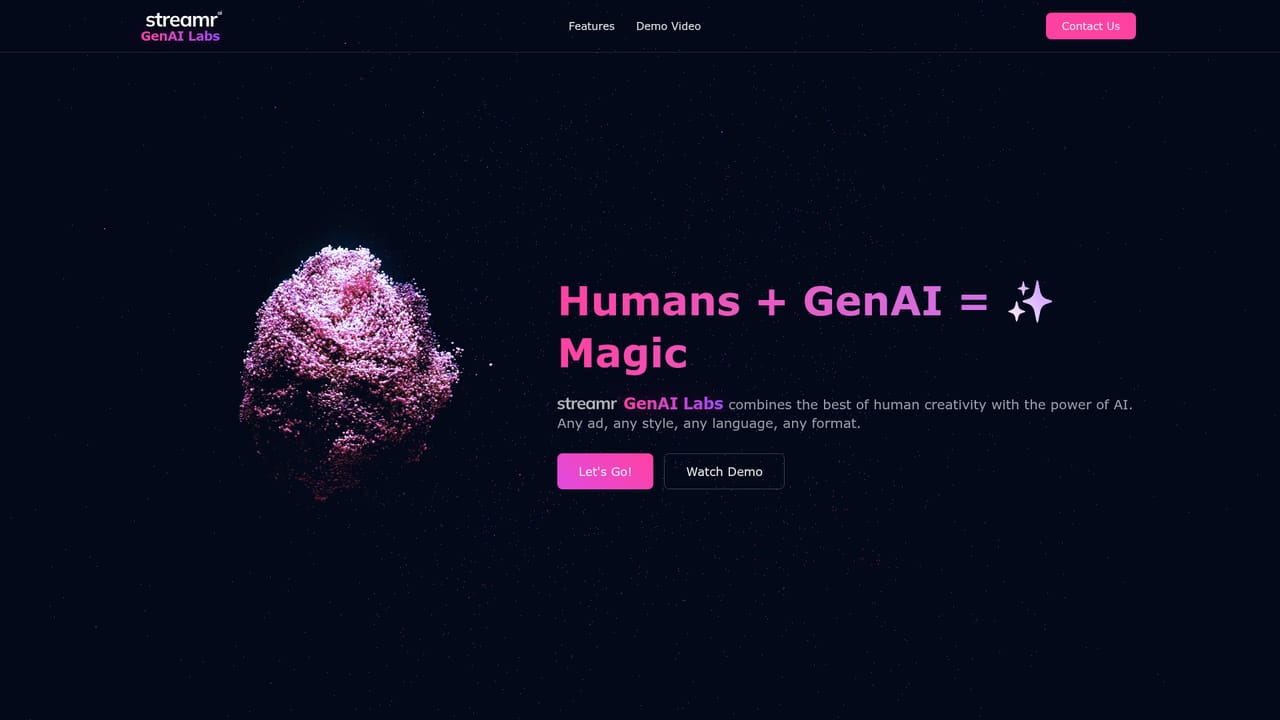
Streamr is a self-serve platform for building and activating connected TV (CTV), over-the-top (OTT) and online video (OLV) advertising. It is aimed at small and mid-sized businesses that want to advertise on smart TVs near them but lack the budget or team for a traditional production house and media agency. The pitch is speed: one workflow takes a business from creative concept to a live campaign in minutes rather than weeks. The creative side works in two ways. A business can generate an ad from its own website, product or brand details, or upload existing assets and drop them into a customizable template. Templates can be swapped to accommodate assets already made for social, display and other channels, which matters for brands that have a stockpile of square and vertical content and no widescreen versions. An AI-assisted creator handles video composition and can animate still images into motion. Standard formats include a 30-second engagement ad built with AI, edited and saved inside the tool, with a storyboard export option for teams that want to review before committing. Activation is where Streamr separates itself from pure video generators. Campaign deployment across streaming platforms and connected TVs is handled in the same product, with automated compliance checks and formatting so an ad meets each channel's technical requirements without manual resizing. Credits cover the AI generation side, and an image-to-video path lets users animate purchased or uploaded stills. For advertisers with unusual creative briefs, Streamr runs GenAI Labs, a service where the in-house team applies custom AI models to a brand's specific challenge. Published work includes a social-to-CTV conversion for Welleco, generative storytelling for 7-Eleven and Crunch Fitness, and agency-style projects for United Enrollment and Garage Living. Competitors tend to split creative generation from media buying; Streamr folds both into one subscription-oriented product, which suits lean marketing teams more than large agencies with established production pipelines.
A published FAQ page covers common questions about the platform. The GenAI Labs team provides hands-on help for custom creative projects.
Learn moreCreative generation from a website, product or brand brief, plus uploads and swappable templates for social and display assets. The editor supports AI ad creation, image to video animation, editing, sharing and storyboard export. Campaign deployment covers CTV, OTT and OLV with automated compliance and formatting. GenAI Labs offers bespoke AI work for unusual briefs.
Learn more AI Angels400+ customizable AI girlfriends for NSFW chat, voice calls, and roleplay
 Candy AIExperience the future of companionship with AI friends who chat, role-play, and connect with you on a human level.
 ourdream.aiA vast AI roleplay platform with millions of characters for chat, images, video and voiceAI Angels400+ customizable AI girlfriends for NSFW chat, voice calls, and roleplayCandy AIExperience the future of companionship with AI friends who chat, role-play, and connect with you on a human level.ourdream.aiA vast AI roleplay platform with millions of characters for chat, images, video and voice





