Free trial
The homepage promotes a free way to start creating courses and says no credit card is required, though it does not state whether this is a limited free tier or a time-limited trial.
Learn moreTurn any subject into a full AI-built course in seconds

StudyRaid is a courses tool that turns any subject into a full AI-built course in seconds. StudyRaid generates complete AI courses on any subject, bundling lessons, audio, quizzes, flashcards, exams, summaries and chat-based Q&A into one learning flow. The homepage catalog spans computer science, trades, business and language topics.
StudyRaid is a web app that turns a subject prompt into a complete course package: lessons, quizzes, flashcards, exams and condensed summaries. The homepage pitches the service as a way to learn roughly ten times faster, and the structure it generates mirrors a conventional course rather than a single explainer article. A learner names the topic and the platform assembles the material, then provides tools for working through it and testing recall. Each generated course can include lessons written to adapt to the learner's style, audio versions for people who absorb material by listening, and a chat window for asking follow-up questions in real time as a lesson unfolds. Retention features sit alongside the instructional ones: quizzes that adjust difficulty to the learner's pace, flashcards that use spaced repetition to schedule reviews, and practice exams built to imitate real testing conditions. A summary layer distills dense topics into the key points, which suits revision more than first-pass study. StudyRaid also advertises AI-driven certification programs intended to validate skills and knowledge. The homepage catalog shows the range the generator actually handles. Recent entries include computer science topics such as building web applications with Deno, professional material on audio engineering and voiceover acting, DIY and home repair sequences covering tiling, carpentry and door skimming, plus management principles, evolutionary biology, business analytics and conversational English games. That spread points to a general-purpose tool rather than a single exam vertical. StudyRaid suits self-directed learners who want structure on demand: students filling gaps outside a syllabus, teachers assembling quiz material, and professionals picking up adjacent skills between other commitments. It competes with general chatbots and fixed online course marketplaces, though the homepage does not describe how its generated content is checked for accuracy, which matters for certification claims and exam prep.
The homepage promotes a free way to start creating courses and says no credit card is required, though it does not state whether this is a limited free tier or a time-limited trial.
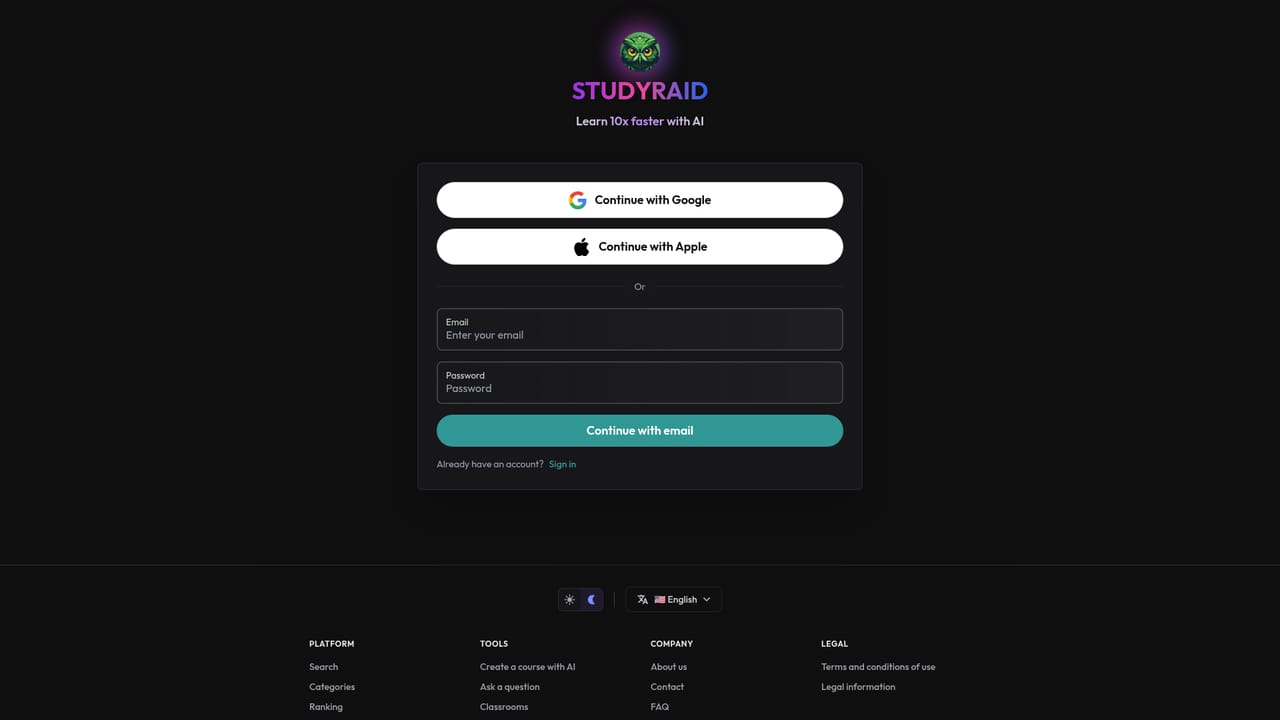
Learn moreGoogle and Apple sign-in are offered alongside email registration. No third-party integrations or learning platform connections are described on the homepage.
Generated courses bundle lessons that adapt to learning style, audio versions of lessons, real-time chat with the AI, adaptive quizzes, spaced repetition flashcards, practice exams and topic summaries. AI-driven certification programs are also listed, alongside a public catalog of recent courses across coding, trades, business, science and language subjects.
 AI Angels400+ customizable AI girlfriends for NSFW chat, voice calls, and roleplay
 Candy AIExperience the future of companionship with AI friends who chat, role-play, and connect with you on a human level.
 ourdream.aiA vast AI roleplay platform with millions of characters for chat, images, video and voiceAI Angels400+ customizable AI girlfriends for NSFW chat, voice calls, and roleplayCandy AIExperience the future of companionship with AI friends who chat, role-play, and connect with you on a human level.ourdream.aiA vast AI roleplay platform with millions of characters for chat, images, video and voice


