Free trial
A free credit allowance is mentioned in the tool: there is a 'Check today's free credits' link, and creating an account is free. The exact size of the daily allowance is not stated.
Learn moreGive AI images a photographic finish with camera-style presets
Own SugarCube AI Realism Enhancer? Verify ownership to get a dofollow link

SugarCube AI Realism Enhancer is a humanize images tool. A browser tool from SugarCube that re-renders an existing AI image with one of seven camera-style presets (iPhone, film, cinematic, street, night flash, CCTV, deleted photo) to reduce waxy skin and flat light.
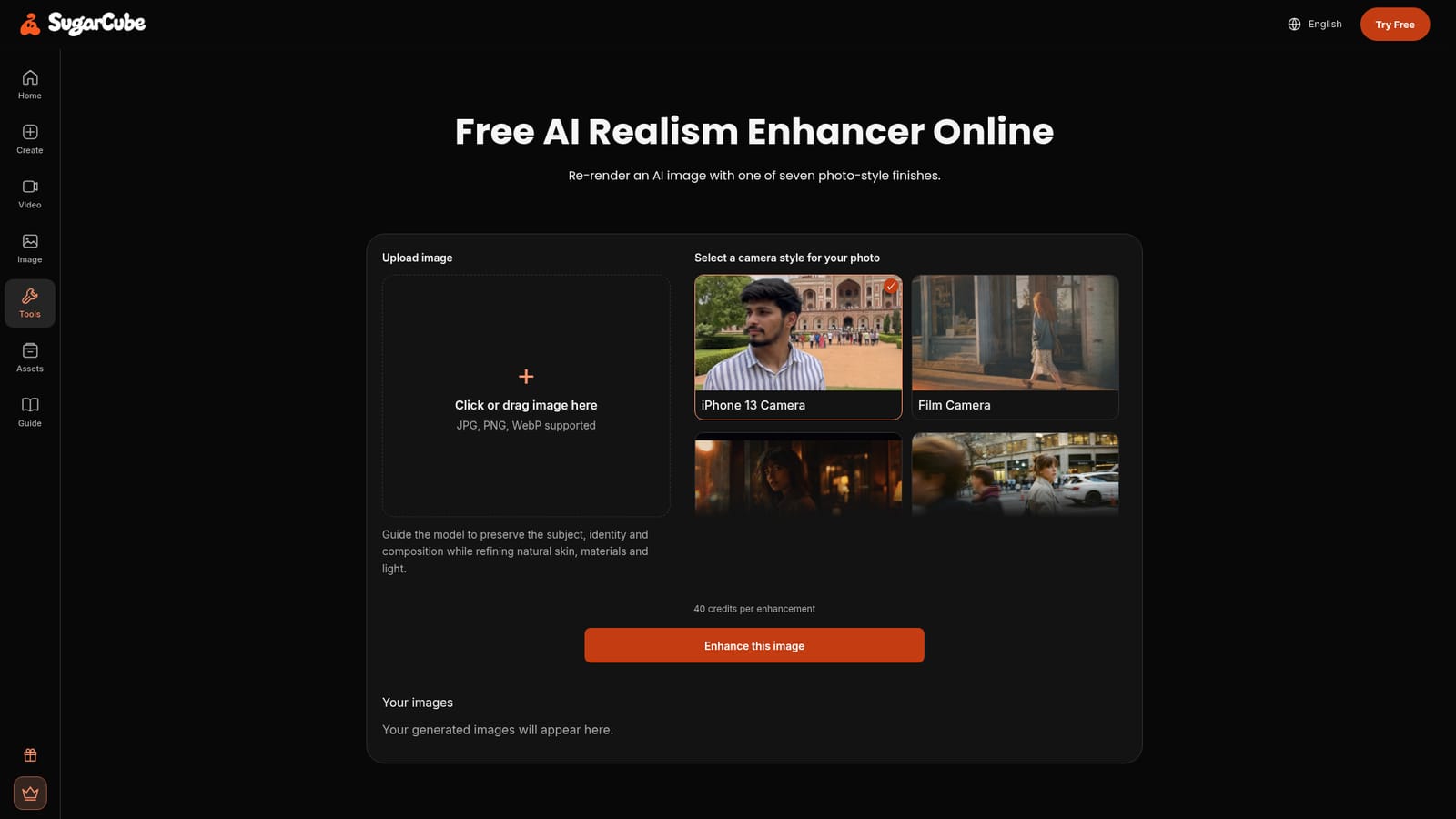
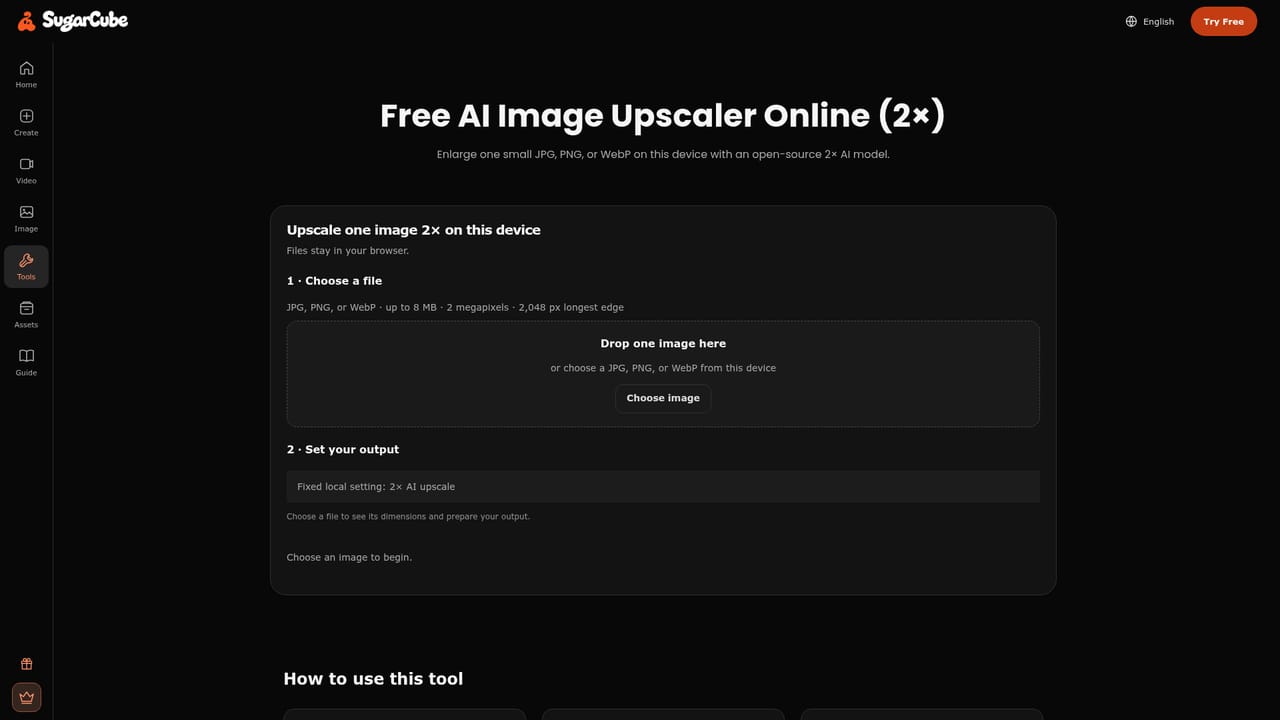
SugarCube AI Realism Enhancer is a browser-based tool that re-renders an existing AI image with one of seven photographic finishes. Instead of generating a new picture from a prompt, it takes an image you already have and asks you to pick a look that mimics a real capture device: iPhone 13 Camera, Film Camera, Cinematic Film, Street Snapshot, Night Flash, CCTV Footage, or a "Deleted" Photo style. The stated aim is to preserve the subject, identity and composition while refining skin, materials and light so the result reads as a photograph rather than a render. The tool targets the specific tells that make AI portraits look synthetic. Flat lighting, waxy skin, plastic highlights, and details that do not sit together in the same scene are the problems it claims to address. According to the site, the re-render introduces softer highlights and shadows, subtler skin texture, gentler reflections, and a more coherent relationship between face, clothing and surrounding light. It is aimed at people who already have an AI portrait or image they like and want a more believable finish before sharing it on social feeds, portfolios or chat apps. In practice the workflow is short. You sign in with Google or an email code, no password required, then upload a JPG, PNG or WebP. You choose a camera style, and the page notes that your image's shape guides the output. A cost of 40 credits per enhancement is displayed next to the button, and credits come from a free daily allowance or paid plans. When processing finishes you get a preview and a Download action, plus options to keep editing or go back to the original if the new interpretation misses. Among realism and image-improvement tools, this one is narrow by design: it is a style transfer pass with a small fixed preset set rather than a broad editor with manual retouch controls. That makes it quick for casual users, but anyone who needs masks, layered adjustments or per-region control will need a dedicated photo editor alongside it. SugarCube also offers adjacent tools for anime conversion, 2x upscaling and product photo generation, so the realism pass can sit in a wider sequence.
A free credit allowance is mentioned in the tool: there is a 'Check today's free credits' link, and creating an account is free. The exact size of the daily allowance is not stated.
Learn moreEach enhancement costs 40 credits. The tool refers to a free daily credit allowance and to plans for users making a series of images, with a compare plans link on the page. No plan prices or credit volumes are listed in the provided page content.
Learn moreHelp is limited to the on-page FAQ, which covers inputs, credit cost, cloud processing and where to download results. No separate help centre or contact channel is described.
Seven camera-style realism templates (iPhone 13 Camera, Film Camera, Cinematic Film, Street Snapshot, Night Flash, CCTV Footage, "Deleted" Photo) applied to an uploaded JPG, PNG or WebP. Re-renders preserve subject, identity and composition while refining skin texture, materials and light. Includes a preview, download, continue editing, revert to original, and a saved image history.
 AI Angels400+ customizable AI girlfriends for NSFW chat, voice calls, and roleplay
 Candy AIExperience the future of companionship with AI friends who chat, role-play, and connect with you on a human level.
 ourdream.aiA vast AI roleplay platform with millions of characters for chat, images, video and voiceAI Angels400+ customizable AI girlfriends for NSFW chat, voice calls, and roleplayCandy AIExperience the future of companionship with AI friends who chat, role-play, and connect with you on a human level.ourdream.aiA vast AI roleplay platform with millions of characters for chat, images, video and voice