What image enhancers do
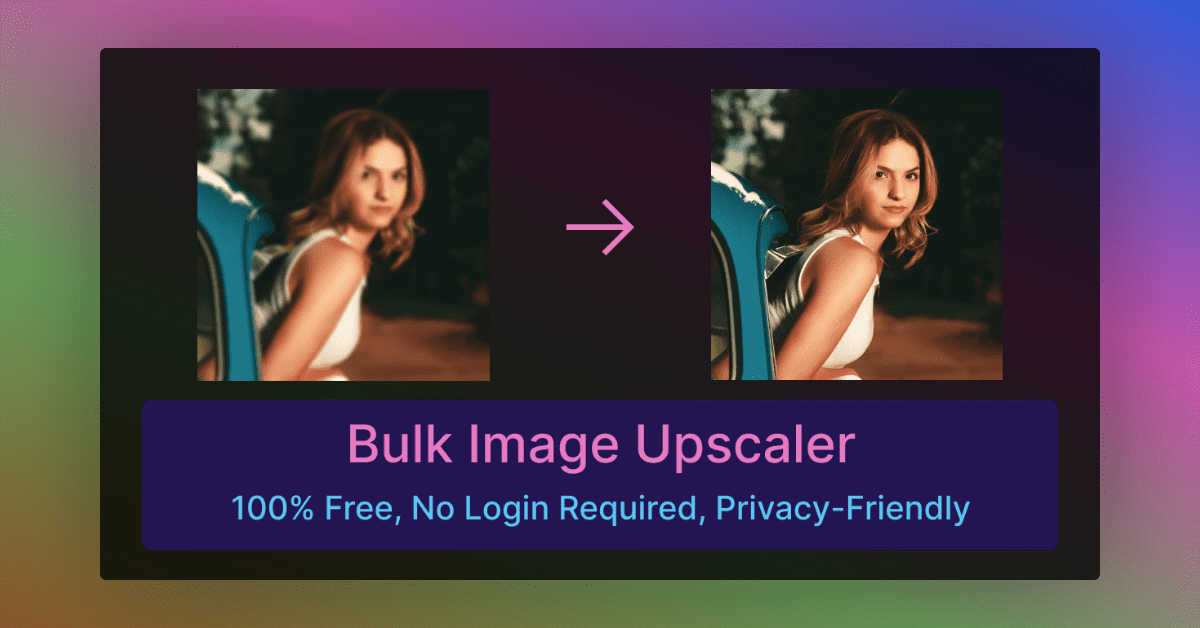
An image enhancer takes an existing picture and improves it: it removes blur, cleans up noise, adds resolution and brings back detail that a phone, an old scan or a heavy compression pass took away. The tools here do that with AI models instead of manual work in a desktop editor, usually by uploading a file and waiting a few seconds for the result.
They are used by people with a specific problem: a dark or soft snapshot, a small web graphic that has to be printed, an old family photo, a product shot that looks flat. Most replace a long sequence of sharpening, denoising and resizing steps with a single action. Some go further and also handle background removal, object removal or restoration of faces.
How to choose one
Start with the problem. Blur repair, upscaling and restoration overlap but are not the same job, and a tool built for one can disappoint on another. Portrait-focused tools suit faces and old photographs, while an upscaler suits graphics and low-resolution files.
Then check these points:
- Output size: look for the resolution the tool states (4K, or higher for print) and whether it offers more than one model.
- Platform: most run in the browser, a few offer iOS, Android or a desktop app for Windows and MacOS, which matters for batches or files you prefer to keep local.
- Pricing: free and freemium tools differ on watermarks, daily limits and sign-up requirements, so test with one real image before committing.
- Scope: decide whether a pure enhancer is enough or whether you also want editing, object removal or generation in the same workspace.
- Niche fit: some tools target a single field, such as real estate staging, architectural renders or menu photography.
Notable tools
PhotoGrid AI Image Enhancer is a free upscaler aimed at dark, blurry photos, producing watermark-free 4K images.
AVCLabs PhotoPro AI is a desktop editor for Windows and MacOS that restores, enhances and retouches images.
ImageUpscaling.net is a free browser-based upscaler with four models and output up to 16K, also available on Android.
Refini concentrates on portraits, unblurring faces and restoring old photos.
Mejorar splits the work across seven task-specific tools for sharpening, upscaling and restoring photos.
Vaethat is restricted to architectural visualization, upscaling and refining 3D renders in one click.
Common questions
What does "inage" mean?
It is almost always a typo for "image". People who type it while looking for tools generally want to improve a picture, which is what the tools on this page do.
What does "enchance" mean?
It is a common misspelling of "enhance". In this context it means making a photo clearer, sharper or larger, the core job of every tool listed here.
What is an "inage enhancer" or "image enchance" tool?
Both are misspelled searches for an image enhancer. The category covers the same set of tools: AI upscalers, blur removers and photo restorers that run in a browser, an app or on the desktop.
When to look elsewhere
When the goal is changing what a picture shows rather than improving its quality, a neighbouring category fits better. AI Art Fixer suits generated images with distorted details, and Content Aware Fill suits filling or removing parts of a scene. For upscaling animated files, GIF Upscaler is the closer match.