Free trial
No trial exists because there is nothing to subscribe to: the software is free and open source, with no account and no usage quota.
Learn moreSelf-hosted, air-gapped research notebook with no account

SurfSense is an open source, air-gapped NotebookLM alternative that installs as a desktop app on Windows, macOS and Linux. It keeps your document index on your own disk, runs local models or your own hosted API keys, and turns sources into slides, reports, podcasts and study material without an account.
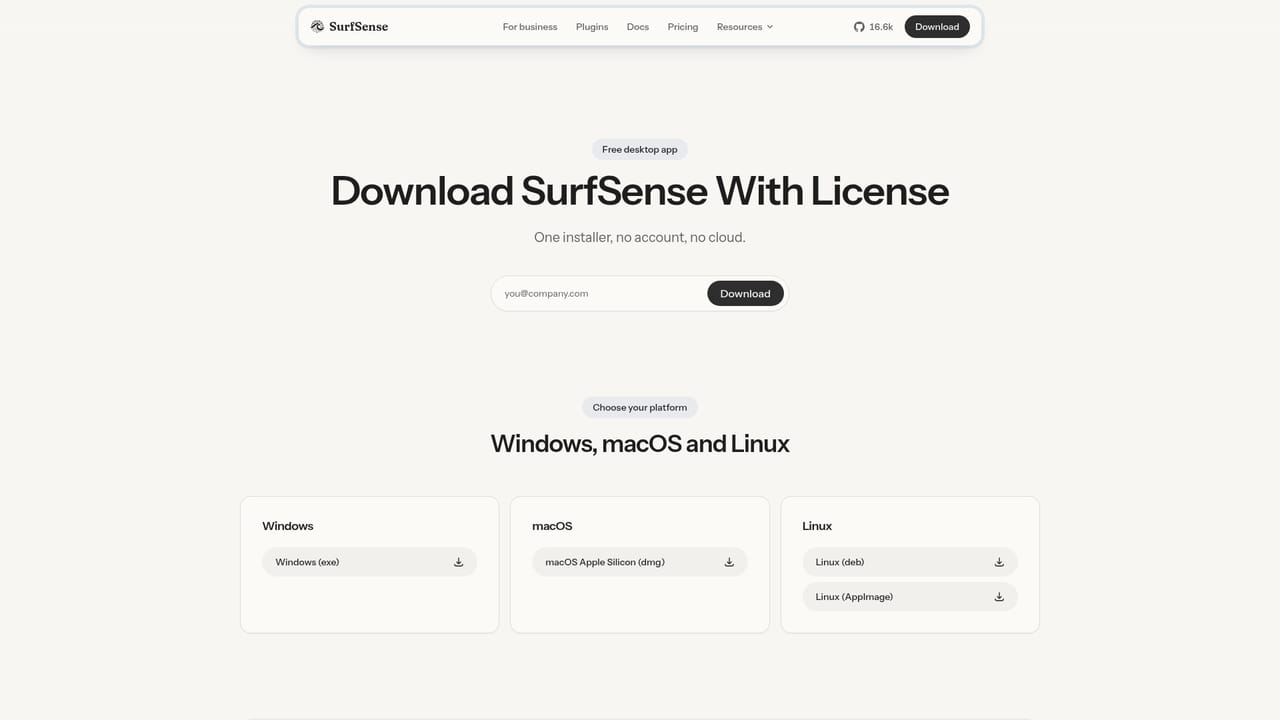
SurfSense is an open source desktop research notebook built as a private answer to NotebookLM. It installs like any ordinary application on Windows, macOS or Linux, keeps its document index in your own user folder, and can run entirely offline. There is no sign-up screen, no workspace invite and no cloud copy of your sources. The only identity involved is your computer's local user account, and deleting the index folder removes the data for good. Model choice is a setting rather than a fixed decision. The installer bundles llama.cpp, and a one-time setup screen asks you to pick a small local model such as Qwen or Gemma that runs on the CPU. After that single download, documents can be added and queried with the network cable unplugged. Users who prefer hosted quality can instead paste a key for OpenAI, Anthropic or any OpenAI-compatible provider, and the key stays on the machine that uses it. Beyond chat over your sources, SurfSense turns indexed material into deliverables. The homepage advertises twelve artifact formats, including slide decks, reports, podcasts, quizzes, flashcards, mind maps, infographics and images, plus export options such as Markdown, Word, PDF, HTML and spreadsheets. Eight plugins extend the agent with live data from Google Search, YouTube, TikTok, Google Maps, Amazon, Walmart, Indeed and general web crawling, and the plugin registry accepts pull requests from the public repository. The target audience is people with files they are not allowed to upload: lawyers working with contracts, accountants handling ledgers, consultants and engineers with inspection reports, and academic researchers. Against NotebookLM, the difference is structural rather than cosmetic, since Google's product requires an account, uses Gemini only and cannot run offline. Against Open Notebook, the contrast is in setup effort: SurfSense ships a normal installer instead of a Docker stack and bundles model selection on first launch. The tradeoff is that everything local depends on your own hardware. A sunset notice on the site states that SurfSense is moving to a local app, so buyers should check the current download status before committing a workflow to it.
No trial exists because there is nothing to subscribe to: the software is free and open source, with no account and no usage quota.
Learn moreThe homepage describes SurfSense as free and open source with no account, no quota and no trial. Users pay a provider only if they choose to connect a hosted model with their own key. No paid tiers, licence terms or commercial plans are listed on the site.
Learn moreInstallation and model guidance live in the public documentation site. The homepage lists no helpdesk, email support or service level agreement, so assistance appears to rely on docs and the open source repository.
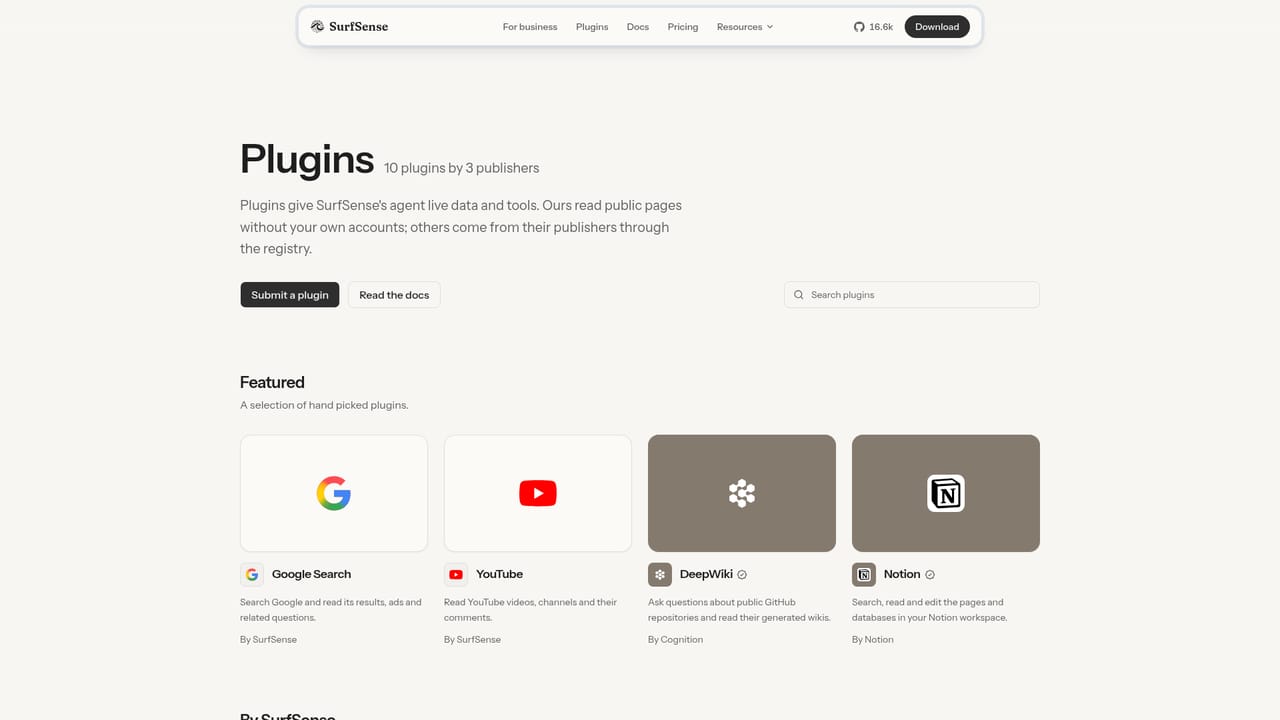
Learn moreEight plugins ship today, covering Google Search, YouTube, TikTok, Google Maps, Amazon, Walmart, Indeed and open web crawling. The registry is public and accepts pull requests for new MCP servers.
Learn moreLocal document index stored on your own disk, offline question answering with a bundled CPU model, and a choice between local Qwen or Gemma and hosted OpenAI, Anthropic or OpenAI-compatible keys. Twelve artifact types cover slides, reports, podcasts, quizzes, flashcards, mind maps, infographics and images, with exports to Markdown, Word, PDF, HTML and spreadsheets. Eight plugins add live web, search, video, mapping and shopping data.
Learn more AI Angels400+ customizable AI girlfriends for NSFW chat, voice calls, and roleplay
 Candy AIExperience the future of companionship with AI friends who chat, role-play, and connect with you on a human level.
 ourdream.aiA vast AI roleplay platform with millions of characters for chat, images, video and voiceAI Angels400+ customizable AI girlfriends for NSFW chat, voice calls, and roleplayCandy AIExperience the future of companionship with AI friends who chat, role-play, and connect with you on a human level.ourdream.aiA vast AI roleplay platform with millions of characters for chat, images, video and voice


