Support
The homepage lists a Help & Support link in the footer, but no support channels, response times or documentation are described.
Tailor a cover letter to any job posting in seconds with AI.

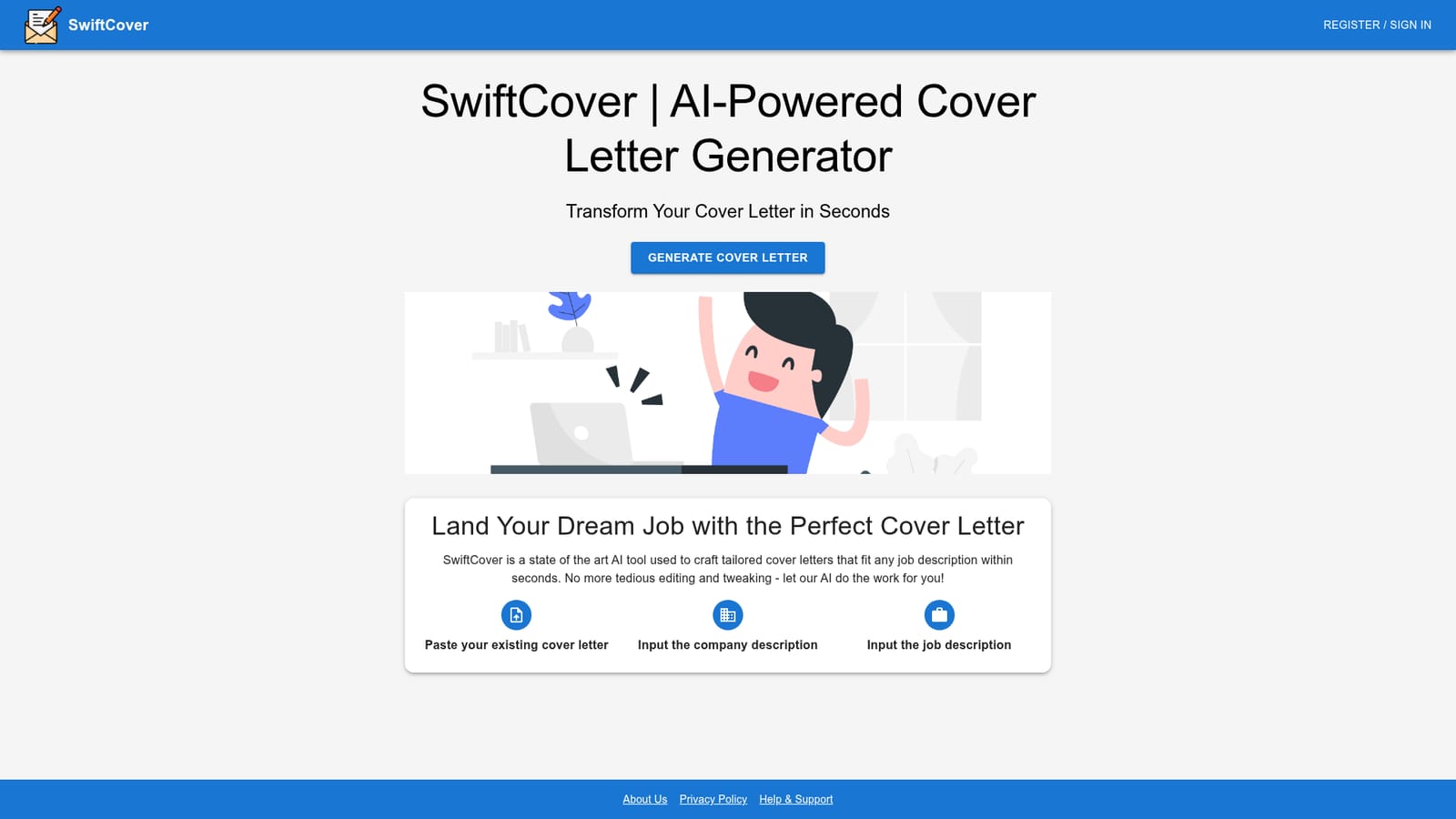
SwiftCover rewrites an existing cover letter against a pasted job description and company description, producing a tailored draft in seconds. It is aimed at job seekers applying to many roles who already have a base letter and want faster per application customisation.
SwiftCover is a web tool built for one narrow job: rewriting an existing cover letter so that it matches a specific role and company. The workflow is short by design. The applicant pastes a current cover letter, adds the employer's company description and the job description, and the system produces a tailored version. Nothing else is required to get a usable draft, which makes the tool a fit for job seekers running several applications in a week rather than writers who want a general purpose assistant. The logic behind it is alignment. A generic letter fails because it talks about the candidate in isolation. SwiftCover instead reads the posting and the company material, then reshapes the existing text toward the language, priorities and requirements that appear in those documents. Because the starting point is the user's own letter, the output tends to keep the applicant's voice and real experience rather than inventing achievements, which is the usual failure mode of blank page generators. In practice the loop is paste, review, adjust, send. It sits close to resume builders and general writing assistants, but with a deliberately smaller scope. Resume tools optimise a CV and often bolt on letter generation as an afterthought; chatbots can write a letter but need heavy prompting and produce inconsistent structure. SwiftCover trades breadth for a fixed, repeatable process, and the trade is sensible for anyone applying at volume who already has decent source material to work from. The limits follow from the same design. There is no evidence on the homepage of a blank page mode, so a candidate without an existing letter has little to feed it. Pricing, trial terms and export formats are not published on the page, and no integrations or API are described. Treat it as a fast first pass on a letter you already trust, not as a full application suite.
The homepage lists a Help & Support link in the footer, but no support channels, response times or documentation are described.
SwiftCover takes three inputs (an existing cover letter, a company description and a job description) and returns a tailored cover letter aimed at that specific role and employer. The emphasis is on matching the language and requirements of the posting while building on the applicant's own text.
 AI Angels400+ customizable AI girlfriends for NSFW chat, voice calls, and roleplay
 Candy AIExperience the future of companionship with AI friends who chat, role-play, and connect with you on a human level.
 ourdream.aiA vast AI roleplay platform with millions of characters for chat, images, video and voiceAI Angels400+ customizable AI girlfriends for NSFW chat, voice calls, and roleplayCandy AIExperience the future of companionship with AI friends who chat, role-play, and connect with you on a human level.ourdream.aiA vast AI roleplay platform with millions of characters for chat, images, video and voice