Free trial
New users get 2 free credits with Google signup, no card required, before any purchase is needed.
Learn moreTurns a handful of selfies into believable dating-app photos, not generic AI faces.

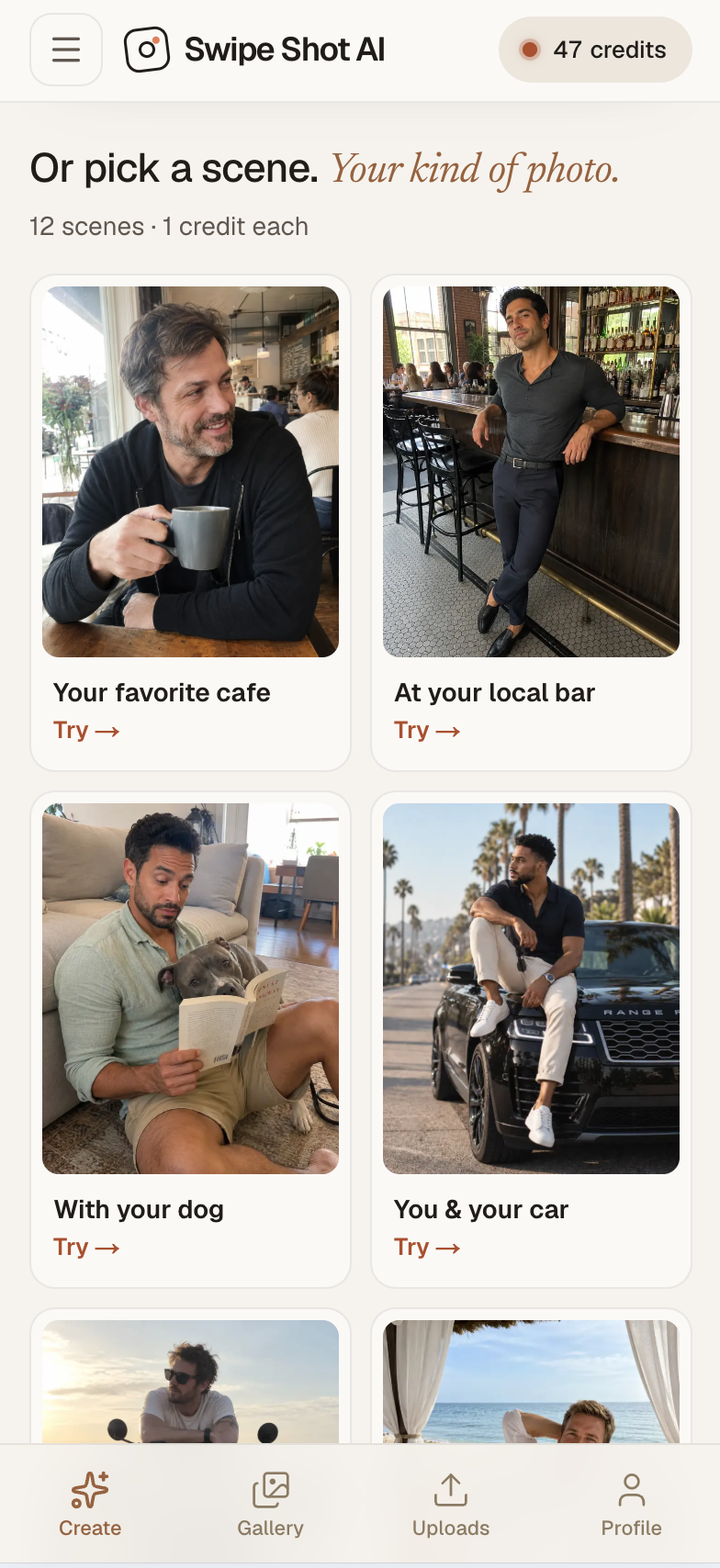
Swipe Shot AI is a photo retake tool that turns a handful of selfies into believable dating-app photos, not generic AI faces. Swipe Shot AI converts a handful of selfies into realistic dating-profile photos for Tinder, Hinge and Bumble, with scene selection, a Smart Pack curated set, and a Retake tool to fix existing photos.
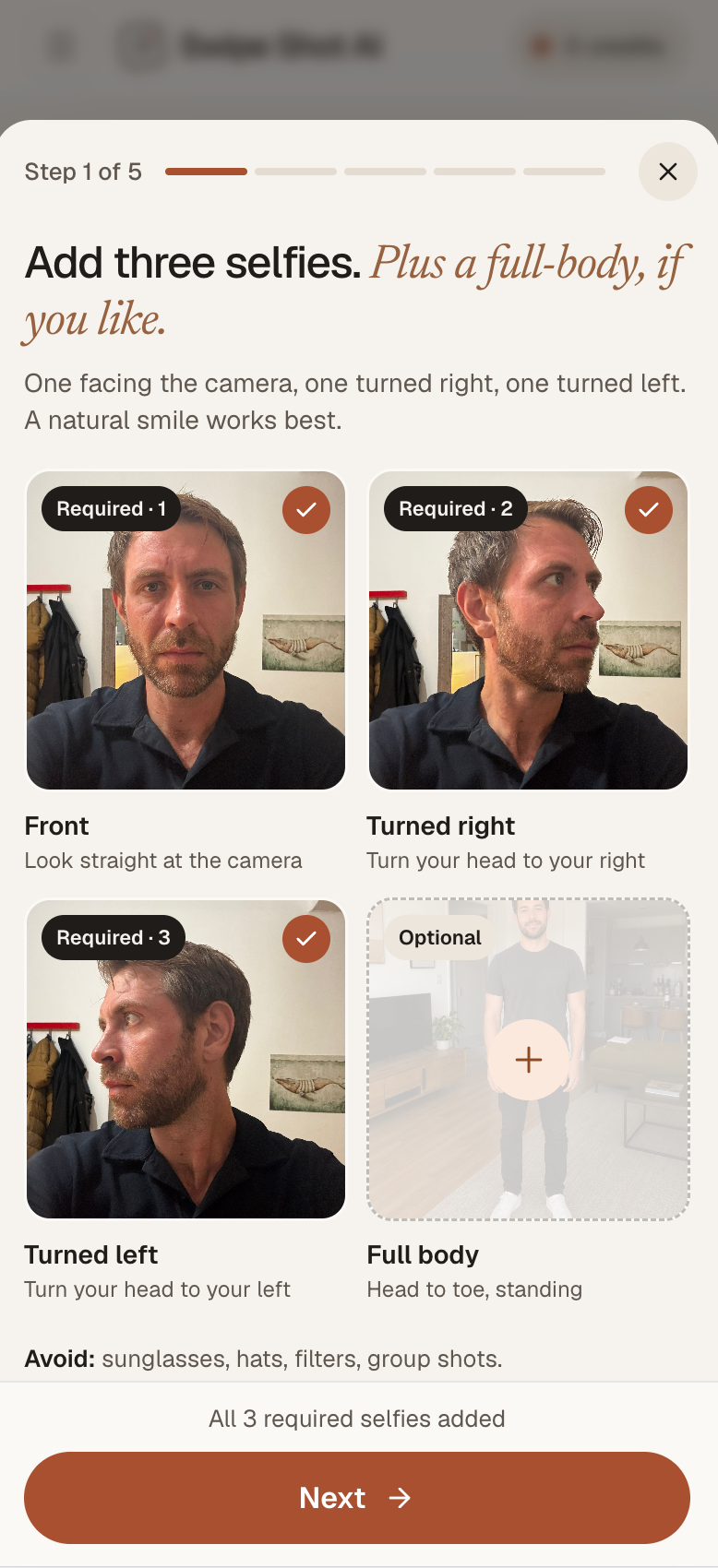
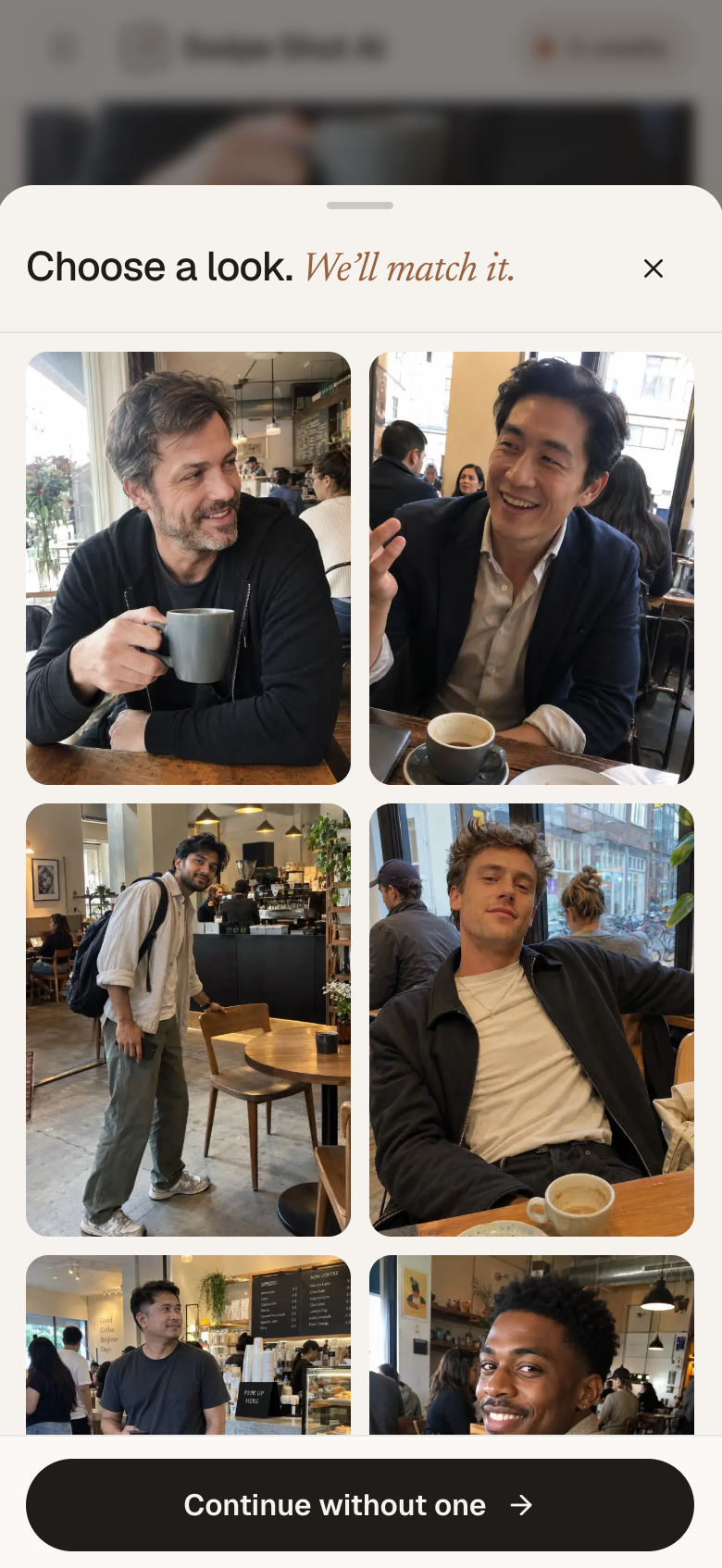
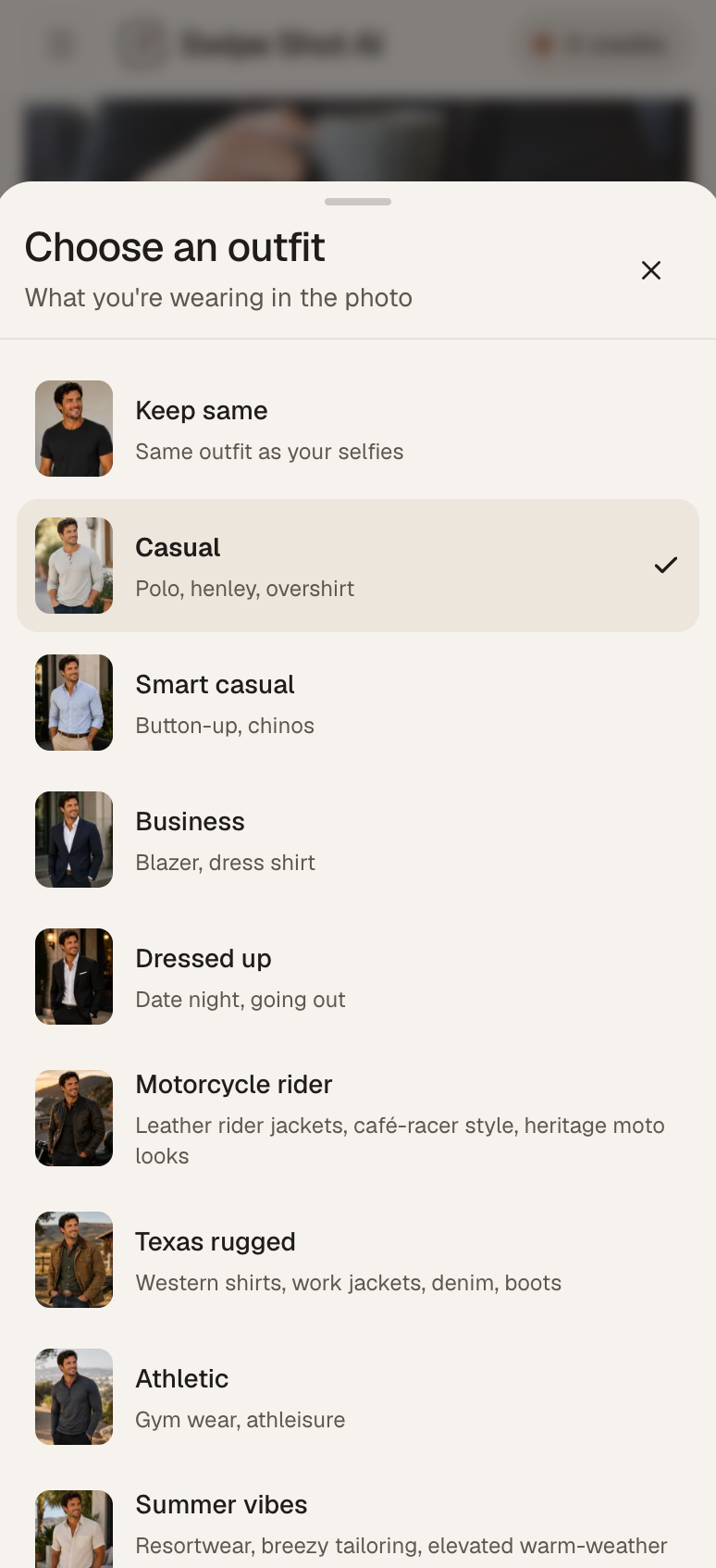
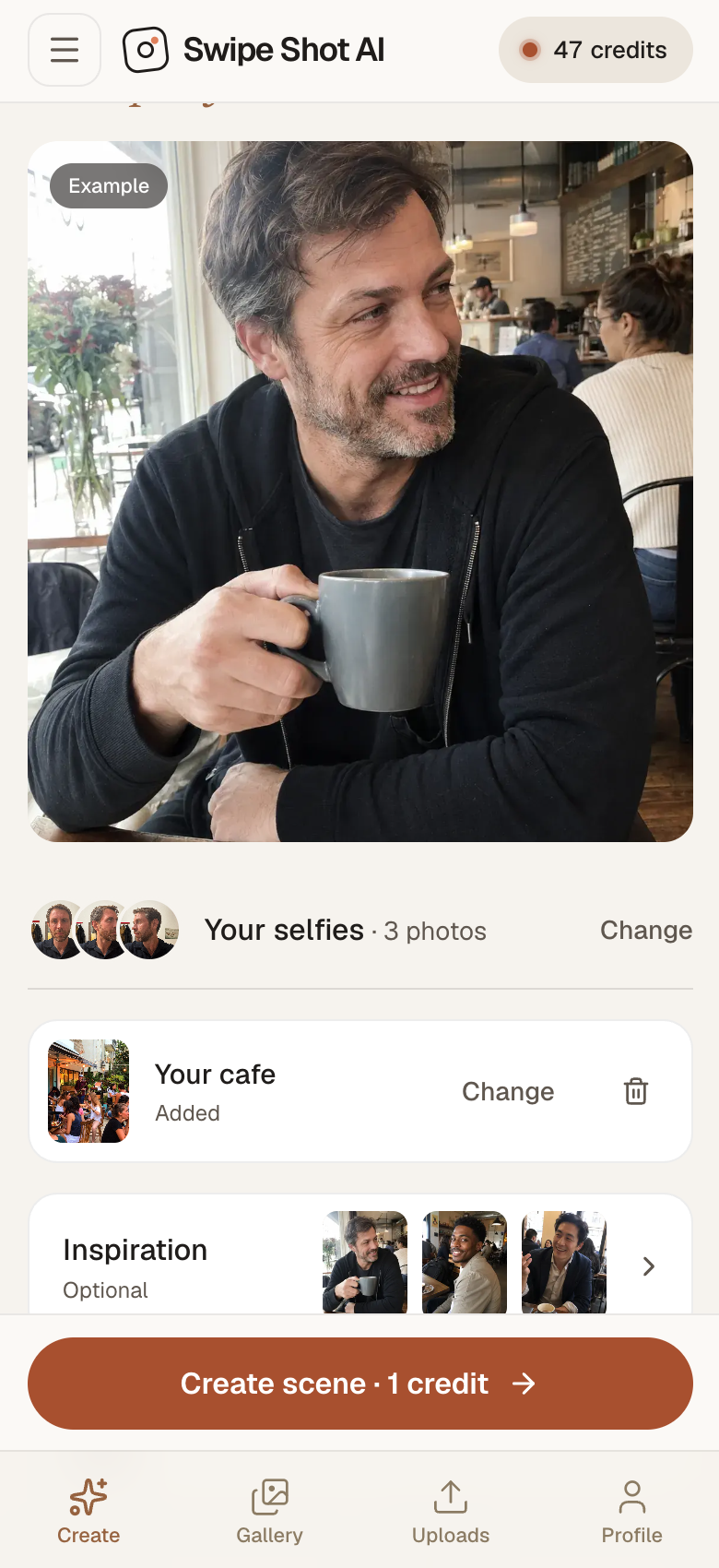
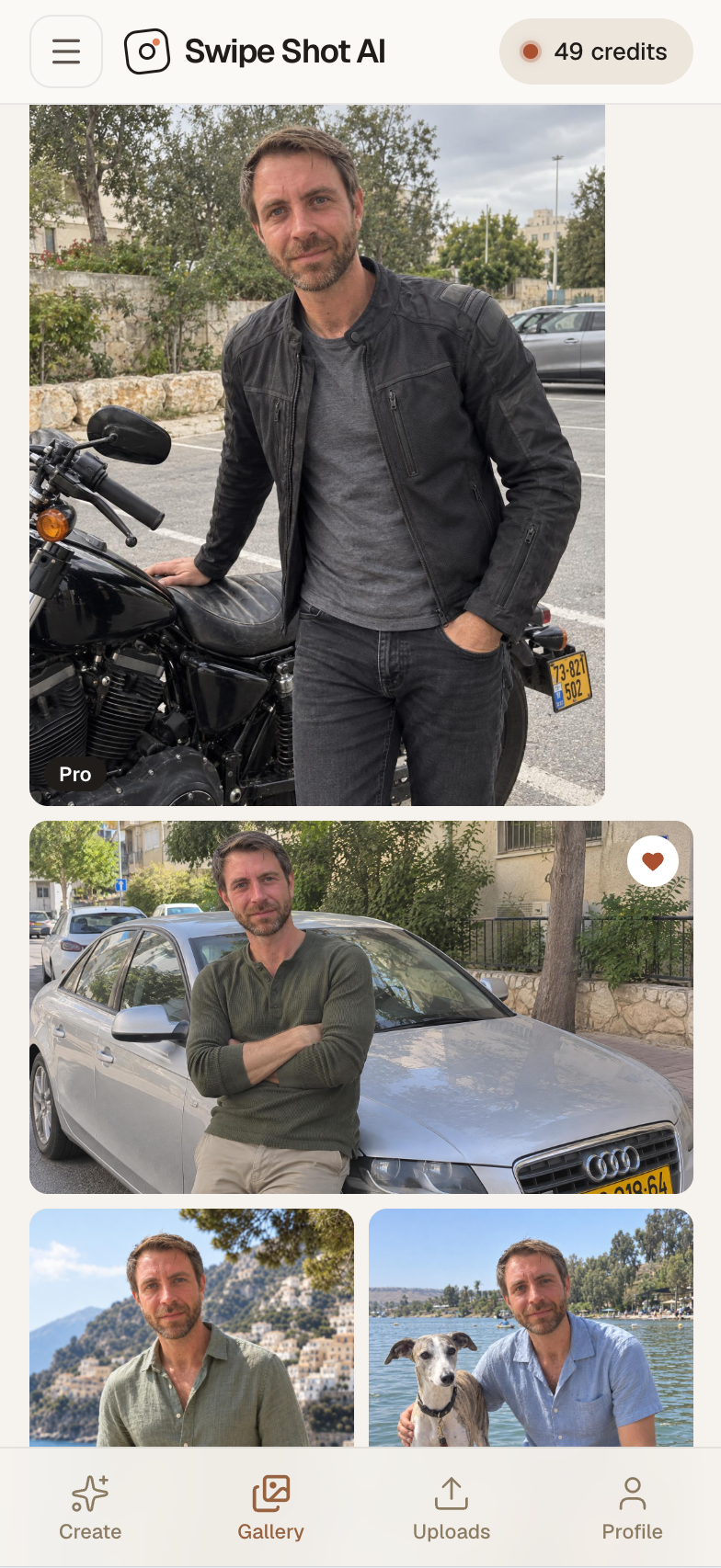
Swipe Shot AI is a photo generation tool built specifically for dating app profiles on Tinder, Hinge and Bumble. Instead of producing stylised headshots, it analyses a set of uploaded selfies to learn facial structure, skin texture and build, then places that likeness into chosen scenes such as a cafe, a bar, travel settings, or even alongside a user's own dog or car. The stated goal is a photo that still looks recognisably like the person, rather than a polished but generic AI face. The tool is aimed at single people updating or building a dating profile who want variety without a photoshoot. Someone with only a handful of casual selfies can turn them into multiple profile-ready images spanning different outfits, locations and lighting. A Smart Pack option removes the decision-making by assembling a mixed set of scenes and poses based on patterns the team says they studied across strong dating profiles, useful for people unsure which look suits them. A separate Retake feature works differently: it takes a photo someone already likes but that came out poorly framed, badly lit or awkward, and regenerates a cleaner version of that same moment using the uploaded selfies to preserve facial accuracy. In practice, the workflow runs through a web account: upload four selfies once, reuse them across every future generation, then pick scenes and quality level (Standard or the more detailed Pro) and wait roughly two minutes per photo. Credits are the underlying currency, spent per photo and carried over indefinitely rather than expiring monthly. Against general-purpose AI headshot or avatar generators, Swipe Shot AI positions itself narrowly around dating photos and realism over polish, directly comparing itself to tools like Aragon AI, HeadshotPro and Photo AI on its own site. It fits users who want their profile photo to still pass as them in person, rather than an idealised AI rendering.
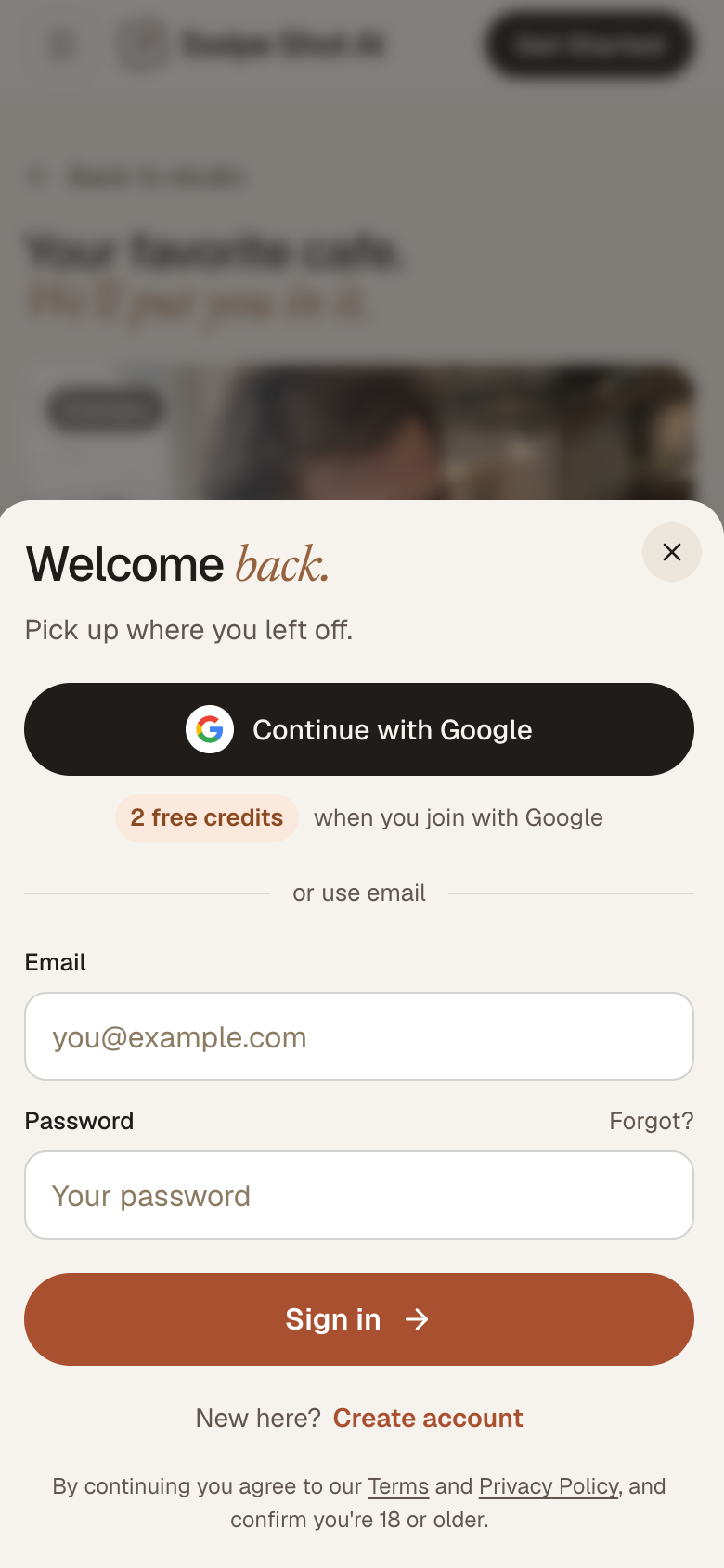
New users get 2 free credits with Google signup, no card required, before any purchase is needed.
Learn moreA one-time $9 trial gives 12 credits (12 Standard or 6 Pro photos). Starter costs $29/month for 60 credits, and the Best Value plan costs $49/month for 120 credits. Credits do not expire.
Learn moreSelfie-based realistic photo generation for dating profiles, scene library, Smart Pack curated photo sets, Retake for improving existing photos, Standard and Pro quality tiers, and private storage of uploaded and generated images.
Learn more AI Angels400+ customizable AI girlfriends for NSFW chat, voice calls, and roleplay
 Candy AIExperience the future of companionship with AI friends who chat, role-play, and connect with you on a human level.
 ourdream.aiA vast AI roleplay platform with millions of characters for chat, images, video and voiceAI Angels400+ customizable AI girlfriends for NSFW chat, voice calls, and roleplayCandy AIExperience the future of companionship with AI friends who chat, role-play, and connect with you on a human level.ourdream.aiA vast AI roleplay platform with millions of characters for chat, images, video and voice


