Features
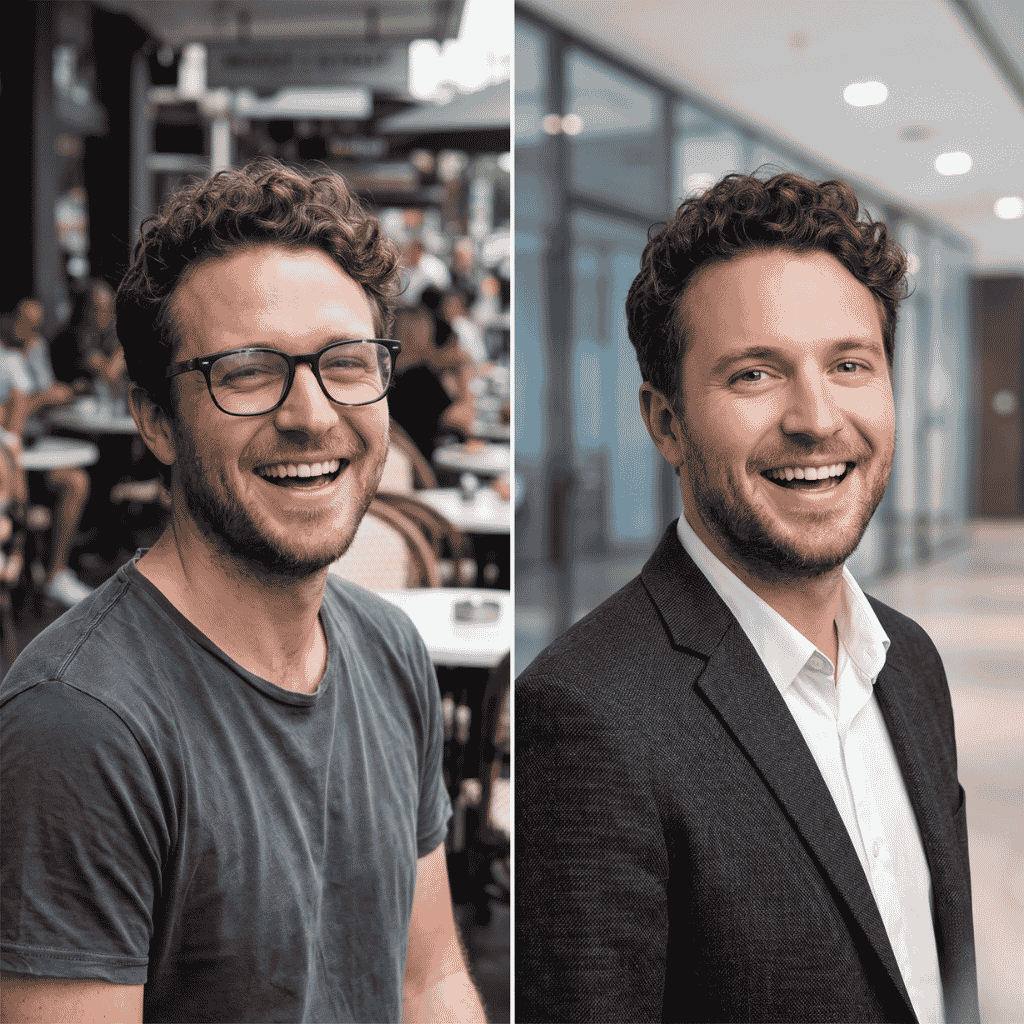
AI-driven reshooting of existing photos to give them a professional look. Detailed controls, styles and output options are not described in the available source material.
AI photo reshoots that turn existing pictures into polished, professional-looking shots
Reshot AI is a web tool by independent developer Alex Carlier that uses AI to professionally reshoot existing photos. Public detail is limited, so pricing and technical specifics should be checked on its own site.
Reshot AI is a web product aimed at people who want better photos without booking a photographer. Its one-line pitch is to professionally reshoot your photos with AI, which places it in the growing group of tools that take ordinary pictures as input and return refined, studio-style results. The product is built by Alex Carlier, a Paris-based developer who describes himself as a former AI research engineer now building apps. The source material for this listing is a personal link page rather than the product's own site, so detail is thin. The page presents Reshot AI as one entry in a portfolio of small consumer apps, alongside tools for color analysis, LEGO minifigure identification, photo chat editing and name generation. That context suggests a focused, single-purpose product maintained by an independent builder, not a large platform with a broad suite of editing features. In practice, the idea behind a photo reshoot tool is simple: a user supplies existing photos, the AI regenerates them with a more professional look, and the user downloads the results. Likely audiences include anyone who needs a presentable portrait or image for a profile, a personal brand or a small business listing. Exact input requirements, output styles, resolution limits and turnaround times are not described in the available content, so buyers should confirm them on the product's own site at reshot.ai before relying on it for important work. Among alternatives, Reshot AI competes with AI headshot generators, general image editors and photo enhancement apps. Its positioning is narrower than a full design suite or a generative art platform: the promise is about improving real photos, not producing images from scratch. The same developer also lists a separate AI chat based photo editor and video generator, so users wanting conversational editing may find that sibling product a closer fit. Pricing, plans, privacy terms and integrations are not stated in the source and are left unspecified here.
AI-driven reshooting of existing photos to give them a professional look. Detailed controls, styles and output options are not described in the available source material.
 AI Angels400+ customizable AI girlfriends for NSFW chat, voice calls, and roleplay
 Candy AIExperience the future of companionship with AI friends who chat, role-play, and connect with you on a human level.
 ourdream.aiA vast AI roleplay platform with millions of characters for chat, images, video and voiceAI Angels400+ customizable AI girlfriends for NSFW chat, voice calls, and roleplayCandy AIExperience the future of companionship with AI friends who chat, role-play, and connect with you on a human level.ourdream.aiA vast AI roleplay platform with millions of characters for chat, images, video and voice