Free trial
Google sign-in grants 2 free credits, covering the first design and its print-ready file. All nine art styles and the live tee preview are available, and no card is required.
Learn moreTurn a one-line prompt into a print-ready tee graphic in about a minute.
Own T-Shirt Design AI? Verify ownership to get a dofollow link
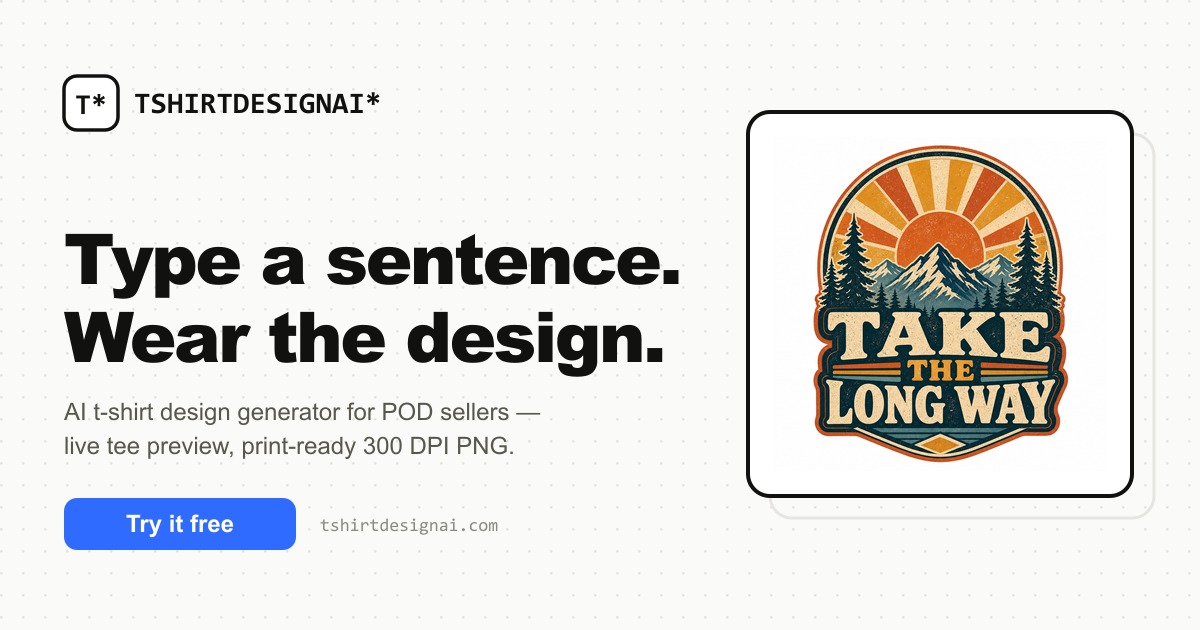
T-Shirt Design AI is a clothes mockups tool that turns a one-line prompt into a print-ready tee graphic in about a minute. An AI t-shirt design generator for print-on-demand sellers, indie brands and designers. Text prompts or reference images become transparent 300 DPI PNGs, previewed live on six garment types and twelve colors, with batch runs on paid plans.
T-Shirt Design AI is a browser-based generator that turns a written prompt or a reference image into T-shirt artwork and exports it at production quality. The workflow is deliberately narrow: describe the subject, style and mood in plain English, optionally add a slogan that is rendered exactly as typed, and the tool returns a finished graphic in roughly 60 to 90 seconds. Every result appears on a live shirt preview, so garment type and color can be changed before anything is downloaded. Nine preset art styles (vintage retro, bold typography, cartoon mascot, line art, grunge streetwear, kawaii chibi, Y2K, emblem badge and watercolor) cover most of the casual apparel market, and the preview supports six garment cuts across twelve colors. Output is the real differentiator for print work. Files come out as transparent 300 DPI PNGs at 4500 by 5400 pixels, which the site states is sized for direct-to-garment and screen printing. Paid tiers drop the watermark and include commercial use, and reference uploads (up to four images, PNG, JPEG or WebP at 25 MB each) let a sketch or an old print be restyled while keeping its core idea. Batch mode in the Studio raises throughput to 20 designs per run on Pro and 50 on Team, with bulk export as a ZIP plus a manifest CSV on the higher tier. The audience is clearly commercial: independent designers exploring several directions quickly, creators and small brands producing merch drops without hiring an illustrator, and print-on-demand sellers who need catalog volume rather than one hero piece. Anyone doing fine illustration or needing editable vectors will find the output flat. Compared with general image generators, the appeal here is the narrow focus on apparel: correct DPI and margins, an accurate slogan layer instead of garbled text, and a shirt preview that removes the mockup step. Google sign-in is mandatory, and the site states that prompts, references and designs are never used for model training.
Google sign-in grants 2 free credits, covering the first design and its print-ready file. All nine art styles and the live tee preview are available, and no card is required.
Learn moreFree tier with 2 credits on signup. Pro costs $19 per month for 300 credits, Team costs $59 per month for 1500 credits with larger batch runs and bulk ZIP export. Yearly billing grants all credits upfront, and one-time top-ups never expire. Each design and each print file download costs one credit.
Learn morePriority support is listed as a Team plan benefit. No other support channels, documentation portal or response times are described on the homepage.
Plain-English prompts, nine art styles, image-to-image with up to four reference uploads, faithful slogan text, live preview on six garments and twelve colors, transparent 300 DPI export, batch mode in the Studio, and a stated policy of no training on customer designs.
 AI Angels400+ customizable AI girlfriends for NSFW chat, voice calls, and roleplay
 Candy AIExperience the future of companionship with AI friends who chat, role-play, and connect with you on a human level.
 ourdream.aiA vast AI roleplay platform with millions of characters for chat, images, video and voiceAI Angels400+ customizable AI girlfriends for NSFW chat, voice calls, and roleplayCandy AIExperience the future of companionship with AI friends who chat, role-play, and connect with you on a human level.ourdream.aiA vast AI roleplay platform with millions of characters for chat, images, video and voice