Free trial
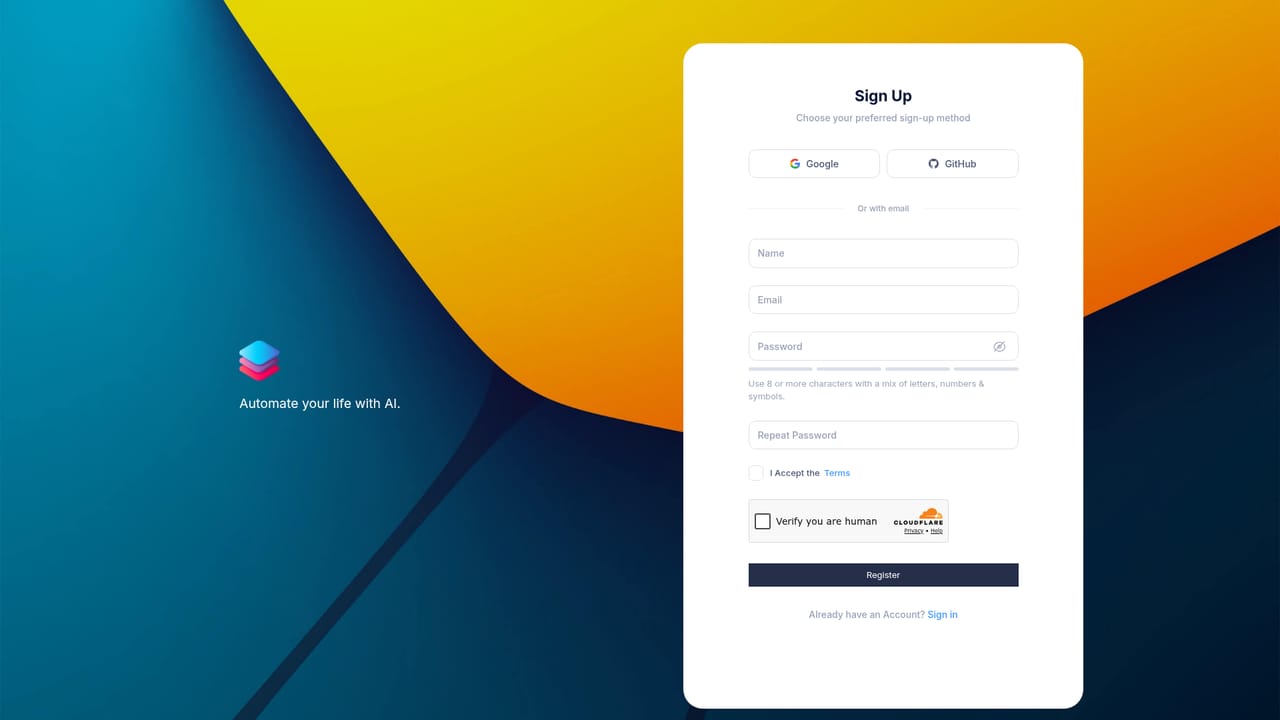
The site says an account can be created free without a card, but it does not describe a time-limited free trial of paid plan features.
Learn moreNo-code AI agents, 2,500+ templates and a voice studio in one platform

TaskAGI is a task completion tool. TaskAGI combines a no-code AI agent builder with 2,500+ templates, 1,000+ app integrations, browser automation and a text to speech studio with voice cloning, all under one subscription with AI credits included.
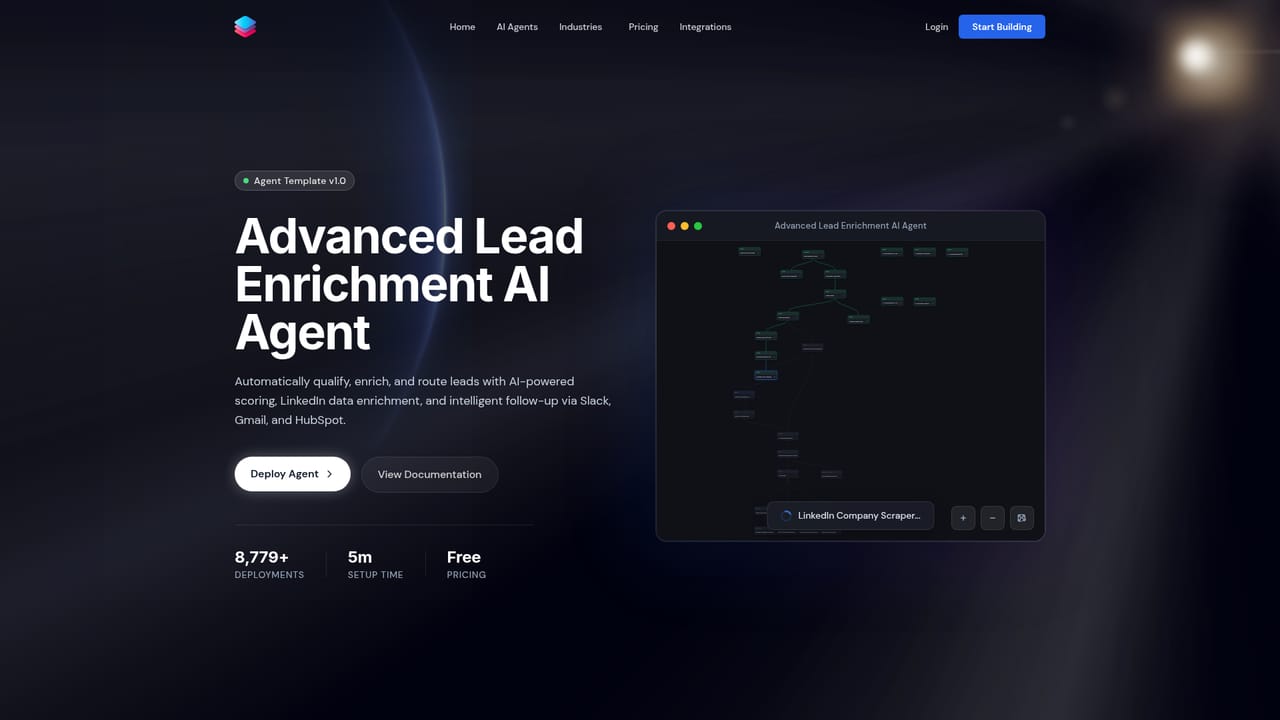
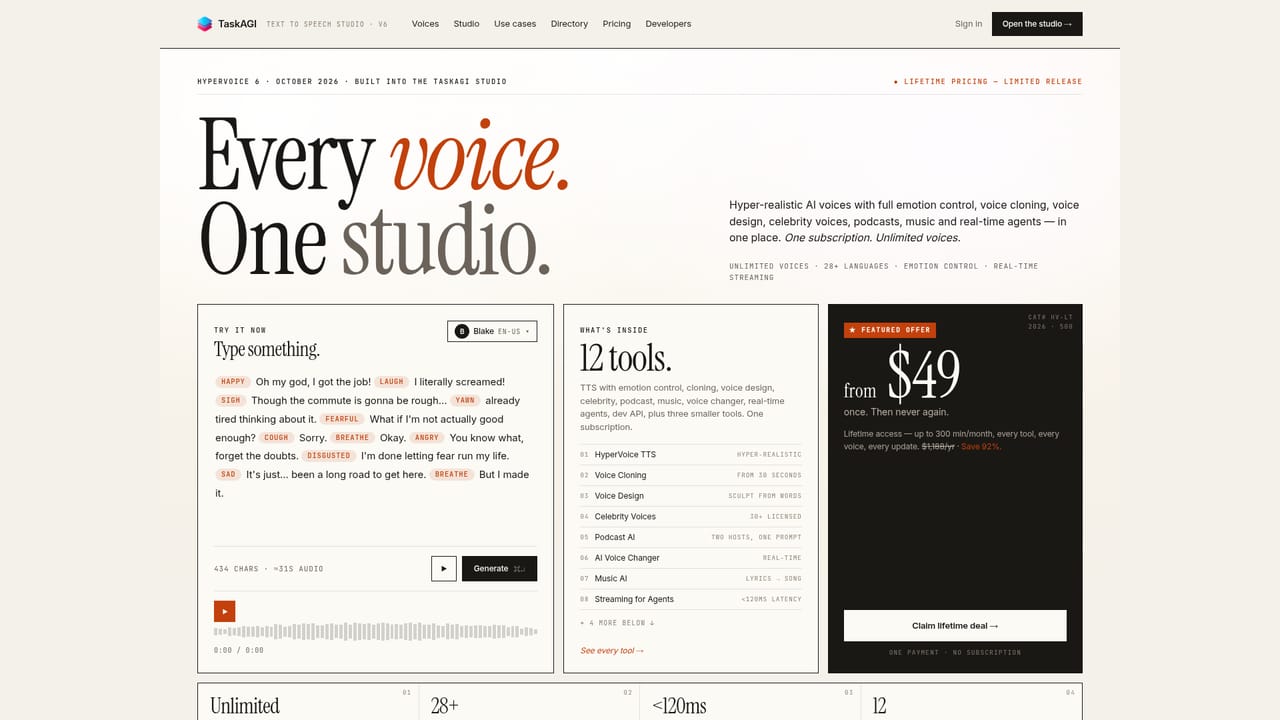
TaskAGI is an AI lab built around two products that share one account: a no-code agent automation platform and a text to speech workspace called HyperVoice. The automation side is the core. Users describe an outcome in plain English or wire nodes together in a drag-and-drop builder, and the resulting agent decides which connected tool to call and how to complete the task. The site frames this as an escape from long, brittle workflows, with one goal in and results out. The platform ships with a template library of more than 2,500 prebuilt agents. Popular examples cover lead enrichment, lead nurturing through the ChatGPT API, invoice extraction and reconciliation, social media performance reporting, employee recognition in Slack and security vulnerability remediation. For jobs where no integration exists, native browser automation fills forms, signs into sites and pulls data from pages. Everything is positioned as no-code, though the builder also exposes configurable nodes for people who want to control the logic. Alongside automation sits HyperVoice, a voice workspace for text to speech with emotion direction, voice cloning, a voice changer and an audiobook studio. Voice generation is bundled into the same plans and quotas, which makes TaskAGI unusual among automation tools: the same subscription can produce narration for content and run the agents that distribute it. The product suits operators, marketers, sales teams and agencies that want automation without engineering time, plus creators who need voice output from the same account. It competes with general automation platforms on integration breadth and with dedicated voice services on price bundling rather than on separate subscriptions. Teams that need deep custom code, on-premise deployment or a mature enterprise support contract should look carefully at what is actually documented before committing.
The site says an account can be created free without a card, but it does not describe a time-limited free trial of paid plan features.
Learn morePlans run from a $6.99 weekly tier and $49/month Personal up to $99 Automator and $199 Orchestrator, plus one-time lifetime options at $99 and a $49 Lite. Agent caps rise from 3 to 50, and each plan bundles matching AI credits, with HyperVoice minutes and API access varying by tier.
Learn moreSupport is tiered by plan: community support on weekly and Personal plans, priority support from Automator and above, and premium support with higher API rate limits on Orchestrator.
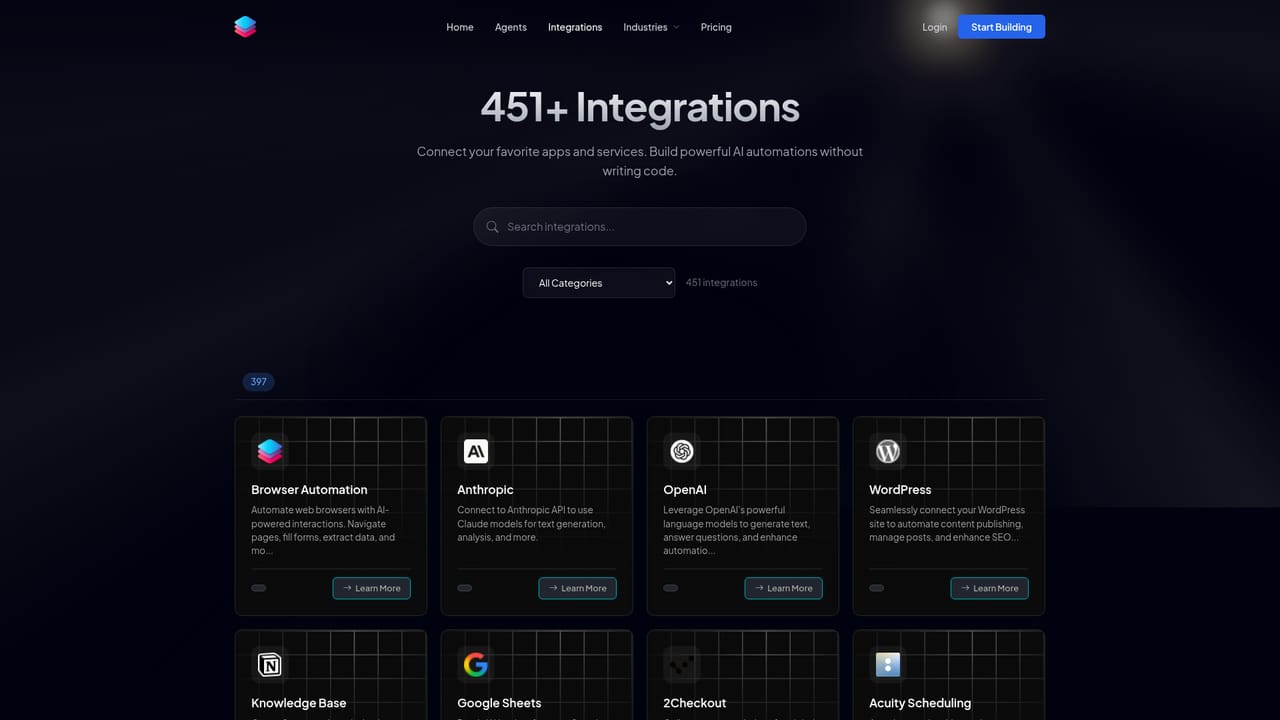
The directory lists more than 1,000 connectors, spanning Apollo, HubSpot, Google Sheets, OpenAI, Anthropic, WordPress, Slack, Twilio and DataForSEO alongside many scraper-style tools for marketplaces and travel sites.
Learn moreNo-code AI agent builder with drag-and-drop nodes and plain-English instructions, 2,500+ agent templates, native browser automation for sites without APIs, 1,000+ integrations, real-time test and deploy, plus the HyperVoice text to speech studio with emotion direction, voice cloning, a voice changer and an audiobook studio.
 AI Angels400+ customizable AI girlfriends for NSFW chat, voice calls, and roleplay
 Candy AIExperience the future of companionship with AI friends who chat, role-play, and connect with you on a human level.
 ourdream.aiA vast AI roleplay platform with millions of characters for chat, images, video and voiceAI Angels400+ customizable AI girlfriends for NSFW chat, voice calls, and roleplayCandy AIExperience the future of companionship with AI friends who chat, role-play, and connect with you on a human level.ourdream.aiA vast AI roleplay platform with millions of characters for chat, images, video and voice


