Free trial
A free account includes 10 complimentary generation and thermal stencil credits, plus free standalone tools such as the stencil maker and price calculator.
Learn moreAI tattoo design tuned for real needles, real skin and print-ready stencils.
Own TattooDesignPro? Verify ownership to get a dofollow link
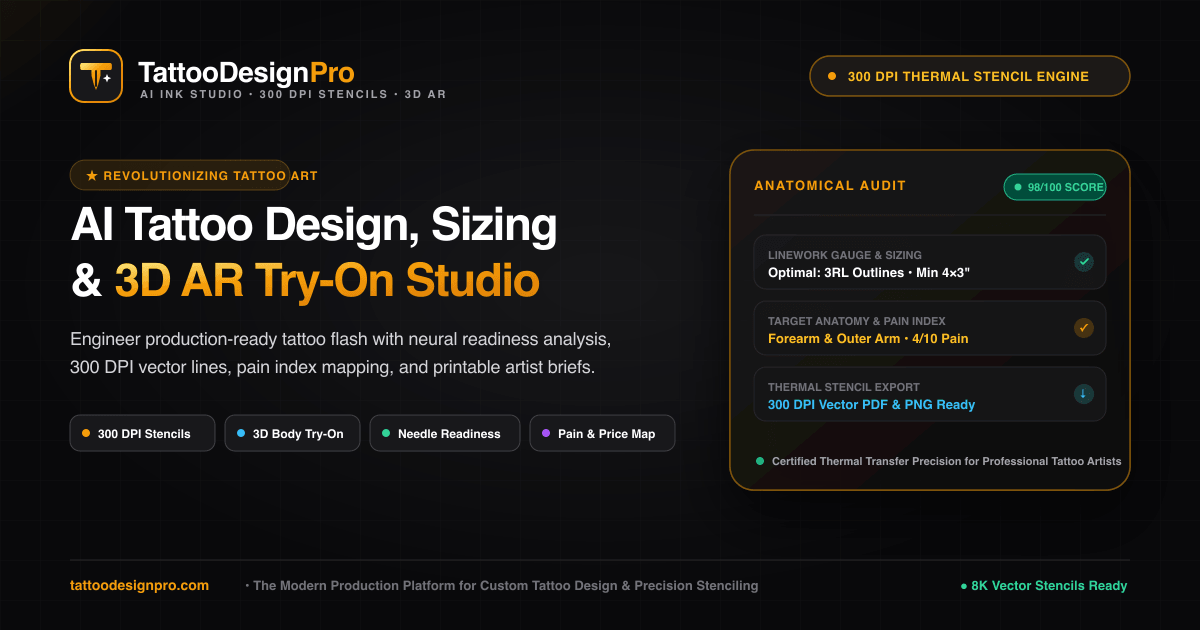
TattooDesignPro is a cover up tattoo tool. An AI tattoo generator built around real studio constraints: needle-aware prompt calibration, 3D placement previews on the body, and 300 DPI thermal stencils for Brother and Epson copiers. Includes free stencil, price and pain map utilities.
TattooDesignPro is a browser-based studio that generates tattoo concepts with the constraints of actual tattooing built in. Instead of producing painted digital art, the prompt engine calibrates output against needle gauge ranges (1RL through 9M1), negative space ratios and style-specific linework rules, so the result is something an artist can plausibly ink rather than a picture that collapses once transferred to skin. Twelve foundational styles are covered, including fine-line, irezumi, blackwork, neo-traditional, geometric mandala and minimalist, each documented with suggested needle setups and typical heal times. The workflow runs end to end. Users start from a text prompt or upload a rough sketch, client photo or vintage artwork and convert it into flash contours. A 3D anatomical try-on then warps the design around forearms, ribs, spine or shoulders with skin-tone blending and perspective curvature, giving a placement reference before any appointment is booked. The final stage exports high-contrast inverted vectors at 300 DPI, formatted for Brother PocketJet, Epson EcoTank and Spirit thermal copiers, which removes manual tracing from the stencil process. It suits two audiences. Tattoo artists get a faster concept and stencil pipeline plus commercial rights on the Pro Creator and Studio tiers. Enthusiasts get a way to arrive at a consultation with concrete artwork, placement references and realistic expectations. Free utilities broaden the appeal: a client-side stencil maker that extracts vector edges from any photo, a price calculator driven by placement, size, complexity and artist location, and a pain scale map covering 22 anatomical regions. Competitively, the tool sits apart from general image generators by treating print output, skin contrast and aging as product requirements rather than afterthoughts. It does not replace the artist: the site is explicit that needle depth adaptation, sterile technique and final execution remain human work.
A free account includes 10 complimentary generation and thermal stencil credits, plus free standalone tools such as the stencil maker and price calculator.
Learn morePlans are split across Pro Creator and Studio tiers with commercial rights included; the homepage does not state prices. Credits are consumed per action: 3 for sketch to vector conversion, 3 for 3D anatomical try-on and 5 for a 300 DPI thermal stencil. New accounts receive 10 free credits.
Learn moreExport targets thermal copier hardware: Brother PocketJet, Epson EcoTank and Spirit thermal machines. No software integrations are described on the homepage.
Needle-aware prompt engine calibrated to gauges from 1RL to 9M1, image-to-tattoo flash conversion, 3D anatomical placement with multi-angle warping, and 300 DPI inverted thermal stencil export. Twelve foundational styles span fine-line, irezumi, blackwork, neo-traditional, geometric and minimalist, each with needle and heal-time guidance.
Learn more AI Angels400+ customizable AI girlfriends for NSFW chat, voice calls, and roleplay
 Candy AIExperience the future of companionship with AI friends who chat, role-play, and connect with you on a human level.
 ourdream.aiA vast AI roleplay platform with millions of characters for chat, images, video and voiceAI Angels400+ customizable AI girlfriends for NSFW chat, voice calls, and roleplayCandy AIExperience the future of companionship with AI friends who chat, role-play, and connect with you on a human level.ourdream.aiA vast AI roleplay platform with millions of characters for chat, images, video and voice


