CoverUpInk

Preview AI cover-up tattoo designs on a photo of your own old ink

Beginner
Screenshot of CoverUpInk, Preview AI cover-up tattoo designs on a photo of your own old ink

What is CoverUpInk?

CoverUpInk is a design tool. CoverUpInk pairs a gallery of 300+ AI cover-up tattoo concepts with a generator that draws three designs over a photo of your old tattoo, plus linework to take to an artist. Sold in one-time credit packs.

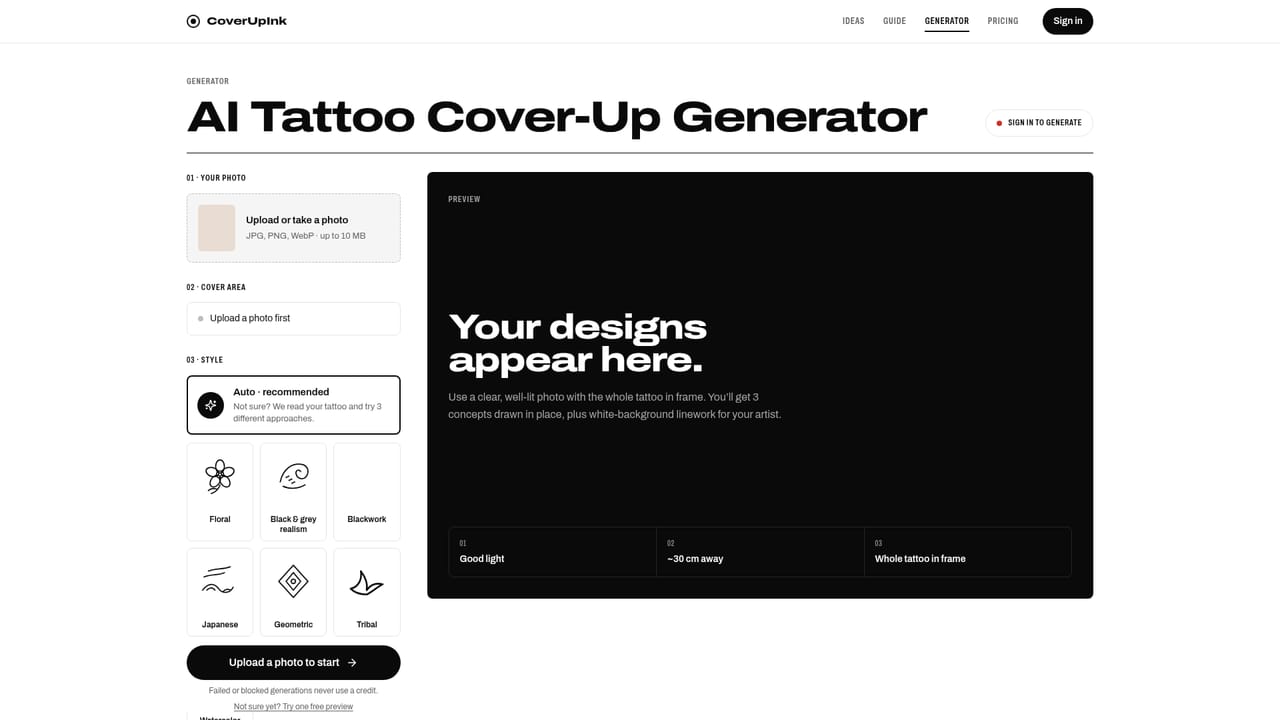
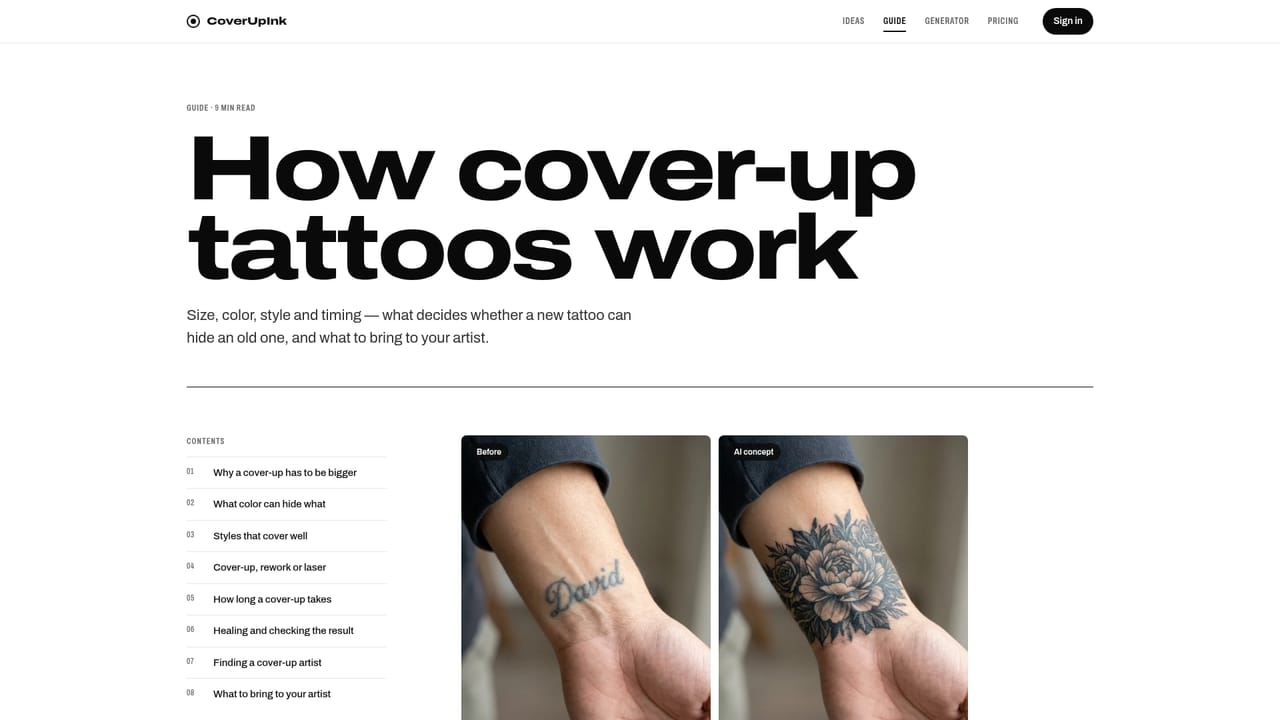
CoverUpInk is a web tool for people who regret an existing tattoo and want to see what a cover-up could look like before talking to an artist. It combines a browsable library of more than 300 AI-made cover-up concepts with a generator that works from a photo of the user's own skin. The library is split into fifteen galleries: seven by body placement (hand, neck, wrist, forearm, chest, lower back, sleeve), six by design type (name, flower, cross, dark and blackout, scar, small) and two by audience (men and women). Each gallery holds 20 concepts, along with size and style guidance for that spot and the mistakes that let old ink show through. The homepage also presents before and after sliders, such as a name script turned into a peony or a wrist cross turned into a raven, all labeled as AI concepts rather than client work. In the generator, the user drops in or takes a photo of the tattoo (JPG, PNG or WebP, up to 10 MB), optionally picks a style such as floral, black and grey, realism, Japanese or geometric, and receives three concepts drawn over the original location. A clean linework version is included for handing to an artist. Uploaded photos are deleted after 24 hours, and results are visible only to the uploader. The site is frank about limits. Its guidance explains that a cover-up usually needs to be around 1.5 to 2 times larger than the original, that dark ink covers light ink and not the reverse, and that very dark tattoos may need laser fading first. It states that no generator can guarantee coverage and that the output should be treated as a reference for a consultation, not a stencil. Payment is by one-time credit packs, not a subscription. Compared with general image generators, it is narrower but more purpose-built: its value is the placement-aware preview and the educational content around cover-up planning, not open-ended image creation.
How do you use CoverUpInk?

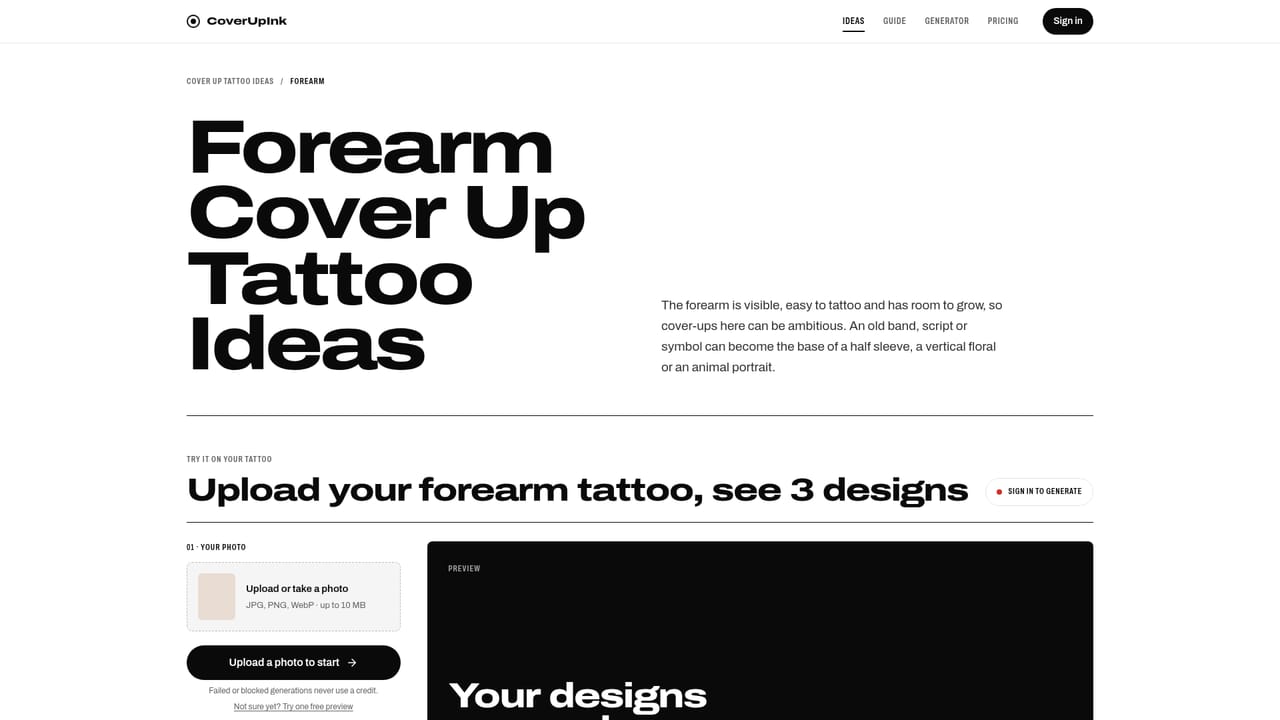
  1. 1Browse the cover-up galleries
    Look through the placement and design galleries to find motifs and styles that suit the spot you want to cover. Each gallery shows 20 concepts and size and style rules for that area.
    CoverUpInk — Browse the cover-up galleries
  2. 2Read the cover-up guide
    Check how cover-ups work, including why the new design should be larger and darker than the old one. This helps judge which ideas are realistic for your tattoo.
    CoverUpInk — Read the cover-up guide
  3. 3Upload a photo of your tattoo
    Open the generator and drop in a clear daylight photo (JPG, PNG or WebP, up to 10 MB), or take one on the spot.
    CoverUpInk — Upload a photo of your tattoo
  4. 4Choose a style and generate
    Pick Auto or a style such as Floral, Black & grey, Realism, Japanese or Geometric, then generate three cover-up concepts drawn over your tattoo.
  5. 5Take the linework to an artist
    Download the concept and its linework and book a consultation with an artist who does cover-ups. They will adapt size, placement and shading to your skin.

Pros and cons

Pros

  • Draws concepts directly over a photo of the user's own tattoo, not on generic stock skinAI
  • Fifteen galleries organized by placement, design type and audience make browsing quickAI
  • Includes clean linework output that can be handed to a tattoo artist as a referenceAI
  • Educational guidance on sizing, dark-over-light coverage and laser fading sets realistic expectationsAI
  • One-time credit packs with no subscription, and failed or blocked generations cost nothingAI

Cons

  • Cannot promise real coverage; the site itself says only an artist seeing the skin in person can judge itAI
  • Narrow single-purpose tool, not useful for general tattoo design or other image workAI
  • Only three concepts per photo, so exploring many ideas means spending more creditsAI
  • Photos are kept only 24 hours, so results may need to be saved promptlyAI
  • Pricing detail beyond the entry pack is not shown on the homepageAI

How much does CoverUpInk cost?

Pricing

Sold as one-time packs of generations, starting from $19. There is no subscription, credits never expire, and failed or blocked generations do not use a credit.

Learn more

Features

Library of 300+ AI cover-up concepts in 15 galleries (placement, design, audience), before and after sliders, a photo-based generator with style options, three concepts per photo, linework for artists, and a cover-up guide.

Learn more

Frequently asked questions about CoverUpInk

  • How much does CoverUpInk cost?
    Sold as one-time packs of generations, starting from $19. There is no subscription, credits never expire, and failed or blocked generations do not use a credit.
  • How do you use CoverUpInk?
    The walkthrough on this page covers 5 steps: 1. Browse the cover-up galleries 2. Read the cover-up guide 3. Upload a photo of your tattoo 4. Choose a style and generate 5. Take the linework to an artist.
  • What platforms does CoverUpInk support?
    CoverUpInk is available on Web App.
  • What are the limitations of CoverUpInk?
    Cannot promise real coverage; the site itself says only an artist seeing the skin in person can judge it. Narrow single-purpose tool, not useful for general tattoo design or other image work. Only three concepts per photo, so exploring many ideas means spending more credits.

Status

StatusActive
Views0
Outbound clicks0
Added10/18/2026

Platforms

Web App

Pricing

Paid