Free trial
New accounts get 10 free credits on sign up, usable to generate cover-up concepts.
Learn morePreview AI-generated cover-up designs for an unwanted tattoo
Own TattooCoverUp.AI? Verify ownership to get a dofollow link

TattooCoverUp.AI turns a photo of an unwanted tattoo into AI-generated cover-up concepts, including four suggested directions from its Cover-Up Agent. It suits people planning a cover-up who want to preview ideas before visiting an artist.
TattooCoverUp.AI is a web-based generator built for one narrow job: showing what an existing tattoo could become. A user uploads a photo of the ink they want to hide or rework, and the service produces cover-up concepts that account for the old design's colors, size and position on the body. The goal is a visual starting point to bring to a tattoo artist, not a finished stencil. The workflow centers on a Cover-Up Agent. After a JPEG, PNG or WEBP photo of up to 10MB is uploaded, the tool analyzes it and proposes four different cover-up directions. The site recommends a clear photo with even lighting, clean uncovered skin and the full tattoo in view. Beyond the agent, the generator accepts a typed idea, and the example gallery shows the settings behind each result: a style such as Ornamental, Black & Grey Realism or Neo Traditional, a model labeled Pro, and the text prompt that produced the image. Those prompts can be copied and adapted. Before-and-after sliders make it easy to judge how well a new motif hides the original lines. The examples on the homepage cover a wide range: a name tattoo turned into a rose and dagger, a faded koi replaced with a hooded skull, initials and a heart covered by a phoenix, a bold tribal piece buried under ornamental black and grey work, and a scar covered with lace-like jewelry designs. Separate pages exist for ex-name, scar, tummy tuck and tribal cover-ups, which suggests the service targets people with specific regrets or skin concerns rather than general tattoo design. New accounts receive 10 free credits, enough to test the workflow before deciding whether it is worth paying for. Compared with general image generators, the value here is the tattoo-specific analysis and the focus on covering existing ink. Compared with Pinterest boards or artist portfolios, it produces images based on the user's own body and tattoo. Results remain AI concepts, so a professional still has to judge whether the old pigment can actually be covered.
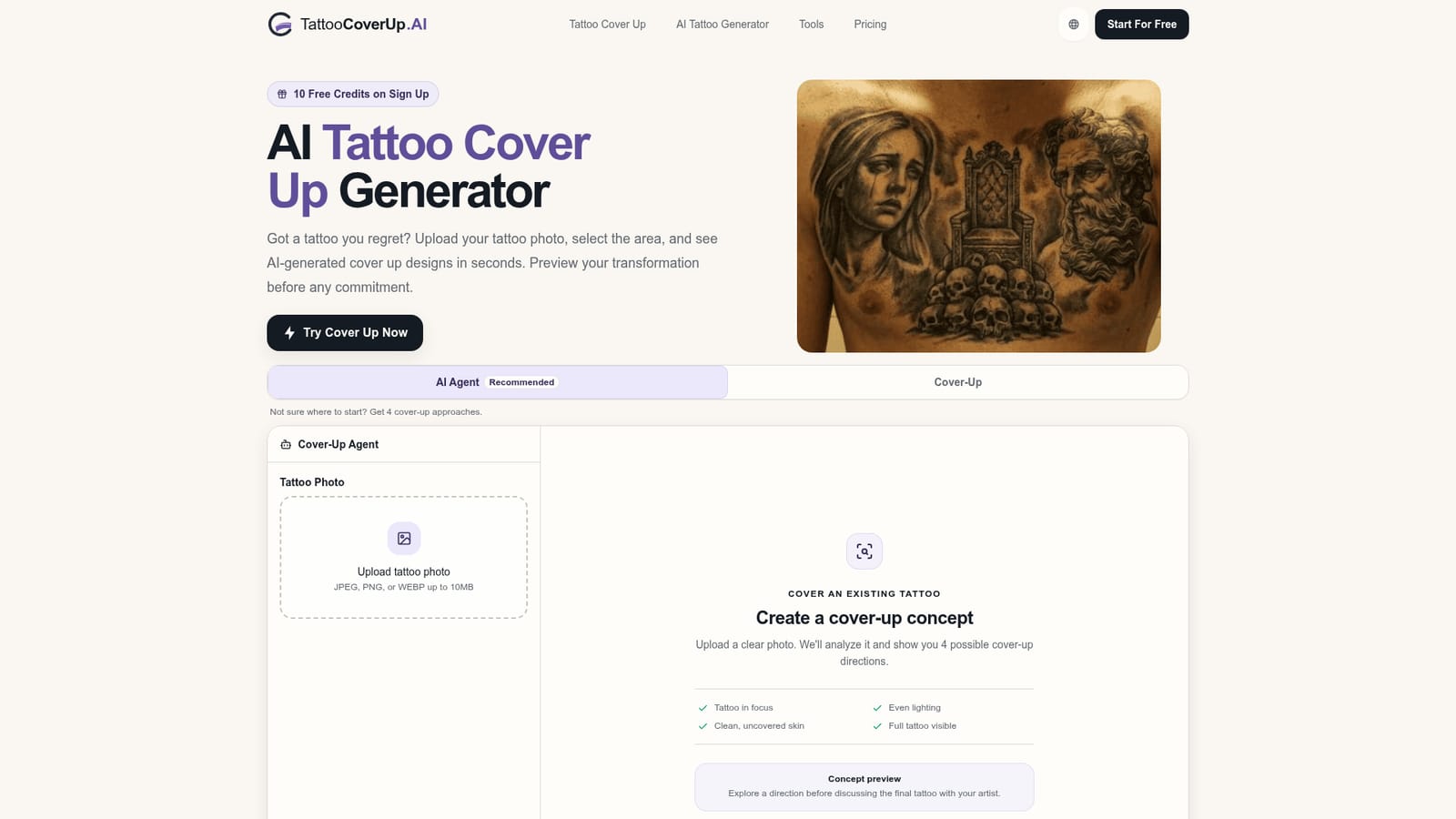
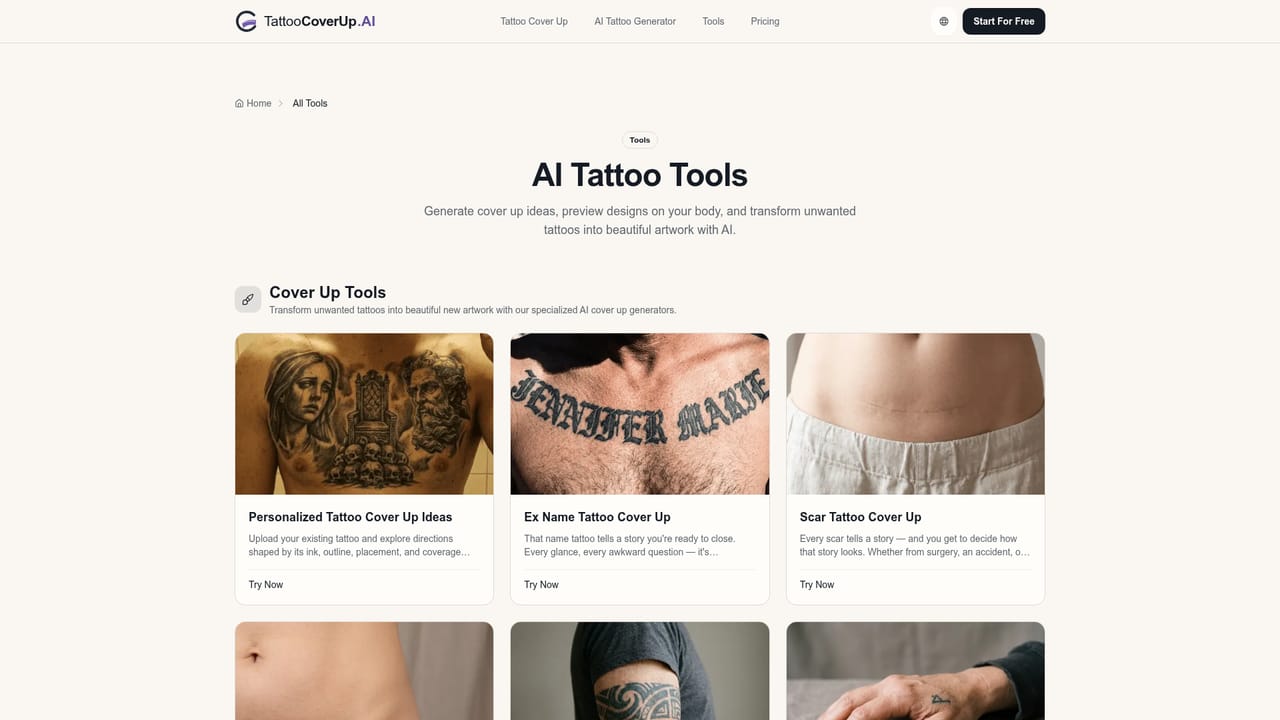
New accounts get 10 free credits on sign up, usable to generate cover-up concepts.
Learn moreThe homepage advertises 10 free credits on sign up. It does not list paid plans or prices.
Learn moreCover-Up Agent that proposes four directions from an uploaded tattoo photo, analysis of colors, size and placement, selectable styles and a Pro model, copyable idea prompts, and before-and-after comparison sliders.
Learn more


