Free trial
The AI Hub invites visitors to start for free, and the signup link carries a trial plan identifier, indicating a free trial before a paid subscription. No trial length is stated on the page.
Learn moreAI course building inside a full online school platform

Teachable is a courses tool. Teachable bundles AI course drafting, a quiz generator and automatic video transcription with translation into over 70 languages into its online course platform, aimed at creators who want to launch a paid school quickly.
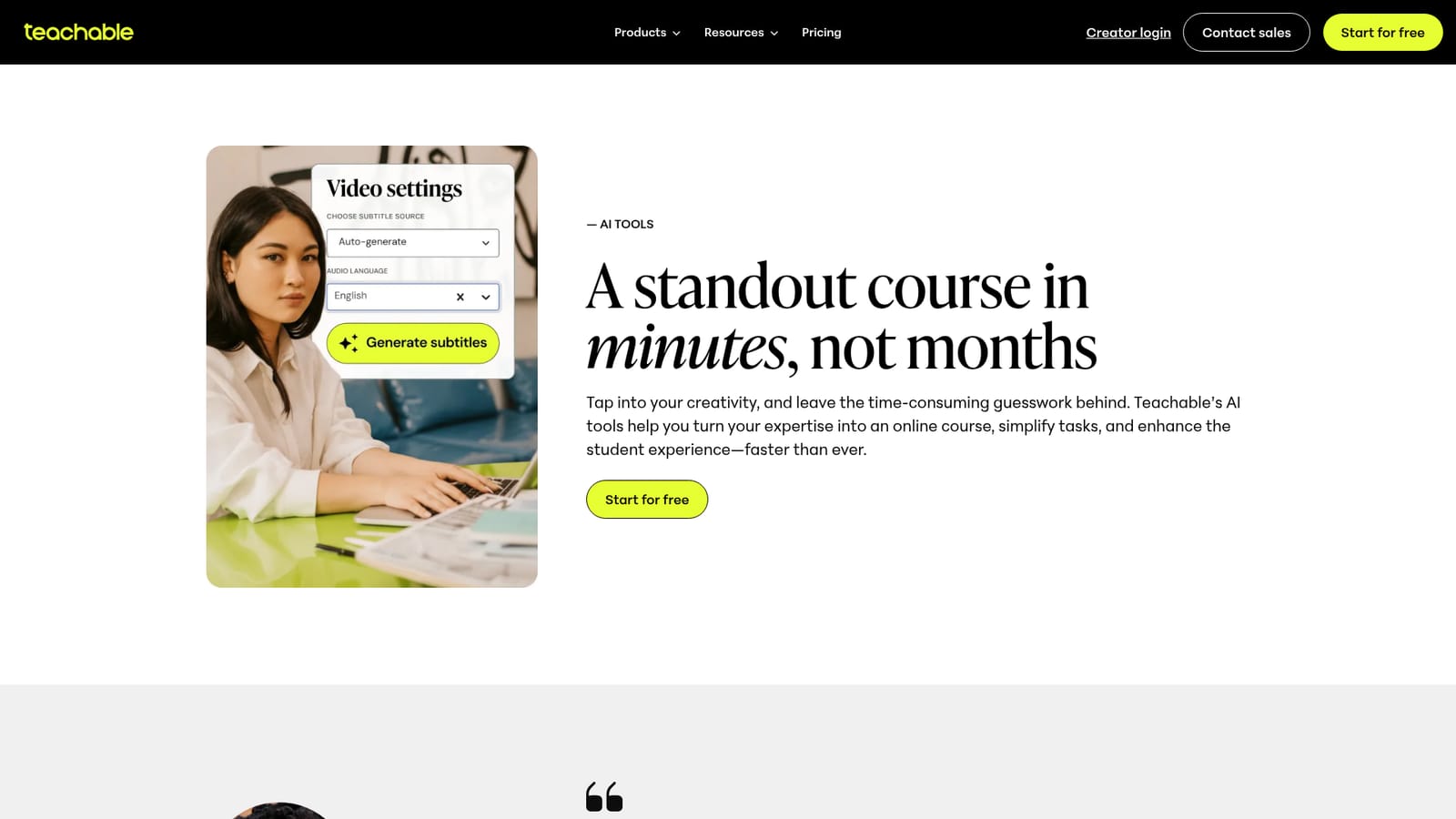
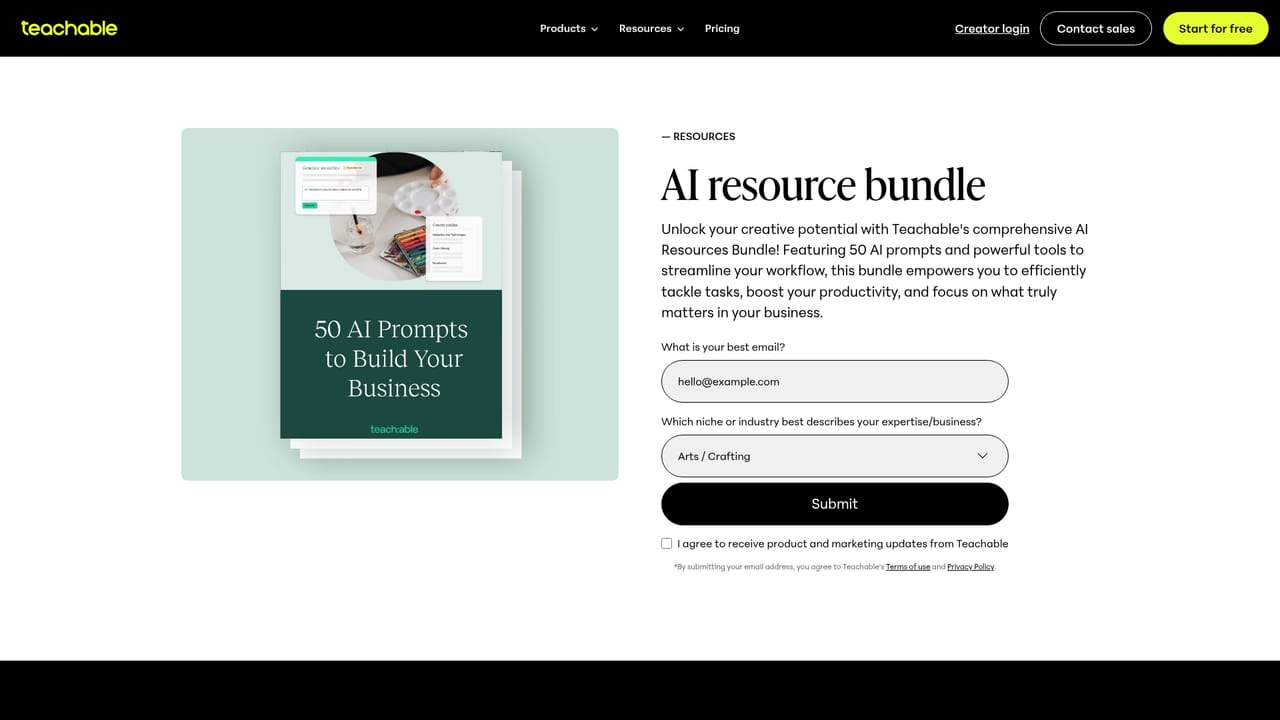
Teachable's AI Hub collects the artificial intelligence features built into the Teachable course platform, aimed at creators who want to turn existing expertise into a sellable online course without spending months on production. The centerpiece is the Course Starter, which drafts a complete curriculum, lesson content and a sales page in minutes. Everything it produces is editable, so the draft functions as a starting point rather than a locked template, and creators can generate as many course drafts as they like on any plan. Two further tools target delivery and retention. A built-in video transcription service generates captions automatically and can translate them into more than 70 languages, which Teachable positions as a cheaper route than paying third-party transcription providers. The Quiz Generator builds multi-question assessments from a chosen course and its lessons in seconds; Teachable reports that courses containing a quiz see an 80% higher completion rate and 86% higher average lifetime sales. A prompt library and resource bundle supplement the in-product tools for creators who prefer to work with a general assistant. The audience is individual educators, coaches and small education businesses rather than enterprises. Testimonials on the page come from wedding planning instructors, language schools, flight training and reading specialists, several of whom cite automatic tax handling and payment processing as the reason they stay. In practice the AI sits on top of a conventional course hosting, checkout and enrollment system, so the workflow runs from idea to draft to published school without leaving the platform. Among alternatives, Teachable's differentiator is that the AI is embedded in a commerce-ready school rather than sold as a standalone writing assistant. Creators who only need lesson outlines can use a general chatbot for free, and those who want deep customization of every page may find the templates more constrained. The AI features are conveniences attached to a paid hosting product, not a separate tool.
The AI Hub invites visitors to start for free, and the signup link carries a trial plan identifier, indicating a free trial before a paid subscription. No trial length is stated on the page.
Learn moreCourse Starter drafts a full curriculum, lesson content and sales page in minutes with unlimited drafts on any plan. A Quiz Generator builds complex quizzes from selected lessons, and built-in video transcription adds automatic translations in over 70 languages. Teachable reports 3.8M+ pieces of AI content generated on the platform.
 AI Angels400+ customizable AI girlfriends for NSFW chat, voice calls, and roleplay
 Candy AIExperience the future of companionship with AI friends who chat, role-play, and connect with you on a human level.
 ourdream.aiA vast AI roleplay platform with millions of characters for chat, images, video and voiceAI Angels400+ customizable AI girlfriends for NSFW chat, voice calls, and roleplayCandy AIExperience the future of companionship with AI friends who chat, role-play, and connect with you on a human level.ourdream.aiA vast AI roleplay platform with millions of characters for chat, images, video and voice


