Free trial
No trial is needed: the resume builder itself is described as free to use, including unlimited resume downloads, so there is no time limited evaluation period.
Learn moreFree AI resume builder with ATS scoring and job matching
Own Teal Resume Builder? Verify ownership to get a dofollow link

Teal Resume Builder is a career tool. A free resume builder from Teal that imports your existing resume, scores it against any job description across 15+ checks, and generates tailored summaries, bullets and cover letters. Unlimited PDF exports with no paywall, plus 100+ ATS-friendly templates.
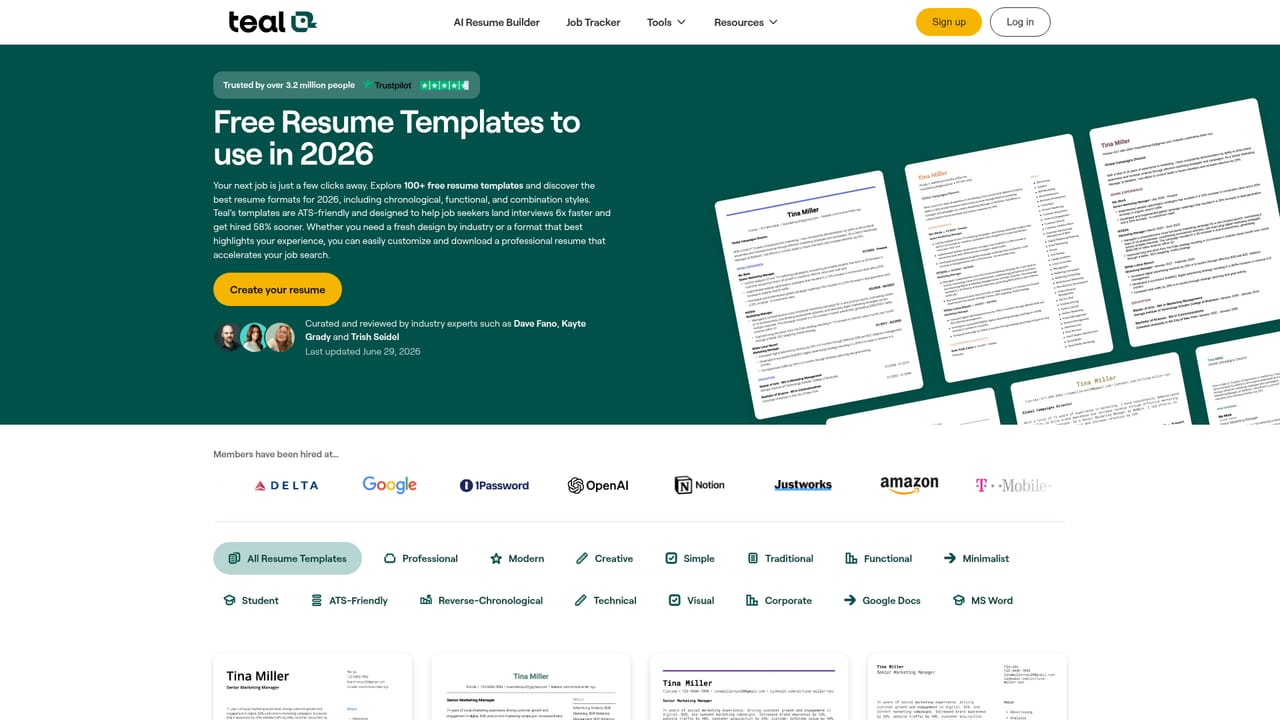
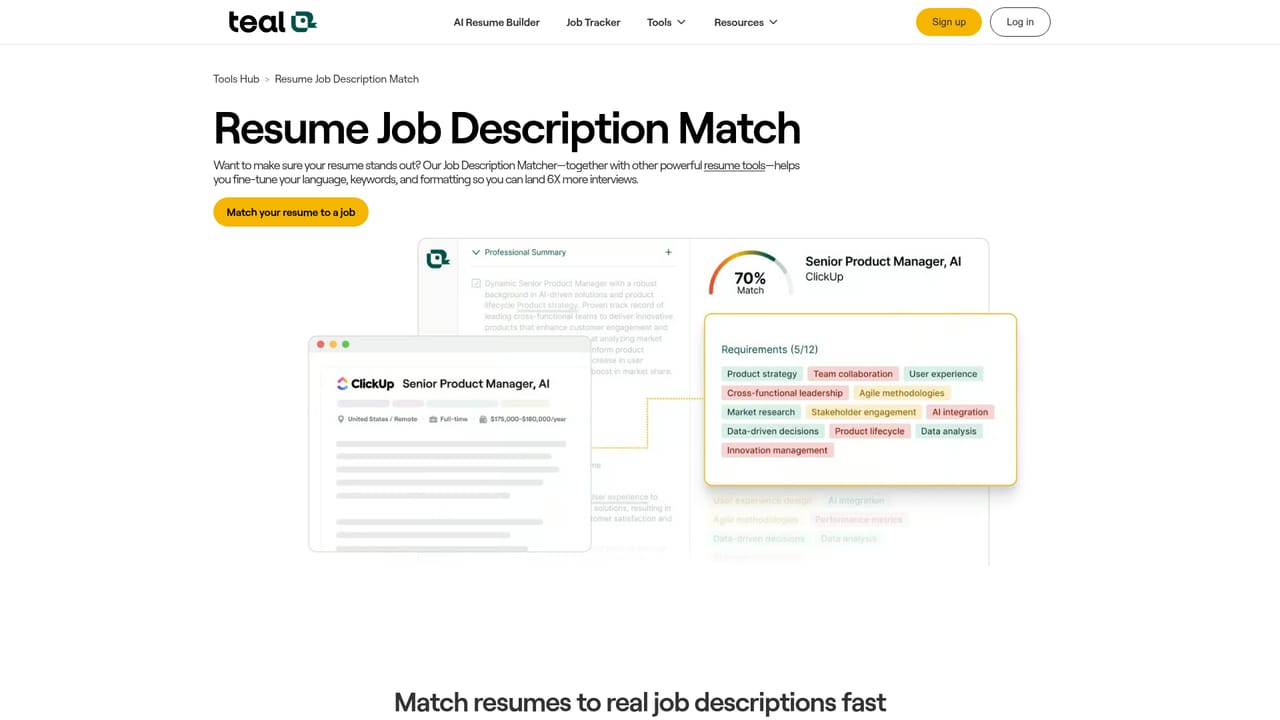
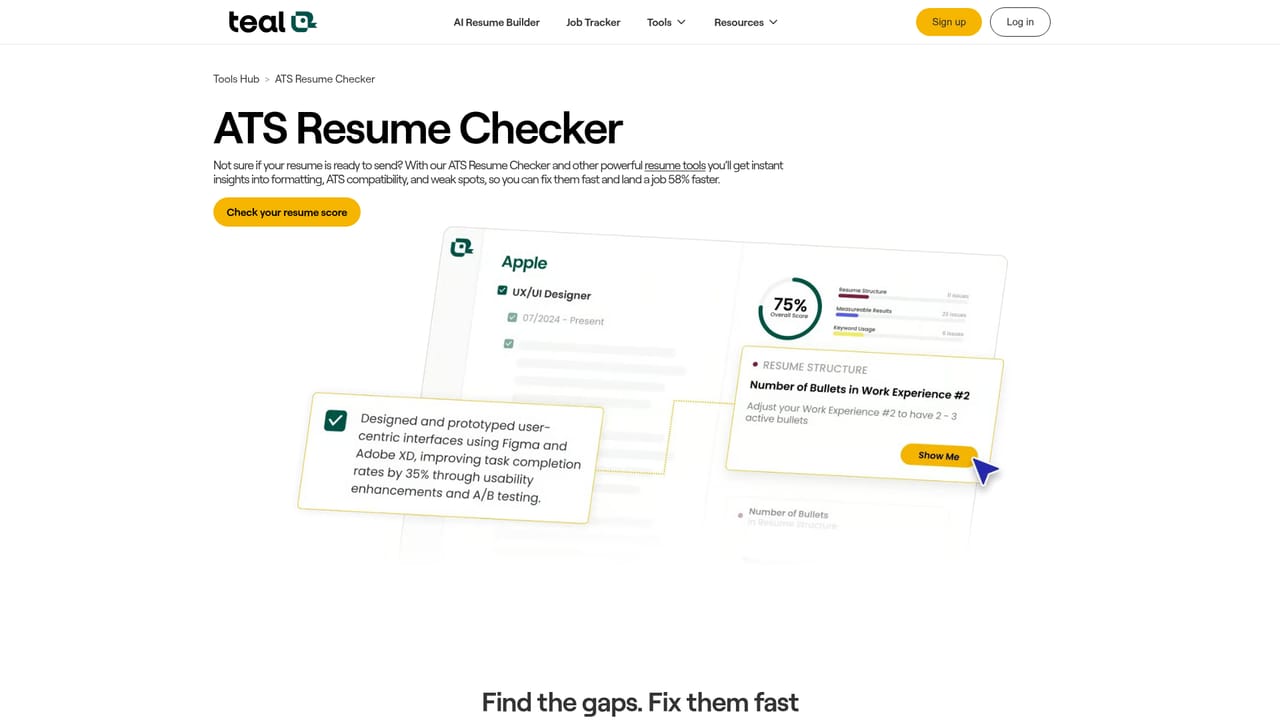
Teal Resume Builder is a free web tool for creating and tailoring resumes, built by the career platform Teal and used by a reported 4 million job seekers. Its core promise is speed without a paywall: resumes can be built, edited and exported as PDFs without limits, and each version can be adjusted to a specific job posting rather than reused across every application. The workflow starts with an import. You can upload an existing resume or pull details from LinkedIn, then use a drag-and-drop editor to decide which experiences and sections appear in a given version. From there the AI layer takes over. The resume analyzer checks a document in more than 15 ways against a pasted job description and returns an ATS score with concrete recommendations. The job matching feature extracts the skills, keywords and experiences an employer is asking for, and the AI writer generates summaries, bullet points and cover letter text that use that language. A library of ATS-ready templates lets you adjust fonts, layout and spacing so the finished file still reads cleanly to screening software. The tool suits active job seekers running several applications at once, career changers who need to reframe existing experience, and anyone who has been rewriting the same document by hand. The ability to store and compare multiple resume versions is the practical differentiator here, since most free builders push you toward one document and one export. Alternatives tend to split into two camps. Simple resume builders handle formatting but leave tailoring to you; standalone AI writing assistants generate text but do not score it against a posting or manage versions. Teal sits between them, combining the editor, the audit and the job-matching logic in one place. The tradeoff is that the tool is clearly tied to Teal's wider job search platform, and the AI output still demands a careful read before it goes out.
No trial is needed: the resume builder itself is described as free to use, including unlimited resume downloads, so there is no time limited evaluation period.
Learn moreThe homepage presents the Resume Builder as free, with no paywalls on creating, editing or exporting resumes as PDFs. No paid tier or price is listed on this page, so the cost of any premium Teal features is not stated here.
Learn moreThe homepage mentions importing a resume from LinkedIn. No other integrations or an API are described on the page.
Includes a drag-and-drop resume editor with import from file or LinkedIn, a resume analyzer that checks a document in 15+ ways against a job description with an ATS score, AI generation of summaries and metric-driven bullets, job matching that extracts keywords and skills from postings, 100+ ATS-ready templates, cover letter drafting, and unlimited PDF exports with version tracking.
Learn more AI Angels400+ customizable AI girlfriends for NSFW chat, voice calls, and roleplay
 Candy AIExperience the future of companionship with AI friends who chat, role-play, and connect with you on a human level.
 ourdream.aiA vast AI roleplay platform with millions of characters for chat, images, video and voiceAI Angels400+ customizable AI girlfriends for NSFW chat, voice calls, and roleplayCandy AIExperience the future of companionship with AI friends who chat, role-play, and connect with you on a human level.ourdream.aiA vast AI roleplay platform with millions of characters for chat, images, video and voice


