Integrations
Slack is the integration the homepage highlights, with Kai answering questions in chat. Google Docs and Notion are named as sources for importing existing content into the knowledge base.
Learn moreAI knowledge base that answers team questions before they pile up

Tettra is an internal knowledge base with an AI bot called Kai that answers team questions in Tettra or Slack, plus verification workflows that keep pages accurate. It suits whole companies, support teams and agencies replacing scattered docs and repetitive Slack questions.
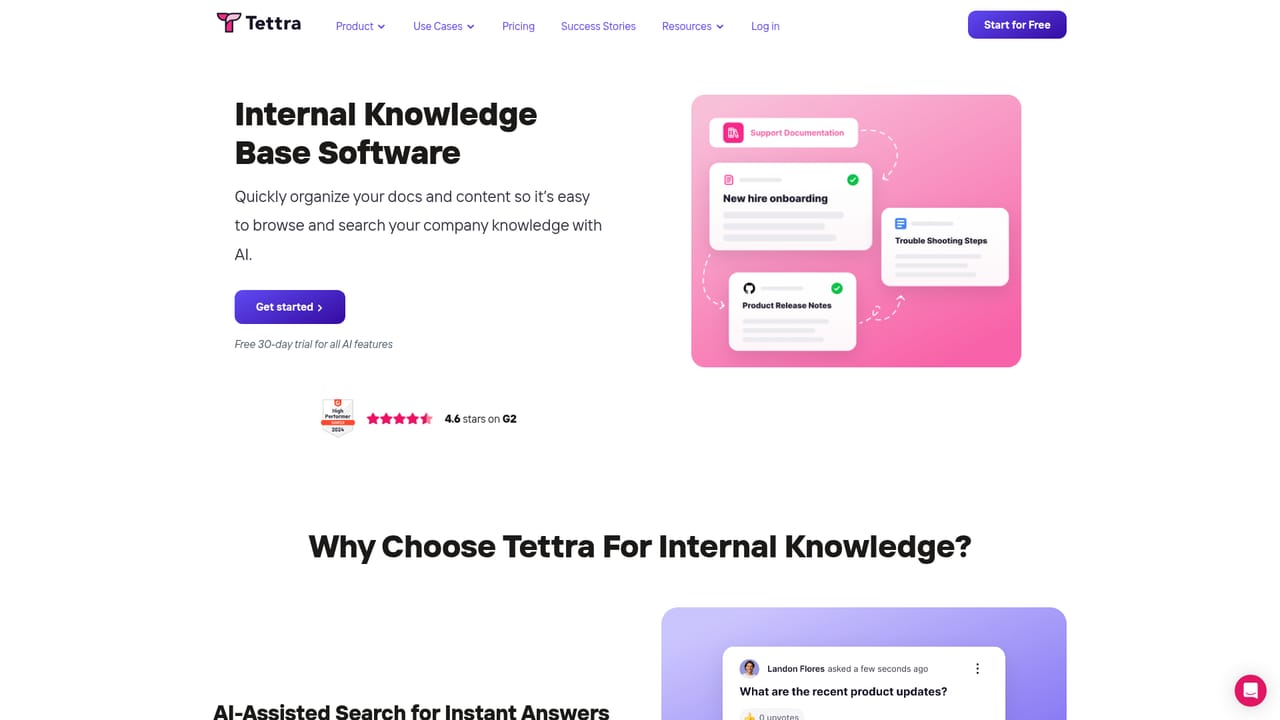
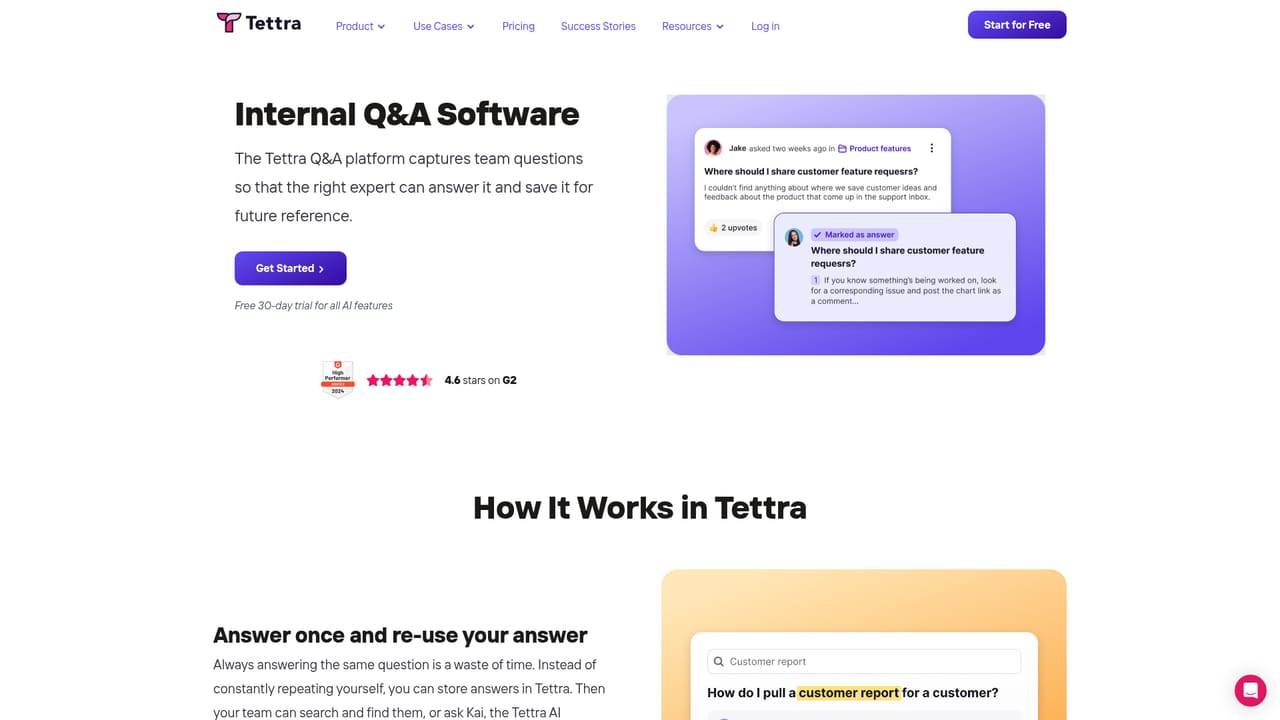
Tettra is an internal knowledge base built around a simple premise: most repetitive questions inside a company already have an answer somewhere, and the job of the tool is to make that answer findable and trustworthy. Content lives in a lightweight editor that the team writes in directly, and existing material from Google Docs, Notion and local files can be brought across so a wiki does not have to be rebuilt from scratch. The second half of the product is Kai, an AI bot that searches the knowledge base when a teammate asks a question, either inside Tettra itself or in Slack. When the answer exists, Kai returns it on the spot. When it does not, the bot helps route the question to the person most likely to know, which turns a dead end into a documentation task rather than a lost message in a channel. Knowledge management is where Tettra separates itself from a plain wiki. Pages can be assigned to subject matter experts for regular verification, so important documents do not quietly rot. The system surfaces knowledge gaps, and teammates can suggest edits that owners approve before they go live. That review loop matters for service teams answering customer questions, where a stale policy page turns into a wrong answer to a customer. Tettra is aimed at entire companies, customer facing support teams and agencies that need consistent answers across many clients. The homepage case studies come from a startup accelerator (Techstars), a support organization (Fortnox) and a marketing agency (SmartBug). Compared with heavyweight documentation platforms, the pitch is speed of setup and low maintenance overhead rather than deep page hierarchies. Teams that have outgrown scattered Slack threads and shared drives are the natural audience. Pricing tiers are not listed on the homepage, so buyers should confirm plan details and limits directly with the vendor. Because the AI answers are grounded in your own content, the quality of the knowledge base sets the ceiling on answer quality. Tettra leans on verification assignments and edit approval to keep that content current, which is the practical difference between an AI assistant that helps and one that confidently repeats outdated information.
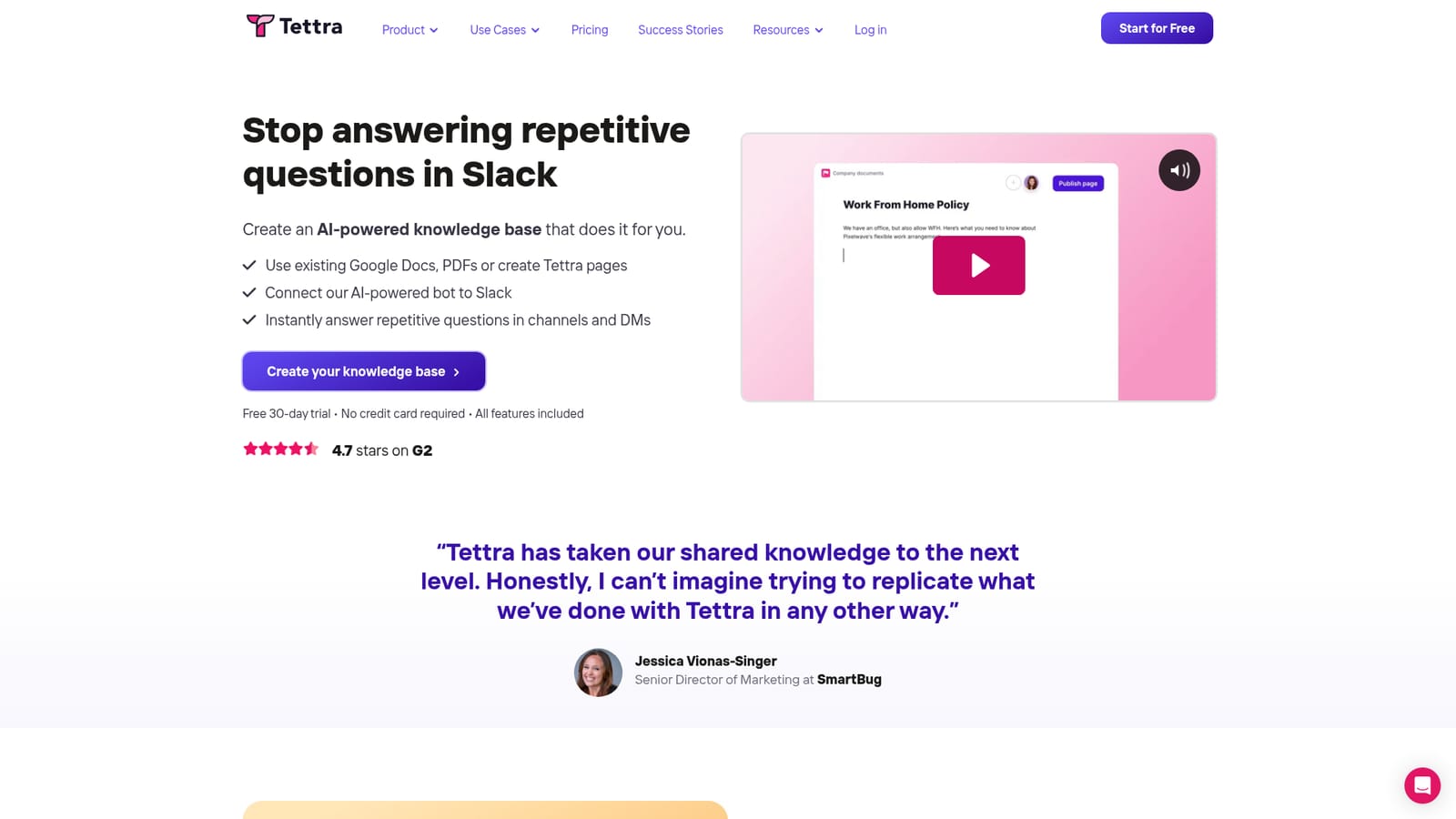
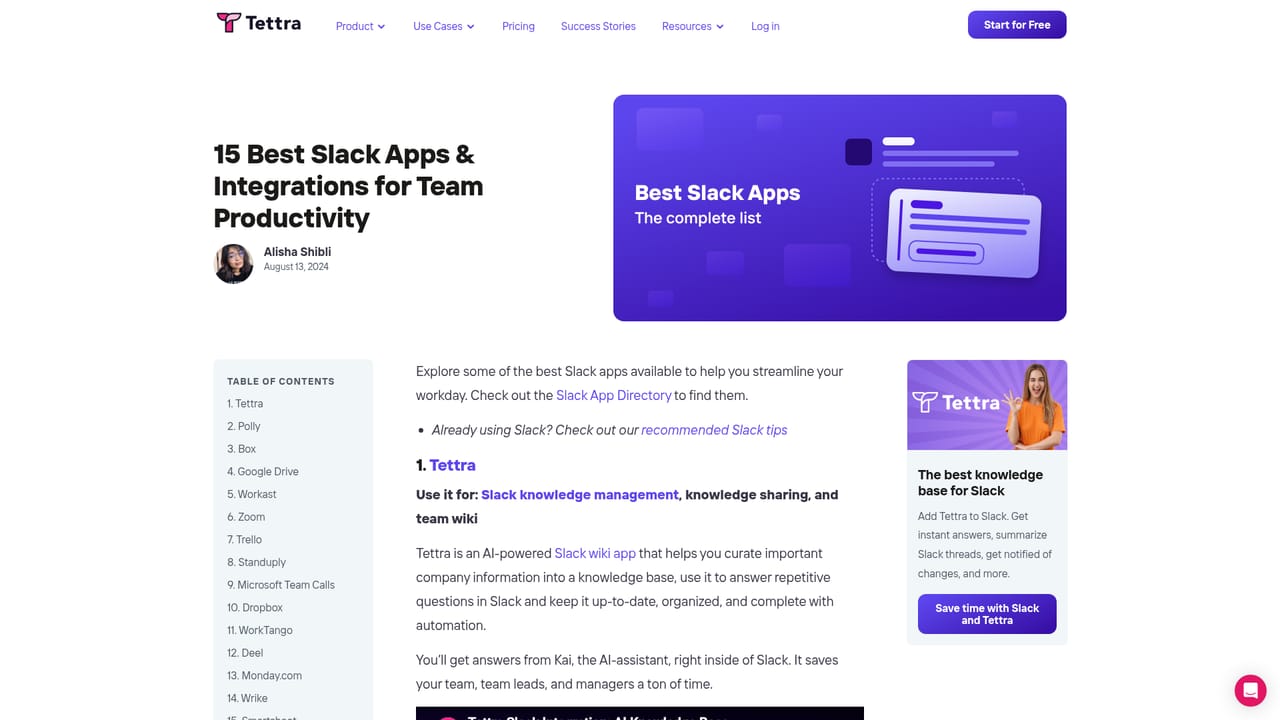
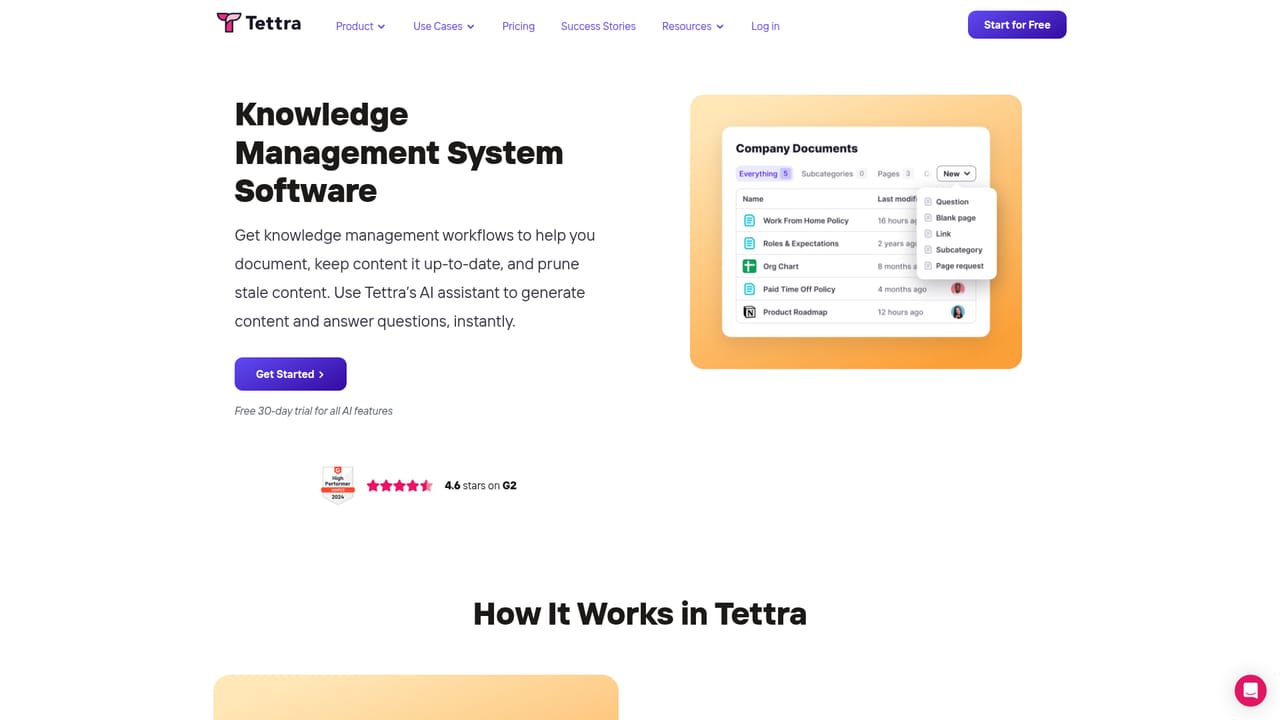
Slack is the integration the homepage highlights, with Kai answering questions in chat. Google Docs and Notion are named as sources for importing existing content into the knowledge base.
Learn moreThree core areas: an internal knowledge base with a built in editor and imports from Google Docs, Notion and local files; AI powered Q&A through the Kai bot in Tettra and Slack, with fallback routing to the right person when no answer exists; and knowledge management automation covering expert verification, knowledge gap detection and approval of suggested edits.
Learn more AI Angels400+ customizable AI girlfriends for NSFW chat, voice calls, and roleplay
 Candy AIExperience the future of companionship with AI friends who chat, role-play, and connect with you on a human level.
 ourdream.aiA vast AI roleplay platform with millions of characters for chat, images, video and voiceAI Angels400+ customizable AI girlfriends for NSFW chat, voice calls, and roleplayCandy AIExperience the future of companionship with AI friends who chat, role-play, and connect with you on a human level.ourdream.aiA vast AI roleplay platform with millions of characters for chat, images, video and voice


