Free trial
The homepage promotes a free account and a Try It Now link to registration, but does not state a trial period or the limits applied to free usage.
Learn moreA customized ChatGPT that talks to your own APIs, tools and data

WorkGPT.us is an AI chat bot tool. WorkGPT is a customized ChatGPT that connects to your private APIs, internal data and everyday apps, then runs tasks as autonomous AI agents. Roles can be built and shared by chatting, with templates for email scraping, meeting reminders, blog drafts and translation.
WorkGPT is a customized ChatGPT environment built for work rather than general conversation. The core idea is that the assistant should be able to reach into your own systems: private APIs, internal databases, ordinary web apps and spreadsheets. Instead of copying data out of a dashboard and pasting it into a chat window, you describe the task and the agent queries the source, runs the steps and returns a result. The site positions the product as an all-in-one problem solving chatbot, with the data connection handled through chat rather than through a programming project. The second pillar is role customization. A team can define an AI role that understands its own internal data, and the site stresses that no coding expertise is required because the setup happens conversationally. Those roles can then be distributed to other people. On top of this sits a multi-agent system: several AI agents can run at the same time, working concurrently on separate parts of a business process. Practically, that means scheduling recurring jobs (posting news to Twitter each morning, emailing today's meeting links with Google Calendar, scraping contact addresses from a site into Google Sheet) and letting them repeat without a person kicking them off. WorkGPT is aimed at small and mid-sized operations teams, marketers and founders who need automation but do not have engineering capacity sitting idle. The site publishes a template library with worked examples, each carrying a rough time saving: a database lookup framed as an hour saved, a blog draft and translation framed at forty minutes, an email scraper at fifteen. Alongside the chat agent, separate surfaces cover content writing, email generation, SEO optimization and a Telegram reply bot. The natural comparison is ChatGPT paired with an automation layer such as Zapier. WorkGPT folds both into one interface, which suits buyers who want a single place to describe a workflow in plain language. Teams already deep in a mature automation stack may find less to gain, but for those starting from scratch the chat-first model is a low barrier.
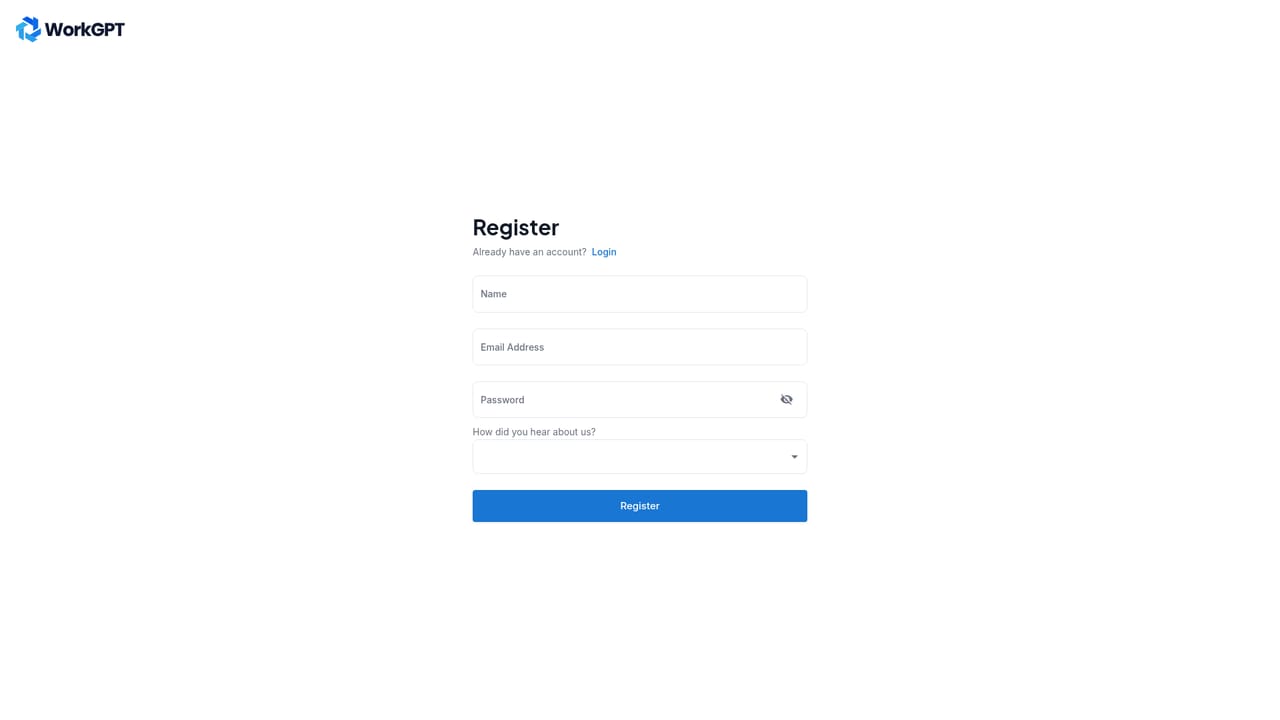

The homepage promotes a free account and a Try It Now link to registration, but does not state a trial period or the limits applied to free usage.
Learn moreThe product connects to private APIs, internal databases and tools, with templates referencing Google Sheet, Google Calendar, Twitter, Telegram and Google Search.
Chat with your own APIs and apps and query internal data on demand, customize AI roles with your own data by chatting rather than coding, and distribute those roles to others. A multi-agent system runs several agents concurrently. Ready-made templates cover email scraping to Google Sheet, scheduled Twitter news posts, meeting reminders, database checks, blog drafting, review collection and translation.
 AI Angels400+ customizable AI girlfriends for NSFW chat, voice calls, and roleplay
 Candy AIExperience the future of companionship with AI friends who chat, role-play, and connect with you on a human level.
 ourdream.aiA vast AI roleplay platform with millions of characters for chat, images, video and voiceAI Angels400+ customizable AI girlfriends for NSFW chat, voice calls, and roleplayCandy AIExperience the future of companionship with AI friends who chat, role-play, and connect with you on a human level.ourdream.aiA vast AI roleplay platform with millions of characters for chat, images, video and voice


