AskGene

A low-cost AI sidekick for every tab you open.

Beginner
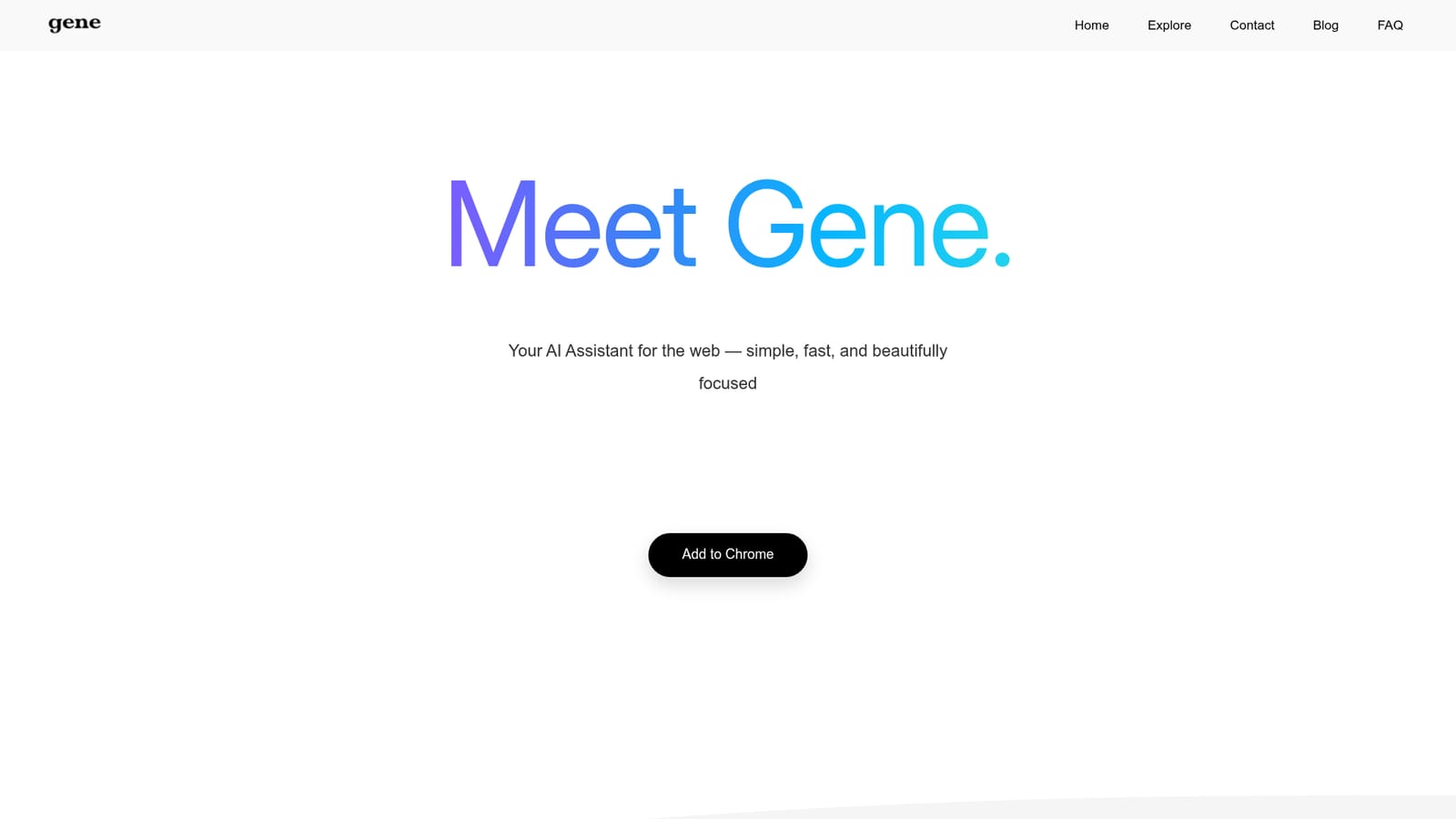
Screenshot of AskGene, A low-cost AI sidekick for every tab you open

What is AskGene?

AskGene is an AI chat bot tool. Chrome extension that puts a GPT-5 assistant in a Ctrl+Q popup, able to chat about, summarize, screenshot, and redesign the page you are viewing, at $1.50 to $3.00 per month.

AskGene (branded simply as Gene) is a Chrome extension that places a general-purpose AI assistant one keystroke away. Press Ctrl+Q and a chat panel opens over whatever page you are on, so you can ask questions, draft text, translate passages, or get explanations without switching tabs. The tool is built on GPT-5, and the site positions it as a cheaper route to the same daily work people already do in ChatGPT, Claude, Gemini, or Perplexity. The feature set is built around the browsing context. Gene can read any web page, Google Doc, YouTube video, or PDF you have open and return insights in the same tab. You can screenshot a block of text or an image and ask Gene to interpret it, click a question mark next to a confusing paragraph for a quick explanation, or describe layout and copy changes and have Gene redesign a site you are looking at. Image generation is included as well, for turning short prompts into illustrations and design assets. Pricing is the headline. Gene Power costs $3.00 per month (about $24 per year) and Gene Pro costs $1.50 per month (about $10 per year), which the site compares against roughly $20 per month for ChatGPT Plus, Claude Pro, Gemini AI Pro, and Perplexity Pro, and against Sider and Monica unlimited plans. The site frames this as roughly 81 percent less for comparable everyday assistance. Gene suits students, researchers, writers, and office workers who spend the day in a browser and want AI answers without a second window. It is less suited to people whose work depends on desktop applications outside the browser, or who need a full productivity suite rather than a chat overlay. Among browser AI assistants, its main differentiator is price, not a unique model or deep enterprise tooling.

How do you use AskGene?

  1. 1Install the Chrome extension
    Open the Chrome Web Store listing linked from the homepage and add AskGene to Chrome. The extension installs into the browser toolbar and becomes reachable from any tab.
    AskGene — Install the Chrome extension
  2. 2Open the assistant with Ctrl+Q
    On any page, press Ctrl+Q to bring up the Gene chat panel. You can then type a question, request a draft, or ask for a translation without leaving the tab.
  3. 3Pull in the page you are reading
    With a website, Google Doc, YouTube video, or PDF open, ask Gene to explain or summarize it. The assistant reads the current page and answers inside the same panel.
  4. 4Screenshot text or images for analysis
    Use the screenshot feature to capture a section of the page, then ask Gene to interpret the text or image. This is useful for charts, diagrams, and unfamiliar jargon.
  5. 5Pick a plan in the cart
    Compare Gene Power at $3.00 per month and Gene Pro at $1.50 per month on the site and complete checkout to unlock paid usage.
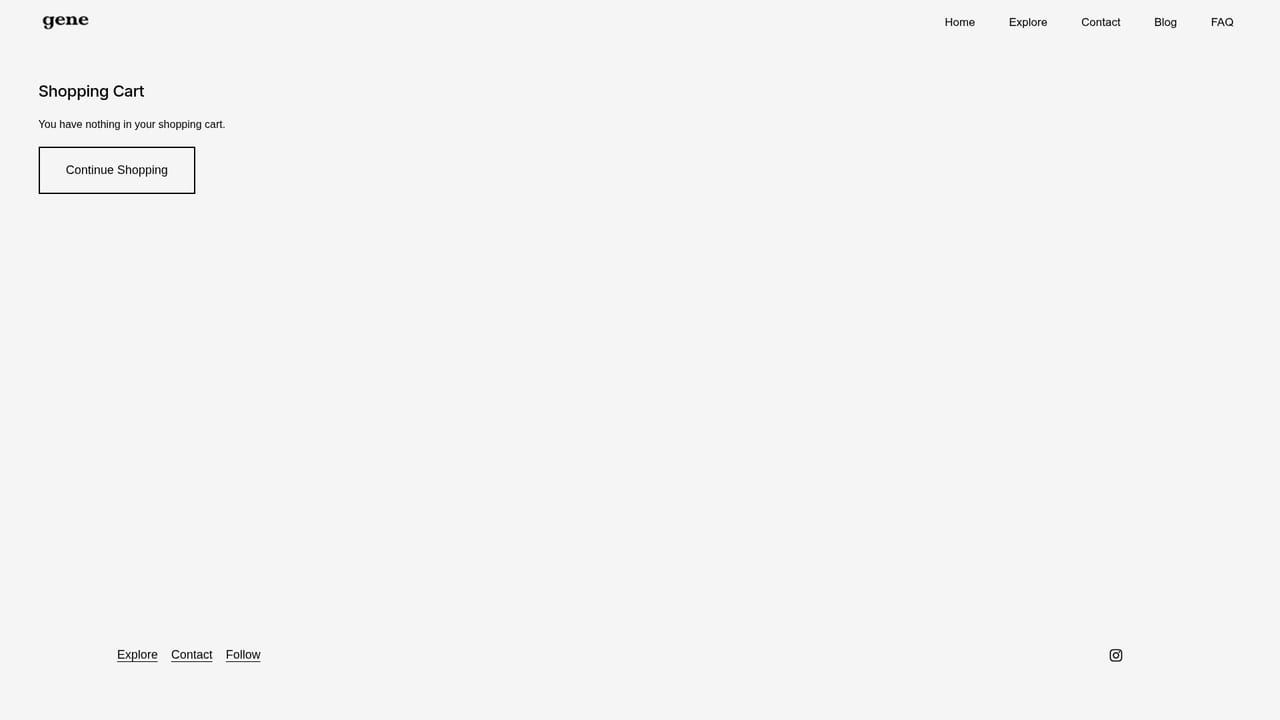
    AskGene — Pick a plan in the cart

Pros and cons

Pros

  • Very low monthly cost compared with major AI chat subscriptions.AI
  • Works inline on the current tab, including websites, Google Docs, YouTube, and PDFs.AI
  • Screenshot understanding and quick paragraph insights reduce copy-paste work.AI
  • Includes image generation and a website redesign feature inside the same panel.AI

Cons

  • Tied to Chrome: no native desktop app, mobile app, or Safari/Firefox build is mentioned.AI
  • A chat overlay is not a full substitute for a dedicated AI workspace with project memory and file libraries.AI
  • Little public information on usage limits, model choice, or data handling beyond the GPT-5 claim.AI
  • Website redesign inside a browser is a narrow use case and may not handle complex or live production sites well.AI

How much does AskGene cost?

Pricing

Two paid tiers: Gene Power at $3.00 per month (about $24 per year) and Gene Pro at $1.50 per month (about $10 per year). The homepage compares these against roughly $20 per month for ChatGPT Plus, Claude Pro, Gemini AI Pro, and Perplexity Pro.

Learn more

Integrations

Runs as a Chrome extension and works over web pages, Google Docs, YouTube videos, and PDFs. No other third-party integrations are listed on the homepage.

Features

Chat with GPT-5 from a Ctrl+Q overlay; read and discuss any website, Google Doc, YouTube video, or PDF in the current tab; screenshot text or images for instant explanation; click a question mark for quick paragraph insights; generate images from prompts; and describe changes to redesign a page you are viewing.

Frequently asked questions about AskGene

  • How much does AskGene cost?
    Two paid tiers: Gene Power at $3.00 per month (about $24 per year) and Gene Pro at $1.50 per month (about $10 per year). The homepage compares these against roughly $20 per month for ChatGPT Plus, Claude Pro, Gemini AI Pro, and Perplexity Pro.
  • How do you use AskGene?
    The walkthrough on this page covers 5 steps: 1. Install the Chrome extension 2. Open the assistant with Ctrl+Q 3. Pull in the page you are reading 4. Screenshot text or images for analysis 5. Pick a plan in the cart.
  • What platforms does AskGene support?
    AskGene is available on Browser extension.
  • What does AskGene integrate with?
    Runs as a Chrome extension and works over web pages, Google Docs, YouTube videos, and PDFs. No other third-party integrations are listed on the homepage.
  • What are the limitations of AskGene?
    Tied to Chrome: no native desktop app, mobile app, or Safari/Firefox build is mentioned. A chat overlay is not a full substitute for a dedicated AI workspace with project memory and file libraries. Little public information on usage limits, model choice, or data handling beyond the GPT-5 claim.

Status

StatusActive
Views0
Outbound clicks0
Added10/22/2026

Platforms

Browser extension

Pricing

PaidSubscription