Free trial
Signing up grants 10 free credits usable across every tool, with no card required and no watermark on downloaded results.
Learn more69 AI image tools under one credit-based roof

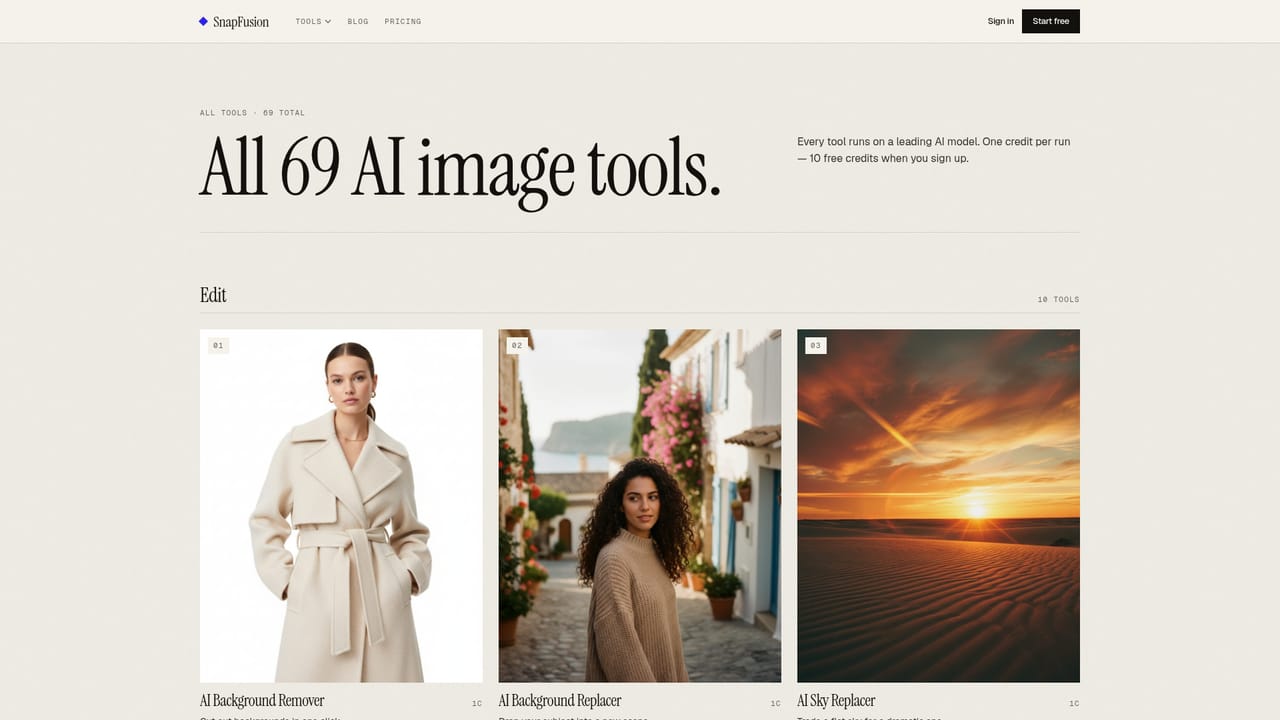
SnapFusion is an AI image upscaler tool. SnapFusion packs 69 AI image tools into one web app on a pay-per-run credit model. Background removal, upscaling, restoration, headshots, stylization and text to image all run from the same dashboard, with 10 free credits at signup and no watermark on downloads.
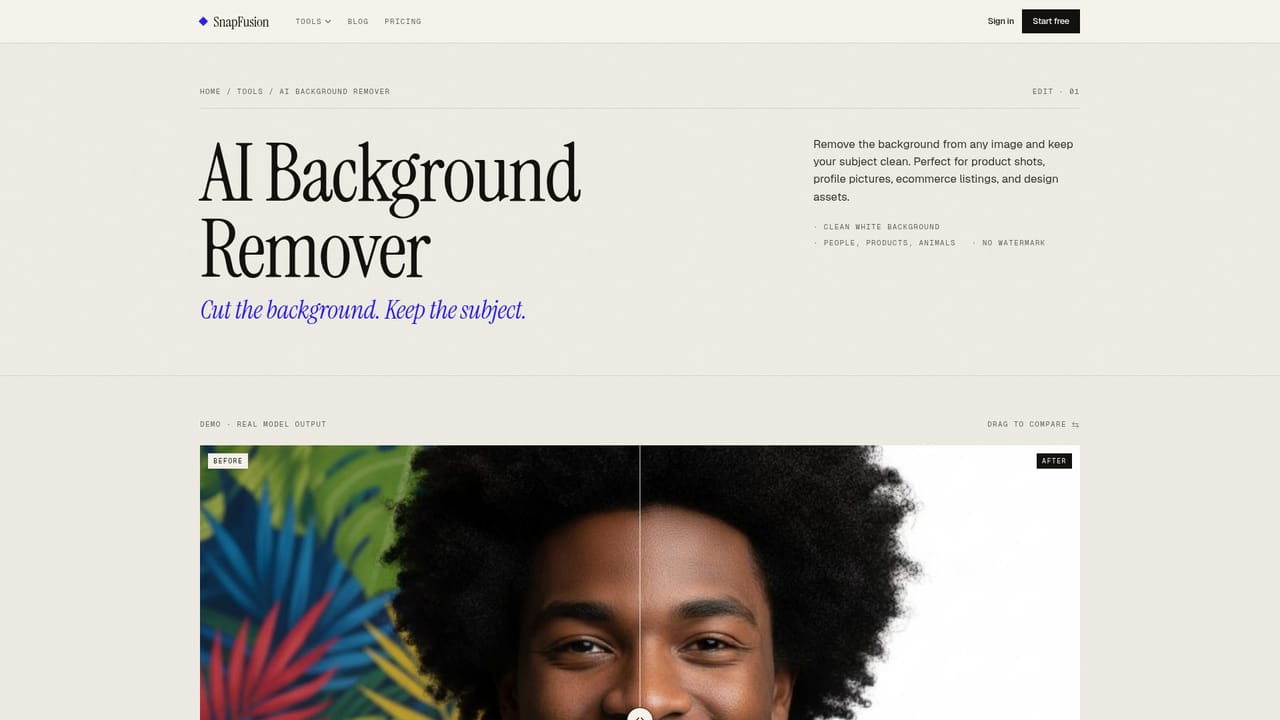
SnapFusion is a single web workspace that bundles 69 AI image tools behind one credit system, so users do not have to keep several subscriptions or browser tabs open for routine photo work. The catalog splits into four rough families: editing (background removal, background replacement, sky replacement, object removal, image expansion), enhancement (upscaling, lighting fixes, denoising, sharpening, photo restoration, colorization, scratch removal), portraits and stylization (headshots, anime and cartoon conversions, oil painting, watercolor, pixel art, sticker and logo generation), and merchandise mockups such as posters, book covers, T-shirts and phone cases. Text to image generation is included for work that starts from a prompt rather than a file. In practice the flow is short. A user picks a tool, uploads or drags a photo (or types a description for generative tools), and gets an output in roughly 10 to 20 seconds. Generations stay in a dashboard, downloads carry no watermark, and pricing is metered per run rather than gated behind feature tiers: most tools cost one credit, while the headshot generator costs two. New accounts receive 10 free credits without a card, and the site states those credits never expire. The product is aimed at people who process images as part of a job rather than as a hobby. Ecommerce sellers cleaning up product shots and listing images, social media managers producing banners and thumbnails, real estate agents polishing listing photos, and photographers handling restoration or upscaling are all addressed with dedicated solution pages. Because the tools are presets rather than a general-purpose editor, it sits closer to a toolbox like Canva's image utilities than to a full editor such as Photoshop, and the blog is candid that upscaling cannot invent detail that was never captured. The main trade-off is breadth versus depth. Each tool does one narrow job, which keeps the interface approachable but limits fine control over results, and the credit model means heavy iteration has a direct cost. There is no indication of an API, plugin ecosystem or team features on the homepage.

Signing up grants 10 free credits usable across every tool, with no card required and no watermark on downloaded results.
Learn moreCredits are charged per run: one credit for most tools, two for the headshot generator. New accounts get 10 free credits with no card, and the site states credits never expire. A full price list beyond credits is not published on the homepage.
Learn moreThe catalog covers editing (background removal and replacement, sky replacement, object removal, image expansion), enhancement (upscaling up to four times, lighting fixes, denoising, sharpening, restoration, colorization), portrait and style conversions (headshots, anime, cartoon, pixel art, oil painting), and design outputs (stickers, logos, product packshots, book covers, apparel mockups), plus a text to image generator and a dashboard that keeps past generations.
Learn more AI Angels400+ customizable AI girlfriends for NSFW chat, voice calls, and roleplay
 Candy AIExperience the future of companionship with AI friends who chat, role-play, and connect with you on a human level.
 ourdream.aiA vast AI roleplay platform with millions of characters for chat, images, video and voiceAI Angels400+ customizable AI girlfriends for NSFW chat, voice calls, and roleplayCandy AIExperience the future of companionship with AI friends who chat, role-play, and connect with you on a human level.ourdream.aiA vast AI roleplay platform with millions of characters for chat, images, video and voice








