Pricing
The homepage does not list subscription tiers or specific prices. It mentions that the AI Partner is available at minimal cost, but no further pricing details are provided.
Learn moreAI assistant that transcribes, reports, and analyzes therapy sessions.
Own Therapartners? Verify ownership to get a dofollow link

Therapartners is a web platform for therapists that transcribes sessions in Chinese and English, generates session and client reports, analyzes therapeutic responses, and provides an AI partner for real-time clinical guidance. It is aimed at practicing therapists and trainees who want to reduce documentation time and add a structured review layer to their work.
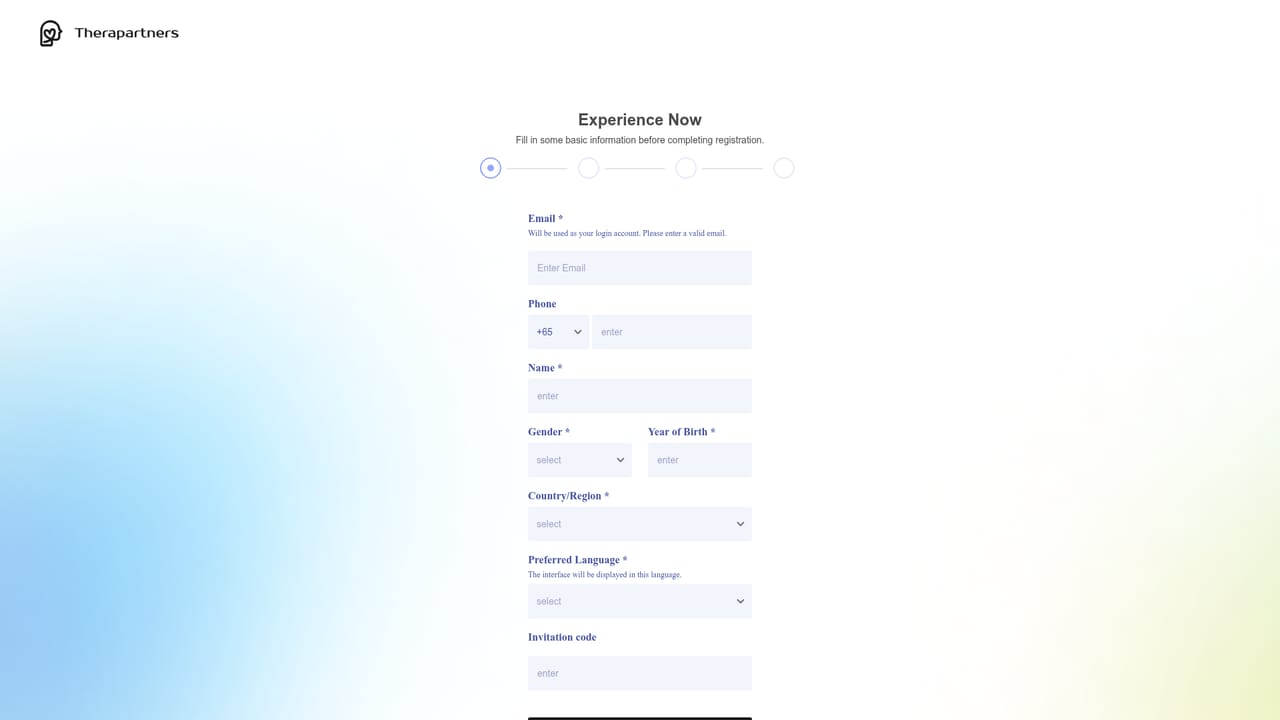
Therapartners is an AI-assisted platform built for therapists who want to cut down on administrative work and sharpen their clinical skills. It centers on four connected tools: session transcription, report generation, session analysis, and an AI partner for real-time guidance. The platform accepts recorded sessions and produces written transcripts, which then feed into the other features. The transcription tool works in Chinese and English, so bilingual practices can use one system. From a transcript, Therapartners generates session reports and client characteristic reports, drawing on an AI model connected to a global psychology knowledge database. These outputs are meant to support case formulation and progress tracking rather than replace clinical judgment. The session analysis feature examines therapeutic responses, treatment strategies, and how the client is being interpreted, giving therapists a structured way to review their work. The AI Partner offers on-demand support for counseling techniques, theoretical knowledge, ethical dilemmas, and complex cases. It is positioned as a low-cost way for newer therapists to access experienced guidance between supervision sessions. Therapartners fits into the growing category of clinical documentation and supervision tools. It differs from general-purpose AI note takers by focusing specifically on therapeutic content and by adding an analysis layer. Therapists in private practice, community mental health, and training programs are the core audience. The interface is web-based and supports a straightforward workflow: upload a recording, get a transcript, generate reports, and review insights. The platform requires an account, and the homepage does not detail subscription tiers beyond mentioning minimal cost for the AI Partner.
The homepage does not list subscription tiers or specific prices. It mentions that the AI Partner is available at minimal cost, but no further pricing details are provided.
Learn moreTherapartners includes one-click session transcription in Chinese and English, AI-generated session reports and client characteristic reports linked to a global psychology knowledge database, session analysis that breaks down therapeutic responses and treatment strategies, and an AI Partner chat for real-time support on counseling techniques, theory, ethics, and complex cases.
 AI Angels400+ customizable AI girlfriends for NSFW chat, voice calls, and roleplay
 Candy AIExperience the future of companionship with AI friends who chat, role-play, and connect with you on a human level.
 ourdream.aiA vast AI roleplay platform with millions of characters for chat, images, video and voiceAI Angels400+ customizable AI girlfriends for NSFW chat, voice calls, and roleplayCandy AIExperience the future of companionship with AI friends who chat, role-play, and connect with you on a human level.ourdream.aiA vast AI roleplay platform with millions of characters for chat, images, video and voice