ThesisAI

A cited first draft built from the papers you upload.

Intermediate
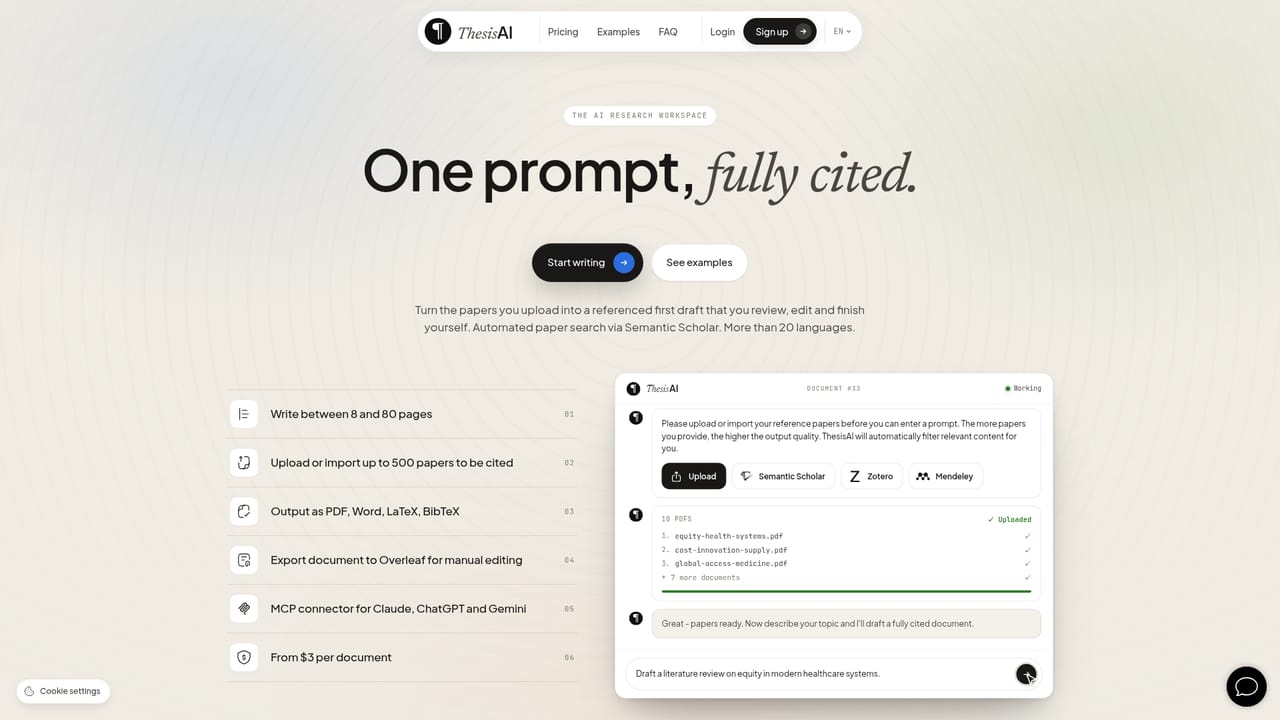
Screenshot of ThesisAI, A cited first draft built from the papers you upload

What is ThesisAI?

ThesisAI is an academic research tool. Academic drafting workspace that converts up to 500 uploaded or imported papers into an 8 to 80 page cited manuscript, with a citation report, multiple citation styles, LaTeX and Overleaf export, and an MCP connector for Claude, ChatGPT and Gemini.

ThesisAI is an academic writing workspace that turns a set of uploaded or imported papers into a long, citation-backed draft rather than a generic essay. A researcher loads sources (PDF uploads, a Semantic Scholar search, a Zotero or Mendeley library), states the topic, and sets document parameters such as page count, citation style and language. The output is a structured manuscript with inline citations tied to the supplied literature, which the author then reviews, edits and finishes. The tool is built for people who already know how thin generic chatbots get on reference-heavy work. Output length runs from 8 to 80 pages depending on plan, and a single document can pull from up to 500 papers. Citation formatting covers Alphabetic, Numeric, APA, IEEE, Harvard, Oxford, Chicago Notes and Chicago Author-Date, and drafts are produced in more than 20 languages. Export options are PDF, LaTeX and BibTeX on the Basic plan, with Word added on Pro. LaTeX projects can be pushed to Overleaf for manual adjustment, which matters when a department insists on a template or a citation style outside the built-in list. A citation report is the most consequential feature and the clearest line between ThesisAI and a plain LLM. Every sentence is checked against the source material, and each highlight carries a note explaining the verdict, so a claim that is only loosely supported is visible before submission. Pro adds a style and tone pass that changes rhythm and transitions without altering what the text asserts. The MCP connector addresses the obvious comparison with Claude, ChatGPT and Gemini: ThesisAI can be added as a custom connector in those assistants, letting a conversation set citation style and language, add sources, start a document and download the result. It is not a substitute for reading your sources or for checking your institution's AI disclosure policy, and the company's own terms prohibit passing output off as unaided work.

How do you use ThesisAI?

  1. 1Create an account and reach the writer
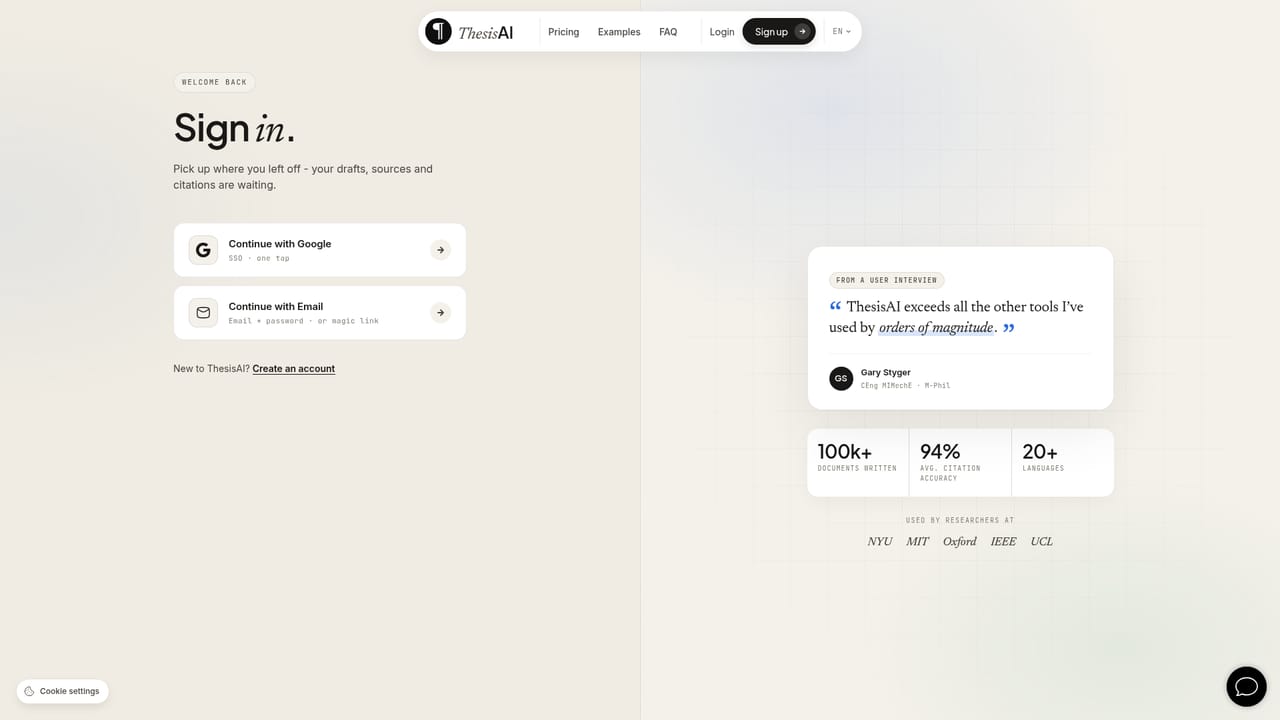
    Sign up through the checkout page to open the research workspace, then confirm the plan that matches your page needs.
    ThesisAI — Create an account and reach the writer
  2. 2Study a sample document first
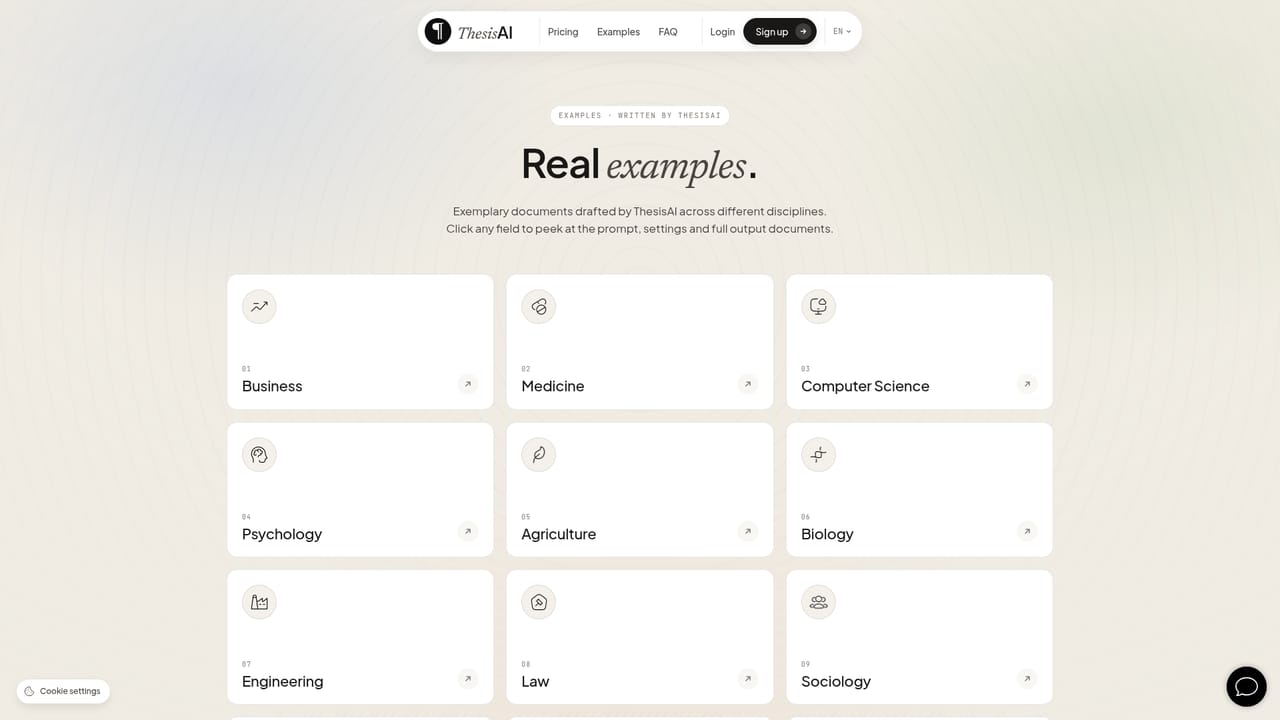
    The examples page shows finished drafts with inline citations so you can judge output length and citation density before spending a credit.
    ThesisAI — Study a sample document first
  3. 3Load your reference papers
    Upload PDFs or import from Semantic Scholar, Zotero or Mendeley. More sources generally improves output quality.
  4. 4Set page count, citation style and language
    Use the document settings to choose a length between 8 and 80 pages, then pick APA, IEEE, Harvard or another supported style and the output language.
  5. 5Prompt the topic and generate the draft
    Describe the subject in the prompt field and start generation. Payment is consumed only once the initial document is created successfully.
  6. 6Review citations and export
    Work through the citation report to find unsupported claims, then export to PDF, Word, LaTeX or BibTeX, or send the project to Overleaf for final editing.
    ThesisAI — Review citations and export

Pros and cons

Pros

  • Citations are generated from the literature you supply, not from general model memoryAI
  • Per-sentence citation report shows which claims are supported and which are notAI
  • Accepts up to 500 source papers and drafts up to 80 pages in a single promptAI
  • Exports to PDF, LaTeX, BibTeX and (on Pro) Word, with a route into OverleafAI
  • MCP endpoint works inside Claude, ChatGPT and Gemini with no API key to copyAI

Cons

  • No free tier is described; drafting starts at the paid checkout pageAI
  • Basic caps documents at 50 pages and omits Word export and the full citation reportAI
  • Several bundled citation styles fall short of niche or department-specific formats, pushing users into manual LaTeX workAI
  • Broken references and Unknown author or Untitled title fields are a documented failure mode that users must repair by handAI
  • Accountability rests with the user: institutional AI rules and final verification are not handled by the toolAI

How much does ThesisAI cost?

Pricing

Two subscription tiers billed monthly or annually, with annual billing advertised at 50 percent off. Basic lists $12 per month and Pro $16 per month, both quoted with 48 documents per year. The homepage also states prices start from $3 per document. Basic covers up to 50 pages and PDF, LaTeX and BibTeX export; Pro covers 80 pages, adds Word, the full citation report and style refinement.

Learn more

Support

Help is handled through contact channels rather than a public knowledge base. The FAQ covers billing, cancellation, student discounts, failed document runs and fixing broken LaTeX or BibTeX references; student and lab licences are available on request.

Integrations

Zotero, Mendeley and Semantic Scholar for importing references, Overleaf and LaTeX for editing and export, and an MCP connector usable from Claude, ChatGPT and Gemini.

Features

Drafts of 8 to 80 pages from a single prompt, drawing on up to 500 uploaded or imported papers. Citation styles include APA, IEEE, Harvard, Oxford, Chicago Notes, Chicago Author-Date, Alphabetic and Numeric. Output in more than 20 languages. Export to PDF, LaTeX and BibTeX, with Word on Pro and an Overleaf handoff. A per-sentence citation report flags supported and unsupported claims, and an MCP connector exposes the workspace inside Claude, ChatGPT and Gemini.

Learn more

Frequently asked questions about ThesisAI

  • How much does ThesisAI cost?
    Two subscription tiers billed monthly or annually, with annual billing advertised at 50 percent off. Basic lists $12 per month and Pro $16 per month, both quoted with 48 documents per year. The homepage also states prices start from $3 per document. Basic covers up to 50 pages and PDF, LaTeX and BibTeX export; Pro covers 80 pages, adds Word, the full citation report and style refinement.
  • How do you use ThesisAI?
    The walkthrough on this page covers 6 steps: 1. Create an account and reach the writer 2. Study a sample document first 3. Load your reference papers 4. Set page count, citation style and language 5. Prompt the topic and generate the draft 6. Review citations and export.
  • What platforms does ThesisAI support?
    ThesisAI is available on Web App.
  • What does ThesisAI integrate with?
    Zotero, Mendeley and Semantic Scholar for importing references, Overleaf and LaTeX for editing and export, and an MCP connector usable from Claude, ChatGPT and Gemini.
  • What are the limitations of ThesisAI?
    No free tier is described; drafting starts at the paid checkout page. Basic caps documents at 50 pages and omits Word export and the full citation report. Several bundled citation styles fall short of niche or department-specific formats, pushing users into manual LaTeX work.

Status

StatusActive
Views0
Outbound clicks0
Added10/22/2026

Platforms

Web App

Pricing

PaidSubscription