Free trial
A free forever tier is offered for exploring the platform, and signup requires no credit card. The homepage does not describe a separate time-limited trial of paid features.
Learn moreBuild and embed custom AI chatbots trained on your own data, no code required.

Thinkstack is an AI chat bot tool that builds and embed custom AI chatbots trained on your own data, no code required. No-code AI chatbot and agent builder that trains on your own URLs, files, CSVs, Q&A and Notion content, then deploys via embed code on any site builder.
Thinkstack is a no-code platform for building AI chatbots and agents that handle customer support, sales and routine engagement. You feed the bot your own material (URLs, files, CSVs, Q&A pairs, Notion pages) and it answers visitors from that knowledge base. Each agent gets its own persona, objective and action rules, so a support bot and a lead qualification bot can coexist in the same account. The builder uses GPT 3.5, GPT 4.0 and GPT 4o models, and deployment is a single embed code on any site builder, including WordPress, Webflow, Shopify, Wix, Squarespace, Framer, Bubble and Blogger. A free tier sits at the bottom of the ladder and needs no credit card. The product goes beyond simple Q&A. Actions and automation let an agent run multi-step workflows: collect details through a conversational form, validate the input, push the record to a CRM and follow up with a tailored message, all without a human triggering each step. Connectors cover CRMs, ERPs, Zapier, Google Drive and external APIs, which makes the bot useful for lead capture, ticket creation and internal routing. When a case turns complex or sensitive, human handoff passes the thread to a live agent so the visitor is not left circling an automated reply. The analytics side is practical rather than decorative. Sentiment analysis tracks customer mood in real time, AI-tagged topics surface recurring themes, and channel reporting shows where conversations originate. Custom branding covers colors, tone and personality, and the bot converses in more than 90 languages, which suits teams serving international audiences from one setup. AI forms turn data collection into a natural dialogue. Security claims include encrypted communication, GDPR compliance and privacy-focused hosting with user-controlled data protection. Thinkstack fits small and mid-sized teams that want a support or sales bot without engineering time: e-commerce shops, clinics, banks, hotels, retailers and SaaS companies are the verticals it targets. Compared with generic chatbot widgets, the emphasis is on training data, actions and integrations rather than canned decision trees. Budget-conscious buyers should confirm plan limits directly, since the homepage only states that a free forever tier exists.
A free forever tier is offered for exploring the platform, and signup requires no credit card. The homepage does not describe a separate time-limited trial of paid features.
Learn moreThe homepage confirms a free forever tier that requires no credit card. No paid plan names, per-seat prices or usage limits are published on the homepage, so the cost of higher volume is not stated there.
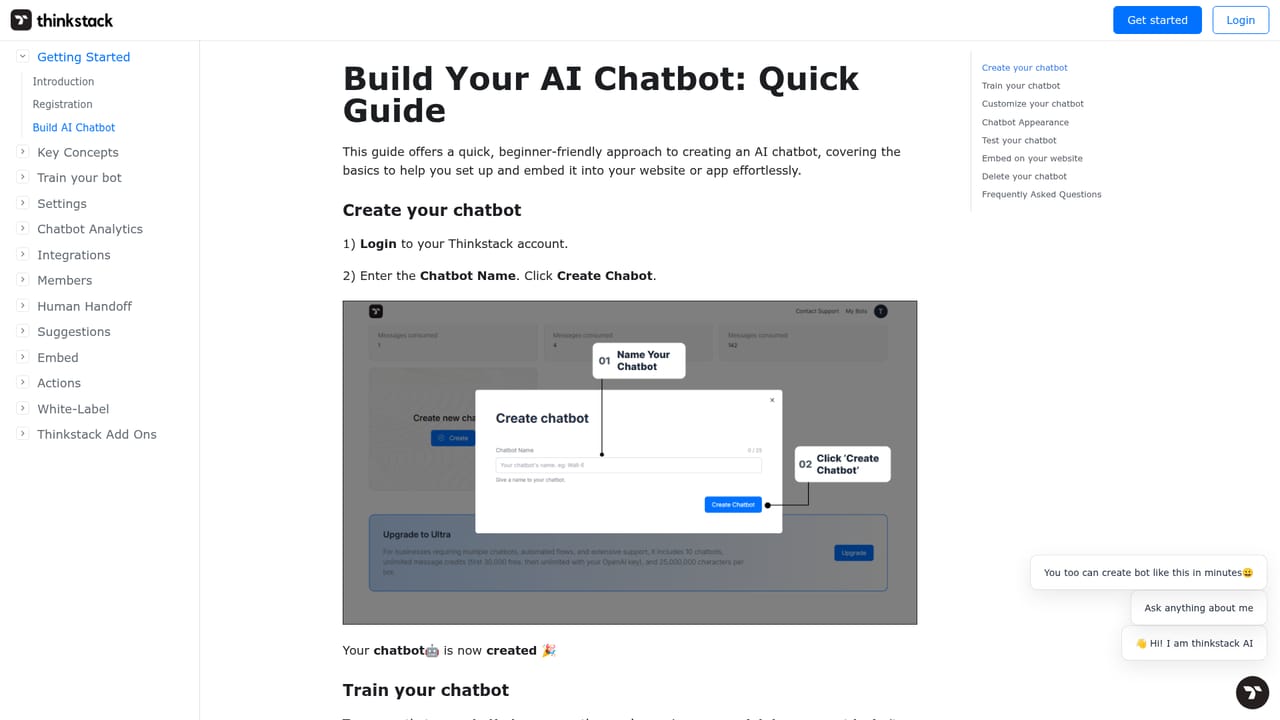
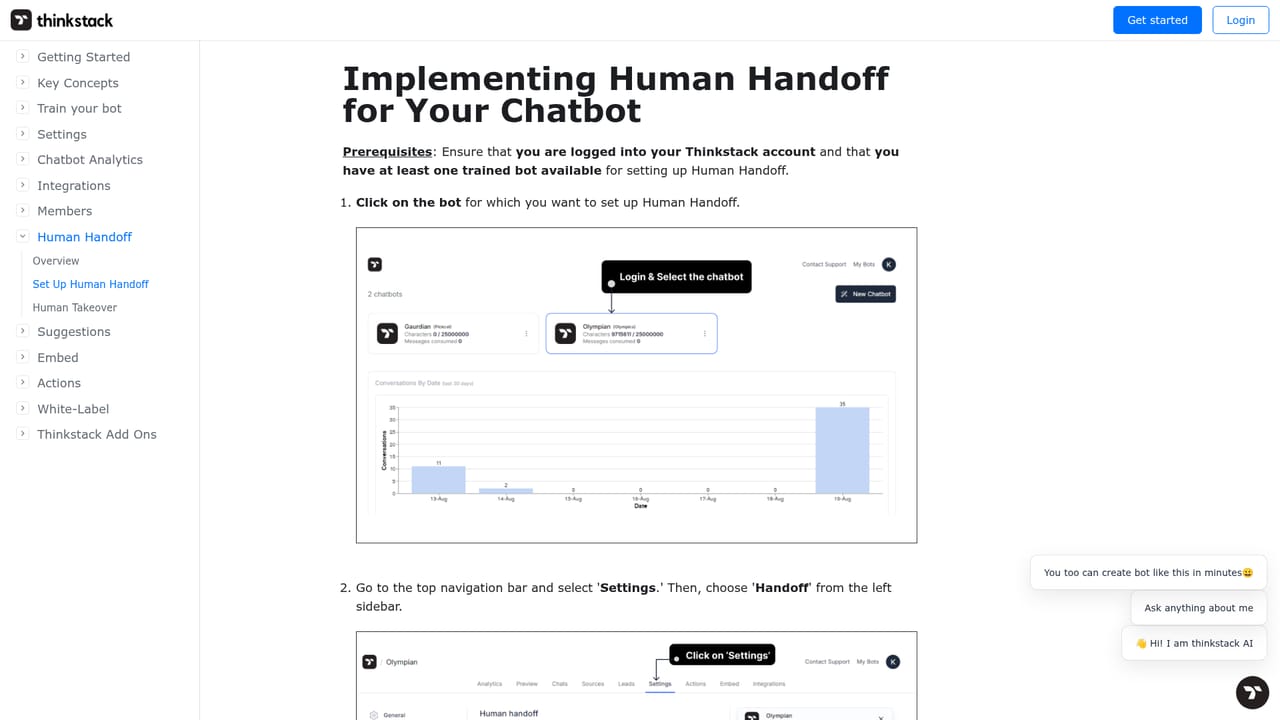
Learn moreHelp documentation covers building a chatbot and configuring human handoff. The homepage does not describe live support channels, response times or service level agreements for customers.
Learn moreConnects to CRMs (Salesforce, HubSpot), ERPs, Zapier, Google Drive and external APIs, and deploys on WordPress, Webflow, Shopify, Wix, Squarespace, Framer, Bubble, Blogger, Weebly and Android.
Training on URLs, files, CSVs, Q&A and Notion; GPT 3.5, GPT 4.0 and GPT 4o models; multi-step actions and API triggers; conversational AI forms; human handoff; CRM, ERP, Zapier and Google Drive connections; sentiment analysis, AI-tagged topics and channel reporting; custom branding; support for 90+ languages.
Learn more AI Angels400+ customizable AI girlfriends for NSFW chat, voice calls, and roleplay
 Candy AIExperience the future of companionship with AI friends who chat, role-play, and connect with you on a human level.
 ourdream.aiA vast AI roleplay platform with millions of characters for chat, images, video and voiceAI Angels400+ customizable AI girlfriends for NSFW chat, voice calls, and roleplayCandy AIExperience the future of companionship with AI friends who chat, role-play, and connect with you on a human level.ourdream.aiA vast AI roleplay platform with millions of characters for chat, images, video and voice


