Integrations
Sign-in through Google, LinkedIn and Facebook is offered alongside email login. No further third-party integrations are described on the homepage.
AI career coaching that scores your standing and tells you whether to jump or stay.

Tiered is an AI career coach that scores your compensation, marketability, engagement, company and industry, ranks you against peers, and gives a Jump or Stay verdict on whether to change jobs.
Tiered is an AI career coach built around a single blunt question: should you stay in your current job or start looking? It answers by analyzing your experience, education, compensation and marketability, then producing a Jump or Stay score that summarizes whether your current position is working for you or holding you back. The product breaks your situation into five scored factors: engagement, compensation, marketability, company and industry. Alongside those scores, Tiered ranks you against peers by age, industry and location, so you can see where your pay and profile sit relative to people in comparable positions. The site cites its own aggregate figures of more than 5 million profiles analyzed and 3 million ranks calculated, and states that 67 percent of employees are underpaid. Recommendations are presented as personable, actionable guidance rather than a raw dashboard, and user testimonials describe using salary rank and company sentiment to negotiate an offer or decide to remain in a role with renewed focus. Resume improvement is also part of the pitch, with one quoted user crediting the tool for interview calls after a rewrite. The tool suits professionals at a decision point: someone weighing an offer, quietly wondering whether they are underpaid, or unsure whether to leave a stable role. It is less about job hunting mechanics than about diagnosis, so it pairs naturally with resume builders, interview prep tools and salary comparison sites rather than replacing them. Sign up is quick, with Google, LinkedIn, Facebook or email login, and the LinkedIn route suggests profile data can seed the analysis. The homepage does not detail pricing, plan tiers or integrations, so the depth of the free experience should be checked directly before committing. Tiered is best treated as a second opinion on your career position, useful for framing a negotiation or a move, with the final judgment still yours.
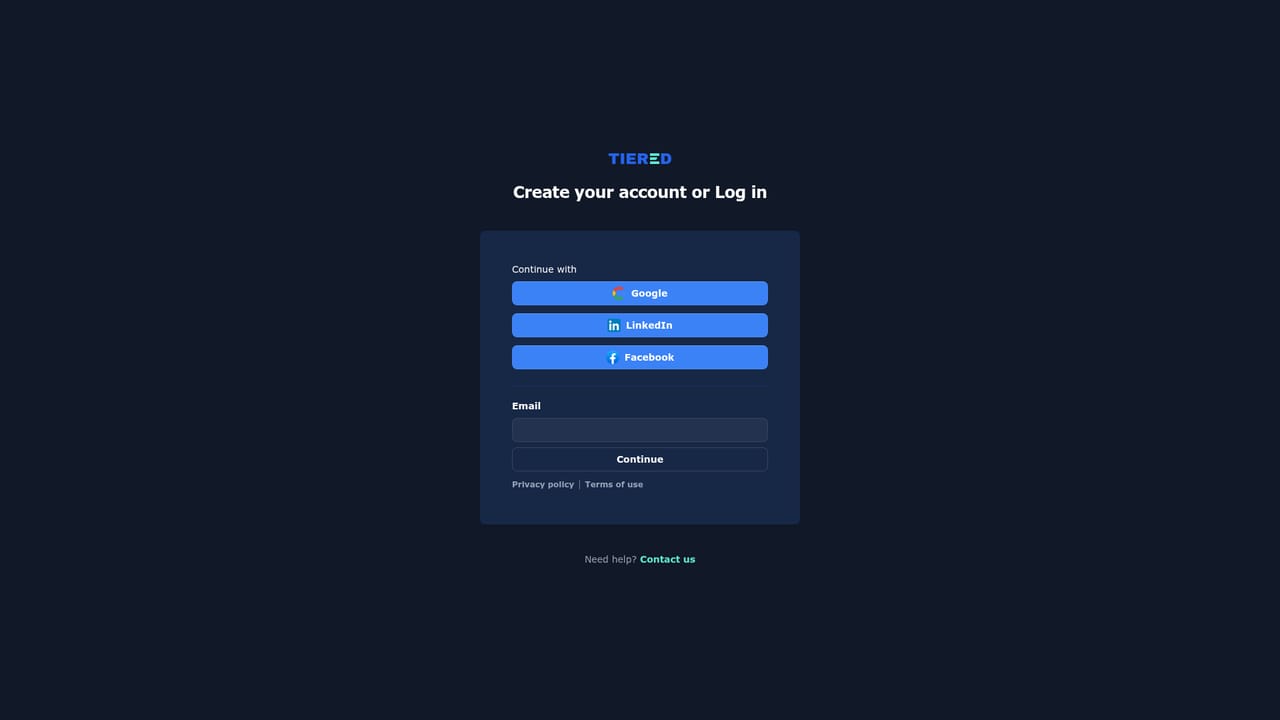
Sign-in through Google, LinkedIn and Facebook is offered alongside email login. No further third-party integrations are described on the homepage.
Core features are a Jump or Stay score giving a direct read on whether to remain or move, a five factor breakdown covering engagement, compensation, marketability, company and industry, peer ranking by age, industry and location, and tailored recommendations that include resume improvement.
 AI Angels400+ customizable AI girlfriends for NSFW chat, voice calls, and roleplay
 Candy AIExperience the future of companionship with AI friends who chat, role-play, and connect with you on a human level.
 ourdream.aiA vast AI roleplay platform with millions of characters for chat, images, video and voiceAI Angels400+ customizable AI girlfriends for NSFW chat, voice calls, and roleplayCandy AIExperience the future of companionship with AI friends who chat, role-play, and connect with you on a human level.ourdream.aiA vast AI roleplay platform with millions of characters for chat, images, video and voice


