Support
A help center, tutorial library, blog and case studies are published on the site. A live demo can be booked through the homepage scheduling link.
Learn moreAI grading assistant for essays and video submissions

TimelyGrader is an AP history grader tool. TimelyGrader drafts rubric-based scores and comments for essays, technical writing and video submissions, then routes them to the instructor for review before release. Built for higher education grading teams, with LMS integration and an official Instructure partnership.
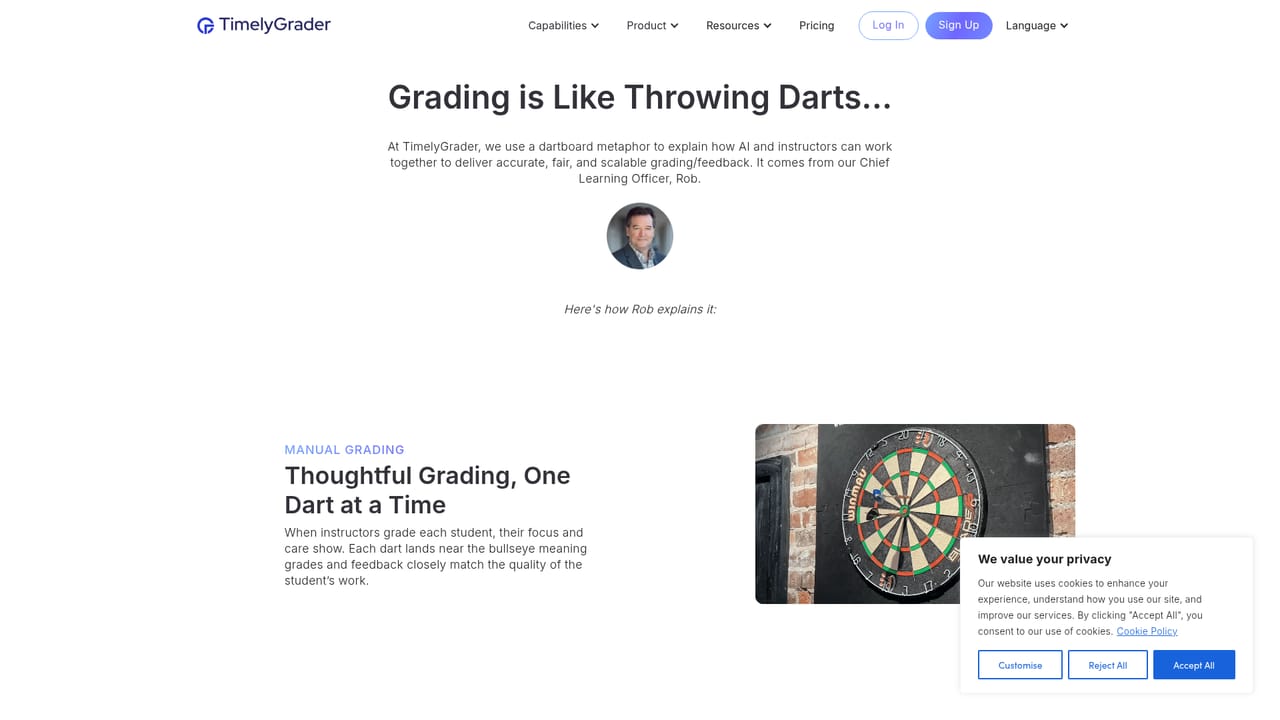
TimelyGrader is an AI grading assistant built for higher education instructors who need to move through written and recorded assignments faster without handing final judgment to a machine. It analyzes a student submission against a rubric the instructor has defined, then produces a first-pass score for each criterion together with draft comments. The instructor reviews those suggestions, edits them, and locks in the result before anything reaches the student. The site describes this as human-in-the-loop grading, and the workflow is arranged so the AI never publishes a grade on its own. The tool handles more than essays. Homepage demonstrations cover academic essays, STEM technical reasoning and video presentations, and the product is described as supporting multiple file types beyond the fixed public demo. For essays, the analysis looks at thesis clarity, organization, source integration and originality of ideas. For technical writing it examines how clearly a problem is defined and how well an approach is justified. Video submissions are graded on the same rubric logic, which matters for courses that assess presentations and recorded work rather than papers. In practice an instructor sets up an assignment with a rubric, uploads or receives submissions, and works through a grading panel that pairs the document view with criterion-level scores. Each suggested score comes with a short rationale written for instructor eyes only, and feedback text can be regenerated when the draft misses the mark. That rationale layer is the more interesting design choice: it lets a grader spot where the model misread the work rather than only seeing a number. The target user is a course instructor or teaching team at a college or university, not an individual tutor. TimelyGrader states that it is an official Instructure partner and lists institutions including Dartmouth, McGill, Arizona State and the University of Illinois among its users, which places it in the institutional procurement world rather than the casual consumer tool market. Compared with general purpose writing assistants that can comment on text, the emphasis here is grading throughput, rubric alignment and an audit trail of human review.
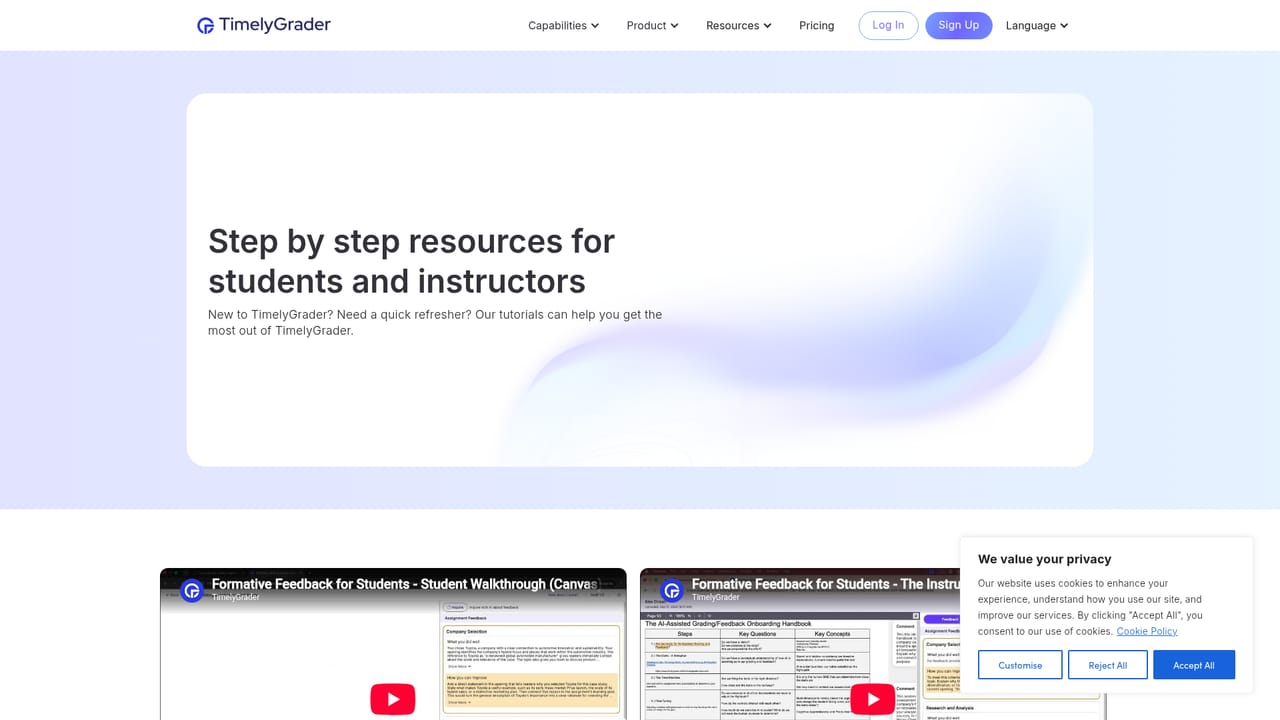
A help center, tutorial library, blog and case studies are published on the site. A live demo can be booked through the homepage scheduling link.
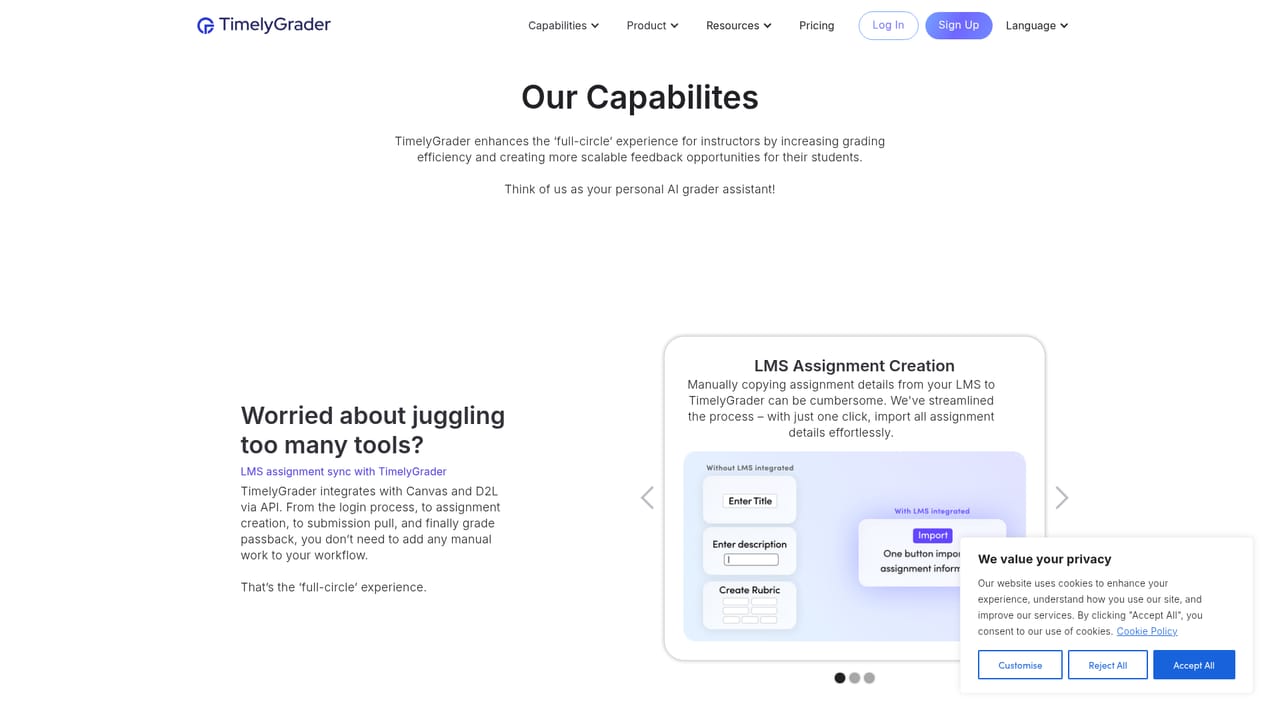
Learn moreThe homepage states that TimelyGrader is LMS integrated and identifies the company as an official Instructure partner. No further integration details are listed on the homepage.
Learn moreRubric-based AI scoring for academic essays, STEM technical writing and video presentations, with draft feedback generated alongside each score. Suggested scores include an instructor-only rationale. Feedback can be regenerated, and grades stay in draft until an instructor reviews and finalizes them.
Learn more AI Angels400+ customizable AI girlfriends for NSFW chat, voice calls, and roleplay
 Candy AIExperience the future of companionship with AI friends who chat, role-play, and connect with you on a human level.
 ourdream.aiA vast AI roleplay platform with millions of characters for chat, images, video and voiceAI Angels400+ customizable AI girlfriends for NSFW chat, voice calls, and roleplayCandy AIExperience the future of companionship with AI friends who chat, role-play, and connect with you on a human level.ourdream.aiA vast AI roleplay platform with millions of characters for chat, images, video and voice