Pricing
The homepage describes the service as free for most beginner creators with pricing that scales as the account grows (pay as you growth). No specific plan tiers or prices are listed on the page.
Learn moreAI copilot and agent that tells TikTok creators when and what to post

TimeToTok is a TikTok-specific AI copilot and agent. It recommends posting times from analysis of millions of viral videos, suggests content ideas from past performance and comments, flags guideline risks and basic video quality issues, and tracks competitors. Inputs are a TikTok account and an email address, with insights delivered by email.
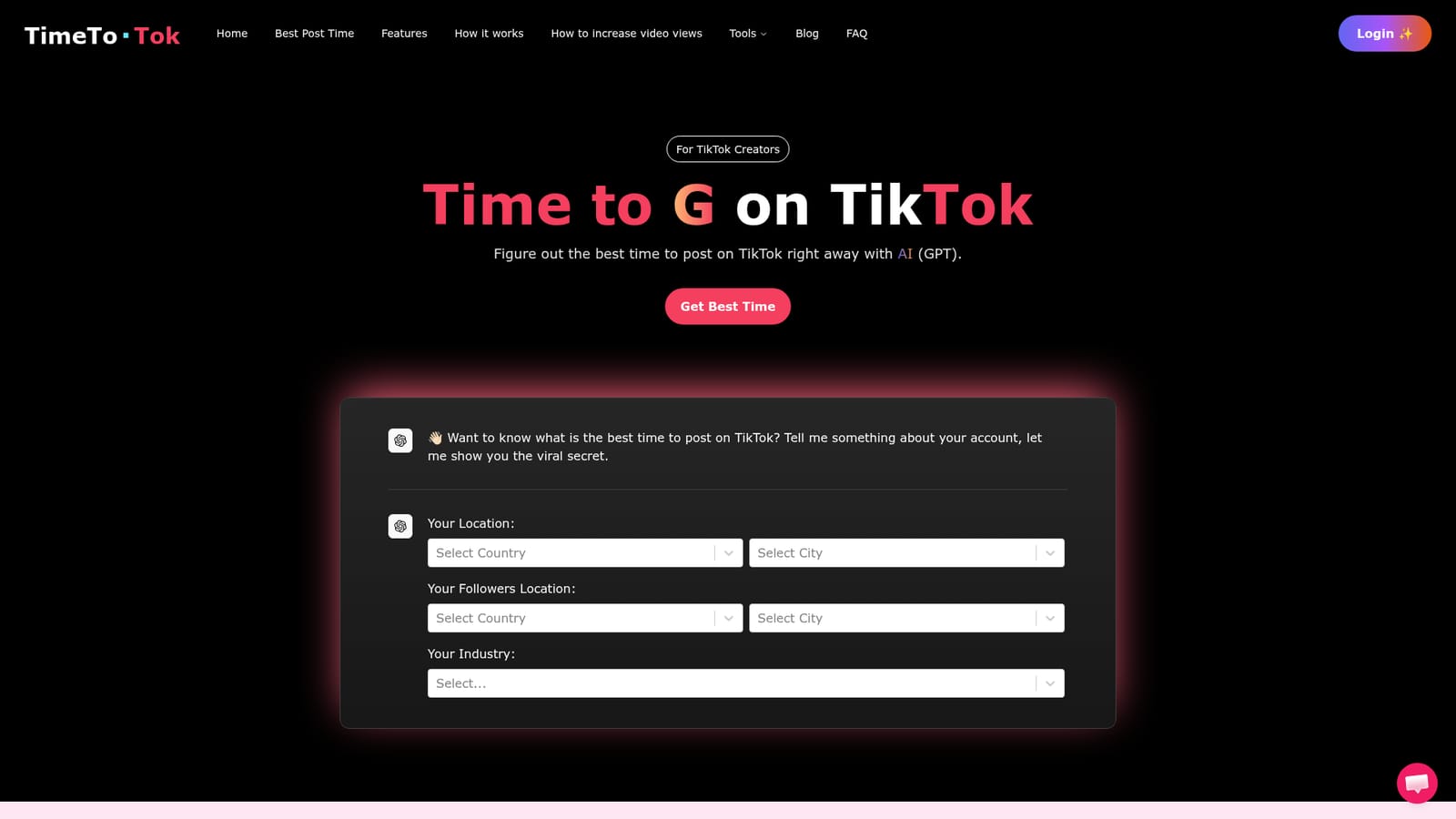
TimeToTok is a TikTok growth assistant that pairs a large language model with a sizable library of TikTok performance data. The premise is narrow and concrete: instead of guessing at posting schedules from generic blog advice, a creator supplies their account, location, follower geography and industry, and the tool returns a recommended posting window drawn from analysis of viral videos. The homepage states the underlying dataset covers 200M+ videos, 20M+ creators and 1B+ hashtags, and that the worldwide best time charts are free to browse. Beyond scheduling, TimeToTok positions itself as an AI agent that works continuously. According to the site, it reviews a creator's past videos and comment threads to infer audience preferences, proposes next-topic ideas from a library of viral content, and checks basics such as video length and resolution. It also flags content that may risk community guideline violations, which the site frames as a way to avoid shadowbans, and recommends boost timing for videos showing viral potential. On the engagement side it suggests video structures that drive profile visits, helps write a bio, and reads comments to advise on replies. A competitor and trend tracking feature lets users ask the agent to monitor accounts and report back. Onboarding is deliberately light: a TikTok account and an email address are the inputs, with insights delivered by email and, in future, by TikTok direct message. A chat interface handles ad hoc questions. The tool is aimed at individual creators rather than agencies, and the homepage claims that among tested and partner creators, 80 percent saw 5 to 10x growth, with a few reaching 100x. Those figures come from the vendor and have no published methodology. Compared with scheduling suites that focus on queueing and cross posting, TimeToTok leans on diagnosis and advice, and it is TikTok specific. Coverage is concentrated on the Americas, Europe and Southeast Asia for now. Beginning creators can use the core tools without paying, with costs scaling as the account grows.
The homepage describes the service as free for most beginner creators with pricing that scales as the account grows (pay as you growth). No specific plan tiers or prices are listed on the page.
Learn moreSupport is offered through a chat bubble on the website for instant questions and suggestions, plus a frequently asked questions section on the homepage. No email or ticketing channel is specified.
Core features include personalised best-time-to-post recommendations, viral idea generation based on past videos and comments, automatic checks on video length and resolution, community guideline risk alerts, boost timing advice, bio and video structure guidance, comment reply coaching, and 24/7 competitor and trend tracking through an AI agent.
 AI Angels400+ customizable AI girlfriends for NSFW chat, voice calls, and roleplay
 Candy AIExperience the future of companionship with AI friends who chat, role-play, and connect with you on a human level.
 ourdream.aiA vast AI roleplay platform with millions of characters for chat, images, video and voiceAI Angels400+ customizable AI girlfriends for NSFW chat, voice calls, and roleplayCandy AIExperience the future of companionship with AI friends who chat, role-play, and connect with you on a human level.ourdream.aiA vast AI roleplay platform with millions of characters for chat, images, video and voice


