Free trial
The free plan doubles as the trial: three subtitle videos per month, no credit card needed, with paid tiers available when you outgrow it.
Learn moreAutomatic AI subtitles built for short-form video, up to 99 languages

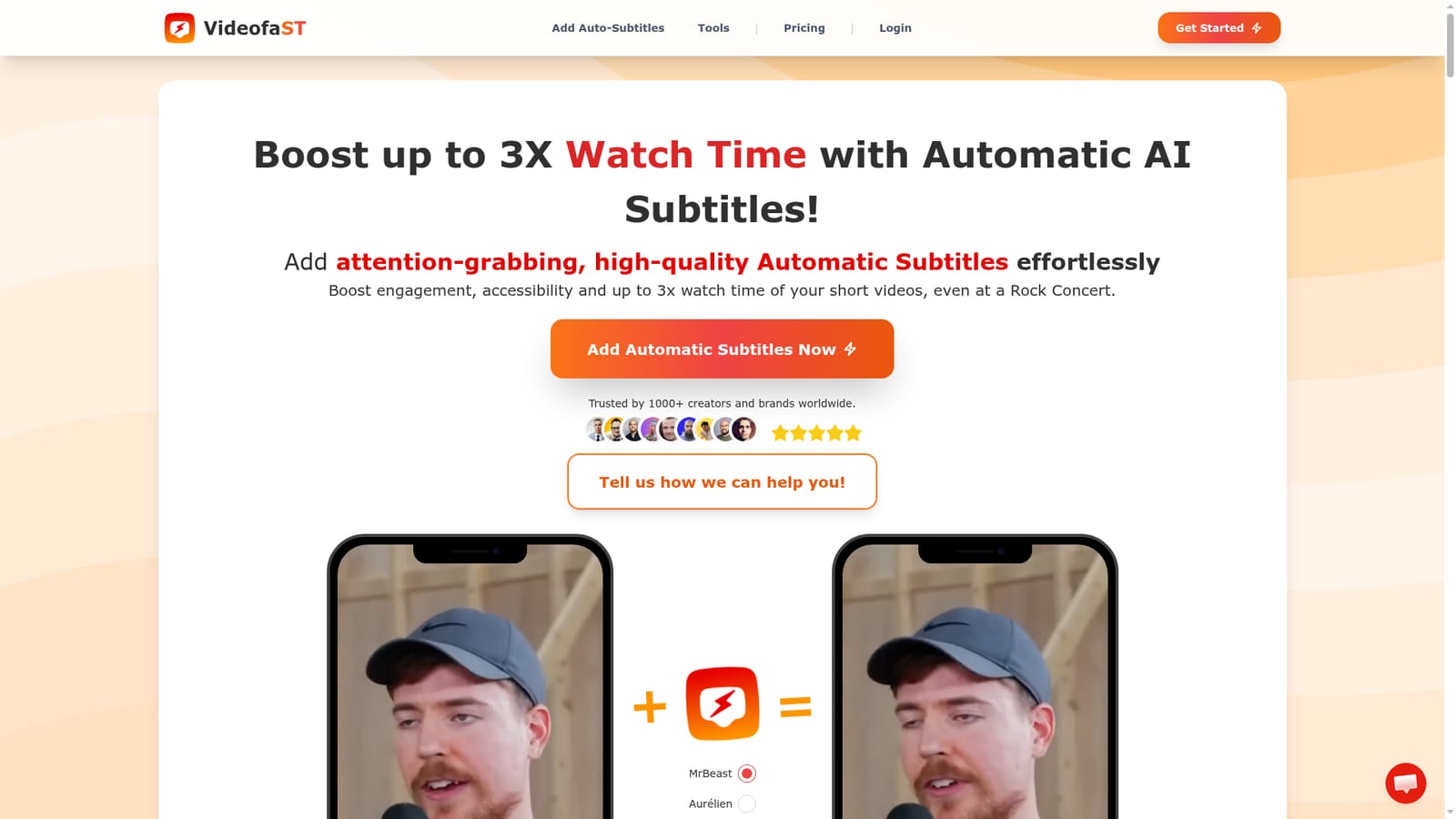
Videofa.st is a reels tool. A web app for generating automatic AI subtitles on short videos, with word-level timing edits, reusable styles, b-roll and emoji overlays, social safe-zone previews and AI voiceover. Free tier covers three videos per month; paid plans and 99+ language support target creators publishing to TikTok, Reels and Shorts.
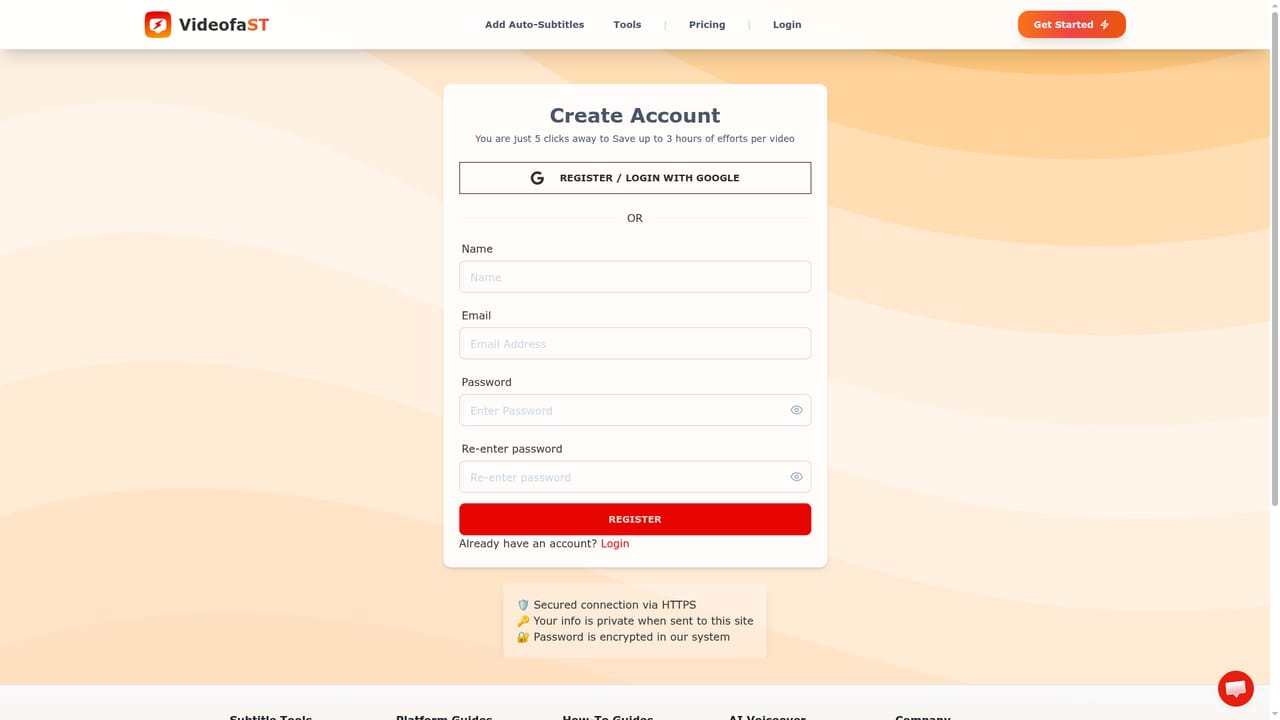
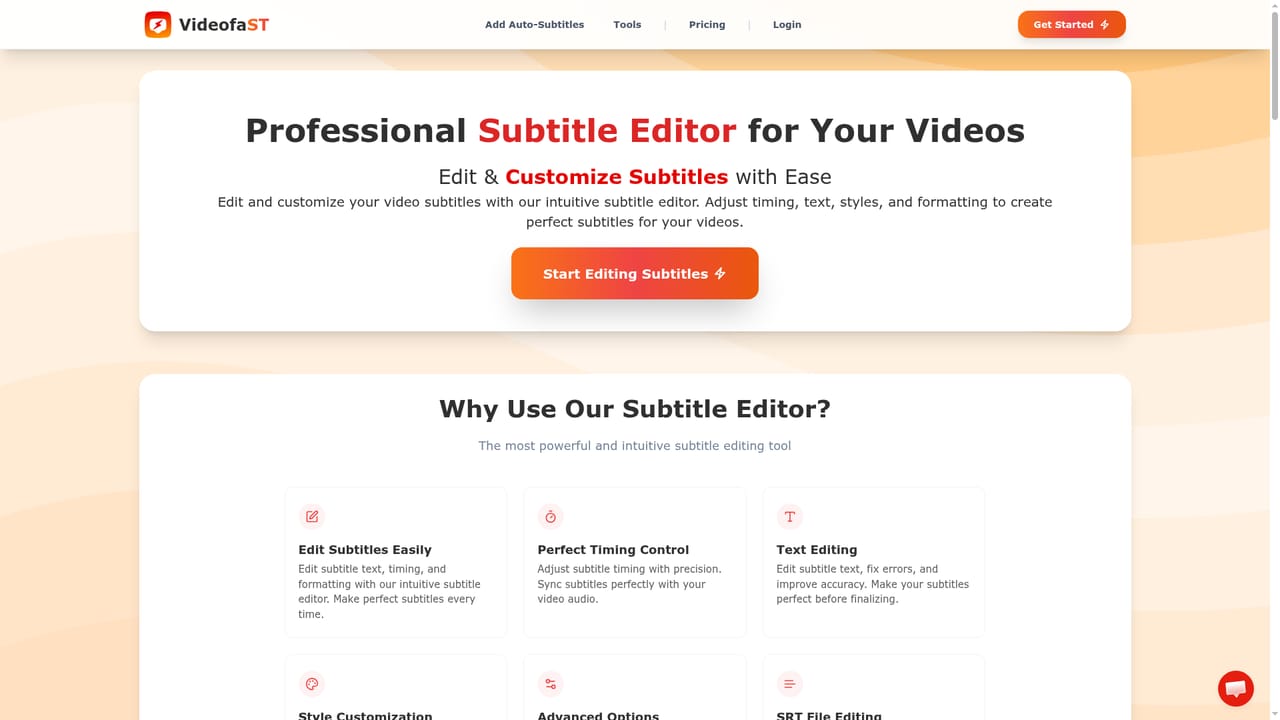
Videofa.st is a browser-based subtitle tool built around one job: getting accurate, styled captions onto a video in under a minute. You upload a clip, the AI transcribes the speech and places word-level captions on the timeline, and you land in a minimal editor where each word can be edited, retimed, hidden or grouped. The homepage pitches this at short-form creators first (TikTok, Reels, Shorts, vertical and square formats), but the same pipeline accepts landscape clips and any video size or duration. The editing layer is what separates it from a one-click caption generator. You can swap fonts, colors and effects, save a style preset for reuse across a whole channel, hide individual words or entire groups, and nudge start and end timings per word. A social safe-zone preview shows the areas where platform interface elements sit, so captions and overlays stay readable on TikTok and Reels. Beyond captions, clips can carry b-roll from Pexels, logos, hook text, animated emojis, zooms and blur effects, plus a separate audio tab for background music and volume balancing per source. An AI voiceover mode generates narration from a script and keeps the subtitles synced to that generated voice. It suits solo creators and small marketing teams who publish frequently and do not want to open a full NLE for captioning. The workflow is entirely web, rendering is faster than a traditional editor according to user quotes on the page, and exports come out at 1080P. The obvious comparison is standalone caption apps such as the auto-caption features inside CapCut or dedicated subtitle services; Videofa.st sits in the middle, offering a fuller styling and overlay toolkit than a bare caption generator without the overhead of a desktop editor. Language coverage is broad, with translation across 99+ languages, which helps channels repurposing the same clip for several markets. the site reports 1000+ creators and 2377+ subtitle videos made, and the tool is free for three videos per month.
The free plan doubles as the trial: three subtitle videos per month, no credit card needed, with paid tiers available when you outgrow it.
Learn moreFree tier gives three automatic subtitle videos per month with no card required. Paid plans are shown on the pricing page and run on a monthly credit system, with a Creator plan added for 100 videos per month. Exact prices are not listed on the homepage, so check the pricing page before committing.
Learn moreThe site advertises 24/7 support and links to a contact page and a help request form for questions.
Learn moreAutomatic AI captions with word-by-word highlighting, 99+ languages and translation, word-level timing and visibility controls, ready-made and savable style presets, b-roll and image overlays, hook text, automatic emojis and motion effects, an audio tab with per-track volume and custom music, AI voiceover synced to subtitles, social safe-zone preview, resize and crop, and 1080P export in H.264 or H.265.
Learn more AI Angels400+ customizable AI girlfriends for NSFW chat, voice calls, and roleplay
 Candy AIExperience the future of companionship with AI friends who chat, role-play, and connect with you on a human level.
 ourdream.aiA vast AI roleplay platform with millions of characters for chat, images, video and voiceAI Angels400+ customizable AI girlfriends for NSFW chat, voice calls, and roleplayCandy AIExperience the future of companionship with AI friends who chat, role-play, and connect with you on a human level.ourdream.aiA vast AI roleplay platform with millions of characters for chat, images, video and voice


