Free trial
The homepage offers a "Try Free" entry point that leads to the sign-up page, but it does not state what the free tier includes or how long it lasts.
Learn moreTurn dense PDFs and papers into source-faithful, editable slide decks.

Tosea.ai is a presentation maker tool that turns dense PDFs and papers into source-faithful, editable slide decks. An AI presentation builder that converts PDFs, research papers, and reports into editable slide decks while keeping charts, formulas, and data points faithful to the original source.
Tosea.ai is an AI slide generator built around one promise: the deck should not drift from the document it came from. You upload a PDF, a research paper, or a report, and the tool transcribes charts, formulas, tables, and figures into slides rather than redrawing or approximating them. The positioning is aimed squarely at people whose slides carry evidentiary weight, such as analysts distilling a credit research note for an investment committee, researchers presenting a conference paper, or consultants repackaging a long report. The workflow is conversational before it is generative. After the file is attached, the assistant asks clarifying questions about emphasis, audience, and depth, then proposes a structure. In the sample flow shown on the site, a Barclays investment grade outlook becomes a 14-slide committee deck that moves from a macro frame through a strategy section, individual long and short case studies, a summary, and a disclaimer. From there you can edit the outline, add or remove sections, and reorder the narrative before committing to slides. Individual pages can be revised in a layout-only mode that keeps content untouched, or regenerated more broadly, and speaker notes sit alongside each slide. Finished work exports to PDF. Design support comes from a large template library organized by use case, with options for pitch decks, brand identity, company profiles, annual reports, healthcare, real estate, and editorial work, plus business, education, and minimalist style categories. Templates carry fixed slide counts, so deck length is partly shaped by the theme you pick. Tosea.ai fits best where accuracy beats speed alone. General purpose presentation assistants are quicker at producing attractive slides from a short prompt, but they tend to paraphrase and invent. Tosea.ai trades some of that looseness for fidelity to the source, which makes it a reasonable pick for finance, academia, and other document-heavy settings. Anyone working mainly from rough ideas rather than source files will find lighter tools more direct.
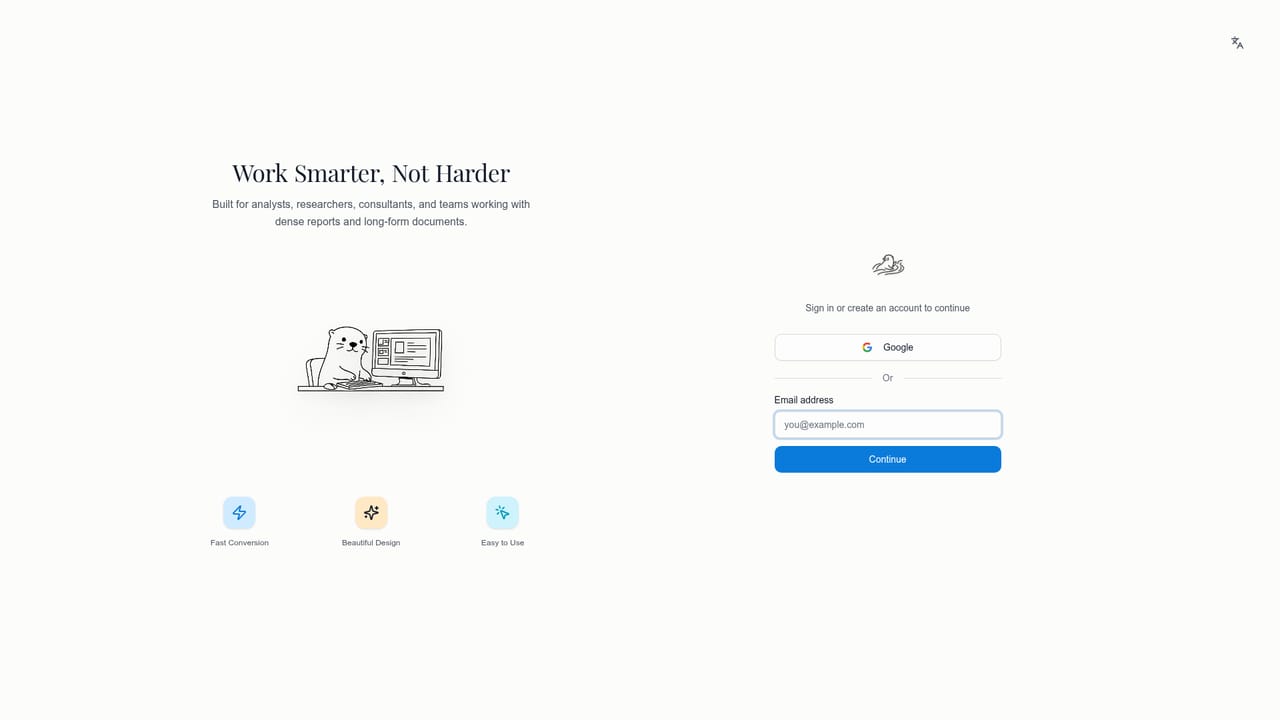
The homepage offers a "Try Free" entry point that leads to the sign-up page, but it does not state what the free tier includes or how long it lasts.
Learn moreA contact page is available for reaching the team. The homepage does not describe support channels, response times, or a help centre.
Learn moreSource-faithful slide generation from PDFs, papers, and reports, with charts, formulas, and data transcribed rather than redrawn. Conversational outline building, layout-only or full page refinement, generated speaker notes, a large categorized template library with fixed slide counts, and PDF export.
 AI Angels400+ customizable AI girlfriends for NSFW chat, voice calls, and roleplay
 Candy AIExperience the future of companionship with AI friends who chat, role-play, and connect with you on a human level.
 ourdream.aiA vast AI roleplay platform with millions of characters for chat, images, video and voiceAI Angels400+ customizable AI girlfriends for NSFW chat, voice calls, and roleplayCandy AIExperience the future of companionship with AI friends who chat, role-play, and connect with you on a human level.ourdream.aiA vast AI roleplay platform with millions of characters for chat, images, video and voice


