ToukaPNG (背景透過)

Free, no-signup AI background remover for people, products, pets, and illustrations.

Beginner
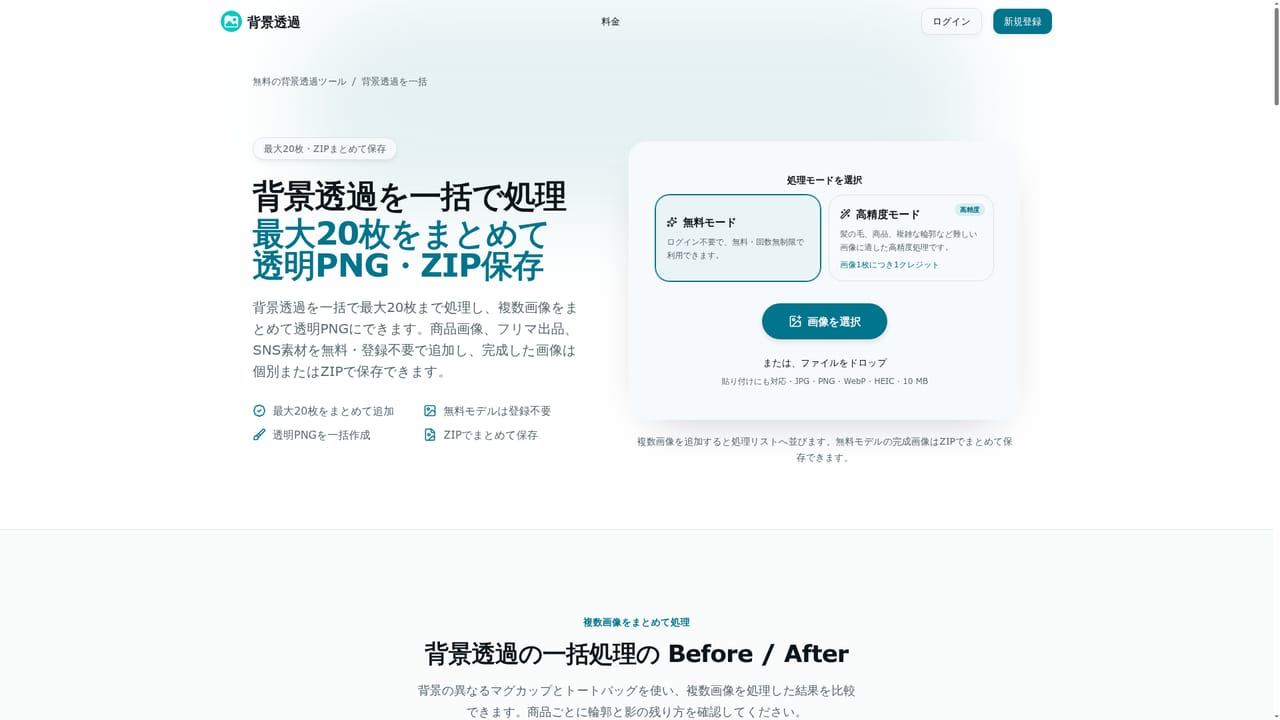
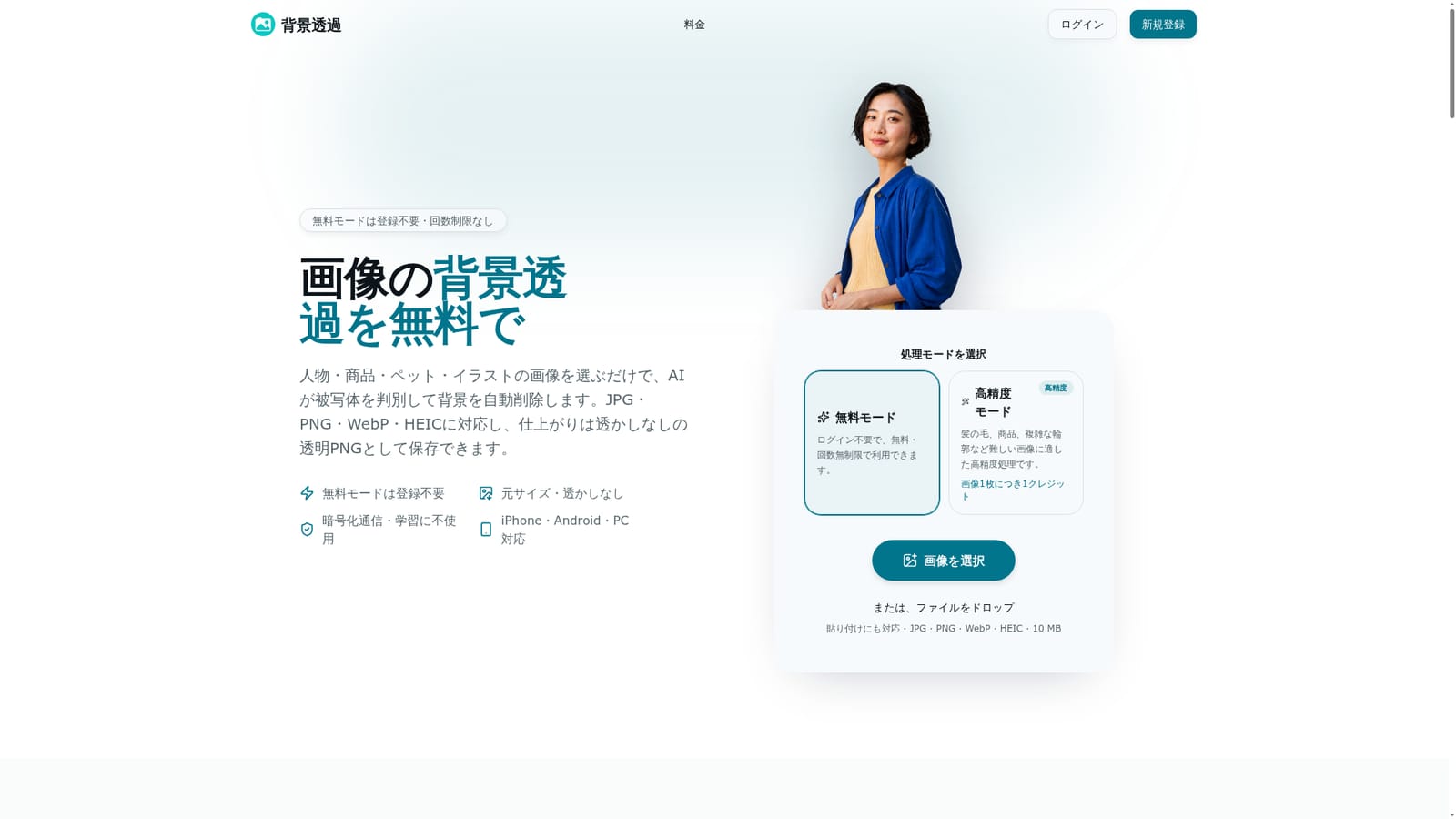
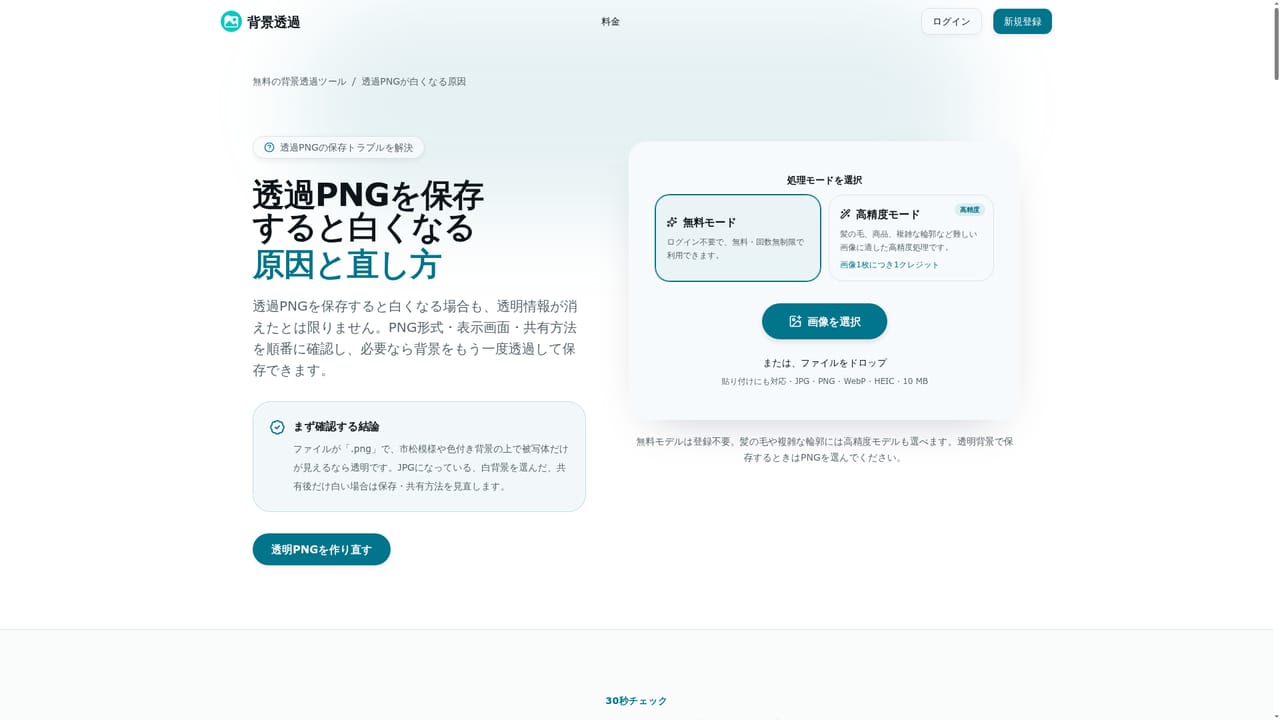
Screenshot of ToukaPNG (背景透過), Free, no-signup AI background remover for people, products, pets, and illustrations

What is ToukaPNG (背景透過)?

ToukaPNG (背景透過) is a background tool. A Japanese-language AI tool that removes backgrounds from photos of people, products, pets, and illustrations, offering an unlimited free mode with no sign-up and an optional credit-based high-precision mode.

ToukaPNG is a browser-based background removal tool built for Japanese-speaking users who need to strip backgrounds from photos of people, products, pets, and illustrations. The free mode requires no account creation and carries no limit on how many images can be processed, and it outputs transparent PNG files at the original pixel dimensions without any watermark. Uploads accept JPG, PNG, WebP, and HEIC files up to 10MB and roughly 25 megapixels, so photos taken straight from an iPhone can be processed without needing a format conversion first. In practice, a user selects or drops in a photo and the AI identifies the subject, whether that is a person's hair, a product's thin edges, or an animal's fur, and removes everything around it. Erase and restore brushes let the user manually touch up spots where background was missed or where parts of the subject were accidentally cut, and the finished image can be kept transparent or switched to a white or custom solid-color background depending on the intended use. Up to 20 images can be queued in one batch, with the finished set downloadable as a single ZIP file, which is useful for anyone preparing a run of product photos at once. The tool is aimed at online sellers listing on marketplaces like Amazon, Rakuten, or Mercari, people preparing resume or profile photos, pet owners making social posts or stickers, and illustrators or LINE stamp creators who need clean transparent artwork. A separate high-precision mode exists for harder cases such as fine hair strands or complex outlines, though it requires signing in and consumes credits rather than being unlimited like the free tier. Against broader, English-first background removers, ToukaPNG's main distinction is its Japanese-language interface and its focus on unlimited free use without registration, with the paid credit system reserved only for the hardest images rather than gating basic functionality.
How do you use ToukaPNG (背景透過)?

  1. 1Pick a processing mode
    Choose the free mode for unlimited, no-login background removal, or the high-precision mode for harder images like fine hair or complex outlines, which requires signing in and uses one credit per image.
    ToukaPNG (背景透過) — Pick a processing mode
  2. 2Upload the photo
    Add a JPG, PNG, WebP, or HEIC file by selecting it, dragging and dropping, or pasting it directly, up to 10MB and about 25 megapixels per image.
  3. 3Review the automatic cutout
    The AI detects the subject, whether a person, product, pet, or illustration, and removes the surrounding background automatically.
  4. 4Clean up edges with the brushes
    Zoom in and use the erase brush on leftover background or the restore brush on parts of the subject that were mistakenly removed, using a small brush size for fine detail.
  5. 5Choose the background color
    Keep the result transparent or switch to a white or custom solid color depending on the intended use, such as product listings or printed material.
    ToukaPNG (背景透過) — Choose the background color
  6. 6Download single files or a batch ZIP
    Save one image as PNG or JPG, or process up to 20 images at once and download the whole batch as a ZIP file.
    ToukaPNG (背景透過) — Download single files or a batch ZIP

Pros and cons

Pros

  • Free mode requires no account and has no cap on the number of images processedAI
  • Exports full original-size transparent PNGs without any watermarkAI
  • Erase and restore brushes allow manual cleanup of tricky areas like hair or thin edgesAI
  • Batch mode handles up to 20 images at once with a single ZIP downloadAI
  • Accepts HEIC files directly, which is convenient for iPhone photosAI

Cons

  • Difficult images need the high-precision mode, which requires creating an account and spending creditsAI
  • Cutout accuracy depends heavily on contrast between subject and background, per the site's own FAQAI
  • The restore brush only recovers original pixels and cannot regenerate detail that was fully erasedAI
  • No dedicated mobile app is mentioned, so editing relies entirely on a mobile browserAI
  • No API, integrations, or workflow automation options are described on the siteAI

How much does ToukaPNG (背景透過) cost?

Free trial

New accounts automatically receive 5 credits, letting users try the high-precision mode on a handful of images before needing to obtain more credits.

Learn more

Pricing

Free mode is unrestricted and requires no account. An optional high-precision mode for difficult images needs sign-in and costs one credit per image, with pricing details on the dedicated pricing page.

Learn more

Support

Support is reachable through a contact page, backed by an extensive on-site FAQ covering privacy, file formats, credits, and common usage questions.

Learn more

Features

AI subject detection for people, products, pets, and illustrations; erase and restore brushes for edge cleanup; transparent, white, or custom solid background output; batch processing of up to 20 images with ZIP download; original pixel size preserved with no watermark.

Frequently asked questions about ToukaPNG (背景透過)

  • How much does ToukaPNG (背景透過) cost?
    Free mode is unrestricted and requires no account. An optional high-precision mode for difficult images needs sign-in and costs one credit per image, with pricing details on the dedicated pricing page.
  • Does ToukaPNG (背景透過) offer a free trial?
    New accounts automatically receive 5 credits, letting users try the high-precision mode on a handful of images before needing to obtain more credits.
  • How do you use ToukaPNG (背景透過)?
    The walkthrough on this page covers 6 steps: 1. Pick a processing mode 2. Upload the photo 3. Review the automatic cutout 4. Clean up edges with the brushes 5. Choose the background color 6. Download single files or a batch ZIP.
  • What platforms does ToukaPNG (背景透過) support?
    ToukaPNG (背景透過) is available on Web App.
  • What are the limitations of ToukaPNG (背景透過)?
    Difficult images need the high-precision mode, which requires creating an account and spending credits. Cutout accuracy depends heavily on contrast between subject and background, per the site's own FAQ. The restore brush only recovers original pixels and cannot regenerate detail that was fully erased.

Status

StatusActive
Views0
Outbound clicks0
Added10/17/2026

Platforms

Web App

Pricing

FreeFreemium