Free trial
A Start for Free entry point is promoted on the homepage, alongside credit earning through a feedback survey. No trial duration or quota is stated.
Learn moreAI trading agents that read the charts for you.

TradeOS AI is a pattern recognition tool. TradeOS AI lets users build AI agents that monitor stocks, crypto, gold and forex with custom indicators and report trend signals, alongside filing based valuation reports and a community library of shared strategies.
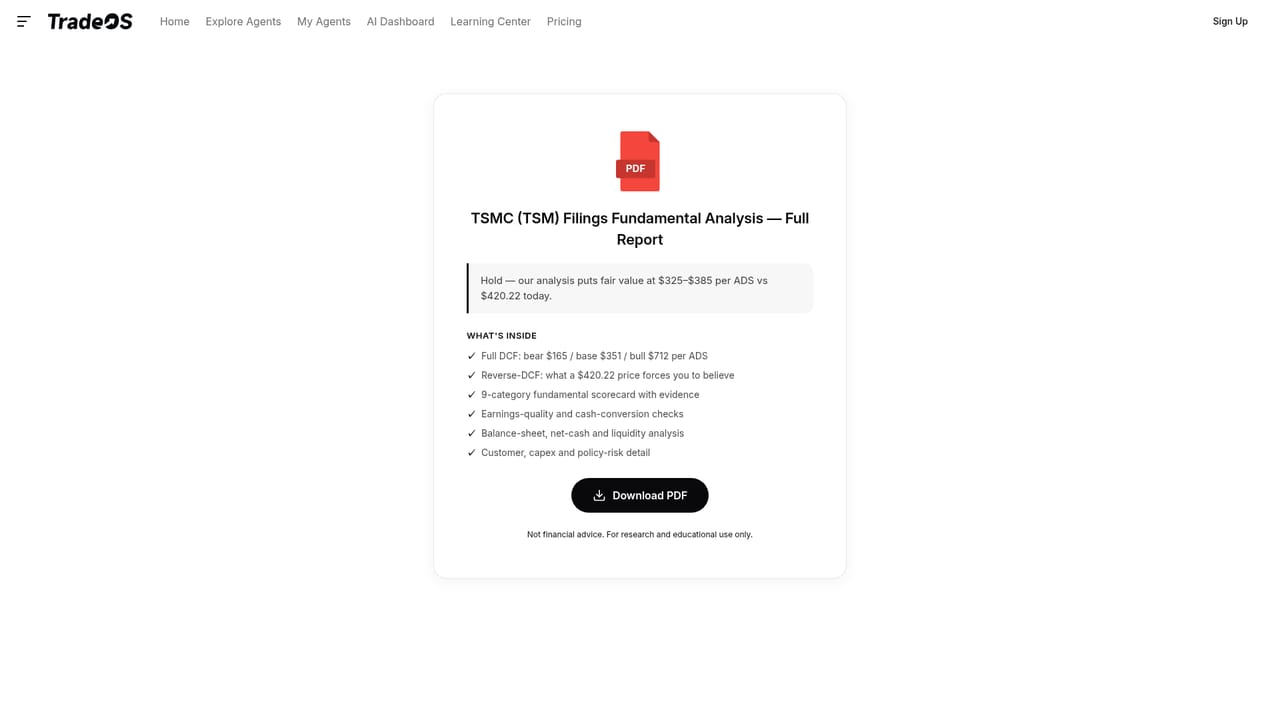
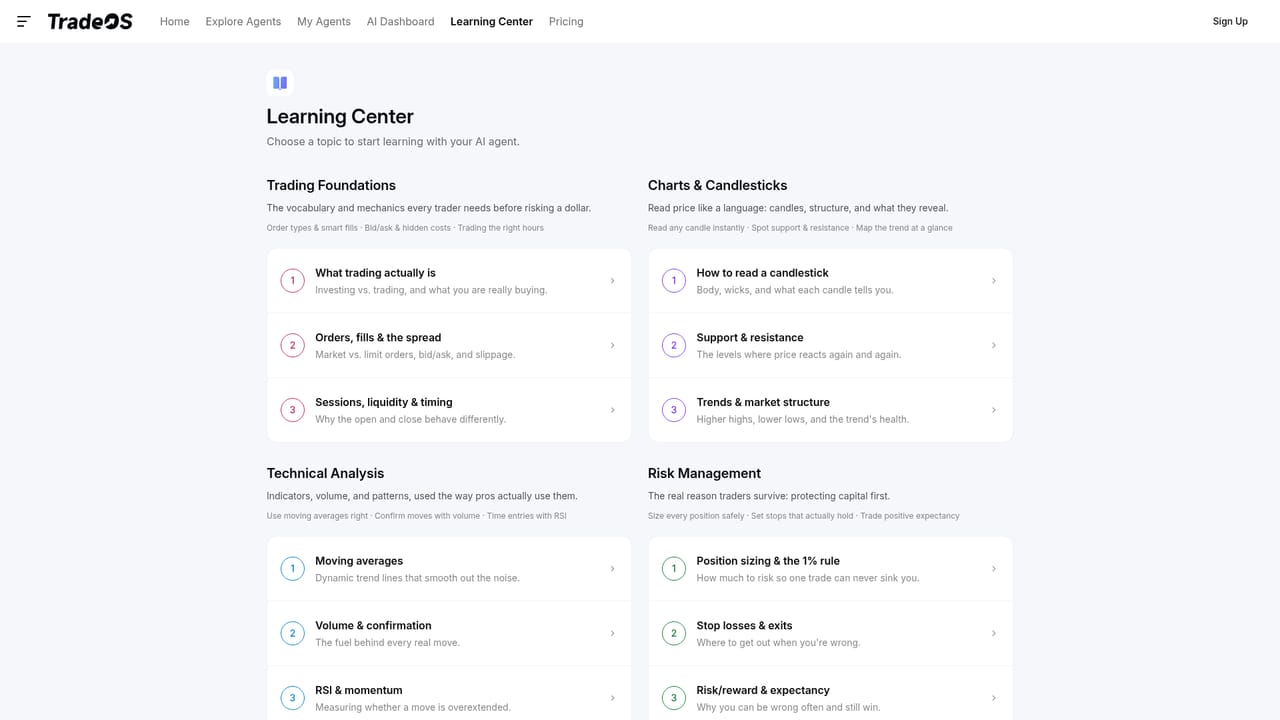
TradeOS AI is a web based workspace for building AI trading agents that monitor markets and explain what they see. The central concept is simple: you describe what you want watched (an instrument, a timeframe, a set of indicators) and the platform assembles an agent that runs continuously and reports back. A dashboard view shows the status of every agent, and the homepage sample feed includes 24/7 agents tracking names such as NVDA, TSLA, SPY, QQQ, Bitcoin, Ethereum, Gold and major FX pairs. Results surface as short verdicts, so an agent either notes that no opportunity is present or reports a specific number of detected trends. In practice the product spans two kinds of work. The first is technical monitoring: agents can be configured with moving averages, MACD, Squeeze Momentum, ATR, Bollinger Bands, RSI, VWAP, Fibonacci levels and support/resistance logic, across intraday and daily timeframes. A Flash Mode advertises a 10 second response, and a credit system gates usage, with credits earned through a feedback survey. The second is fundamental screening: TradeOS publishes stock filing reports for tickers such as TSM, EQIX, MU, COST and ORCL that pair a hold, avoid or overvalued label with a computed fair value range next to the current price. The audience is retail traders and self-directed investors who want systematic coverage without writing code, plus technically inclined users who want to add custom indicators. A community layer is present too: a library of shared ideas and alpha indicators (premarket S&P 500 analysis, BTC order book depth, Treasury curve spreads, options flow and similar) each carry subscriber counts, so users can adopt a strategy rather than start from scratch. A Learning Center sits alongside the dashboard for education. Where it fits: TradeOS AI is closer to a signal and research assistant than to a broker or an automated execution system. It competes with charting platforms that bolt on AI summaries and with dedicated stock screening services, and its differentiator is the agent abstraction plus filing level valuation reports. Nothing on the homepage claims live order routing, so treat the output as decision support rather than a trading bot.
A Start for Free entry point is promoted on the homepage, alongside credit earning through a feedback survey. No trial duration or quota is stated.
Learn moreThe homepage shows a Sign Up option and a Start for Free button, and usage runs on credits, with credits available by completing a feedback survey. Specific plan prices and credit rates are not listed on the homepage, so exact costs require checking the pricing page.
Learn moreSupport is handled through a linked FAQ knowledge base, with additional channels on X, Telegram and Facebook. No live chat or ticketing details are stated.
Indicator and data sources named on the homepage include yfinance, OKX, prediction markets and premarket feeds. No general third party integration directory is published.
Agent creation with selectable indicators (Moving Average, MACD, Squeeze Momentum, ATR, RSI, Bollinger Bands, VWAP, Fibonacci, support and resistance), 24/7 monitoring agents, a Flash Mode, a dashboard of agent results, filing based fair value reports, a community library of ideas and alpha indicators, coverage of 13,000+ assets across stocks, crypto, gold, forex and ETFs.
 AI Angels400+ customizable AI girlfriends for NSFW chat, voice calls, and roleplay
 Candy AIExperience the future of companionship with AI friends who chat, role-play, and connect with you on a human level.
 ourdream.aiA vast AI roleplay platform with millions of characters for chat, images, video and voiceAI Angels400+ customizable AI girlfriends for NSFW chat, voice calls, and roleplayCandy AIExperience the future of companionship with AI friends who chat, role-play, and connect with you on a human level.ourdream.aiA vast AI roleplay platform with millions of characters for chat, images, video and voice


