Free trial
The page repeatedly offers a free trial start and a free tier entry (Try Trupeer for Free), but no trial length or usage cap is stated.
Learn moreRecord once, publish your walkthrough in 65+ languages

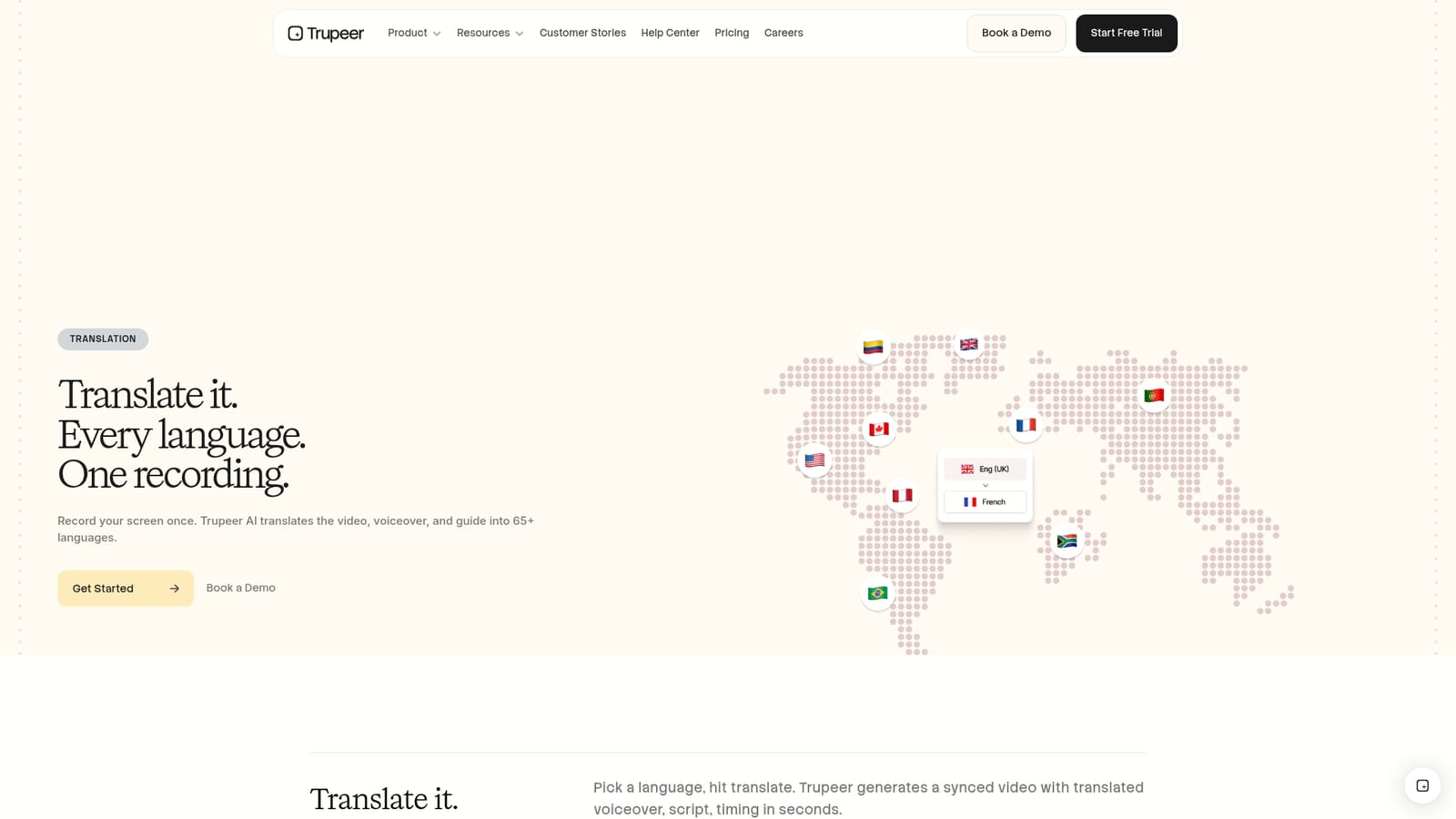
Trupeer is a content tool that records once, publish your walkthrough in 65+ languages. Trupeer turns a single screen recording into a translated video, cloned-voice voiceover, editable script, and localized step-by-step guide across 65+ languages, aimed at teams producing demos, onboarding, and training content for global audiences.
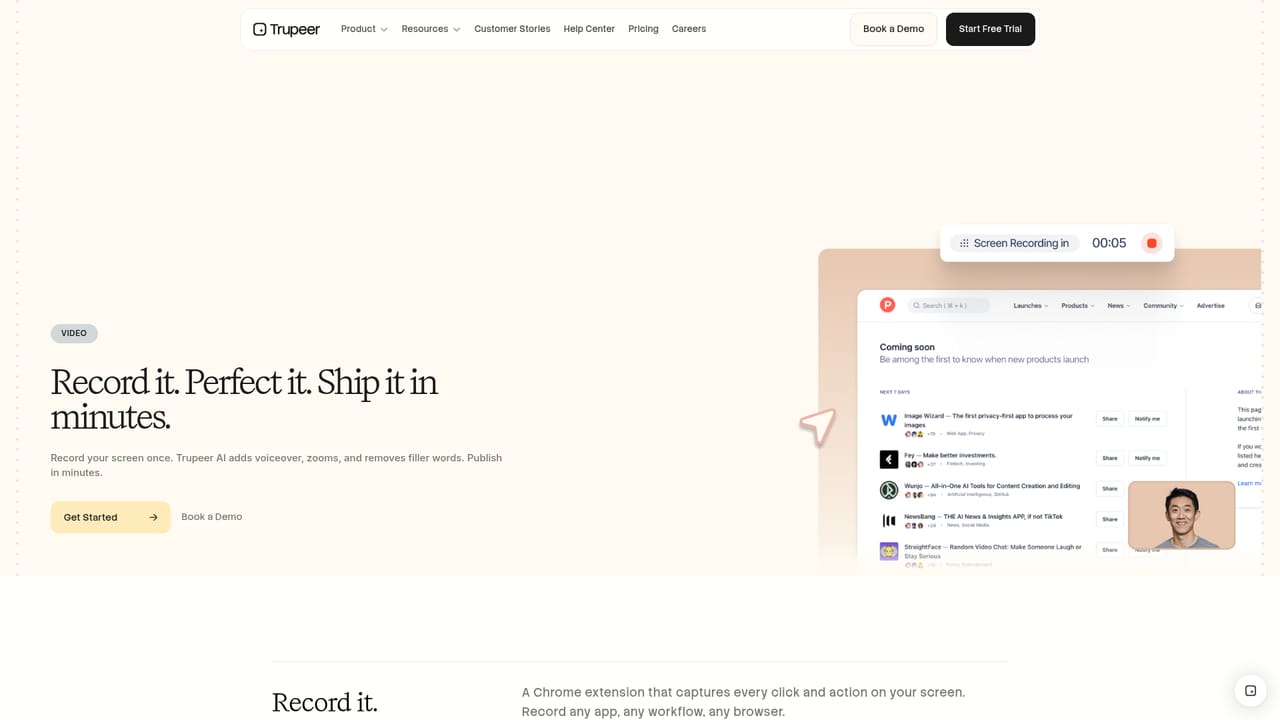
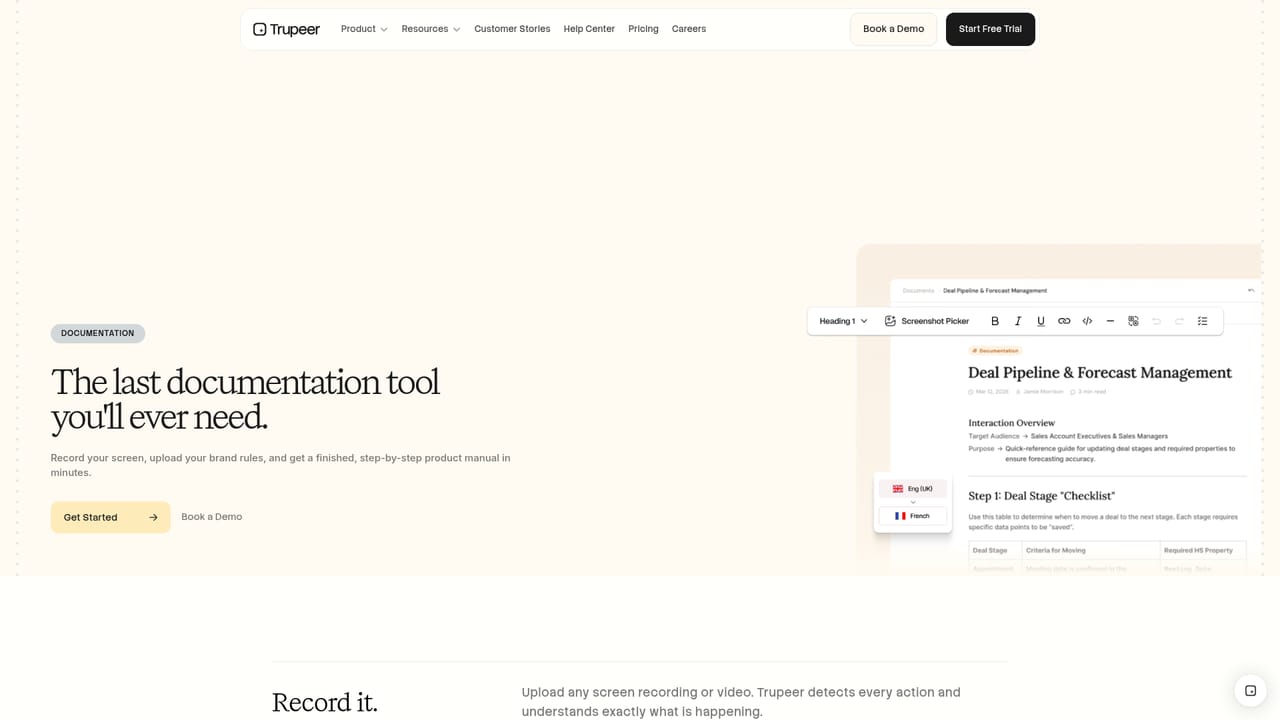
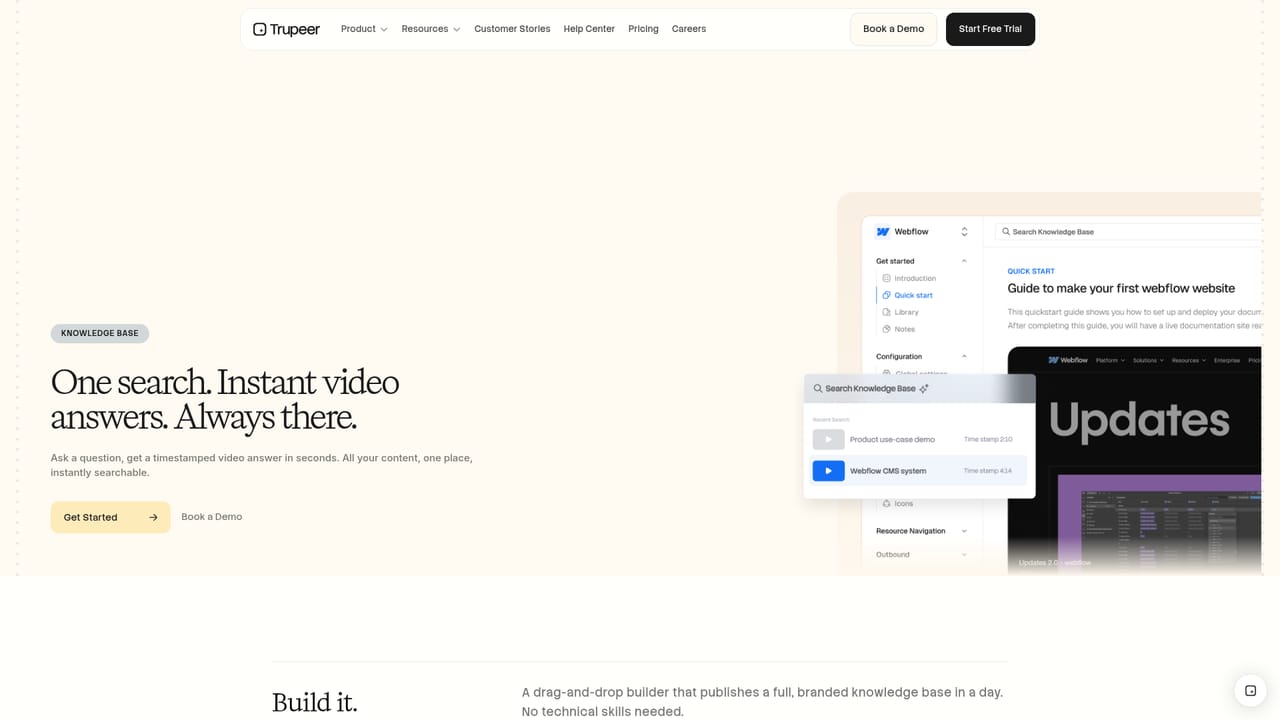
Trupeer is a screen recording and documentation tool with a translation layer built on top. The core workflow is simple: capture a screen walkthrough once, and Trupeer turns that single recording into a translated video with a synchronized voiceover, a translated script, and a matching step-by-step written guide. The translation page positions this as the main draw, and the pitch is aimed at teams that already produce product demos, onboarding material, or internal training and need those assets to work outside their home language. The mechanics are more interesting than a plain subtitle pass. When a language is chosen and translation is triggered, Trupeer regenerates the video with the new voiceover, keeps the timing aligned, and produces a localized script that can be edited like a document. Edits to the script flow back into the video, which makes fixing an awkward phrase far faster than re-recording. Voice options cover 120+ accents and styles, and users can clone their own voice to carry across every target language. An avatar narrator can be added, with a library of nationalities and styles, and each translation also yields a localized step-by-step guide with screenshots. The tool suits customer success, learning and development, sales, marketing, and operations groups in companies selling or staffing across regions. Recordings can be captured with the Chrome extension or an existing file can be uploaded, then downloaded, embedded, or shared by link. Trupeer competes with separate screen recorders plus standalone dubbing services and doc tools, and its argument is consolidation: one recording feeds video, guide, and translation at once.
The page repeatedly offers a free trial start and a free tier entry (Try Trupeer for Free), but no trial length or usage cap is stated.
Learn moreA help center and documentation portal are linked from the site; no support tiers or response times are described on this page.
Learn moreTranslation across 65+ languages covers video, voiceover, and written guides from one recording. Script editor syncs edits back to the video in real time. Voice cloning carries your own voice into every target language, with 120+ accents and styles and 20+ avatar narrators. Every translation generates a localized step-by-step guide with localized screenshots. Output can be downloaded, embedded, or shared by link, and recordings can be captured via the Chrome extension.
 AI Angels400+ customizable AI girlfriends for NSFW chat, voice calls, and roleplay
 Candy AIExperience the future of companionship with AI friends who chat, role-play, and connect with you on a human level.
 ourdream.aiA vast AI roleplay platform with millions of characters for chat, images, video and voiceAI Angels400+ customizable AI girlfriends for NSFW chat, voice calls, and roleplayCandy AIExperience the future of companionship with AI friends who chat, role-play, and connect with you on a human level.ourdream.aiA vast AI roleplay platform with millions of characters for chat, images, video and voice


