Free trial
UChat offers a 14-day free trial with access to all Pro features, and no credit card is required. You can build, test, and launch bots during the trial period without limitations.
Learn moreNo-code AI agents for sales and support across 15+ messaging channels.

UChat is a no-code AI agent builder for automating sales, support, and lead qualification across 15+ messaging channels. It combines a drag-and-drop flow builder, LLM integrations, live chat handoff, and a unified CRM.
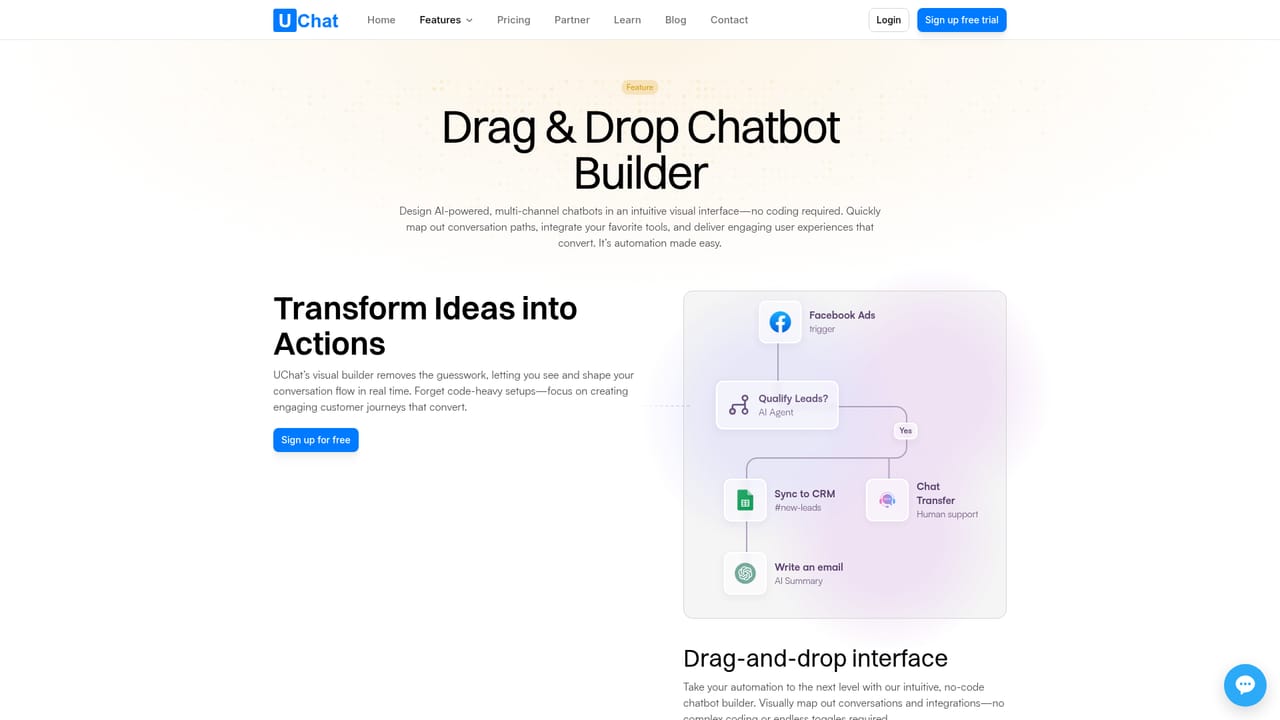
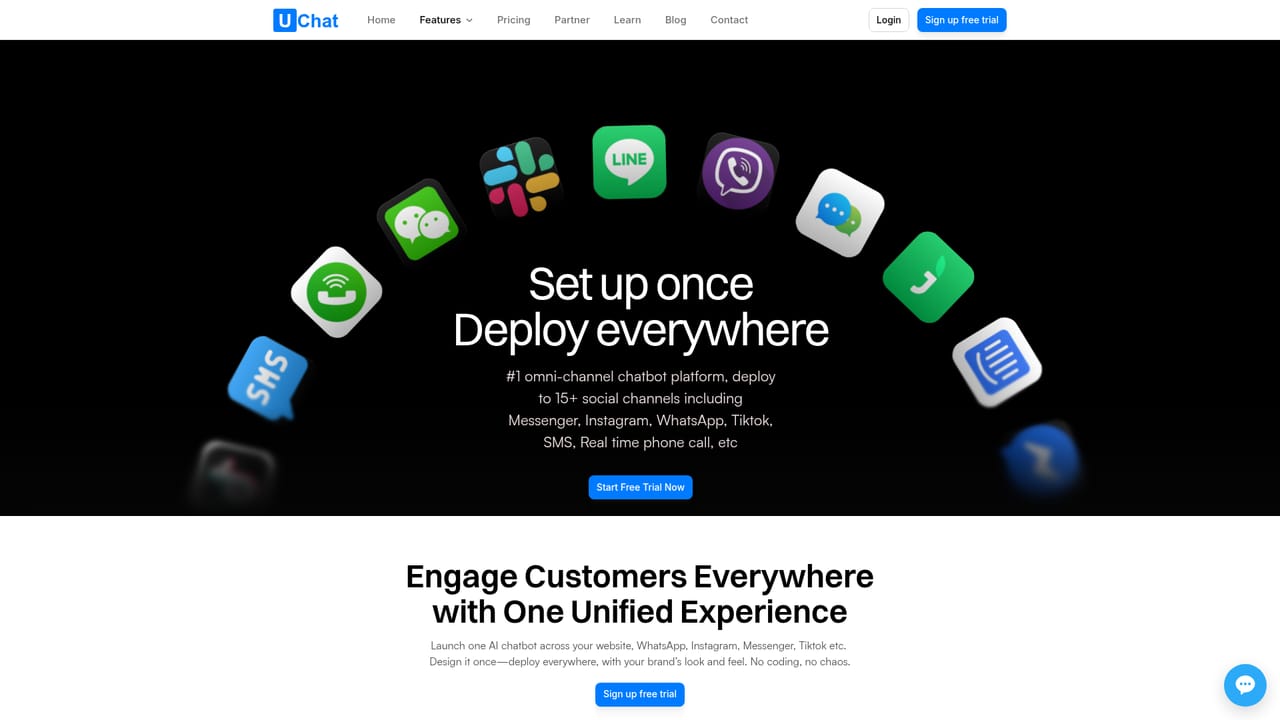
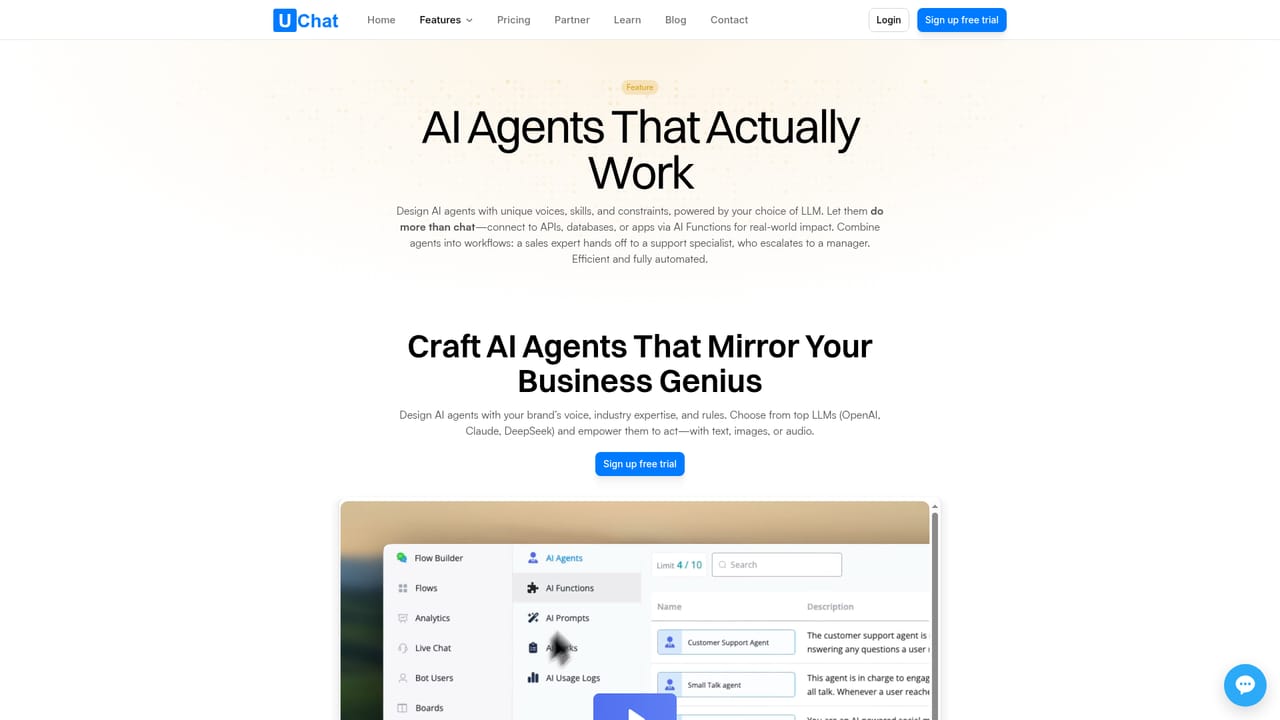
UChat is a no-code platform for building AI agents that handle sales, support, and lead qualification across more than 15 messaging and social channels. The core of the product is a visual drag-and-drop flow builder that lets you design conversation logic, buttons, and ticket triggers on a canvas. You map out how the bot should respond at each point, and the same flow can be deployed to web chat, WhatsApp, Instagram, Messenger, Telegram, SMS, and others without rebuilding it for each channel. For teams without developers, the builder covers most automation needs; for advanced users, there are nodes for JavaScript, external API requests, and mini apps. The AI layer connects to large language models such as OpenAI, Claude, Google Gemini, xAI, DeepSeek, and Coze. You can use these models to power conversational replies, and enable function calling so the AI can fetch data or complete tasks inside a chat. When a query is too complex or a customer asks for a person, the bot transfers the conversation to a live agent with context intact. A unified CRM with Kanban-style ticket boards helps teams track, assign, and prioritize conversations, and a mobile app lets you monitor and respond on the go. UChat is aimed at businesses that handle a high volume of inbound messages and want to automate responses without coding. E-commerce stores use it to recover abandoned carts and send order updates, service teams use it for FAQs and appointment booking, and marketing teams use it to qualify leads and run personalized follow-ups. The platform reports over 20,000 businesses and 500 million monthly messages, which suggests it is built for scale rather than small side projects. Among chatbot builders, UChat stands out for its channel breadth and the combination of AI agents with a visual flow builder. Alternatives often specialize in one channel or require more technical setup. UChat's free trial gives access to all Pro features for 14 days without a credit card, so you can test the builder and channel connections before committing. Pricing details are not listed on the homepage, so you will need to check the site or contact the team for plan costs.

UChat offers a 14-day free trial with access to all Pro features, and no credit card is required. You can build, test, and launch bots during the trial period without limitations.
Learn moreSupport is available through a contact page where you can reach the team. The homepage does not link to a documentation portal or help centre for self-service.
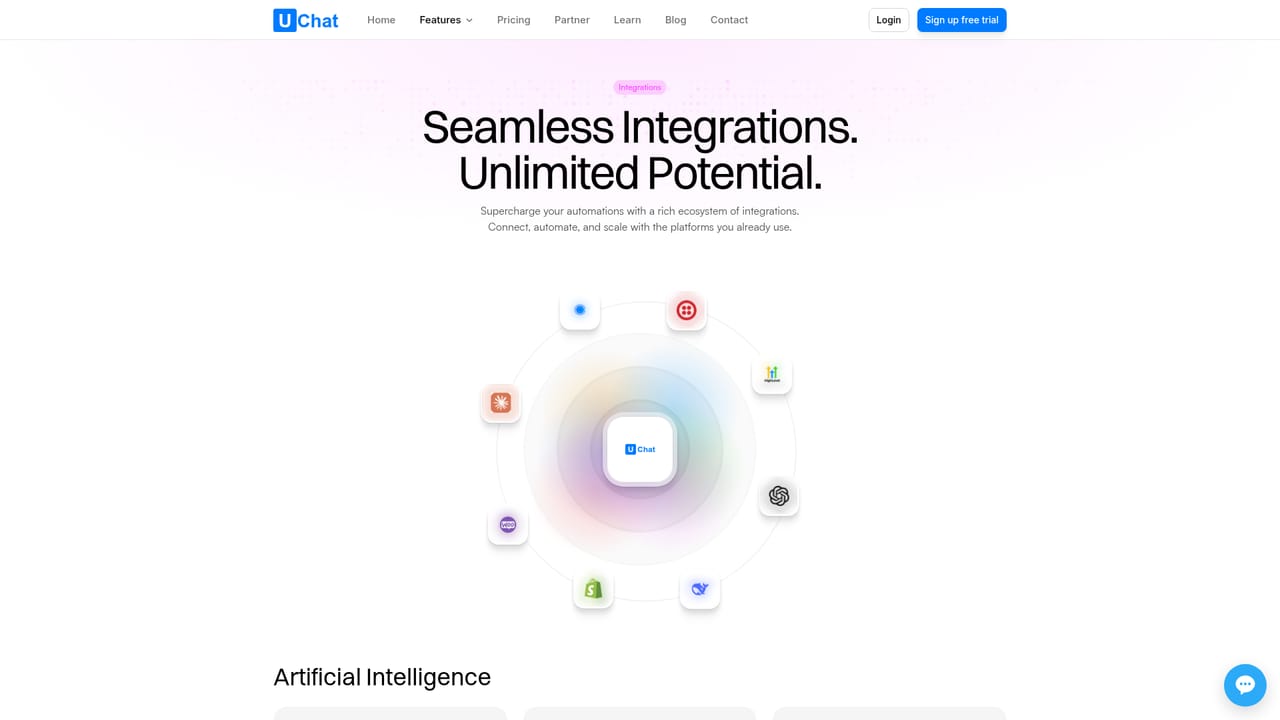
Learn moreUChat syncs with Shopify, HubSpot, Zapier, and MCP servers. You can trigger flows from Stripe payments, Calendly bookings, or Google Sheets, and connect to other third-party apps to expand functionality.
Learn moreAI agents handle sales, support, and lead qualification 24/7. A drag-and-drop flow builder lets you design chat logic without code. Deploy across 15+ channels including WhatsApp, Instagram, Messenger, SMS, and voice. Transfer complex queries to human agents instantly. Manage tickets with a unified CRM and Kanban boards. Monitor conversations via mobile app. Connect to LLMs like OpenAI, Claude, and Gemini, with function calling for real-time actions.
Learn more AI Angels400+ customizable AI girlfriends for NSFW chat, voice calls, and roleplay
 Candy AIExperience the future of companionship with AI friends who chat, role-play, and connect with you on a human level.
 ourdream.aiA vast AI roleplay platform with millions of characters for chat, images, video and voiceAI Angels400+ customizable AI girlfriends for NSFW chat, voice calls, and roleplayCandy AIExperience the future of companionship with AI friends who chat, role-play, and connect with you on a human level.ourdream.aiA vast AI roleplay platform with millions of characters for chat, images, video and voice


