Free trial
No free trial is described. The download is free and needs no credit card, which functions as a limited evaluation rather than a timed trial.
Learn moreReal-time AI answers for SWE interviews, hidden from proctoring tools

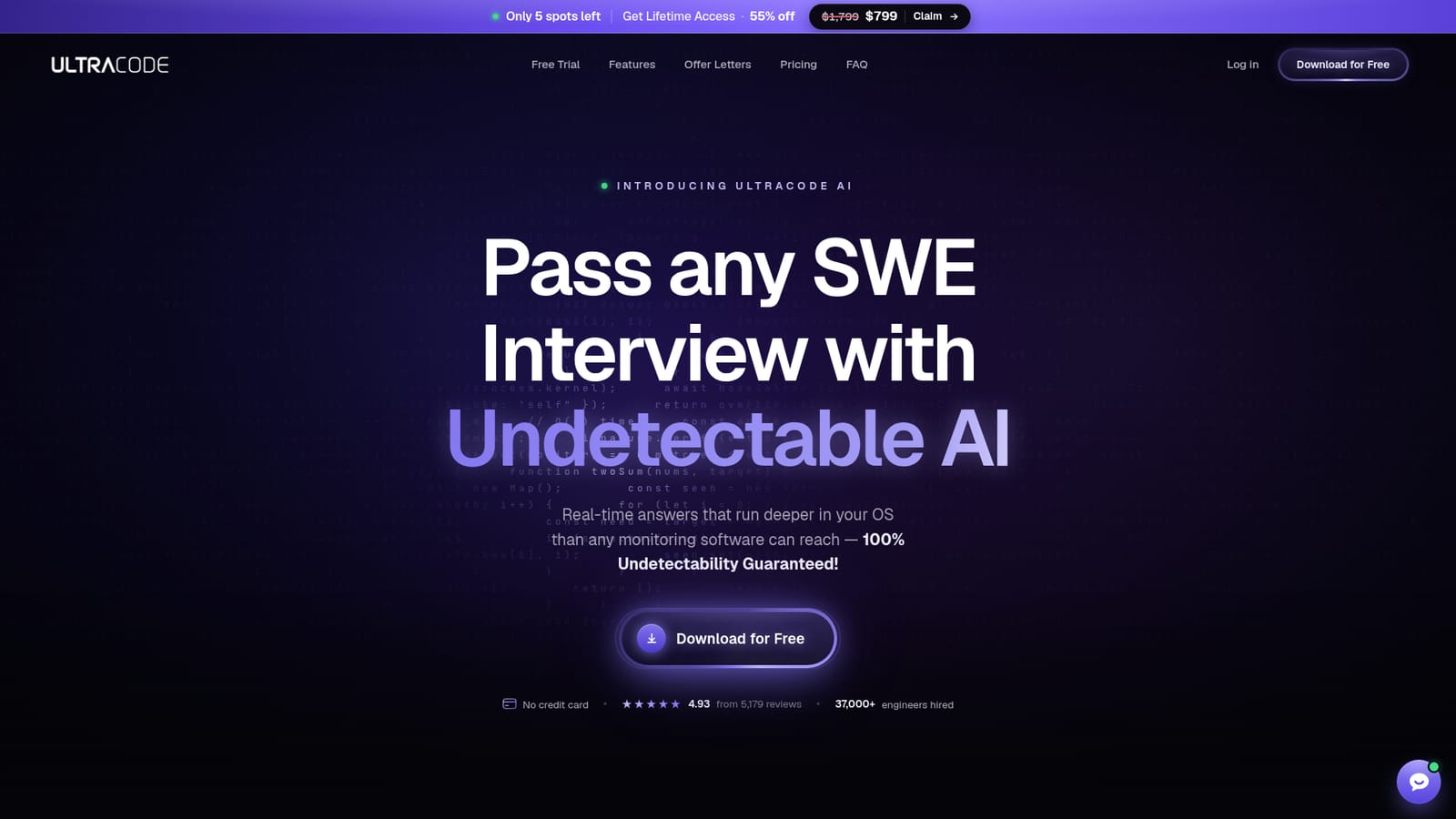
Ultracode is an interview preparation tool. A Windows and Mac desktop app that supplies real-time answers to coding, system design and verbal interview questions, marketed on the claim that it stays hidden from CoderPad, HackerRank, CodeSignal and screen sharing. It is an interview assistance tool rather than a study platform, sold as a lifetime licence.
Ultracode is a desktop application built for software engineering job interviews. It listens to the interview through screen and audio capture, then generates answers to coding problems, system design prompts, object-oriented design questions and verbal trivia, returning them in a single keystroke. The company positions it less as a study aid and more as an in-interview co-pilot, and the marketing leans hard on that framing. The product is aimed at candidates sitting technical screens and onsite loops at large tech employers. Its distinguishing claim is invisibility: the app is engineered to stay hidden while a candidate shares a full screen, with the company stating it works undetected on CoderPad, HackerRank, CodeSignal, Codility and several video platforms including Zoom, Google Meet, Microsoft Teams and WebEx. Responses come with an explanation layer the company calls ThoughtFlow, so the output is a walkthrough of the reasoning rather than a bare code snippet. The underlying models are described as finetuned versions of current OpenAI and Claude models, tuned specifically for interview-style questions across languages, algorithms and system design. In practice the workflow is a free download for Windows or Mac, a paid lifetime licence for full access, and hotkey-driven interaction during a live call. The vendor says it maintains proctor accounts to retest undetectability and ships weekly updates. Buyers should weigh this carefully against conventional prep tools such as LeetCode, interviewing.io or mock-interview platforms. Ultracode is not a learning environment; it is a concealment tool, and using it likely breaches the candidate agreements of most employers and assessment platforms. The homepage also concedes that no application can guarantee invisibility if an employer requires installed desktop proctoring software with full system access. Treat the undetectability guarantee as a vendor claim, not an audited fact.
No free trial is described. The download is free and needs no credit card, which functions as a limited evaluation rather than a timed trial.
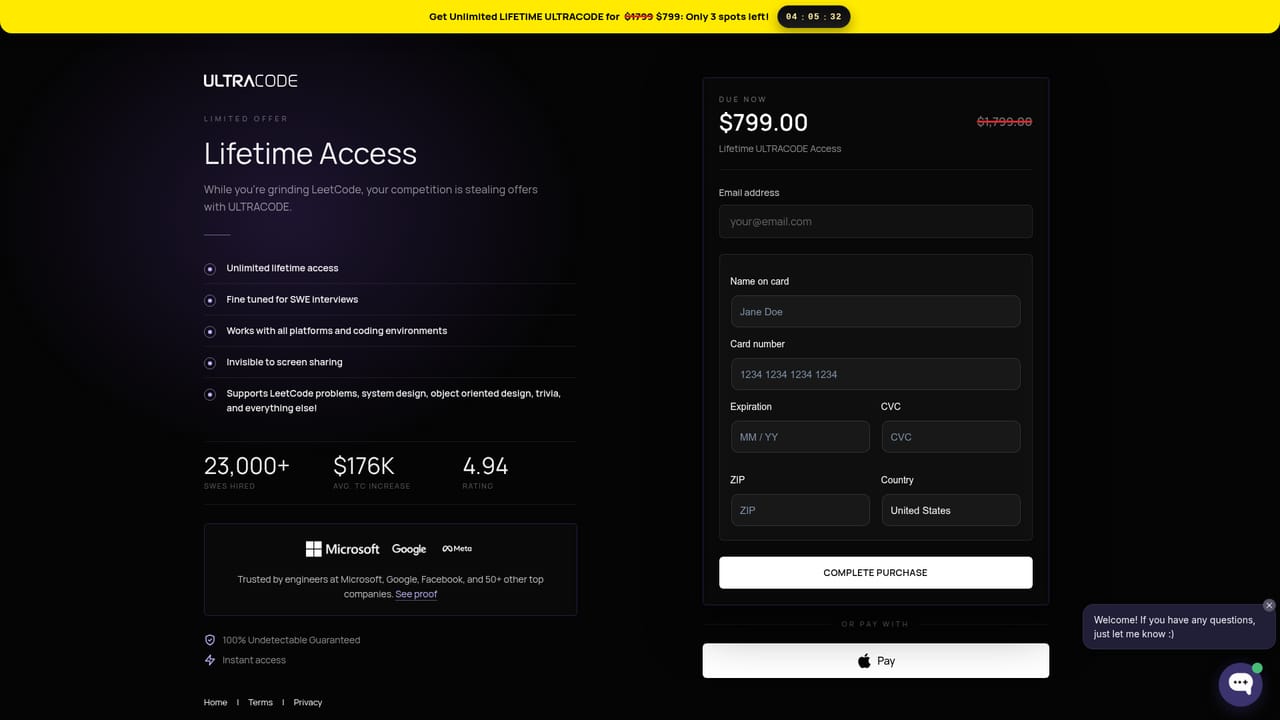
Learn moreLifetime access is advertised at $799, down from a list price of $1,799, with a stated scarcity of a small number of remaining spots. The app download is free and does not require a credit card, but the homepage does not say what the free download includes versus the paid licence.
Learn moreThe homepage lists CoderPad, HackerRank, CodeSignal, Codility, Codebyte, Zoom, Google Meet, Microsoft Teams, WebEx, Chime and Lark/Feishu as supported environments. No API or third-party software integrations are documented.
Answers generated in real time from screen and audio input, with coverage of coding problems, system design, object-oriented design and verbal questions. ThoughtFlow explanations accompany each answer. Models are described as finetuned OpenAI and Claude variants. The app is built for Windows and Mac, claims invisibility during full screen sharing and on named assessment platforms, and is updated weekly.
 AI Angels400+ customizable AI girlfriends for NSFW chat, voice calls, and roleplay
 Candy AIExperience the future of companionship with AI friends who chat, role-play, and connect with you on a human level.
 ourdream.aiA vast AI roleplay platform with millions of characters for chat, images, video and voiceAI Angels400+ customizable AI girlfriends for NSFW chat, voice calls, and roleplayCandy AIExperience the future of companionship with AI friends who chat, role-play, and connect with you on a human level.ourdream.aiA vast AI roleplay platform with millions of characters for chat, images, video and voice


