Free trial
No trial period is described, but the product is presented as free to use and the homepage invites visitors to create a resume for free.
Learn moreAI resume builder with recruiter-friendly templates and PDF export

UPCV is a free AI resume builder that generates work experience descriptions from a job title and industry, polishes wording, corrects grammar in real time, and exports to PDF across dozens of recruiter-oriented templates.
UPCV is a browser-based resume builder that pairs a library of designed templates with an AI writing assistant. The pitch is speed: a user enters a target position and industry, and the tool drafts multiple work experience descriptions that can be dropped straight into the document. Beyond generation, the assistant offers a polishing pass to reword skills and bullet points, plus a live correction layer that flags spelling and grammar problems as the resume is typed. The site frames the whole flow as a three minute job. The template catalogue is the other half of the product. Layouts range from single-column minimalist formats to card, grid, wave and split designs, along with industry-flavoured options such as classic business, modern business, professional lawyer and fashion gradient variants. The stated design goal is recruiter readability: a clear hierarchy that surfaces key strengths quickly, with one-click PDF export so the file leaves the builder without broken formatting. Template switching is meant to be instant, letting a candidate test several looks against the same content. The tool is aimed at job seekers who have the raw material but not the words or the layout skills: recent graduates writing a first resume, career changers repackaging experience for a new field, and professionals who refresh their document often. The homepage cites a design novice and a career changer among its testimonials, and claims a substantial user base and an interview rate uplift, figures that come from the vendor and should be treated as marketing rather than audited data. In practice UPCV sits in the same bracket as other AI resume builders: stronger on guided generation and template variety than on deep job-matching or applicant tracking system analysis. It also runs a career guidance blog with articles on stalled job searches, which suggests the product is positioned as a broader job search companion rather than a document editor alone.
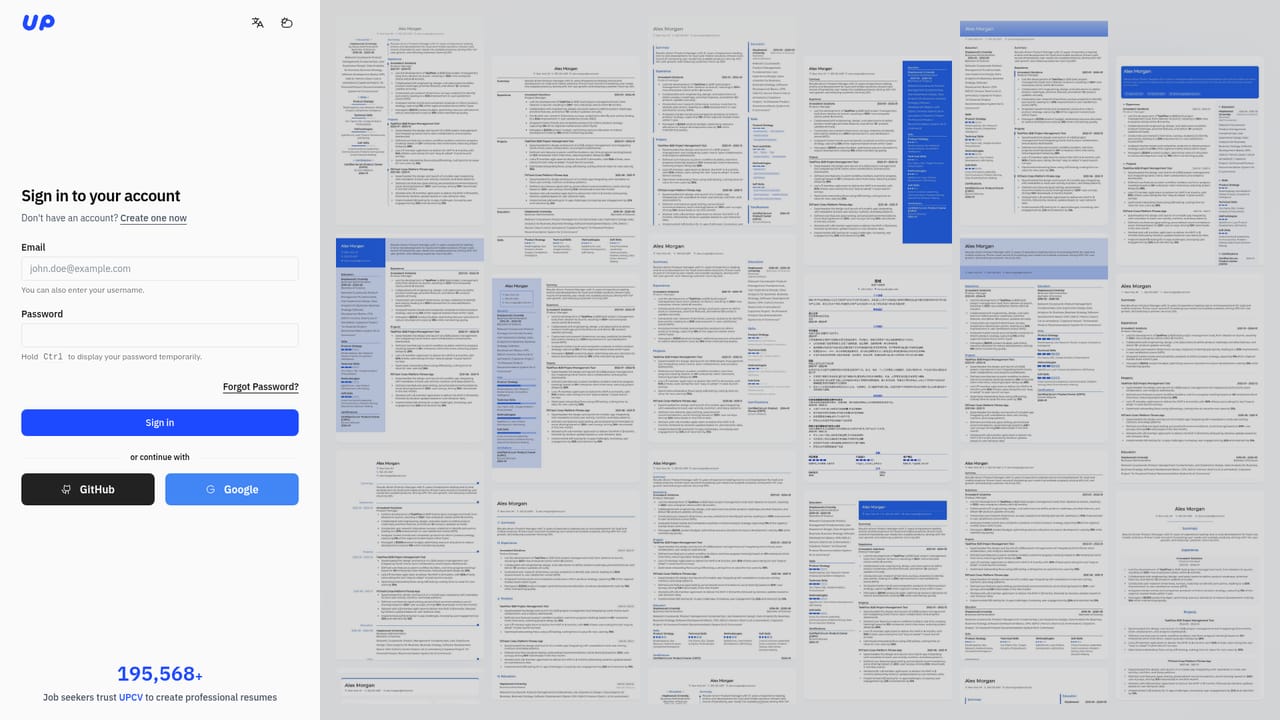
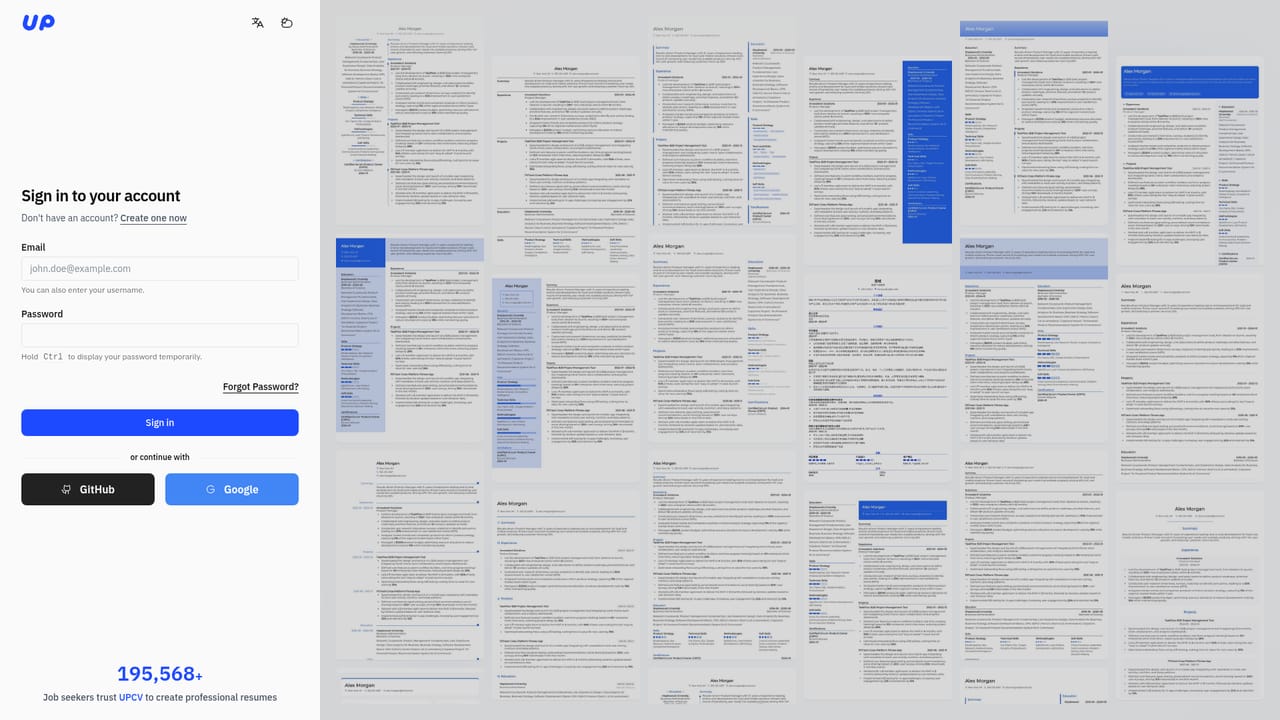
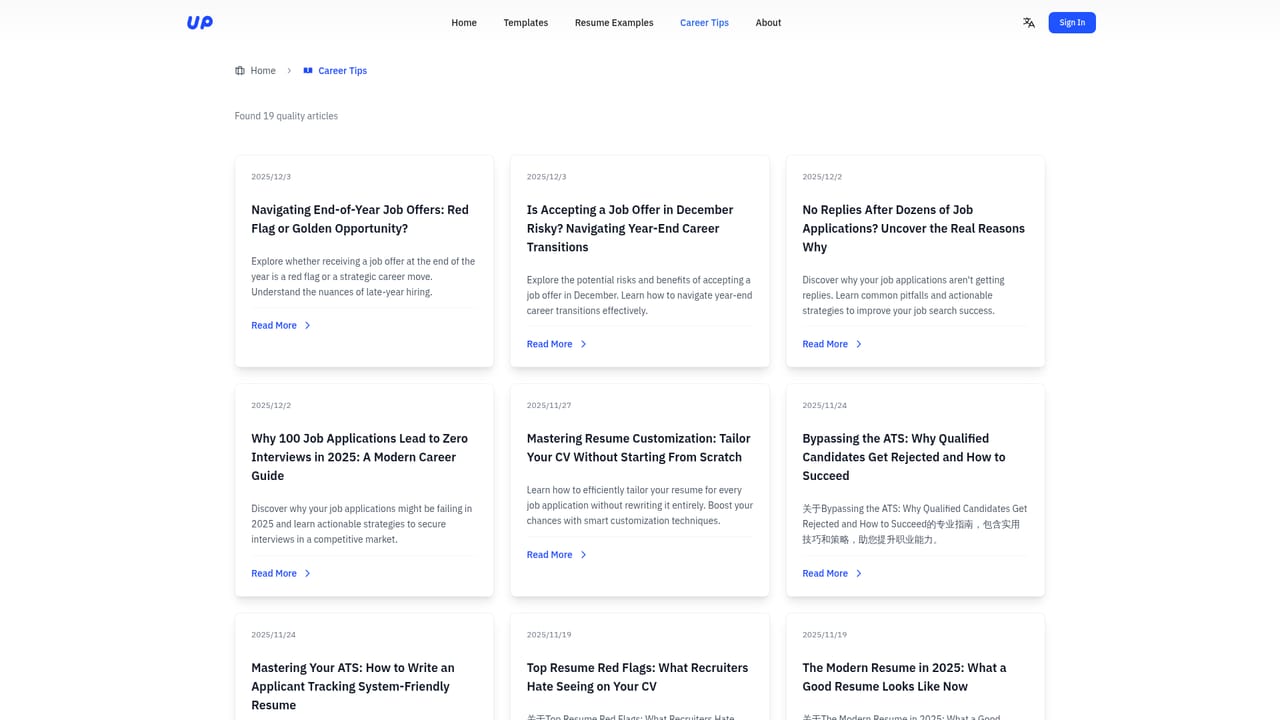
No trial period is described, but the product is presented as free to use and the homepage invites visitors to create a resume for free.
Learn moreThe homepage promotes UPCV as free and offers a free resume creation path, with no published plan tiers, paid upgrades or price points listed. Cost structure beyond the free entry point is not stated on the source page.
Learn moreAI generation of work experience descriptions from position and industry, one-click polish for skills and bullet points, real-time spelling and grammar correction, dozens of resume templates across minimalist, card, grid, layered and industry styles, instant template switching, and one-click high-quality PDF export.
 AI Angels400+ customizable AI girlfriends for NSFW chat, voice calls, and roleplay
 Candy AIExperience the future of companionship with AI friends who chat, role-play, and connect with you on a human level.
 ourdream.aiA vast AI roleplay platform with millions of characters for chat, images, video and voiceAI Angels400+ customizable AI girlfriends for NSFW chat, voice calls, and roleplayCandy AIExperience the future of companionship with AI friends who chat, role-play, and connect with you on a human level.ourdream.aiA vast AI roleplay platform with millions of characters for chat, images, video and voice


