Support
A demo request form on the contact page is the main entry point for evaluation and support from the Uplimit team.
Learn moreTurn learning objectives into adaptive AI-led training programs

Uplimit is a courses tool that turns learning objectives into adaptive AI-led training programs. Uplimit turns learning objectives and existing training material into adaptive AI-led programs, with a voice and visual AI Skills Instructor for practice plus mastery reporting that goes beyond completion rates.
Uplimit is a corporate learning platform built around an AI Skills Instructor that converts a stated learning objective into an adaptive training program for each employee. Rather than hand-authoring slide decks, a learning and development team describes what topic mastery looks like, uploads existing material such as an internal training PDF, and adds organizational context. Uplimit generates the practice experience from there, and the homepage positions the whole cycle as a same-day exercise: objectives in the morning, a shipped program in the afternoon, measurement by Friday. The learner experience is the differentiator. Instead of one linear course that everyone walks through at the same pace, each person gets a route shaped by what they already know, and the platform groups learners into mastery bands such as just starting, developing and mastering. The AI Skills Instructor is described as sitting next to a subject matter expert with a whiteboard, guiding people toward mastery through personalized visuals and voiceover at their own pace, with instant feedback on every interaction. Practice is framed as voice and visual simulation of real conversations and decisions, a step beyond multiple choice quizzes that only test recall. For administrators, the reporting layer goes past completion rates. A Learning Objectives Report shows average mastery, movement against a previous cohort, active learner counts and how many objectives have been met, so L&D leaders can see who has the skill and where to intervene. The homepage lists leadership training, onboarding, customer education, sales readiness and AI skills training as the recurring program types teams build. Uplimit positions itself against conventional authoring tools and LMS platforms rather than against consumer chatbot tutors. It can run inside existing cohorts, be shared through Slack, Teams or email for just-in-time practice, and an in-LMS option is listed as coming soon. Named customers include Databricks, Clay, Gusto, Procore, GE HealthCare and Kraft Heinz, which points to mid-size and enterprise buyers with a formal L&D function rather than individual learners.
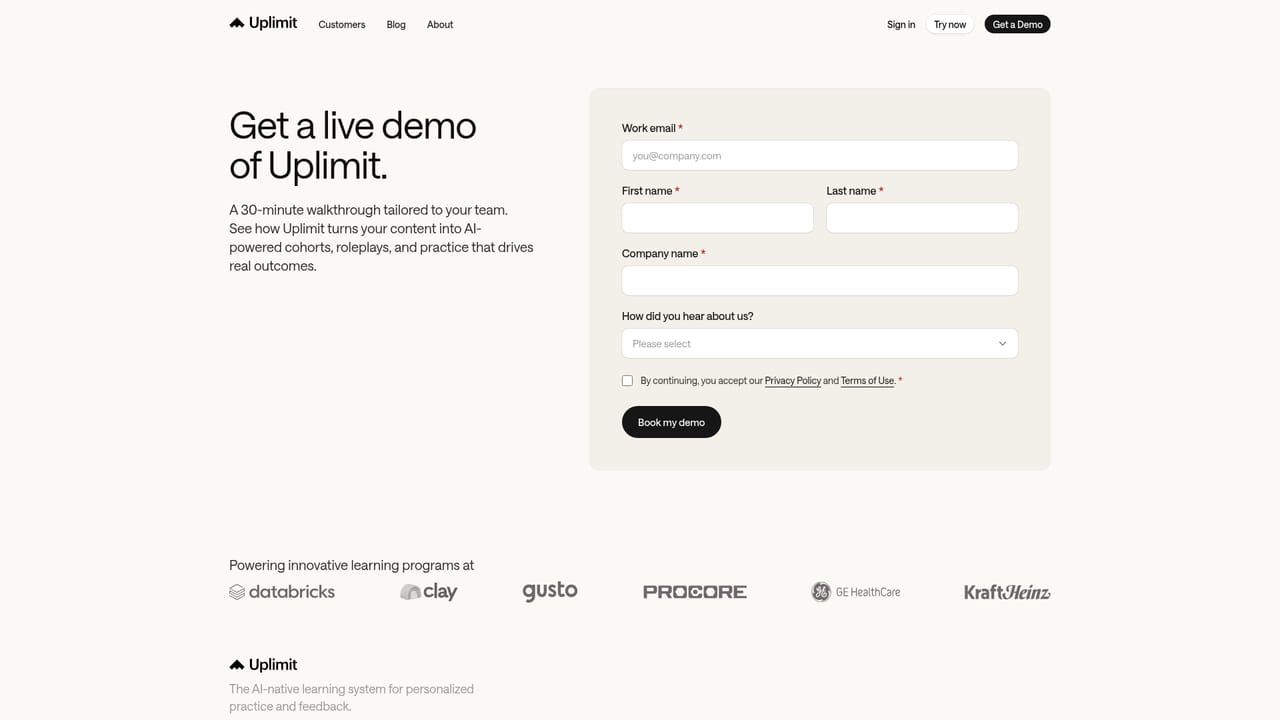
A demo request form on the contact page is the main entry point for evaluation and support from the Uplimit team.
Learn moreLearners can be reached through Slack, Teams and email, or inside learning cohorts. Modules inside an existing LMS are listed as coming soon.
An AI Skills Instructor generates adaptive programs from stated objectives and uploaded source material. Learners follow individualized paths with mastery bands, personalized visuals and voiceover, and get instant feedback on voice and visual practice. A Learning Objectives Report tracks average mastery, cohort-over-cohort change, active learners and objectives met. Delivery works in cohorts, through Slack, Teams or email, with an in-LMS option listed as coming soon.
 AI Angels400+ customizable AI girlfriends for NSFW chat, voice calls, and roleplay
 Candy AIExperience the future of companionship with AI friends who chat, role-play, and connect with you on a human level.
 ourdream.aiA vast AI roleplay platform with millions of characters for chat, images, video and voiceAI Angels400+ customizable AI girlfriends for NSFW chat, voice calls, and roleplayCandy AIExperience the future of companionship with AI friends who chat, role-play, and connect with you on a human level.ourdream.aiA vast AI roleplay platform with millions of characters for chat, images, video and voice


