Free trial
The homepage states the product is free to start with no card needed, and the primary button invites visitors to start creating for free. Plan limits and paid tiers are not itemized.
Learn moreBrowser-based eLearning authoring with quizzes, classes and SCORM export

uPresenter is a browser workspace for building interactive lessons and presentations, with 14 question types, AI-generated slides and quizzes, built-in classes, learner reports, and export to xAPI, SCORM 1.2, SCORM 2004, HTML5 and PDF.
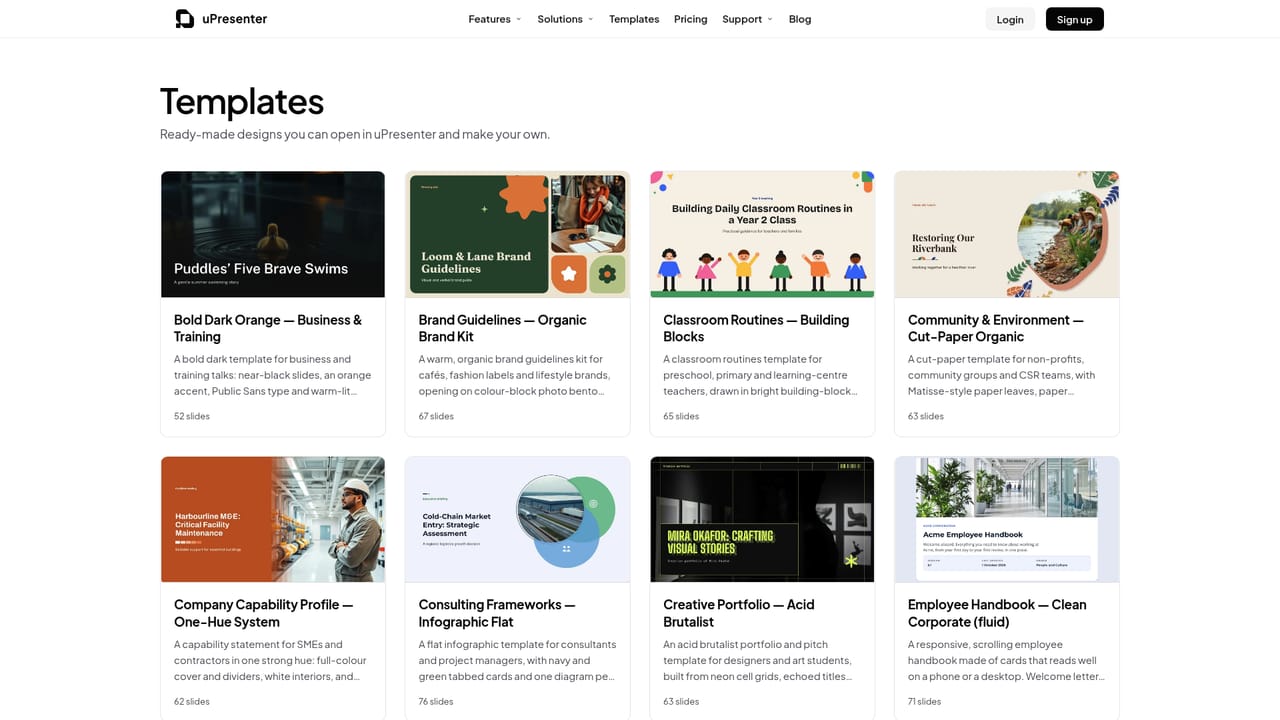
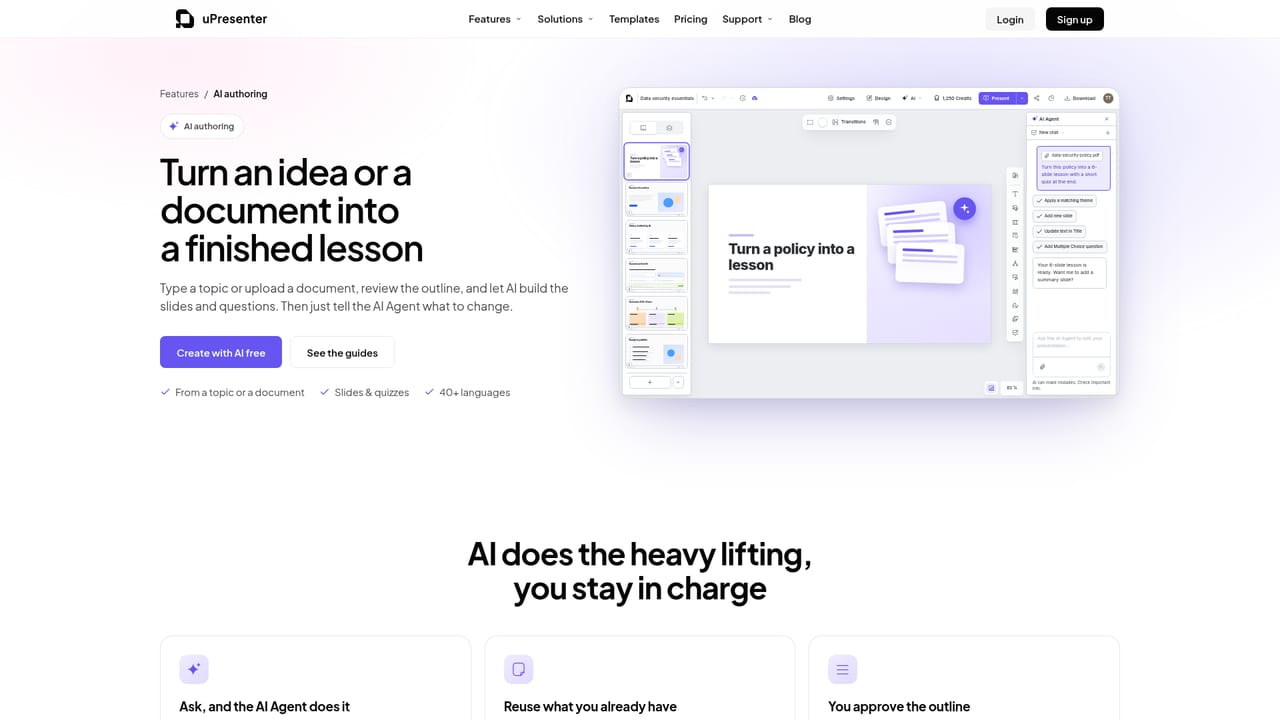
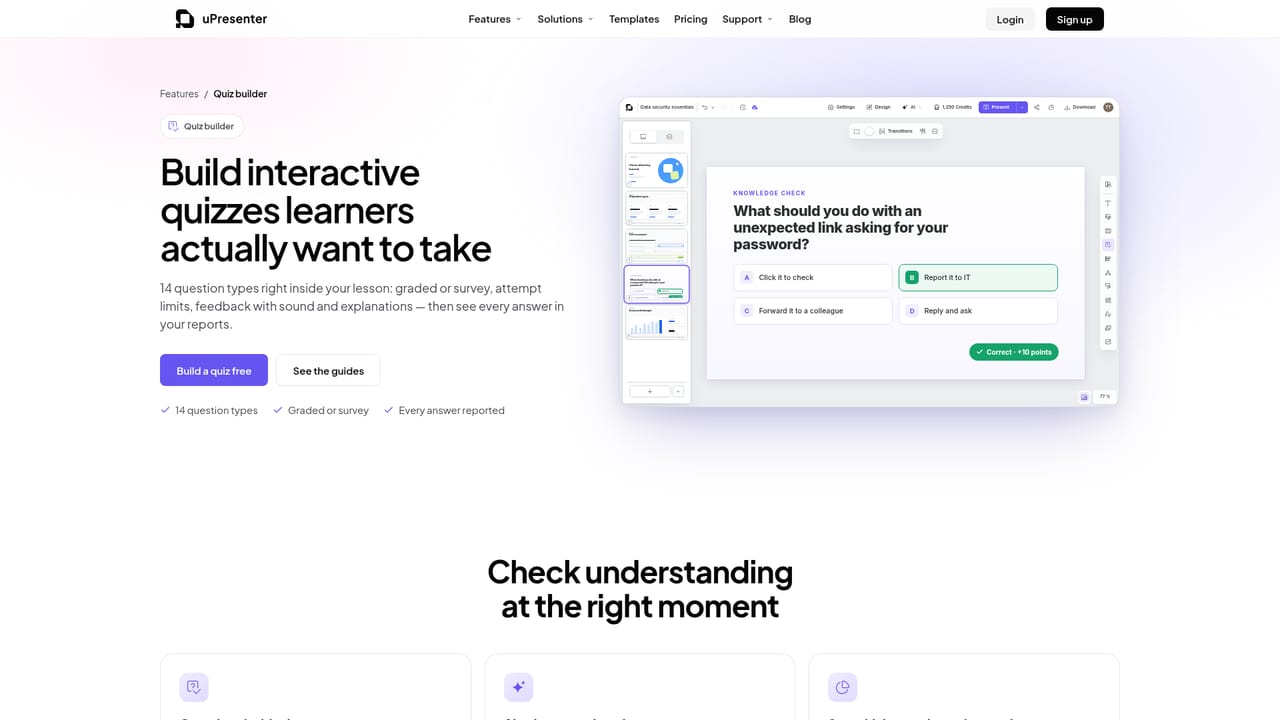
uPresenter is a browser-based authoring workspace for interactive eLearning. It combines two canvas modes in a single editor: a fixed, pixel-precise slide layout for classic presentations and a responsive fluid layout that scrolls like a web lesson. Projects can move between those modes without being rebuilt in a separate application, which is the core argument the product makes against stitching a slide tool, a course builder and a reporting system together. Learning behavior is built into the editor rather than bolted on afterward. Authors can add 14 question types, among them multiple choice, drag the words, matching, hotspot, sequence, essay, slider and fill in blanks, with scoring, attempt limits, answer feedback and review. Media sits in context: images, video, YouTube embeds, audio, recordings, icons and text-to-speech narration are placed where the lesson is designed. AI assistance generates or refines slide text, whole slides, quizzes, charts and images, and the homepage also frames document-to-lesson conversion as a use case. Every generated result stays editable. Delivery is deliberately flexible. Authors can share a link, run the lesson inside built-in classes with a join code and ordered lesson lists, or export to PDF, PNG, JPEG, offline HTML5, xAPI, SCORM 1.2 or SCORM 2004 for an existing LMS. Reports inside uPresenter cover attempts, completion, scores, learning time and individual question responses at presentation, lesson and class level. Collaboration includes viewer, commenter and editor roles, live collaborator pointers and version history. The tool suits educators, corporate trainers building onboarding and compliance material, and freelancers delivering branded sessions with client-ready reports. It is aimed at people who need tracking without standing up an LMS, and at teams that already have one and want standards-based packages instead. Teams that only need static slide decks, or that require deeply customized LMS administration, will find the scope larger than necessary. Pricing, plan tiers and the exact credit allowance shown in the interface are not itemized on the homepage, so check the site for current terms.
The homepage states the product is free to start with no card needed, and the primary button invites visitors to start creating for free. Plan limits and paid tiers are not itemized.
Learn moreA public user guide is linked from the homepage for onboarding and feature walkthroughs. No support channels, SLAs or contact options are described.
Learn moreDelivery integrations center on LMS standards: xAPI, SCORM 1.2 and SCORM 2004 exports, plus offline HTML5. PowerPoint is referenced in the publishing comparison, but no native connector details are given.
Learn moreSlide and fluid authoring in one editor, AI generation of slides, quizzes, charts, images and narration, 14 interactive question types with scoring and feedback, themes and templates, built-in classes with join codes, presentation/lesson/class reports, live collaboration with version history, and publishing via link, HTML5, PDF, images, xAPI, SCORM 1.2 and SCORM 2004.
Learn more AI Angels400+ customizable AI girlfriends for NSFW chat, voice calls, and roleplay
 Candy AIExperience the future of companionship with AI friends who chat, role-play, and connect with you on a human level.
 ourdream.aiA vast AI roleplay platform with millions of characters for chat, images, video and voiceAI Angels400+ customizable AI girlfriends for NSFW chat, voice calls, and roleplayCandy AIExperience the future of companionship with AI friends who chat, role-play, and connect with you on a human level.ourdream.aiA vast AI roleplay platform with millions of characters for chat, images, video and voice


