Free trial
No formal trial is advertised. Guest access with 2,000 tokens and a 5,000 token daily allowance after login serve as the free way to test the tool.
Learn moreAsk one question and see which LLM answers it best.

VerifAI is an AI aggregators tool. A multi-model chat workspace that answers one prompt with several LLMs at once and points to the best reply. Guest access allows 2,000 tokens; logging in raises the cap to 5,000 tokens per day and unlocks file attachments and a Debate mode.
VerifAI is a multi-model chat interface that runs a single prompt across several large language models and then indicates which of them produced the strongest answer. Rather than sending a question to one assistant and accepting whatever comes back, the user writes it once and lets the system gather responses from a set of models working in parallel. The verdict on which reply is best is the core of the product, and it turns the routine act of prompting into a small comparison exercise. The interface is a standard conversation workspace: a new conversation button, a running list of recent conversations, a share control and a token counter. A mode labelled AutoModels shows a small set of models (three in the default view) handling the request. Sample prompts on the empty screen lean toward practical developer and knowledge work tasks, such as writing a Python function or describing a technical distinction, which hints at the audience the tool was built for. Signed-out visitors can try the product on a limited guest allowance. In practice VerifAI suits people who already use more than one model and want the choice made for them, or who want a second opinion before trusting an answer. It is more useful for judgment-heavy questions, where models diverge and the wording matters, than for trivial lookups. The tradeoff is that the comparison is only as good as the models in the pool and the scoring logic behind the verdict, neither of which the homepage explains. Compared with single-model chat tools, VerifAI positions itself as a referee between vendors rather than a replacement for any one of them. Attachment handling and a Debate mode exist but require login, so casual evaluation starts with plain text prompts. Anyone weighing it against direct subscriptions should check which models are actually available and how daily token limits map to real usage.
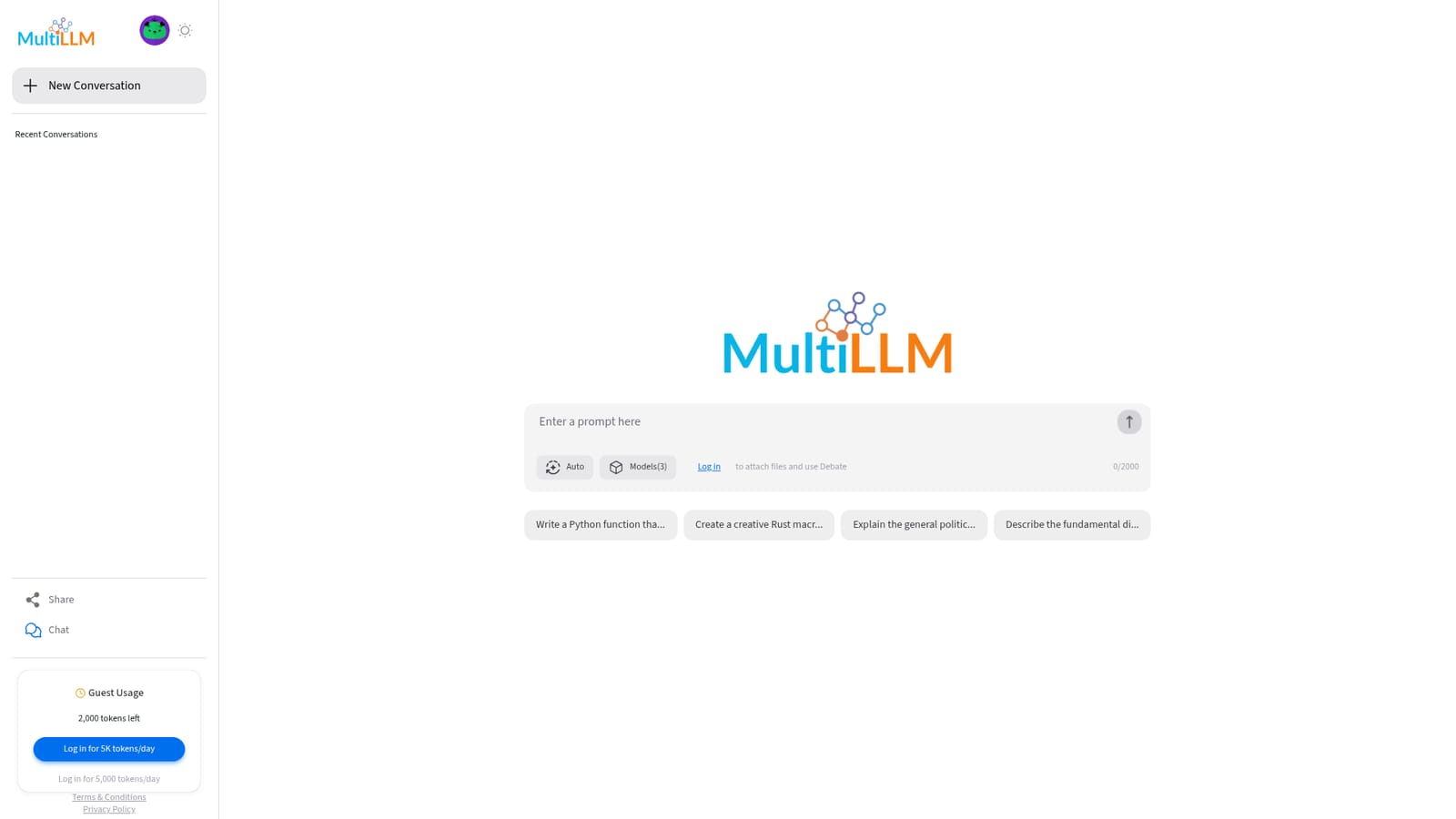
No formal trial is advertised. Guest access with 2,000 tokens and a 5,000 token daily allowance after login serve as the free way to test the tool.
Learn moreFree to use: guests receive 2,000 tokens, and logging in raises the allowance to 5,000 tokens per day. The homepage lists no paid tiers, subscription prices or billed plans.
Learn moreNo help centre, documentation or contact channel is described on the homepage. Only the terms and privacy policy pages are linked.
Sends a single prompt to several LLMs at once and indicates which model gave the best answer. The workspace includes a new conversation view, a recent conversations list, a share control and a token counter. Signed-in users gain file attachments and a Debate mode.
 AI Angels400+ customizable AI girlfriends for NSFW chat, voice calls, and roleplay
 Candy AIExperience the future of companionship with AI friends who chat, role-play, and connect with you on a human level.
 ourdream.aiA vast AI roleplay platform with millions of characters for chat, images, video and voiceAI Angels400+ customizable AI girlfriends for NSFW chat, voice calls, and roleplayCandy AIExperience the future of companionship with AI friends who chat, role-play, and connect with you on a human level.ourdream.aiA vast AI roleplay platform with millions of characters for chat, images, video and voice


