Free trial
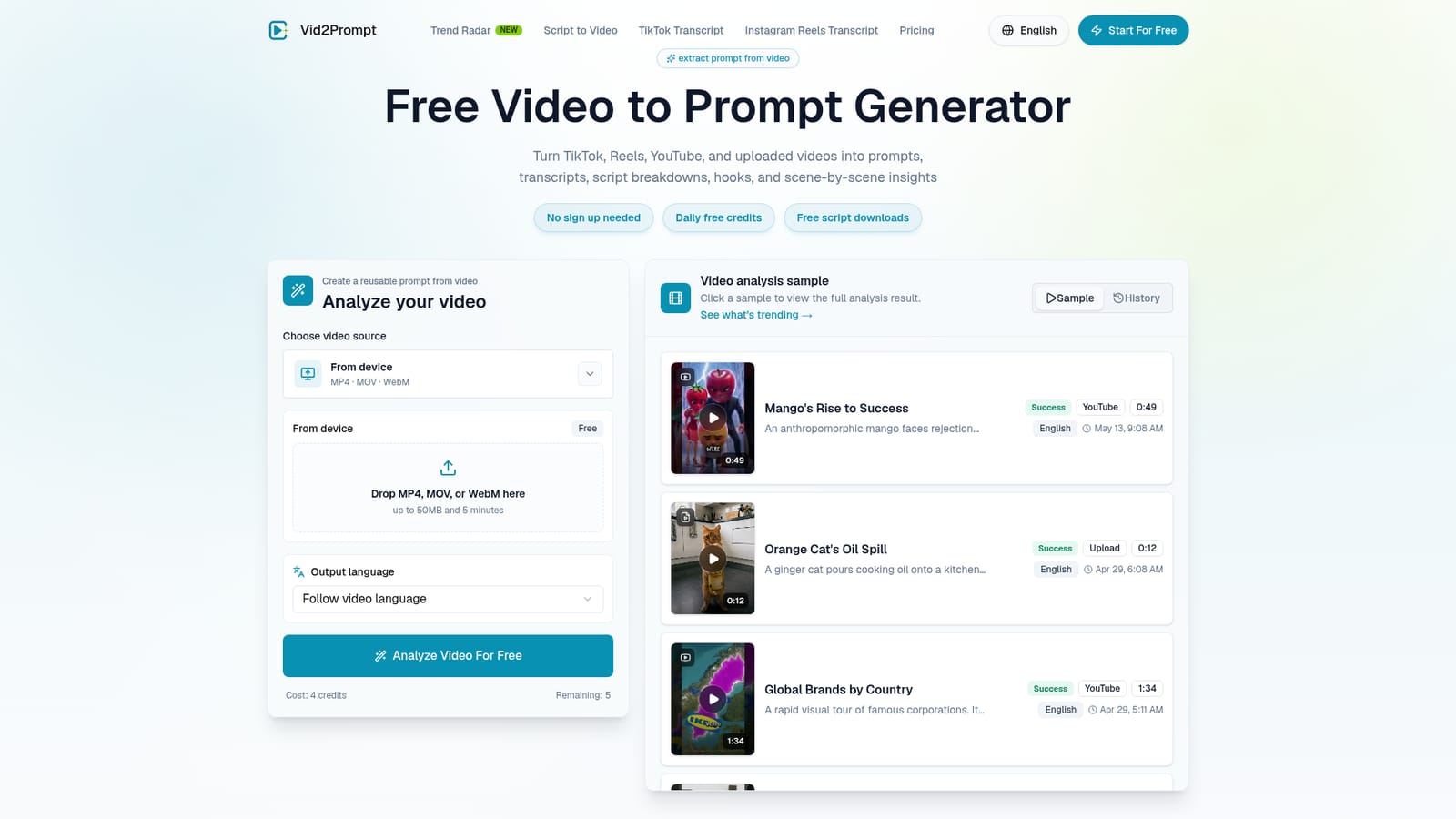
No separate trial is needed: the tool is free to start, requires no account, and grants daily free credits alongside free script downloads.
Learn moreTurn any video into a reusable, structured AI prompt

Vid2Prompt is a content tool that turns any video into a reusable, structured AI prompt. Vid2Prompt converts YouTube, TikTok, Reels and uploaded videos into reusable prompts, transcripts, hooks, calls to action, tags and scene-by-scene breakdowns, with a script quality score.
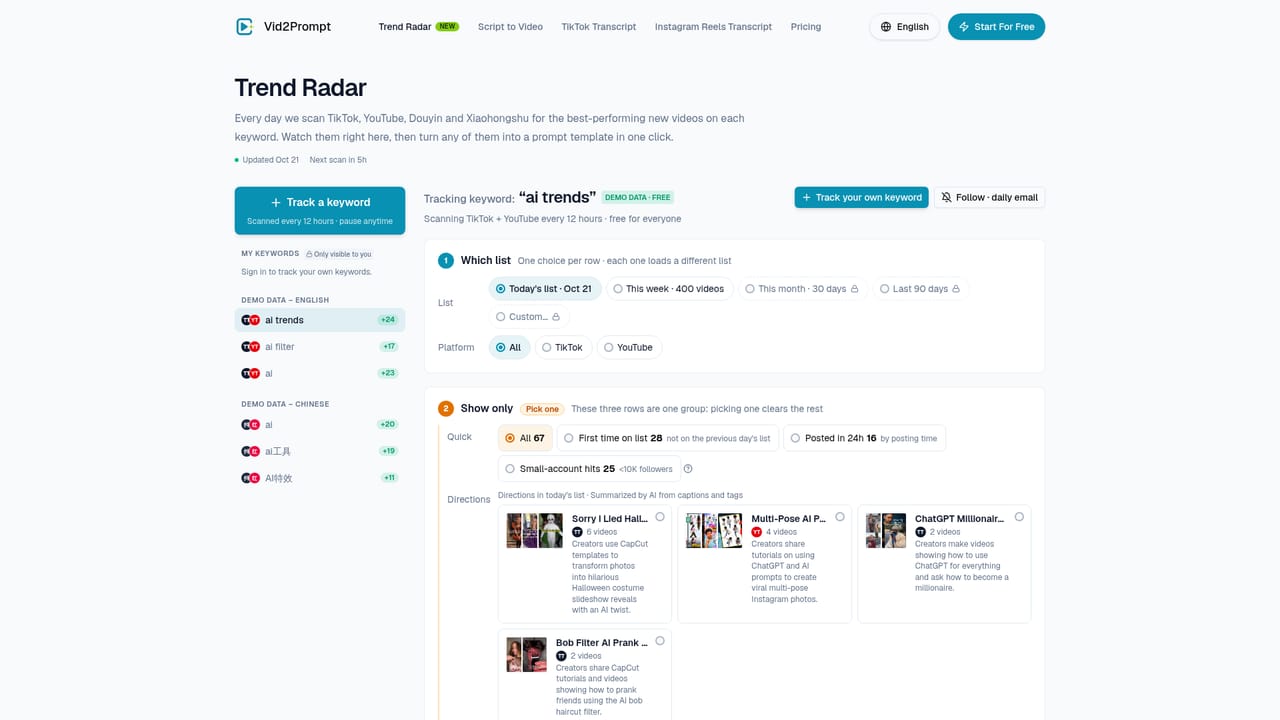
Vid2Prompt is a browser based analyzer that takes a video and converts it into a structured, reusable prompt. The source can be a YouTube link, a TikTok or Instagram Reels URL, or a file uploaded from a device in MP4, MOV or WebM format, capped at 50MB and five minutes. Instead of stopping at a caption track, the tool returns a prompt, a full transcript, the opening hook, the call to action, smart tags, and a scene-by-scene breakdown that covers visual details and camera language. The product is aimed at people who study video for a living or as part of a content workflow: short-form creators reverse-engineering talking-head formats, performance marketers dissecting UGC ads, SaaS teams breaking down product demos, AI video creators collecting motion and mood references, educators structuring explainers, and agencies keeping a library of client references. A script quality score with written reasoning sits alongside the output, so the analysis explains why a clip works rather than only describing what happens in it. In practice the workflow is three moves. Paste a link or drop a file, run the analysis, then review the prompt, transcript and scene breakdown and repurpose them for AI video generation, writing or research. History and published samples make it possible to revisit earlier results, and the output language can follow the source video. The site also hosts a trends page for browsing what is performing. Compared with transcription services, Vid2Prompt targets prompt engineering and creative research rather than meeting notes or accessibility captions. Compared with general purpose video summarizers, it emphasizes reusable prompts, hooks and scene logic that feed AI video tools. The narrow focus is the differentiator and also the limit: it suits short clips well and is not built as a long-form media management suite.
No separate trial is needed: the tool is free to start, requires no account, and grants daily free credits alongside free script downloads.
Learn moreFree to use with no sign up, daily free credits and free script downloads. Each analysis is listed at 4 credits, and remaining credits appear beside the analyze button. The homepage does not publish paid plan tiers or credit prices, so ongoing volume cost is unclear.
Learn moreAccepts YouTube, TikTok, Instagram Reels links and MP4, MOV or WebM uploads up to 50MB and 5 minutes. Returns a reusable prompt, full transcript, opening hook, key points, call to action, smart tags, language and duration, plus a scene-by-scene breakdown with visual and camera details. Adds a script quality score with reasoning, an output language selector, analysis history and published sample results.
 AI Angels400+ customizable AI girlfriends for NSFW chat, voice calls, and roleplay
 Candy AIExperience the future of companionship with AI friends who chat, role-play, and connect with you on a human level.
 ourdream.aiA vast AI roleplay platform with millions of characters for chat, images, video and voiceAI Angels400+ customizable AI girlfriends for NSFW chat, voice calls, and roleplayCandy AIExperience the future of companionship with AI friends who chat, role-play, and connect with you on a human level.ourdream.aiA vast AI roleplay platform with millions of characters for chat, images, video and voice








