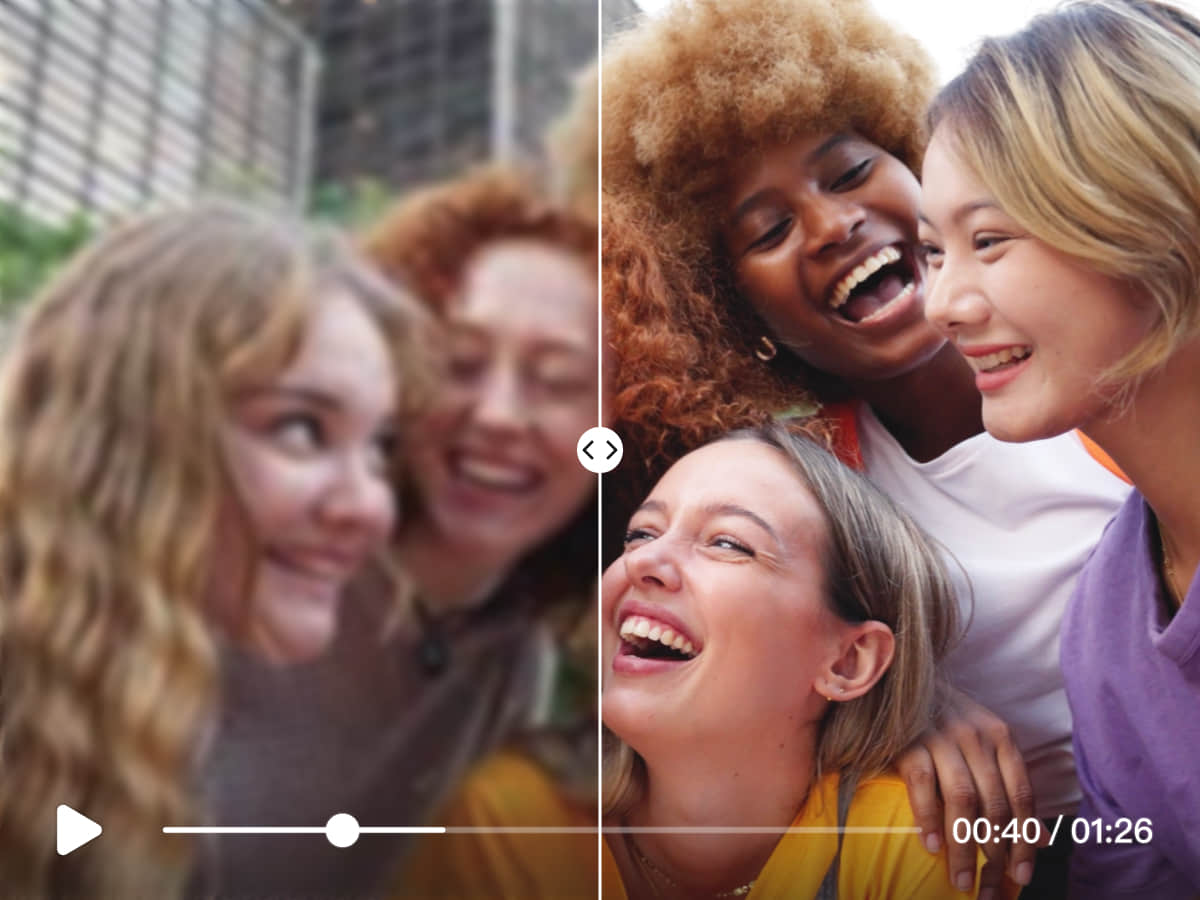
What video 2K converters do
A video 2K converter takes footage at a lower resolution and produces a version with more pixels and, ideally, more visible detail. People who search for video2k or a video 2K converter are usually trying to lift a 720p or 1080p clip, an old digitised recording or a heavily compressed download to a sharper size for playback, editing or publishing.
The tools replace two older routes. One is a plain resize in a video editor, which stretches pixels and leaves softness and blocky compression in place. The other is manual restoration, frame by frame, which is slow on anything longer than a few seconds. AI upscalers reconstruct edges and texture instead of just scaling them, and several also handle the format conversion in the same step.
The audience is mixed: creators repurposing archive footage, small teams preparing material for larger displays, and hobbyists restoring family video.
How to choose one
Start with the resolution you actually need. Some tools stop at 2K or 1080p, while others go up to 4K and beyond, so check the ceiling before committing to a workflow.
Next, decide where the work should happen. A browser-based tool needs no install and suits short clips. A desktop app is better for long files, since nothing has to be uploaded, and it keeps working on a local machine. Platform support matters here: some tools run only in a browser, others cover Windows, MacOS, Android and iOS.
Then look at the source material. Footage that is mostly compression damage calls for a model built to clean that up, while old low-resolution video may need general sharpening. Test one short clip first and compare faces and fine text, where weak upscaling shows fastest.
Finally, check pricing. Free tiers usually limit length, output size or quantity, so confirm the free allowance covers a real test file before paying.
Notable tools
AI Upscaler is a browser-based upscaler for photos and video that sharpens media up to 4K. It is a practical starting point for quick jobs where installing software is not wanted.
FlashVSR uses diffusion-based upscaling to turn compressed video into clean 4K output. It is aimed at footage whose main problem is compression artefacts, and it runs as a web app.
Any Video Converter is a desktop AI upscaler that sharpens old video to 1080P, 4K and beyond. It is available on Windows, MacOS, Android and iOS, which makes it the broadest option here for platform coverage.
Common questions
What is video2k?
Video2k is a search term most people use to mean a tool that converts video to 2K or higher resolution. The tools on this page cover that job, with upscaling to 4K in several cases.
Is a video 2K converter the same as an upscaler?
Mostly, yes. A converter changes the file format or resolution, while an AI upscaler also adds detail so the larger frame looks sharper rather than stretched. The tools listed here do the second job, and some include conversion as well.
Can upscaling fix a very poor source?
It can reduce blockiness and soften noise, but it cannot recover detail that was never captured. Results improve with cleaner sources, so trying a short sample before processing a full file is sensible.
When to look elsewhere
If the problem is not resolution but a blurred shot, Unblur Video is the closer fit. If the goal is changing the file structure for an editing pipeline rather than sharpening it, XML Video Converter covers that need.