VideoLingo

AI-generated bilingual subtitles and dubbing that keep cultural nuance and tone.

Beginner API
Screenshot of VideoLingo, AI-generated bilingual subtitles and dubbing that keep cultural nuance and tone

What is VideoLingo?

VideoLingo is an AI tool that generates bilingual subtitles and dubbing from source video, prioritizing cultural nuance, accurate technical terminology, and natural-sounding voice synthesis, with an open-source codebase and a public API.

VideoLingo is an AI-driven localization tool built to turn a single video into cinema-grade bilingual subtitles and dubbed audio. It focuses on translation quality that goes beyond literal conversion, aiming for authentic phrasing, field-specific terminology, and subtitle segmentation that keeps lines short and readable with precise timing. A dubbing layer sits on top of the translation step, using voice synthesis designed to carry over the original speaker's emotional tone and delivery style rather than producing a flat, robotic track. The tool is aimed at people who publish video content to international audiences and need more than a generic machine translation pass: programming instructors, technical content creators, designers running tutorials, and community or course creators who have shown up in the tool's own testimonials. Anyone producing explainer videos, lectures, or product walkthroughs that rely on precise technical vocabulary is a reasonable fit, since the stated goal is accuracy on domain-specific terms rather than general conversational translation. In practice, a user starts from the homepage, feeds in a video, and lets the pipeline handle translation, segmentation, and optional dubbing in a few clicks, with support for 8 or more languages. A free trial capped at a 15-minute video lets prospective users judge subtitle and dubbing quality before committing to a paid plan, and a public pricing page lays out plan options. The project is also open on GitHub, where it has built a sizeable following of over 18,000 stars, and it exposes an API documented separately for teams that want to fold translation and dubbing into their own workflows. Among video localization tools, VideoLingo positions itself less as a bulk subtitle generator and more as a quality-focused pipeline for bilingual, technically dense content, with its open-source footprint and API as differentiators against closed, subscription-only competitors.
How do you use VideoLingo?

  1. 1Start from the homepage
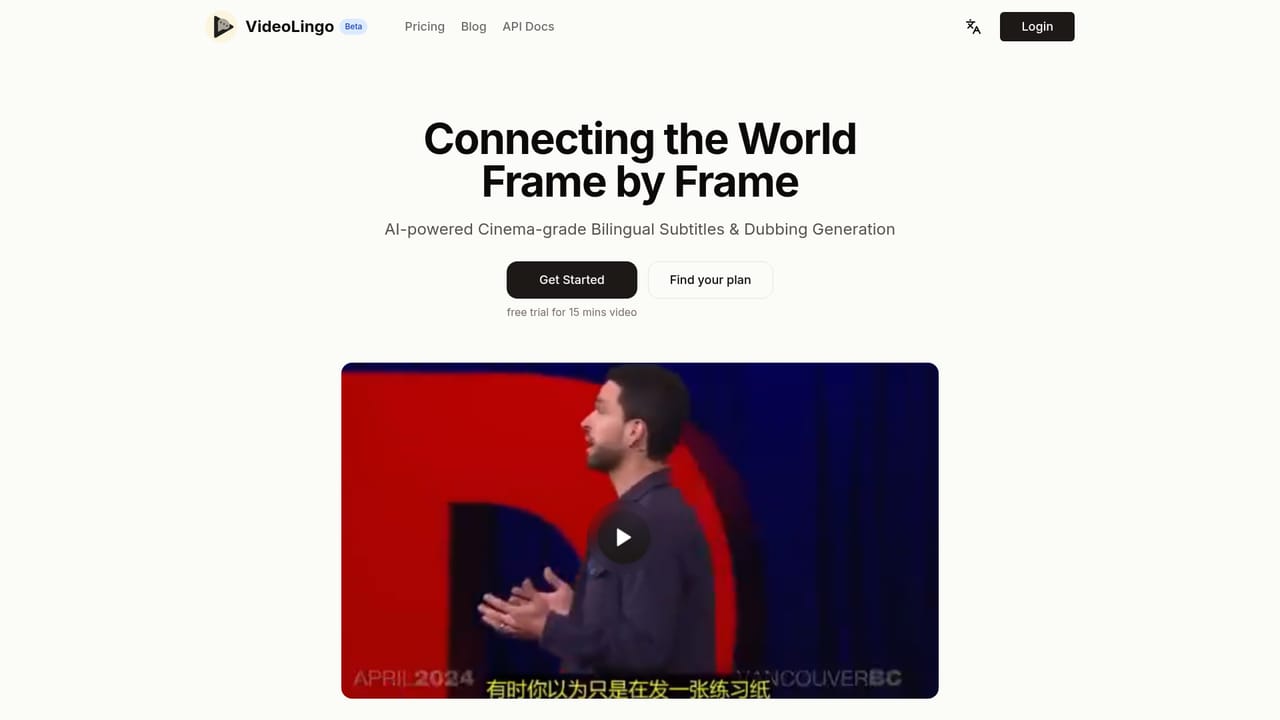
    Open the VideoLingo homepage and use the Get Started option to begin the free trial, which covers videos up to 15 minutes long.
    VideoLingo — Start from the homepage
  2. 2Upload the source video
    Provide the video you want localized so the pipeline can process audio and generate an initial bilingual subtitle draft.
  3. 3Review bilingual subtitles
    Check the generated subtitles for translation accuracy, terminology handling, and line segmentation before moving to dubbing.
  4. 4Generate dubbing audio
    Enable the dubbing option to produce a synthesized voice track that aims to match the original speaker's tone and delivery.
  5. 5Compare plans for full-length projects
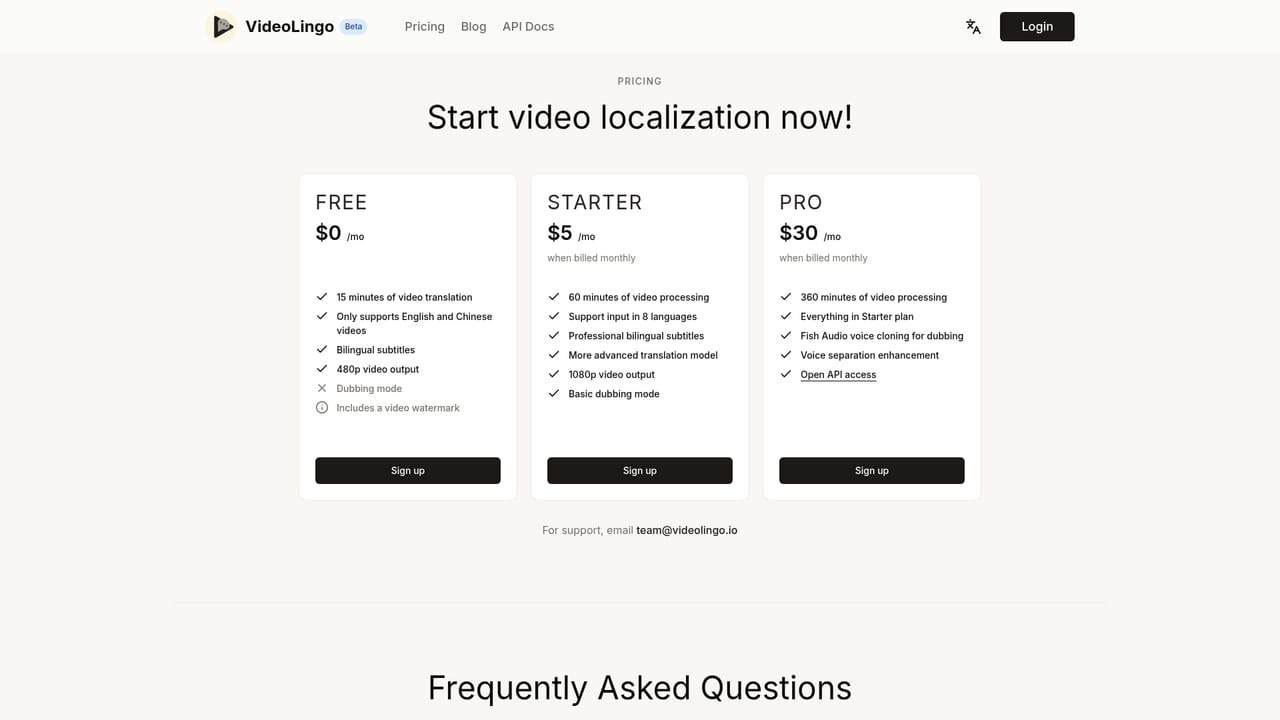
    Once satisfied with trial output, review the pricing page to pick a plan that supports longer or higher-volume video processing.
    VideoLingo — Compare plans for full-length projects
  6. 6Explore API integration
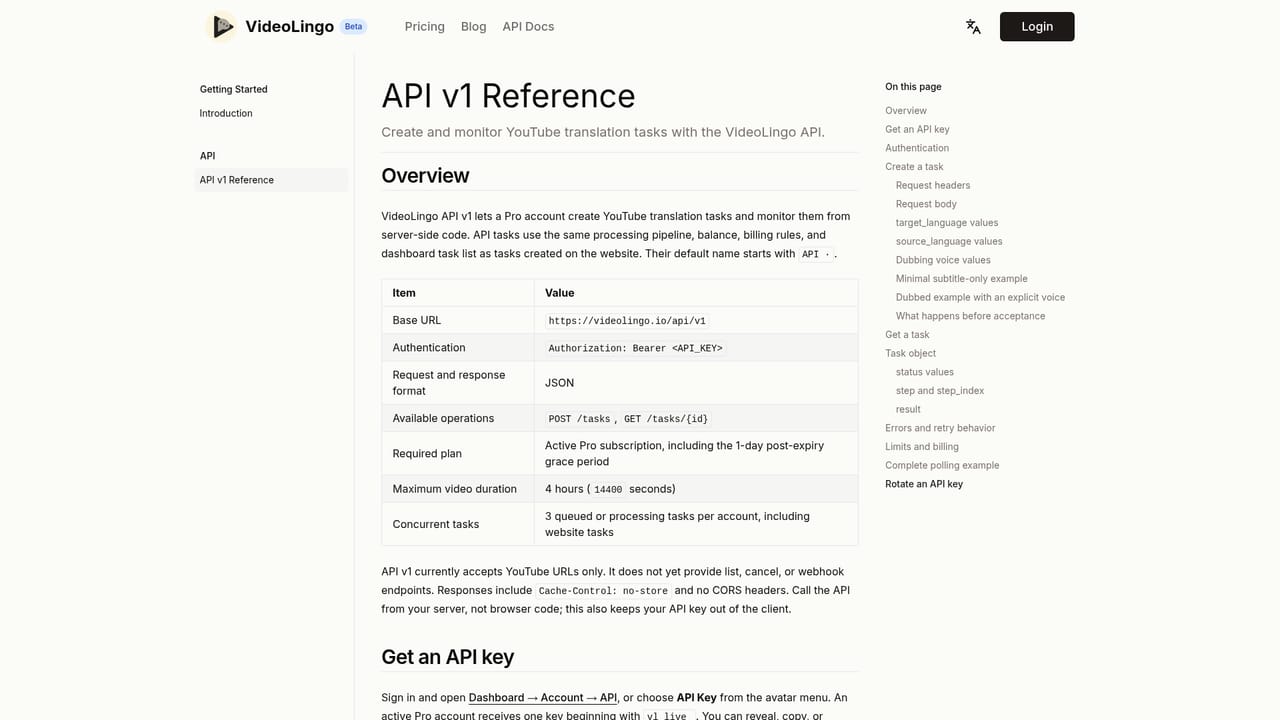
    For teams wanting to connect translation and dubbing into an existing pipeline, consult the API documentation for available endpoints.
    VideoLingo — Explore API integration

Pros and cons

Pros

  • Produces bilingual subtitles aimed at authentic phrasing rather than literal, stiff translationAI
  • Dubbing is designed to preserve the original speaker's emotional tone and speaking styleAI
  • Open source on GitHub with a large community (18,000+ stars) backing the projectAI
  • Streamlined, few-click workflow that bundles translation, segmentation, and dubbing in one passAI
  • Free trial on a 15-minute video lets buyers test output quality before payingAI

Cons

  • Free trial is capped at a 15-minute video, which limits testing on longer or multi-part contentAI
  • Homepage gives no concrete pricing figures, so budget decisions require a separate visit to the pricing pageAI
  • Language coverage is described only as 8+ languages, narrower than some broader translation platformsAI
  • No information on the homepage about manual subtitle editing tools or supported export formatsAI
  • No stated support channels, response times, or help resources are described on the homepageAI

How much does VideoLingo cost?

Free trial

A free trial is available covering a video of up to 15 minutes, letting users evaluate subtitle and dubbing quality before purchasing a plan.

Learn more

Integrations

The product exposes an API, documented on its own API Docs page, though the homepage does not list specific third-party integration partners.

Features

Core features include culturally aware translation, accurate domain-specific terminology handling, single-line subtitles with precise timing and segmentation, natural-sounding dubbing that preserves emotional tone, a streamlined few-click pipeline, and support for 8 or more languages.

Frequently asked questions about VideoLingo

  • Does VideoLingo offer a free trial?
    A free trial is available covering a video of up to 15 minutes, letting users evaluate subtitle and dubbing quality before purchasing a plan.
  • Does VideoLingo have an API?
    Yes, VideoLingo offers an API.
  • How do you use VideoLingo?
    The walkthrough on this page covers 6 steps: 1. Start from the homepage 2. Upload the source video 3. Review bilingual subtitles 4. Generate dubbing audio 5. Compare plans for full-length projects 6. Explore API integration.
  • What platforms does VideoLingo support?
    VideoLingo is available on Web App.
  • What does VideoLingo integrate with?
    The product exposes an API, documented on its own API Docs page, though the homepage does not list specific third-party integration partners.
  • What are the limitations of VideoLingo?
    Free trial is capped at a 15-minute video, which limits testing on longer or multi-part content. Homepage gives no concrete pricing figures, so budget decisions require a separate visit to the pricing page. Language coverage is described only as 8+ languages, narrower than some broader translation platforms.

Status

StatusActive
Views0
Outbound clicks0
Added10/17/2026

Platforms

Web App

Pricing

Free TrialPaid