Integrations
Figma plugin, Shopify app, WordPress and WooCommerce plugin, and a browser extension for Chrome, Firefox, Edge and Brave, alongside the core REST API.
Multi-model visual analysis through one API or a no-code app

Visionati is an image analysis tool. Visionati runs images through several AI vision models at once and returns descriptions, tags, moderation flags, logo and face detection, color and OCR data, all through one API or no-code tools.
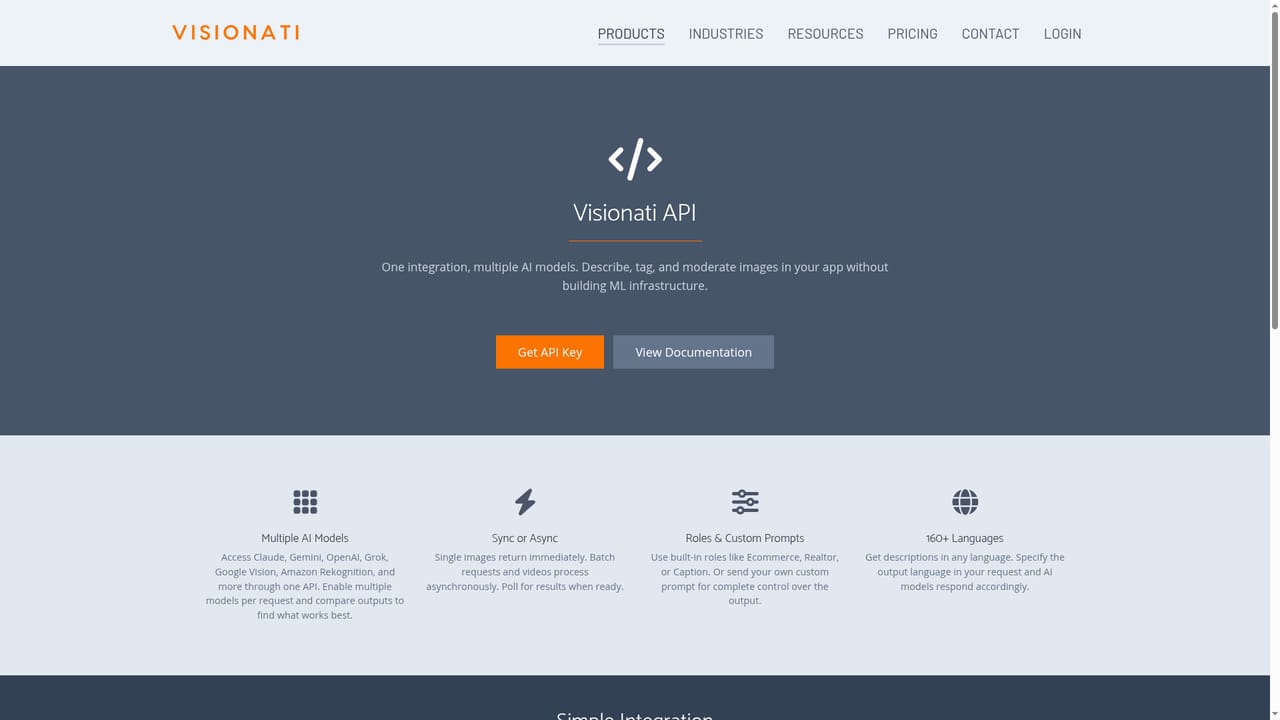
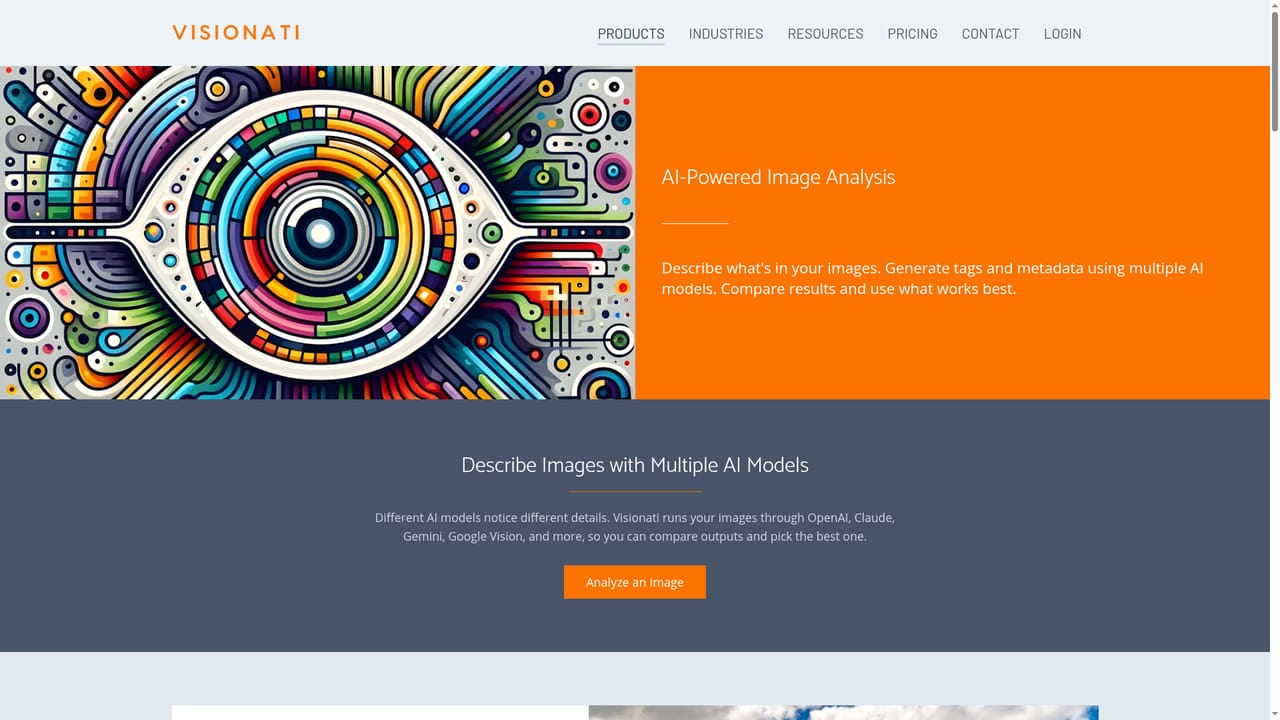
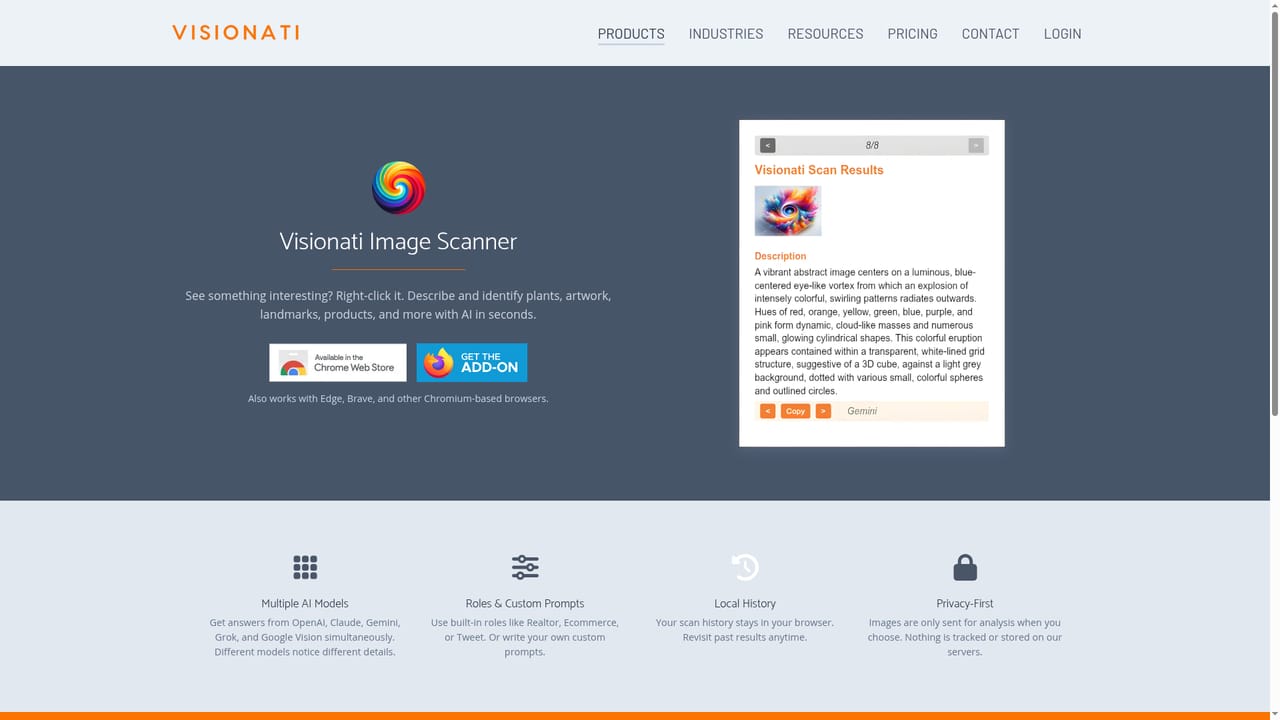
Visionati is a visual analysis service built around a simple premise: no single vision model catches everything. Instead of committing to one provider, the platform sends each image through several models (the homepage names OpenAI, Claude and Gemini among others) and returns their descriptions, tags and detection results side by side. Users compare the outputs and keep whichever one reads best, or keep all of them. Captions and descriptions can be steered with a question, a preset role, or a custom prompt, and results come back in more than 160 languages. Beyond plain captioning, the platform bundles the checks most image pipelines eventually need: object and scene tagging to make libraries searchable, NSFW and sensitive content filtering, facial analysis for demographics and emotion, brand and logo detection for competitive tracking, plus color extraction as hex values and OCR for reading text out of screenshots, signs and documents. Video support sits in beta and works by pulling frames from YouTube, Vimeo, X or uploaded files, then analyzing each frame for descriptions, tags and moderation flags. There are several ways in depending on technical appetite. Developers call a single API endpoint and skip building ML infrastructure. Non-coders can use the Content Analyzer to snap or upload up to five images at a time, a browser extension that identifies any image via right-click on Chrome, Firefox, Edge or Brave, a Figma plugin that writes alt text and captions as annotations visible in Dev Mode, and Shopify or WordPress plugins that generate product copy and alt text across a catalog or media library. The tool sits in a crowded space of general-purpose vision APIs, and its angle is comparison rather than raw model power: it is a good fit for teams generating alt text, product descriptions, property listings or moderation queues at volume, especially agencies juggling several clients and output styles. Buyers already locked into a single provider's ecosystem may find a dedicated API simpler, and anyone needing real-time or on-device analysis should check latency and data handling before committing.
Figma plugin, Shopify app, WordPress and WooCommerce plugin, and a browser extension for Chrome, Firefox, Edge and Brave, alongside the core REST API.
Captioning and descriptions with custom prompts or preset roles, automatic object and scene tagging, NSFW content filtering, facial analysis, brand and logo detection, dominant color extraction as hex, OCR text extraction, and beta video analysis that pulls frames from YouTube, Vimeo or X. Output available in 160+ languages.
Learn more AI Angels400+ customizable AI girlfriends for NSFW chat, voice calls, and roleplay
 Candy AIExperience the future of companionship with AI friends who chat, role-play, and connect with you on a human level.
 ourdream.aiA vast AI roleplay platform with millions of characters for chat, images, video and voiceAI Angels400+ customizable AI girlfriends for NSFW chat, voice calls, and roleplayCandy AIExperience the future of companionship with AI friends who chat, role-play, and connect with you on a human level.ourdream.aiA vast AI roleplay platform with millions of characters for chat, images, video and voice


