Integrations
LinkedIn is the main documented integration, with one-click sign-up and profile import that converts a LinkedIn profile into a formatted resume. No broader integration catalog is described on the homepage.
Learn moreAI resume builder with ATS templates, LinkedIn import and a live career page

VisualCV is an AI resume and CV builder with 40+ ATS-friendly templates, LinkedIn profile import, keyword suggestions against a target job posting, export to PDF and Word, and a live career website that tracks when employers view or download your resume.
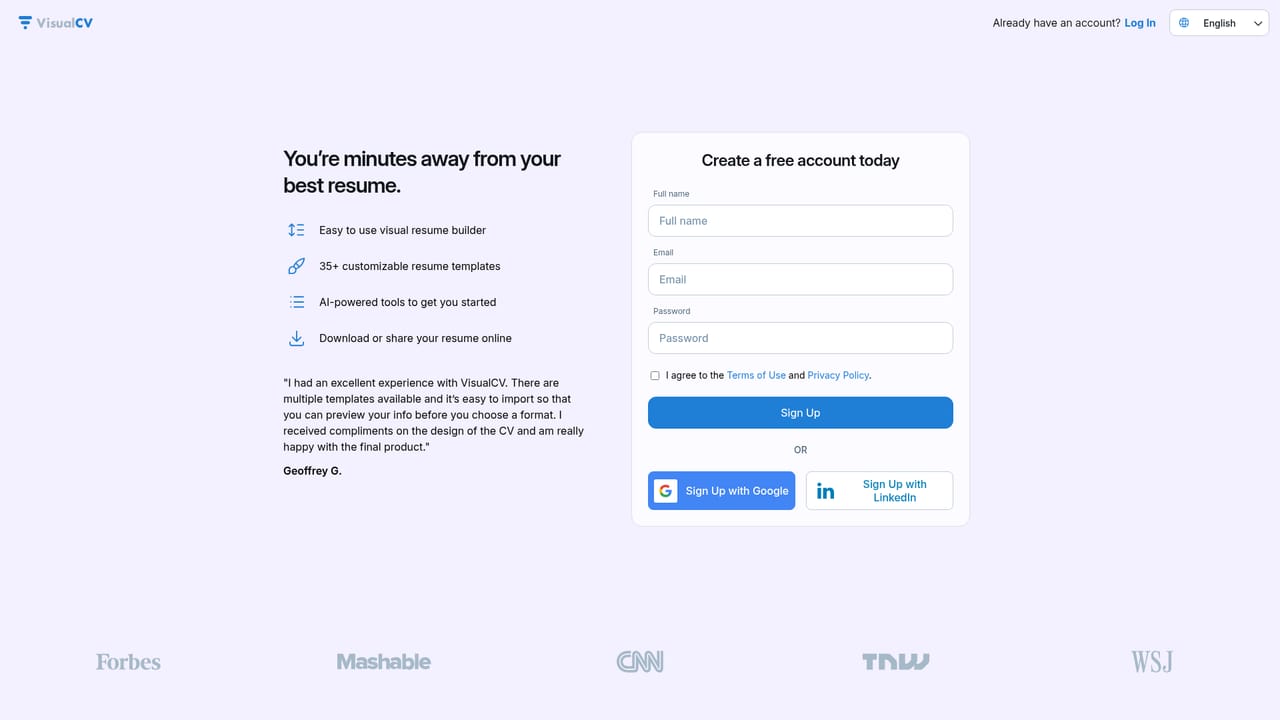
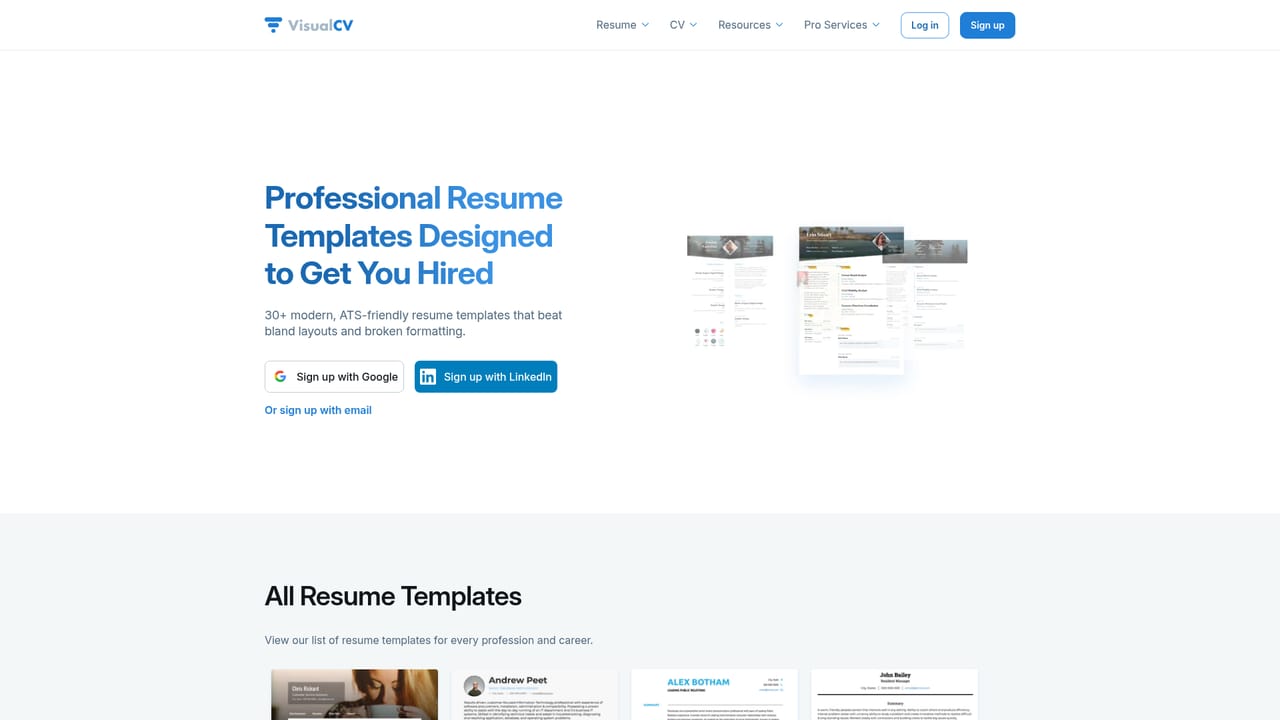
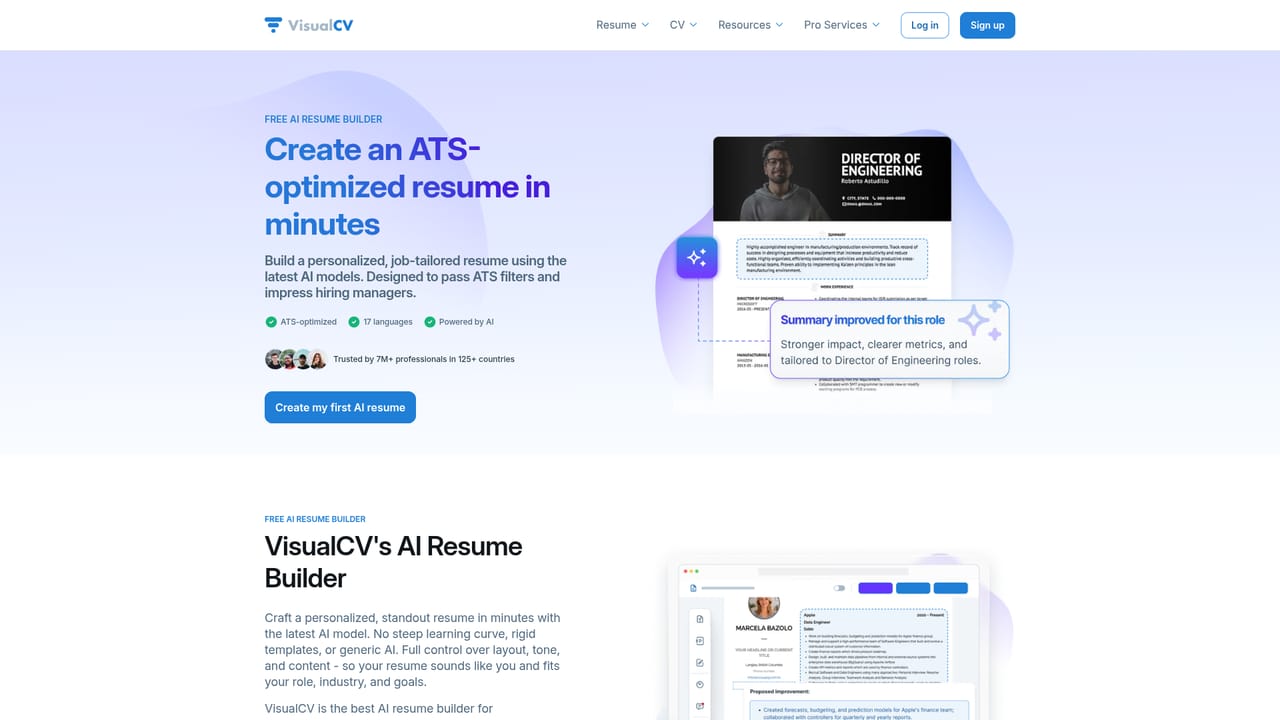
VisualCV is an online resume and CV builder aimed squarely at working professionals rather than first-time job hunters. The product pairs a drag-and-drop editor with AI writing assistance, a library of more than 40 ATS-optimized templates, and roughly 2,600 real resume examples organized by job title so users can see how a finished document looks before they commit to a layout. The company states that over 7 million professionals across 125 countries have used the platform, and the interface is available in 17 languages, including German, French, Spanish, Portuguese, Russian, Chinese, Arabic and Turkish editions of the site. The practical workflow is straightforward. A user picks a template, imports an existing resume or pulls in a LinkedIn profile, then edits section by section. The AI layer suggests bullet points and rewrites content for the target role, and it flags keyword gaps based on the job posting being targeted so the document is more likely to clear an applicant tracking system. Every suggestion can be overridden, which keeps the final wording under the user's control. Finished resumes export as PDF and Word files, or publish as a live web page on a shareable link, optionally hosted on a custom domain. Beyond the document itself, VisualCV adds job-search infrastructure that most resume builders leave out. A dashboard manages multiple versions of a resume for different applications, view and download analytics show whether an employer actually opened the file, and reviewers can leave inline comments for feedback. Users who would rather not write the document themselves can be matched with a US-based professional resume writer inside the same platform. That combination of editing, tracking and human writing help makes VisualCV a strong fit for mid-career candidates, managers and executives who need precise positioning and quantified achievements. The tradeoff is that the feature set is broad, so the paid tiers carry more value than the free starting point.
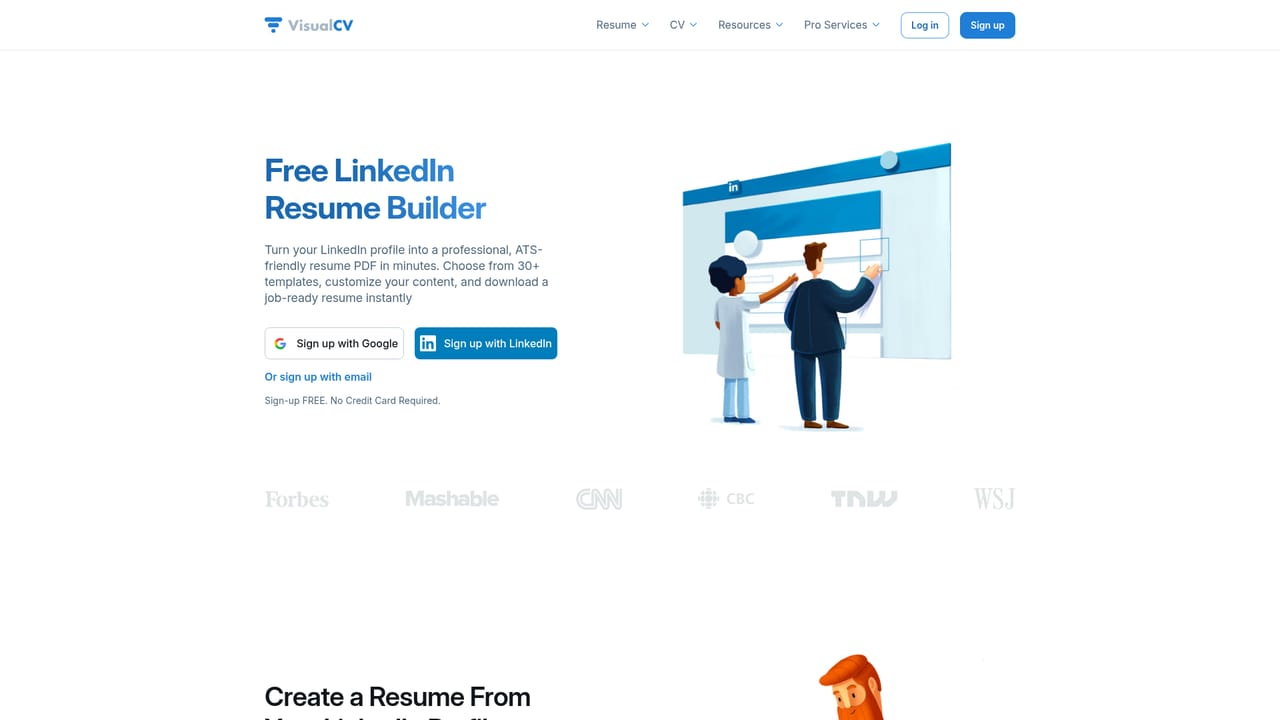
LinkedIn is the main documented integration, with one-click sign-up and profile import that converts a LinkedIn profile into a formatted resume. No broader integration catalog is described on the homepage.
Learn moreAI resume builder with rewriting and keyword suggestions, over 40 ATS-optimized resume and CV templates, LinkedIn profile import, roughly 2,600 resume examples by job title, multiple resume versions, view and download analytics, feedback comments, PDF and Word export, a live career website on a shareable link or custom domain, three privacy settings, 17 languages and optional professional resume writing.
Learn more AI Angels400+ customizable AI girlfriends for NSFW chat, voice calls, and roleplay
 Candy AIExperience the future of companionship with AI friends who chat, role-play, and connect with you on a human level.
 ourdream.aiA vast AI roleplay platform with millions of characters for chat, images, video and voiceAI Angels400+ customizable AI girlfriends for NSFW chat, voice calls, and roleplayCandy AIExperience the future of companionship with AI friends who chat, role-play, and connect with you on a human level.ourdream.aiA vast AI roleplay platform with millions of characters for chat, images, video and voice


