Free trial
A free trial is offered from the homepage and the demo page, giving access to the platform before any commercial agreement. The trial length and what it includes are not stated on the homepage.
Learn moreAI legal research and drafting built on a billion-document global database

vLex is an academic research tool. Legal research and drafting platform built around Vincent, an AI assistant that answers natural language questions with cited authority drawn from a library of more than one billion documents across 100+ countries, plus docket search, contract analysis and litigation analytics.
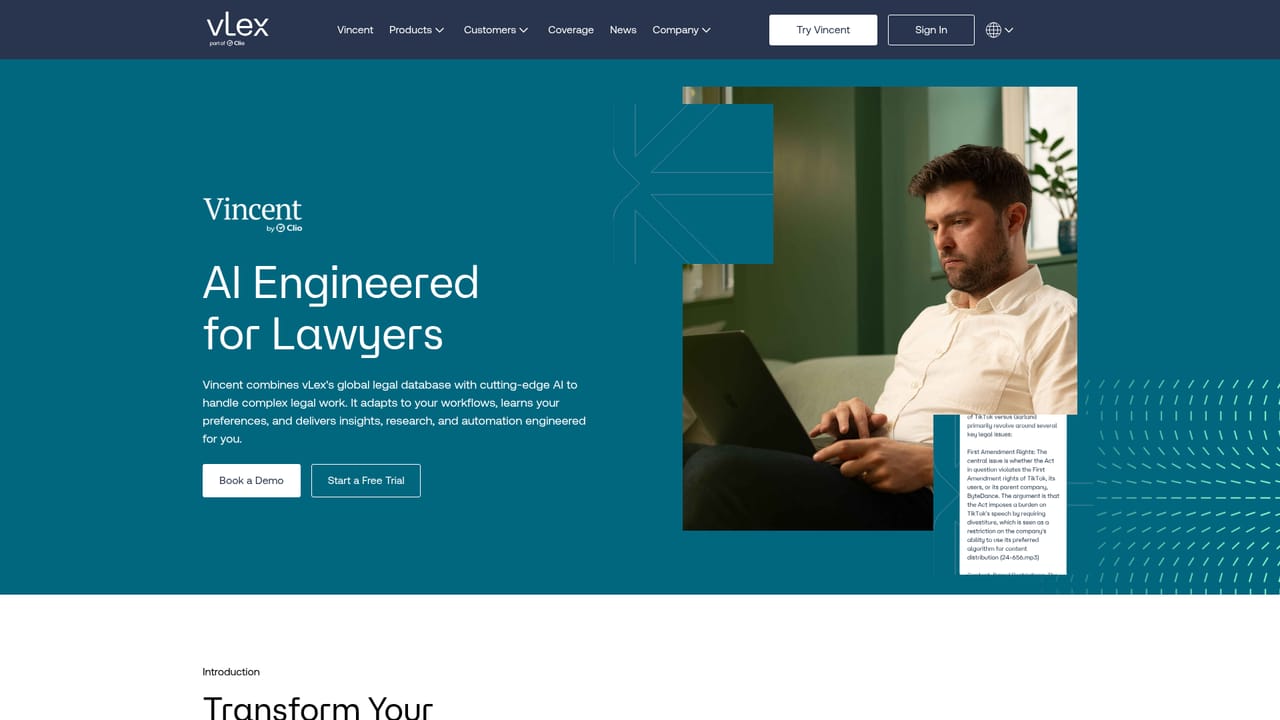
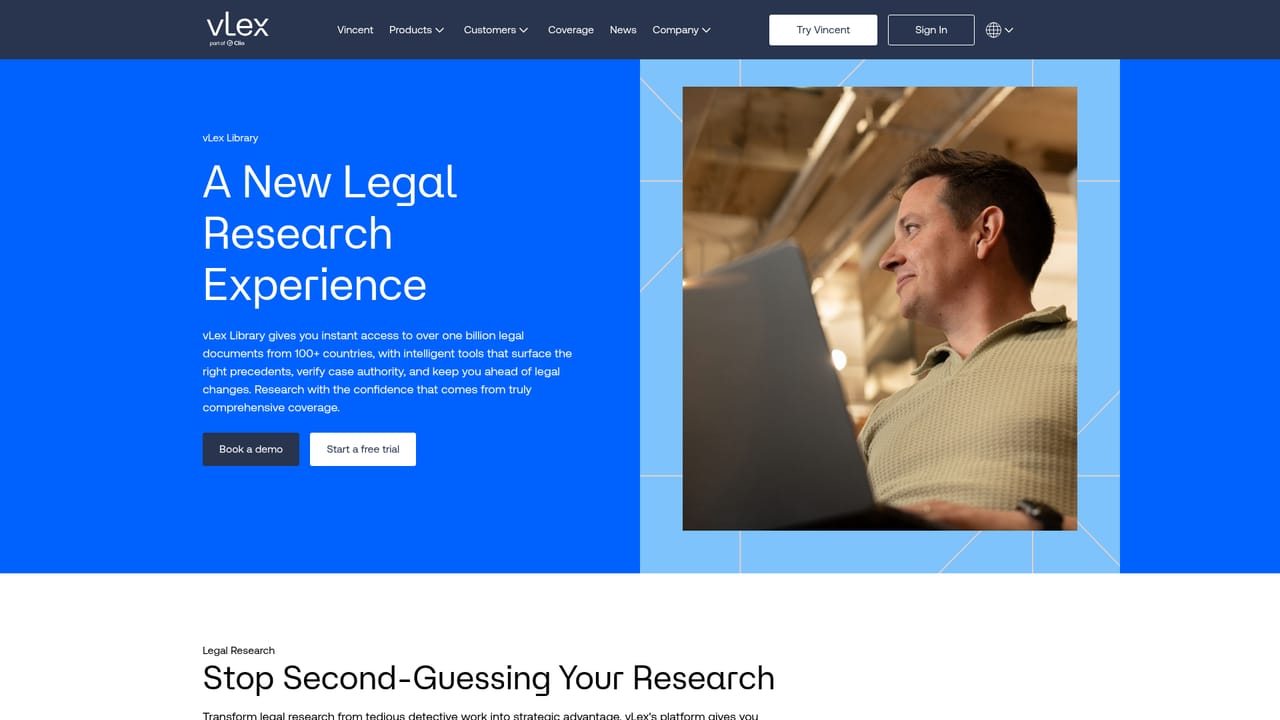
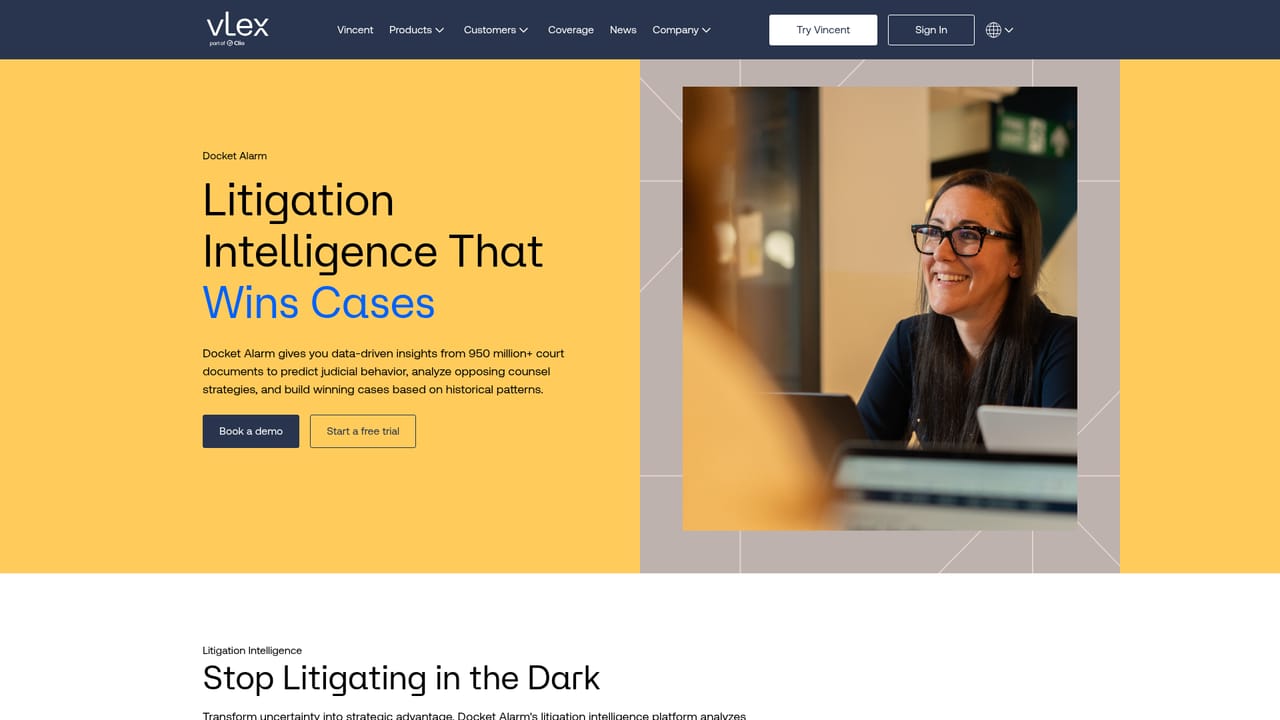
vLex is a legal research platform now operating as part of Clio, built around Vincent, an AI assistant trained to work with legal material rather than general text. The core promise is simple: a lawyer asks a question in plain language and gets back an answer with citations drawn from vLex's own content library, which the company describes as more than one billion documents spanning over 100 countries and thousands of publishers. That library is the real product underneath the AI, and it is what separates vLex from tools that bolt a chatbot onto a search engine. The suite is split into distinct products. Vincent handles AI research, contract analysis, document comparison, deposition and complaint review, and litigation profiling of judges, opposing counsel and parties. The vLex Library covers statutes, case law, regulations and secondary sources with faceted search. Docket Alarm adds searching across 850+ million court records with real-time alerts and analytics. Fastcase Library supplies U.S. primary law with visualization tools, and vLex Labs builds custom workflows for enterprise clients. Vincent Studio, announced in January 2026, lets large firms codify their own processes into no-code AI workflows without engineering staff. In practice the tool suits litigators, transactional teams, knowledge management leads and in-house counsel at firms of any size, from boutique practices to AmLaw 100 operations. A researcher starts with a natural language question, checks the cited authority, then moves into document review or a 50-state survey without leaving the platform. Firms already invested in Clio or in common legal document systems will find the shortest path, since Vincent plugs into Microsoft Word, Outlook and iManage. Compared with general purpose chatbots, vLex trades flexibility for grounding: answers come with citations to a curated corpus, and coverage is deepest in the U.S., U.K. and Spain. Compared with legacy research vendors, the differentiator is the AI layer and the litigation data rather than editorial breadth alone. Pricing is quote based, so small practices should expect a sales conversation rather than a published tier.
A free trial is offered from the homepage and the demo page, giving access to the platform before any commercial agreement. The trial length and what it includes are not stated on the homepage.
Learn moreVincent connects into existing firm systems including Microsoft Word, Outlook and iManage, and Docket Alarm exposes APIs for custom integrations and automated workflows.
Learn moreVincent answers research questions with proper citations, generates 50-state surveys, analyzes contracts for risk, extracts insights from complaints and depositions, and compares document versions with legal context. Litigation tools profile judges, opposing counsel and parties from 850+ million court records and convert court recordings into strategic intelligence. Vincent Studio adds no-code workflows that encode firm processes for enterprise teams.
Learn more AI Angels400+ customizable AI girlfriends for NSFW chat, voice calls, and roleplay
 Candy AIExperience the future of companionship with AI friends who chat, role-play, and connect with you on a human level.
 ourdream.aiA vast AI roleplay platform with millions of characters for chat, images, video and voiceAI Angels400+ customizable AI girlfriends for NSFW chat, voice calls, and roleplayCandy AIExperience the future of companionship with AI friends who chat, role-play, and connect with you on a human level.ourdream.aiA vast AI roleplay platform with millions of characters for chat, images, video and voice


