VMock

AI resume scoring and interview practice for students, job seekers and career centres

Beginner
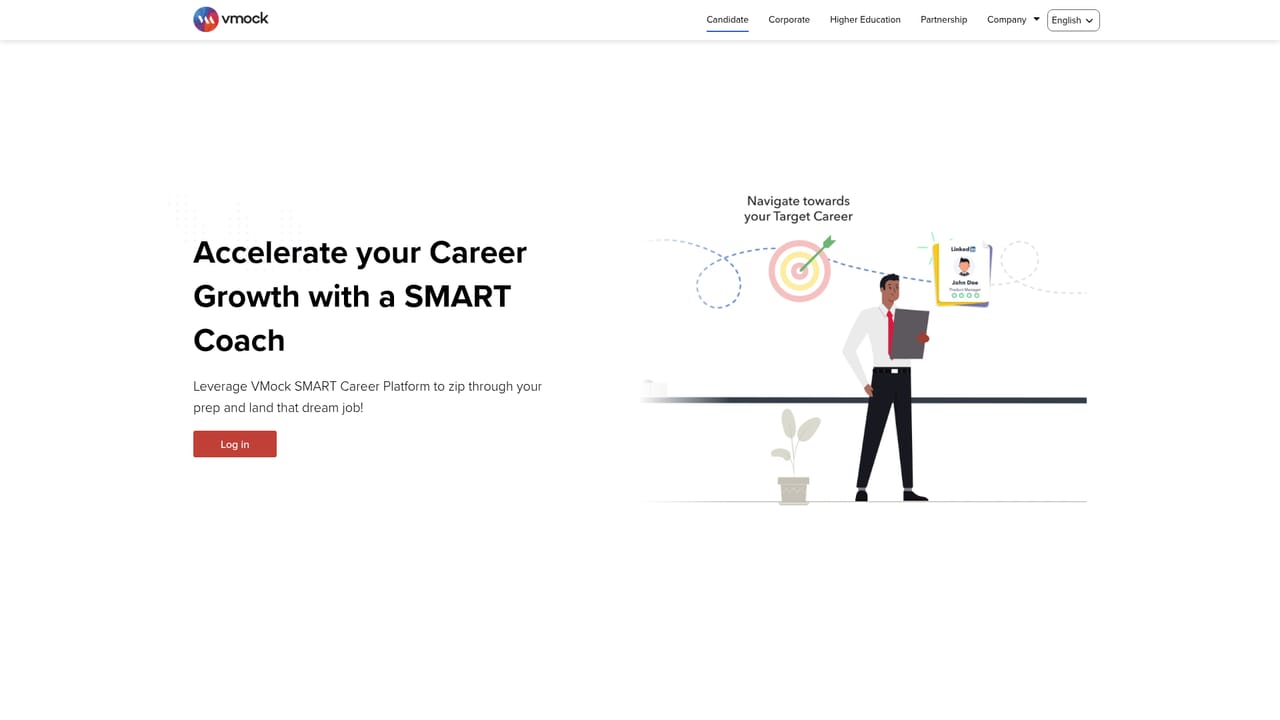
Screenshot of VMock, AI resume scoring and interview practice for students, job seekers and career centres

What is VMock?

VMock is an AI career platform that scores resumes against 100+ parameters, analyses practice interview video for speech and body language, and reviews LinkedIn profiles. Sold mainly to universities and employers, it also serves individual candidates through the SMART Coach.

VMock is a career acceleration platform built around artificial intelligence, aimed at three audiences: individual job seekers, employers, and university career services teams. The candidate side pairs a SMART Coach with resume scoring, LinkedIn profile feedback and interview preparation, so a person can iterate on application materials without waiting for a human reviewer. The corporate and higher education editions package the same engine for internal mobility, hiring and alumni engagement. The underlying stack rests on four components the company describes on its homepage. SMART Parsing scores a user profile against more than 100 parameters spanning language, skills and presentation, then benchmarks it against a large corpus. A computer vision layer reviews audio and video recordings, returning feedback on voice modulation, pitch, eye contact, expressions and body language alongside the substance of what was said. The SMART Skills Engine uses semantic analysis and machine learning to detect competencies across functions, industries, roles and experience levels. Job parsing and clustering groups postings by implicit and explicit similarity to produce aggregated views of in-demand positions. The company cites scale figures behind those models: over seven million unique resumes, more than a thousand career pathways, a skills database of more than forty thousand entries, and roughly 3,500 career coach users. In practice, a job seeker logs in, uploads a document, works through the scoring feedback and records practice answers for automated review. A university deploys the same modules to triage student CVs before a scheduled advising appointment. The buyer profile matters here. Educational institutions are the clearest fit, since the homepage testimonials read almost entirely as endorsements from career centres at business schools and universities. Independent candidates face a different path: availability typically comes through a subscribing institution rather than a straightforward self-serve checkout. Alternatives include standalone resume checkers and human coaching services; VMock's differentiator is breadth across resume, profile and interview in one account.

How do you use VMock?

  1. 1Check whether you have access through a school or employer
    VMock is largely distributed through institutional licences, so confirm with your career services team or HR department before signing up. Individual candidates may reach the platform through a partner organisation.
    VMock — Check whether you have access through a school or employer
  2. 2Create your account and log in
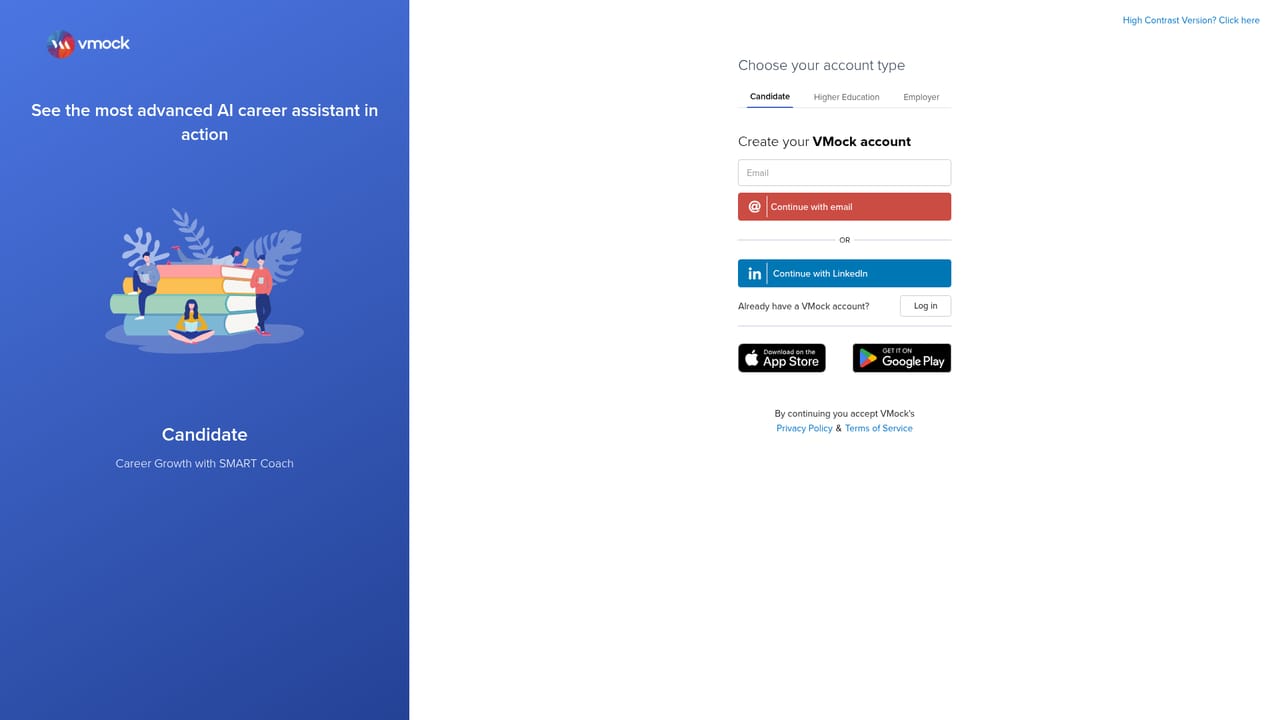
    Use the login page to register or enter your credentials. Institutional users often receive an invitation email with a registration link tied to their organisation.
    VMock — Create your account and log in
  3. 3Upload a resume and read the score breakdown
    Submit a current resume for parsing. The platform rates it against its parameter set and returns section level feedback; revise and re upload to compare scores between versions.
  4. 4Record a practice interview for automated review
    Run an interview session in front of your camera and work through the prompts. Review the resulting report on speech pace, eye contact, expression and answer content.
  5. 5Polish your LinkedIn profile with the same feedback loop
    Apply the profile module to check headline, summary and experience sections against the skills engine. Treat its output as a checklist, then rewrite in your own voice.
  6. 6Contact the team if your organisation wants a deployment
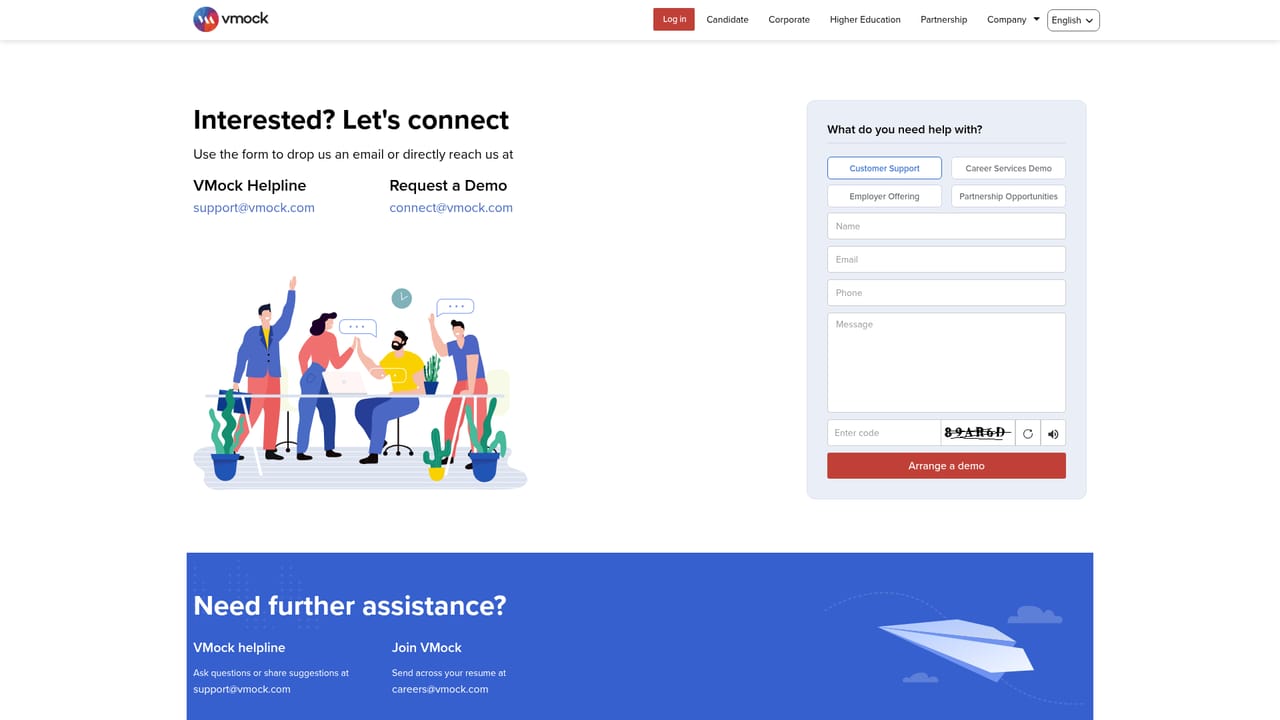
    Universities and employers can reach out through the contact page to discuss rolling out the career services platform across students, alumni or staff.
    VMock — Contact the team if your organisation wants a deployment

Pros and cons

Pros

  • Scores resumes on more than 100 parameters, giving granular feedback rather than a single blunt gradeAI
  • Computer vision interview review covers delivery details such as eye contact, pitch and facial expressionAI
  • Skills engine draws on a 40,000+ entry taxonomy to surface competencies across roles and industriesAI
  • Well documented adoption by business school career centres, suggesting the tool holds up at scaleAI
  • One account spans resume, LinkedIn profile and interview preparation instead of three separate productsAI

Cons

  • No public pricing; individuals often only get access through a subscribing university or employerAI
  • Automated scoring tends to reward optimisation against the model, which can flatten genuinely distinctive resumesAI
  • Interview feedback from video analysis cannot judge substance, judgement or whether an answer is actually persuasive to a recruiterAI
  • Heavy institutional focus means the candidate experience is shaped by whatever modules the school or employer licensesAI
  • Benchmark scoring risks pushing applicants toward the same phrasing, working against differentiation in competitive poolsAI

How much does VMock cost?

Features

Resume scoring against more than 100 parameters covering language, skills and presentation; computer vision interview analysis on speech, pitch, eye contact and expression; a skills engine spanning a 40,000+ entry taxonomy; job parsing and clustering for aggregated market views; plus LinkedIn profile feedback and a SMART Coach for targeted career guidance.

Frequently asked questions about VMock

  • How do you use VMock?
    The walkthrough on this page covers 6 steps: 1. Check whether you have access through a school or employer 2. Create your account and log in 3. Upload a resume and read the score breakdown 4. Record a practice interview for automated review 5. Polish your LinkedIn profile with the same feedback loop 6. Contact the team if your organisation wants a deployment.
  • What platforms does VMock support?
    VMock is available on Web App.
  • What are the limitations of VMock?
    No public pricing; individuals often only get access through a subscribing university or employer. Automated scoring tends to reward optimisation against the model, which can flatten genuinely distinctive resumes. Interview feedback from video analysis cannot judge substance, judgement or whether an answer is actually persuasive to a recruiter.

Status

StatusActive
Views0
Outbound clicks0
Added10/21/2026

Platforms

Web App

Pricing

Freemium